 GameWiki
GET YOUR BEARINGS
About Potion Craft: Alchemist Simulator
Potion Craft: Alchemist Simulator lets you run a medieval‑style alchemy shop, mixing ingredients with tactile controls and selling the results to townsfolk. The game blends sandbox freedom with a visual style that mimics old manuscripts, letting you experiment, grow, and customize both potions and shop décor.
You can adopt any persona you like, from noble artisan to greedy weasel, while managing ingredients, crafting recipes, and navigating the town’s social web. The experience is single‑player, supports various controller options, and offers adjustable difficulty and save‑anytime features.
01 / THE GUIDE
Medieval Manuscript Visuals
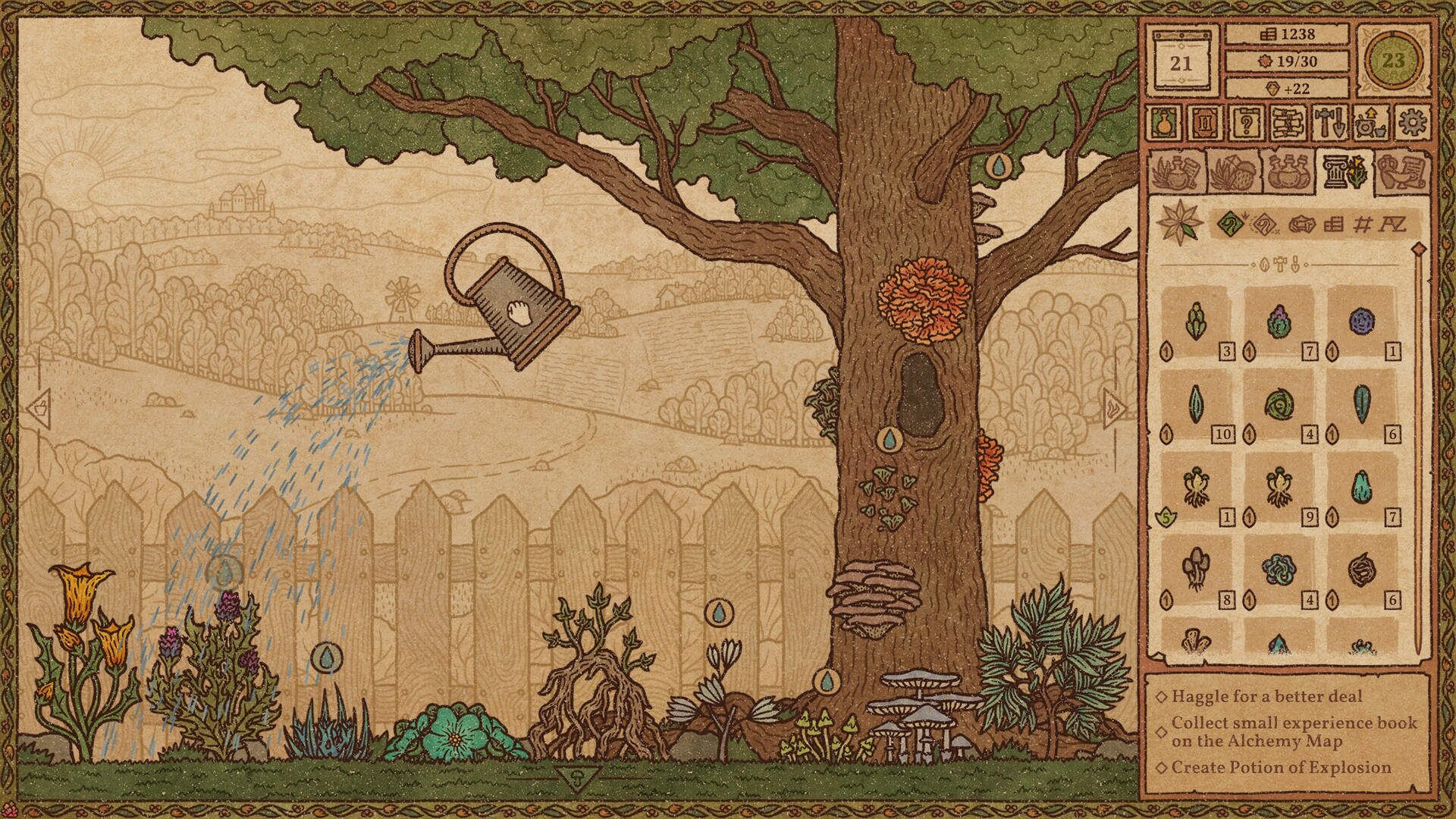
The game’s art draws from medieval manuscripts and medical books, giving every ingredient, tool, and shop element a hand‑drawn, antiquarian look. This aesthetic extends to the UI, where potion labels and maps feel like aged parchment.
The visual theme reinforces the alchemical atmosphere, making grinding herbs or arranging shelves feel like a study of ancient lore rather than a modern UI.
- Observe the subtle texture differences; they can hint at ingredient rarity.
- Use the map’s parchment style to plan routes without needing a separate guide.
02 / THE GUIDE
Physical Potion Crafting
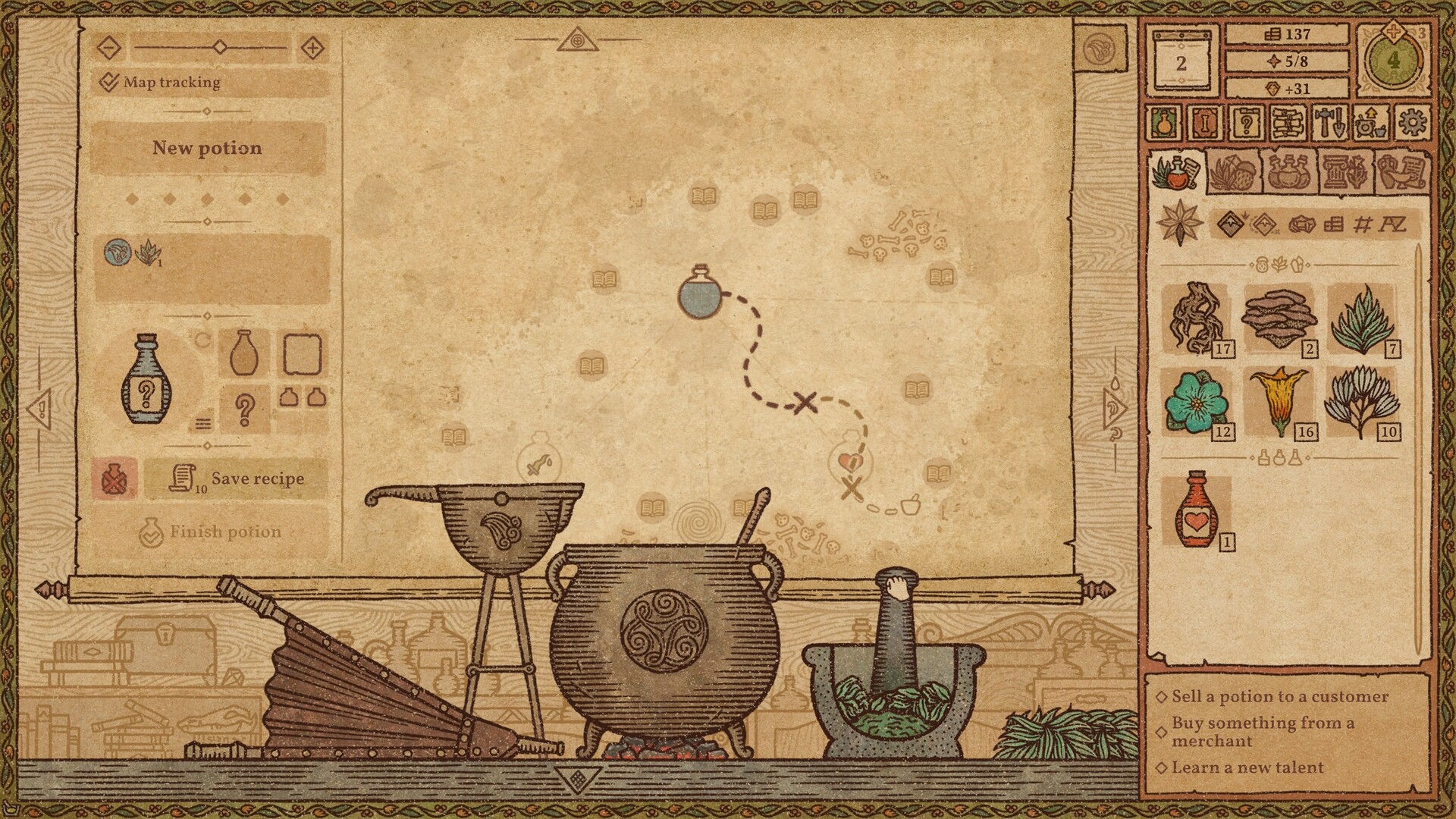
Potion creation follows a step‑by‑step routine: plan the potion, grind ingredients in a mortar, mix in a cauldron, heat coals, boil, stir, and add a base such as water or oil. The fineness of the grind influences the outcome.
Each interaction is designed to be tactile, encouraging careful timing and attention to detail as you combine leaves, berries, minerals, and mushrooms.
- Experiment with grind levels; finer grinds often yield stronger effects.
- Watch the cauldron’s color changes to gauge when to add the base.
03 / THE GUIDE
Acquiring and Growing Ingredients
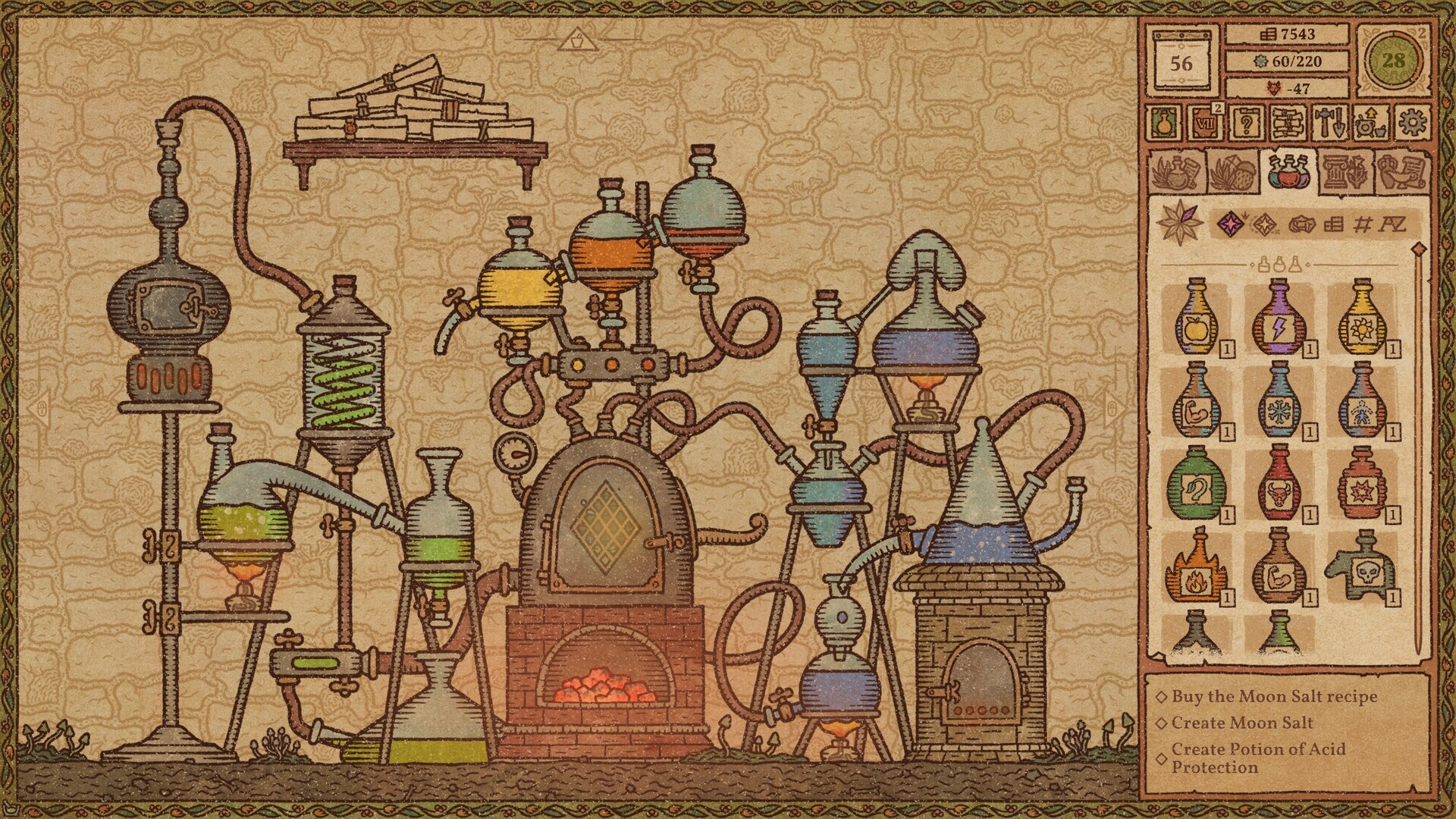
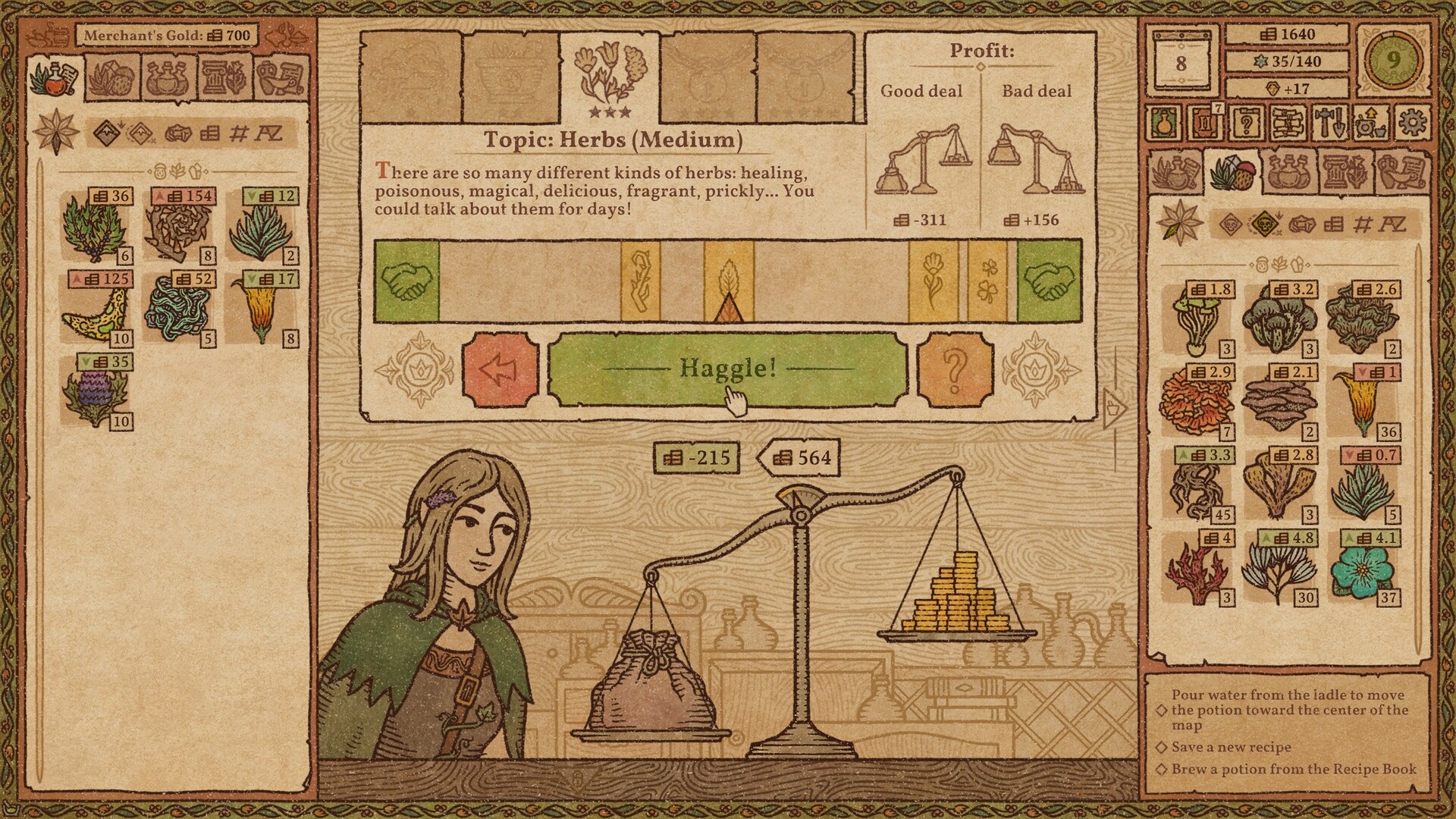
Ingredients can be purchased from traveling merchants, where haggling may reduce cost, or cultivated in an enchanted garden. The garden can produce herbs, exotic mushrooms, and magical crystals essential for unique recipes.
Both sources feed the sandbox loop, letting you decide whether to invest in market purchases or long‑term cultivation.
- Prioritize garden space for rare mushrooms that fetch higher prices.
- Track merchant price fluctuations to time purchases efficiently.
04 / THE GUIDE
Customizing Potions and Shop
Players can alter bottle shape, label type, icons, colours, and even give custom names and descriptions. Shop interiors are also adjustable with various furniture and shelving options, allowing a personal aesthetic to shine.
These visual tweaks do not affect gameplay mechanics but enhance the role‑playing aspect of running an alchemy shop.
- Match bottle designs to potion effects for clearer customer expectations.
- Arrange shelves by colour to create a visually appealing storefront.
05 / THE GUIDE
Town Interaction and Consequences
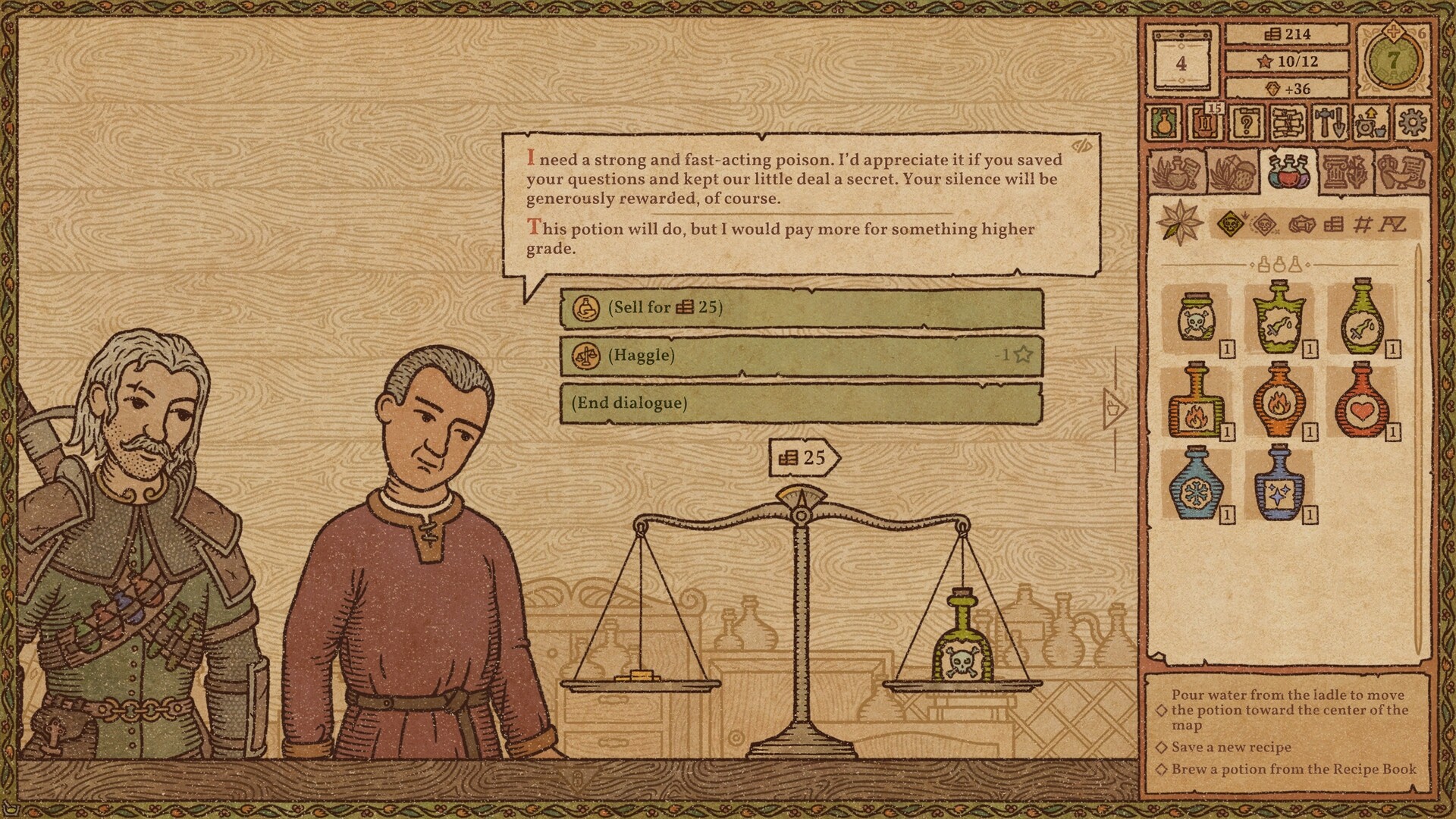
Daily customers request solutions, and the potions you sell affect relationships with guilds, notable figures, and the town’s overall fate. Choices can lead to riches, influence, or conflict.
The game tracks these outcomes, encouraging players to consider market demand and moral implications of their sales.