 GameWiki
GET YOUR BEARINGS
About Post Void
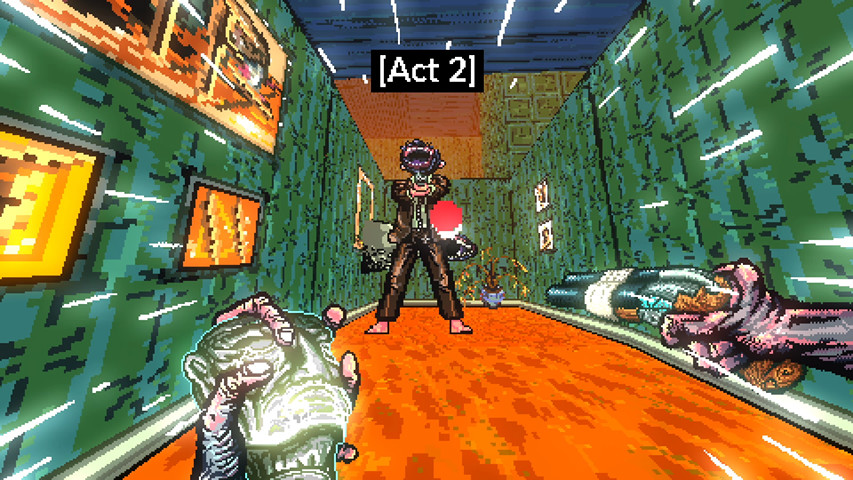
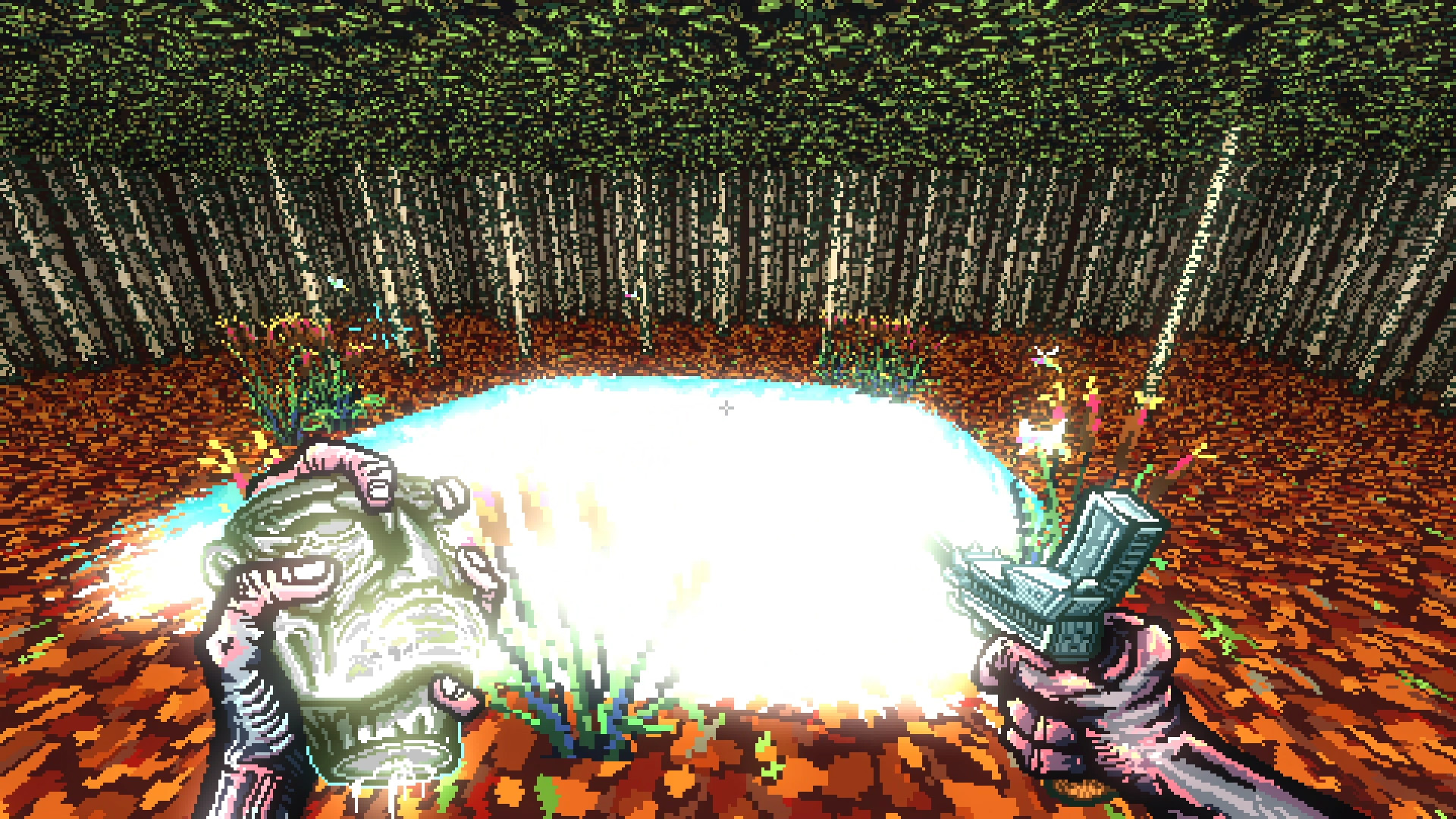
Post Void is an arcade‑style first‑person shooter that urges players to keep moving forward while filling an idol with liquid by securing kills. The game warns that rapid visual changes may trigger seizures for those with photosensitive epilepsy.
Each run is procedurally generated, so layouts differ each attempt. Scores are posted to Steam leaderboards and achievements mark milestones, while full controller support and Steam Family Sharing are listed features for Windows players.
01 / THE GUIDE
Core Objective
The sole goal is to advance without looking back, maintaining momentum by eliminating enemies to fill the idol’s liquid gauge. Lingering or hesitating is discouraged, reinforcing a fast‑paced play style that rewards continuous forward motion.
Progress is measured by reaching the end of each procedurally generated run; speed and kill count directly affect the gauge and the final score that appears on the global leaderboard.
- Prioritize forward movement over side exploration.
- Aim for quick kills to keep the idol gauge rising.
02 / THE GUIDE
Procedural Levels
Every run creates a new layout, altering enemy placement and corridor design. This prevents memorization and forces players to adapt on the fly, making each attempt feel fresh.
Because the environment changes each attempt, mastering movement and shooting mechanics is more valuable than learning specific map routes, encouraging flexible decision‑making.
- Treat each run as a new puzzle; stay flexible.
- Use the opening moments to gauge pacing before committing fully.

03 / THE GUIDE
Leaderboards & Achievements
Scores are posted to Steam leaderboards, allowing comparison of high scores with other players worldwide. Achievements are listed as a feature, with each one presenting a new challenge.
These external markers provide additional goals beyond the in‑game objective, encouraging repeated attempts to improve rankings and unlock new challenges.
- Check the leaderboard after each run to gauge progress.
- Target specific achievements to guide practice sessions.
04 / THE GUIDE
Full Controller Support
The title lists full controller support, meaning a gamepad can be used for standard actions throughout the experience. This offers an alternative input method for players who prefer handheld devices.
While the exact button layout is not detailed, the support ensures the game can be played without requiring a keyboard‑mouse setup, keeping the core fast‑paced mechanics intact.
- If you are comfortable with a gamepad, start with it to maintain focus on speed.
- Observe how controller input feels during rapid movement and adjust grip as needed.
05 / THE GUIDE
Family Sharing
Steam Family Sharing is listed as a feature, allowing the game to be accessed by multiple accounts on the same device. This enables friends or relatives to try the fast‑paced runs without purchasing a separate copy.
The feature does not alter the single‑player nature of the game; each user can play their own sessions while the shared license remains active.
- Set up Family Sharing before the first run to allow others easy access.
- Use shared access to compare scores with household members.


COMMUNITY
Player discussion