 GameWiki

GET YOUR BEARINGS
About Portal 2
Portal 2 expands the celebrated formula of its predecessor with fresh puzzle mechanics, a larger narrative, and new characters. The single‑player story takes players deeper into Aperture Science Labs, reuniting them with the iconic GLaDOS. The game also offers a dedicated two‑player co‑op campaign featuring its own story, characters, and test chambers that demand collaborative thinking. Advanced physics, original music, and built‑in editing tools round out the experience across Windows and Linux.
01 / THE GUIDE
Single‑Player Campaign
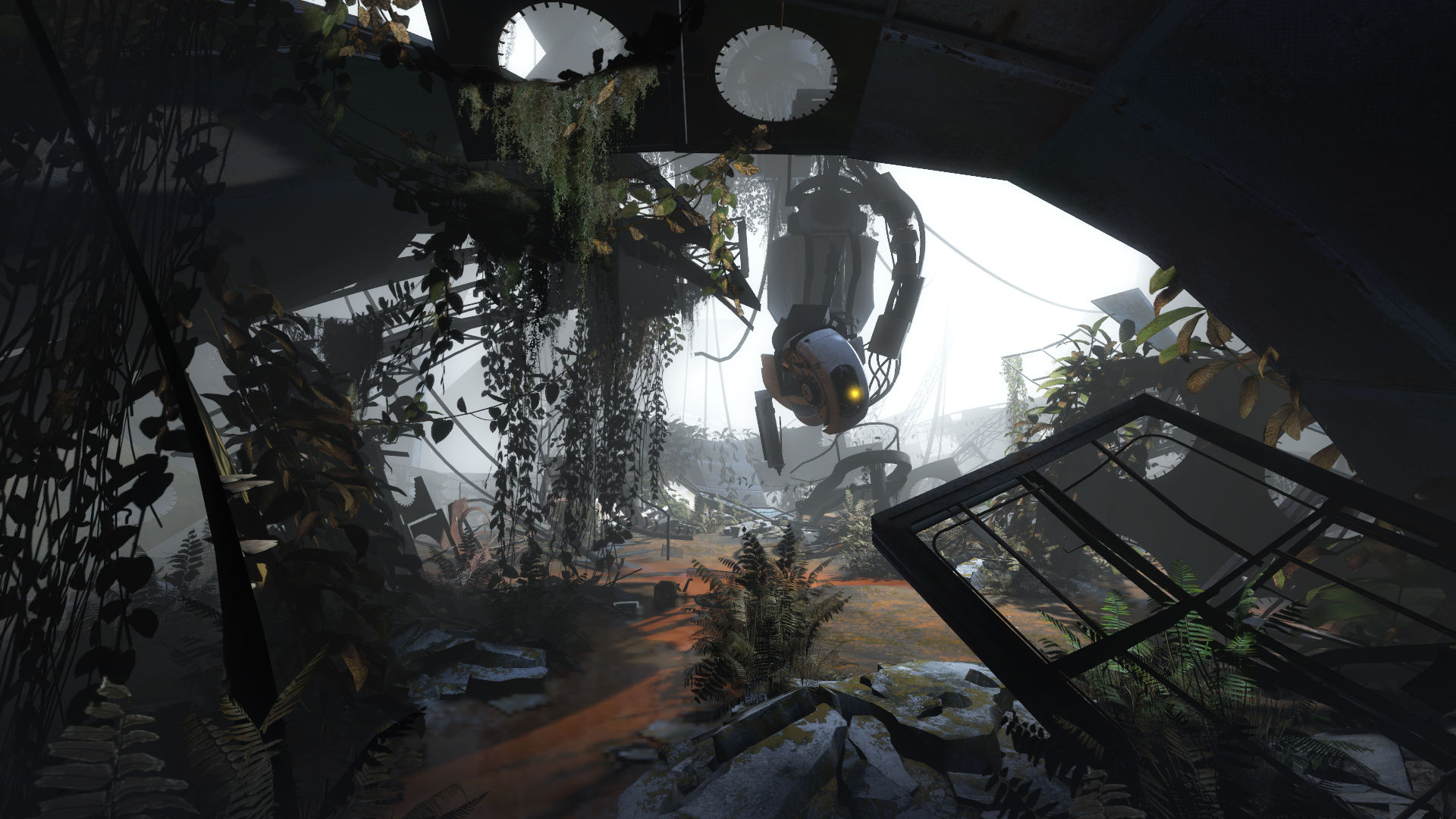
The solo portion introduces dynamic new characters and a broader set of test chambers, extending the original’s puzzle design. Players explore previously unseen areas of Aperture Science Labs while following a wildly‑engrossing story. GLaDOS returns as the occasionally murderous computer companion, providing guidance and narrative continuity from the first game.
- Observe each new puzzle element before attempting a solution.
- Take note of environmental cues that hint at portal placement.
02 / THE GUIDE
Co‑Op Campaign
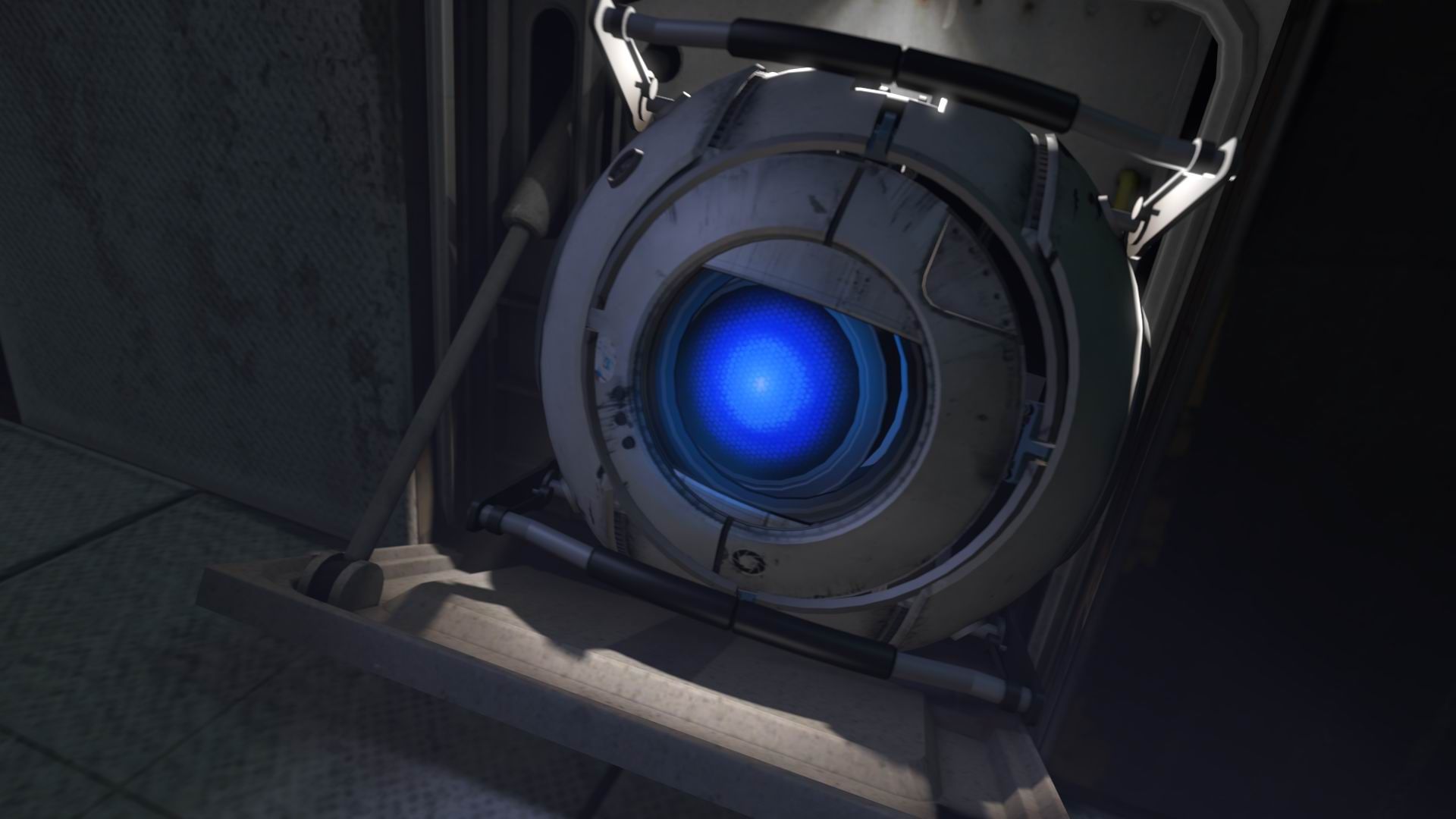
Portal 2’s two‑player mode features an entirely separate campaign with its own story, test chambers, and two new player characters. Success relies on both cooperative action and cooperative thought. The mode forces players to rethink portal mechanics, as puzzles often require simultaneous actions and shared planning.
- Communicate clearly about portal placement with your partner.
- Practice timing when chambers require synchronized moves.
03 / THE GUIDE
Advanced Physics
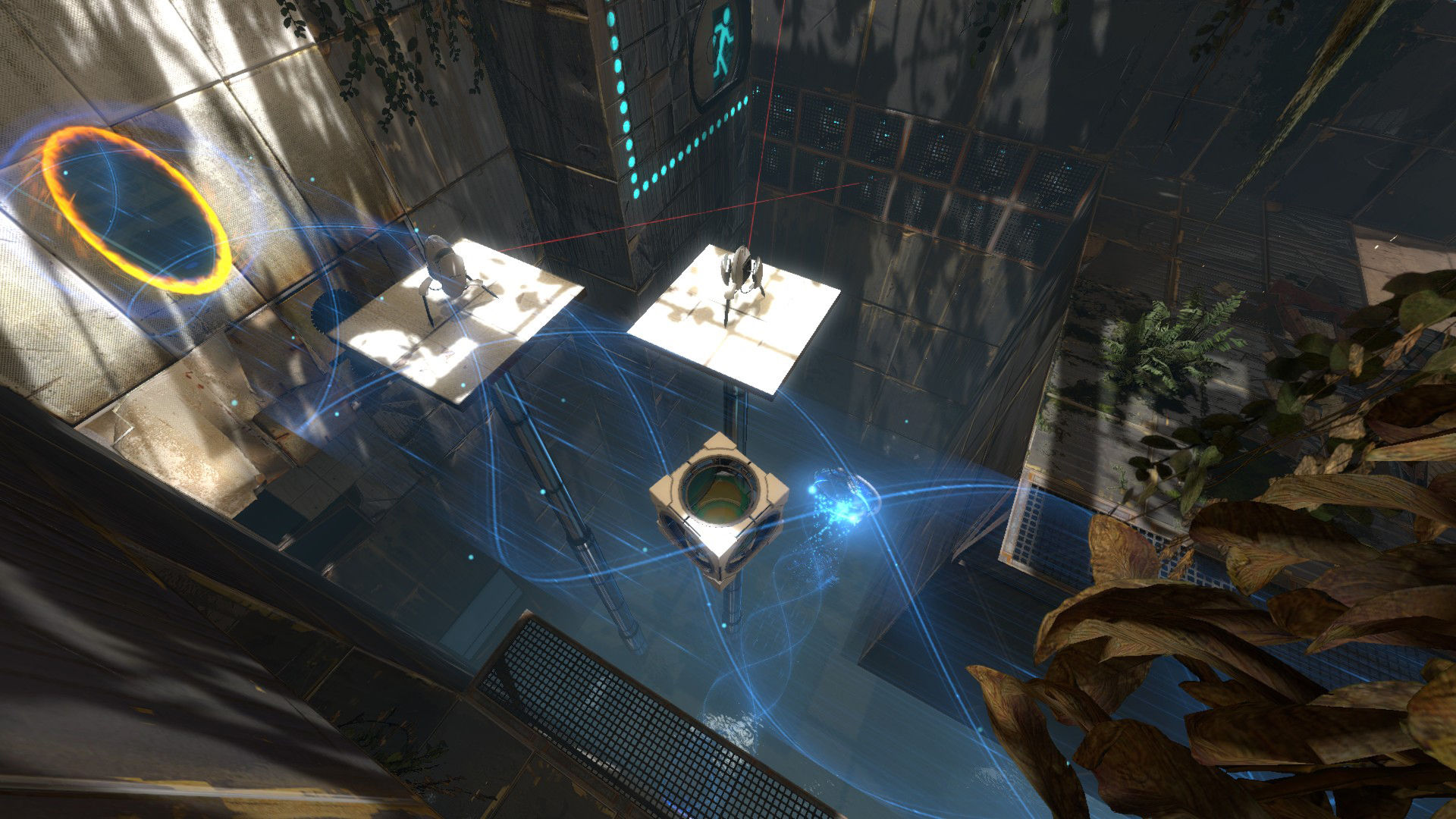
Portal 2 leverages an advanced physics engine that enables a wider variety of challenges without increasing overall difficulty. Objects can be moved, weighted, and redirected through portals to solve puzzles. This system creates novel interactions, allowing players to experiment with momentum, gravity, and force in creative ways.
- Experiment with object weight to predict how it will travel through portals.
- Use surfaces to redirect momentum when needed.
04 / THE GUIDE
Audio and Music
The game includes original music that complements its narrative tone and puzzle pacing. Audio is delivered in stereo and surround formats, enhancing immersion. Custom volume controls let players adjust sound levels, and captions are available for accessibility.
- Adjust volume settings to balance music and puzzle sound cues.
- Enable captions if you prefer visual dialogue cues.
05 / THE GUIDE
Editing Tools & Steam Workshop
Portal 2 ships with built‑in editing tools, allowing players to create custom test chambers. These creations can be shared via the Steam Workshop, fostering a community of user‑generated content. The tools integrate with Steam Cloud and support remote play, so creations can be accessed across devices.
- Start with simple chamber layouts before adding complex mechanics.
- Publish early drafts to the Workshop for feedback.
COMMUNITY
Player discussion