 GameWiki
GET YOUR BEARINGS
About POPGOES Arcade
POPGOES Arcade is an official Five Nights at Freddy's spinoff that delivers two single‑player RPG campaigns: the free‑release "POPGOES: The Dead Forest" and the built‑in sequel "POPGOES and The Machinist" for the Steam version. Both campaigns feature a retro‑styled world, new characters such as Popgoes the Weasel and Manora the Mouse, and nods to classic FNAF figures.
The Steam edition adds a customisable room, the Bestiary and Index encyclopedias, and a total of 50 Steam achievements (25 per campaign). An overhaul called Fighting Chance (2025) introduces Battle Gifts—random battle modifiers—and visual redesigns, expanding the combat experience for Windows players.
01 / THE GUIDE
Campaign Structure
The Dead Forest campaign launched free in 2020 and forms the first half of POPGOES Arcade. Completing it unlocks the sequel campaign, The Machinist, which is included with the Steam release and continues the story in new locations.
Each campaign presents its own areas, enemies, and abilities. The Machinist adds mechanics named Overkill and Scrap Coins, extending the gameplay beyond the original forest setting.
- Finish The Dead Forest before starting The Machinist to follow the intended narrative flow.
- When entering The Machinist, note the appearance of Overkill and Scrap Coins as new mechanics.
02 / THE GUIDE
Map Exploration
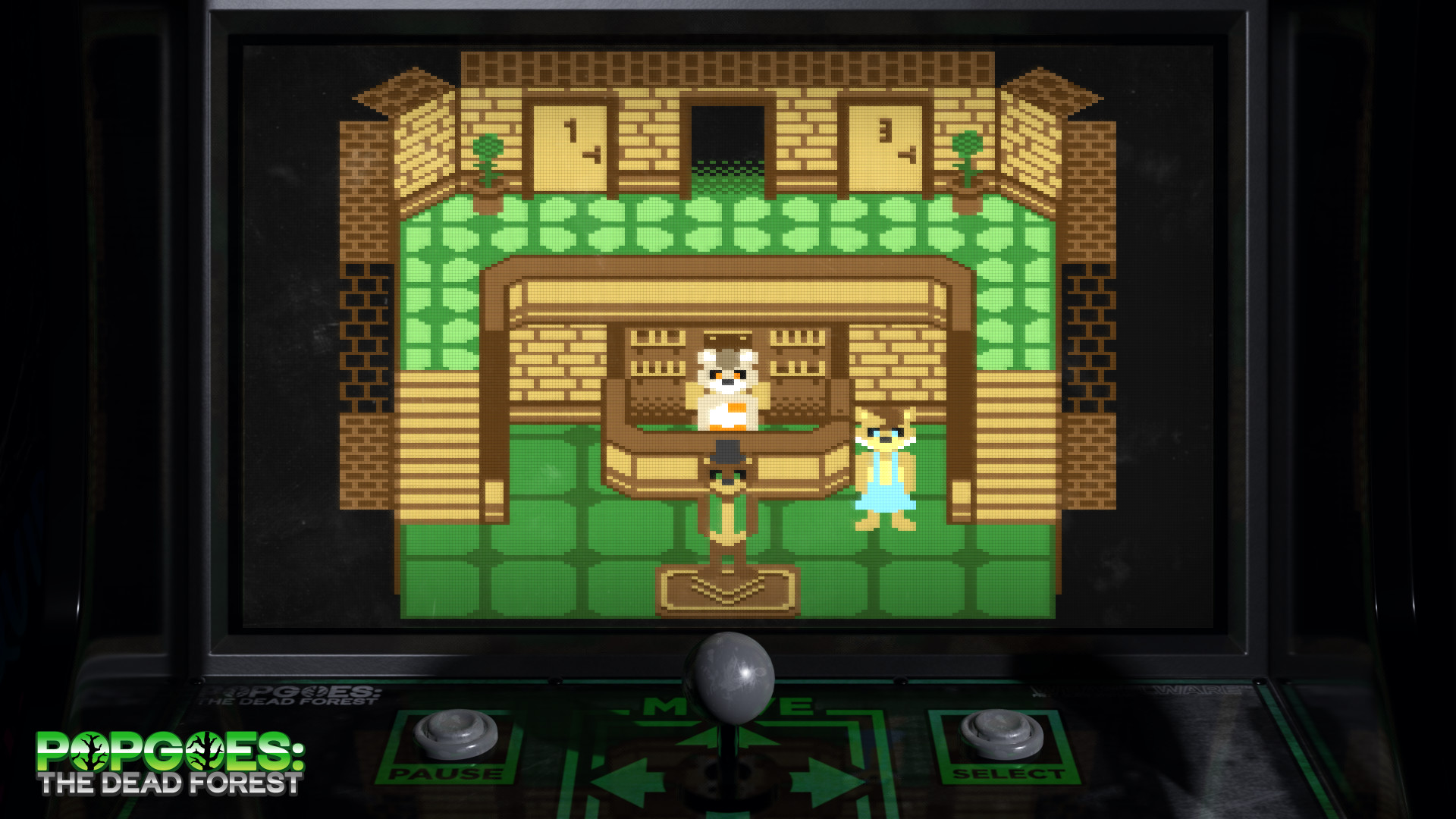
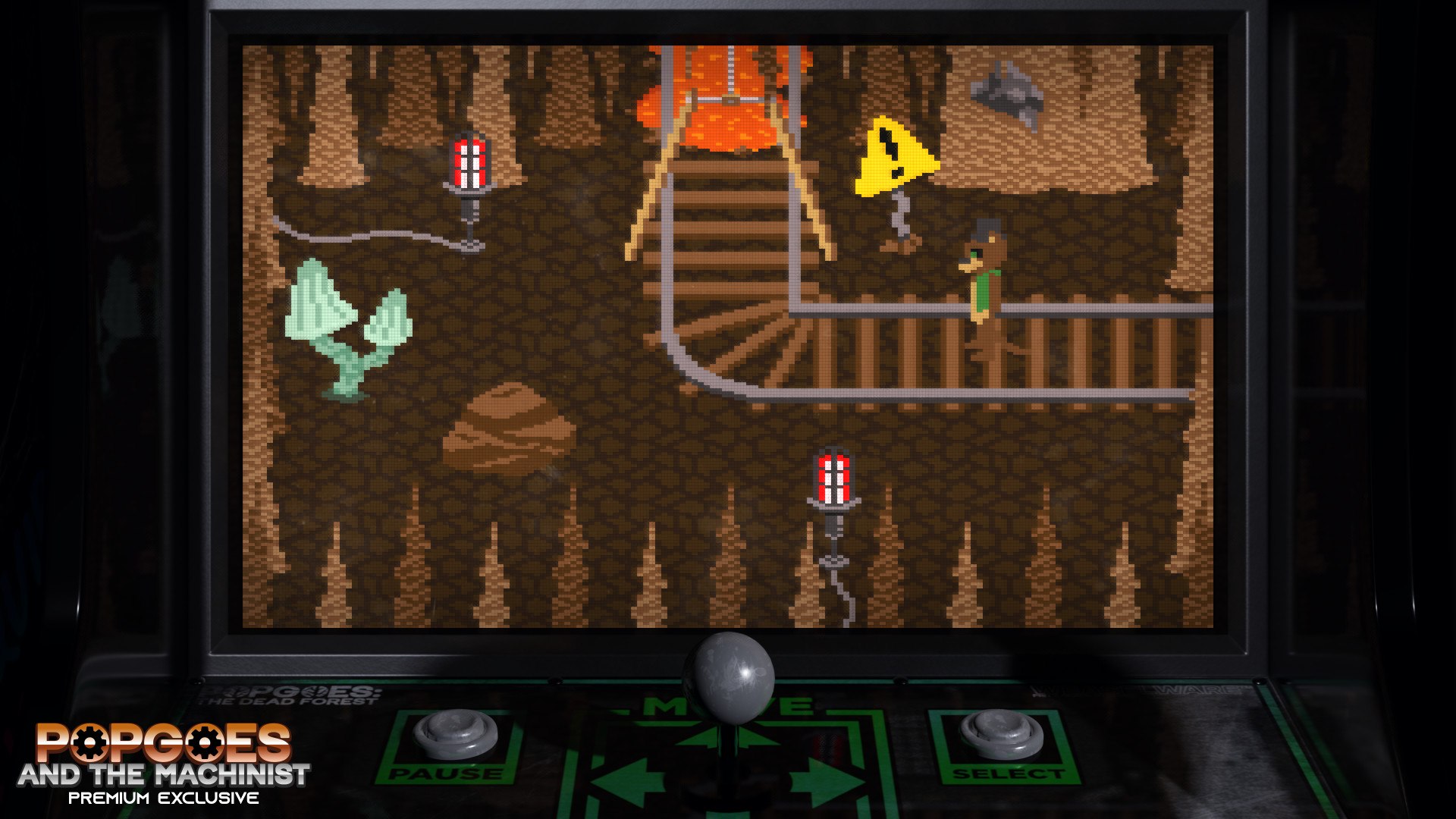
Both campaigns feature a large, expanding map that players unlock and explore. The map serves as the arena where battles occur, and new sections become accessible as progress is made.
Exploration reveals easter eggs, secrets, and additional lore tied to the wider POPGOES universe. The map’s retro art style mirrors the aesthetic of classic FNAF minigames.
- Search for hidden pathways; they often lead to lore items.
- Compare map layouts between the two campaigns to spot recurring visual motifs.
03 / THE GUIDE
Enemies & Bestiary
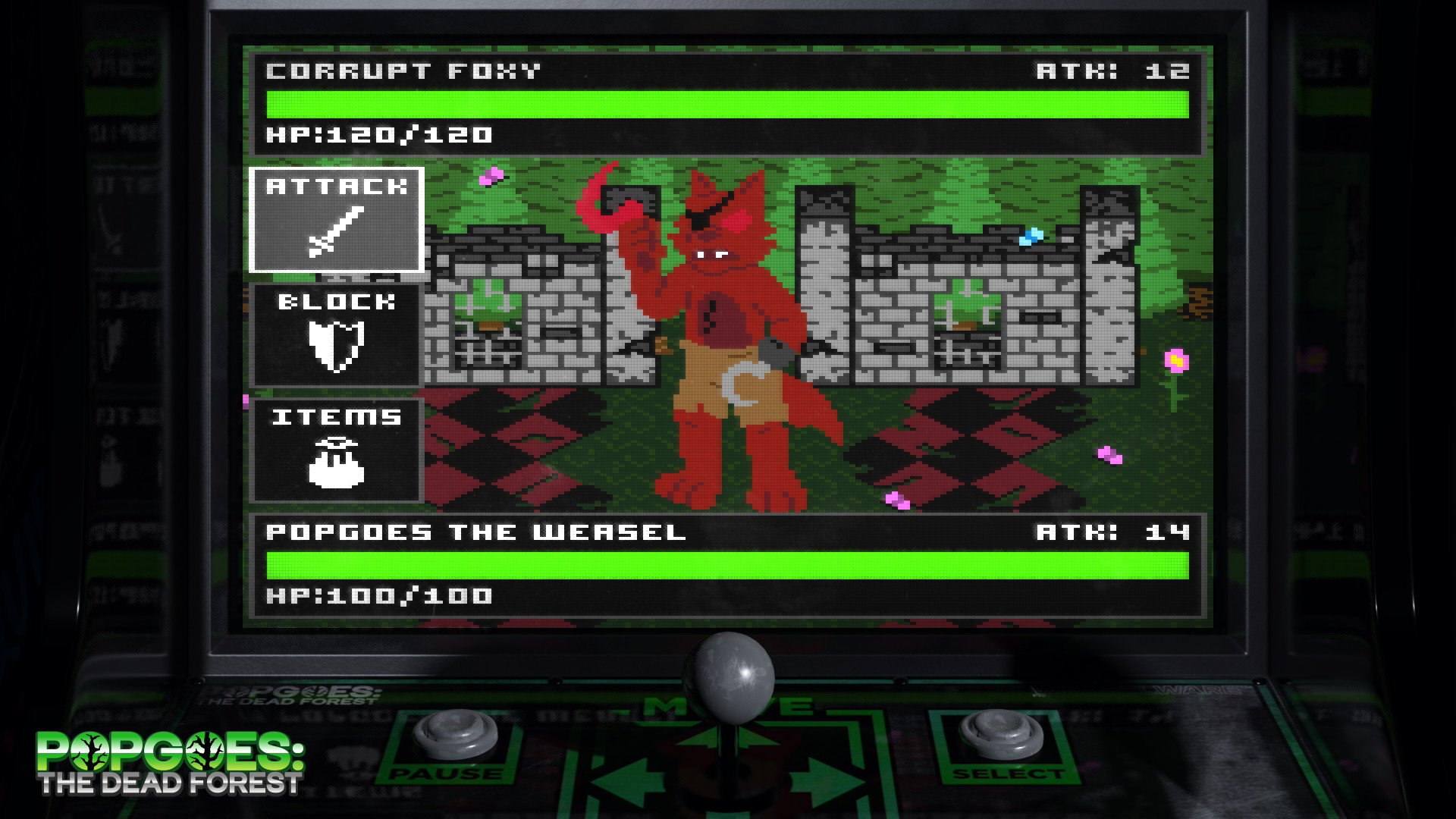
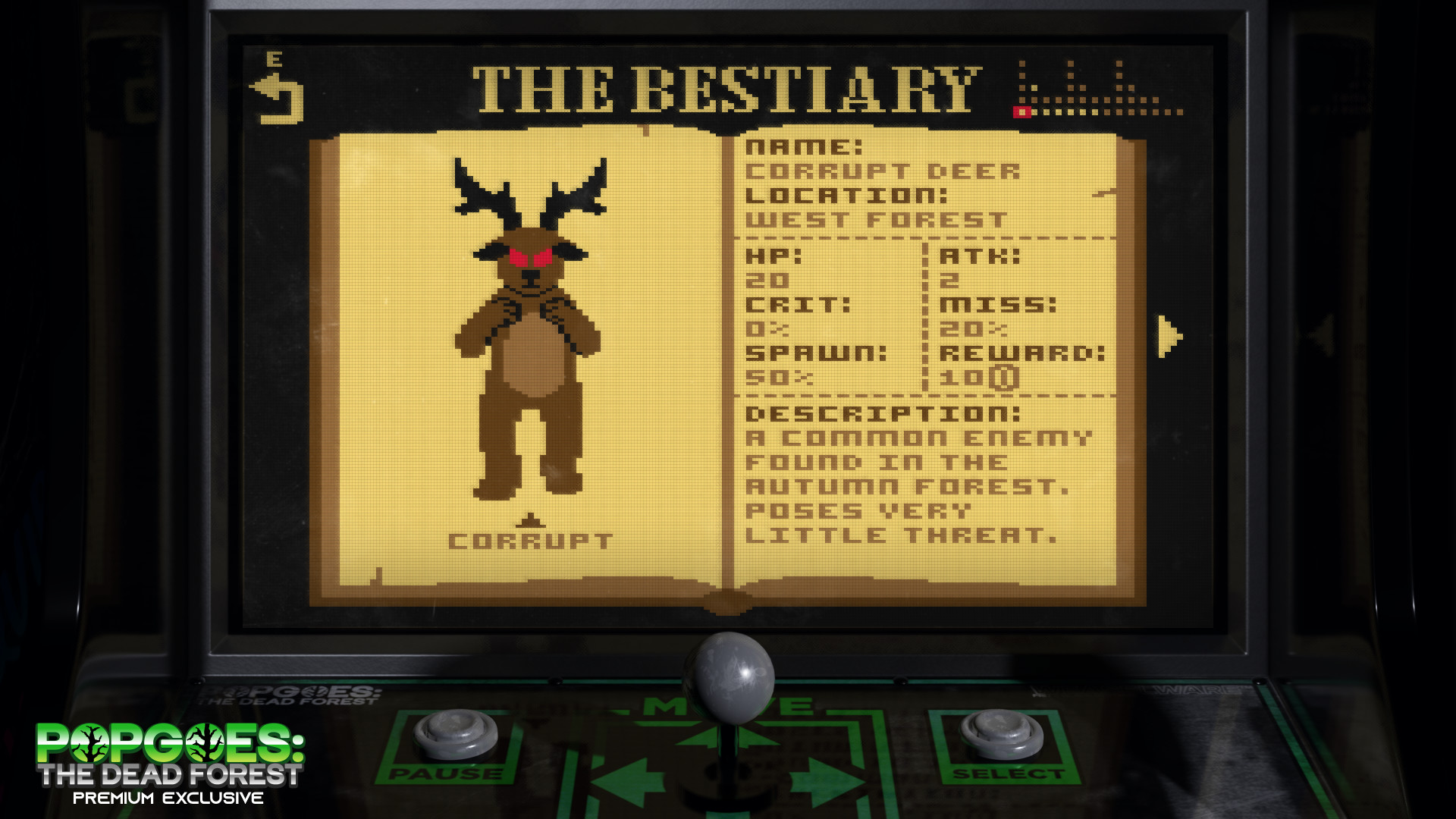
Throughout the adventures you encounter a variety of foes, each catalogued in the in‑game Bestiary and Index. These encyclopedias provide tips for each enemy, helping players understand attack patterns and weaknesses.
New enemy types appear in The Machinist, expanding the roster introduced in The Dead Forest. The Bestiary and Index catalogue the enemies you have encountered.
- Consult the Bestiary after each battle to refine your strategy.
- Observe how enemy designs evolve from forest to machinist settings.
04 / THE GUIDE
Steam Achievements
The Steam version tracks progress with 50 achievements—25 for each campaign. The source lists 50 Steam achievements, 25 for each chapter, without specifying what each one tracks.
These achievements appear on your Steam profile and can be used to compare progress with other players.
- Review the achievement list early to set personal goals.
- Target secret‑finding achievements to uncover hidden lore.
05 / THE GUIDE
Customisable Room
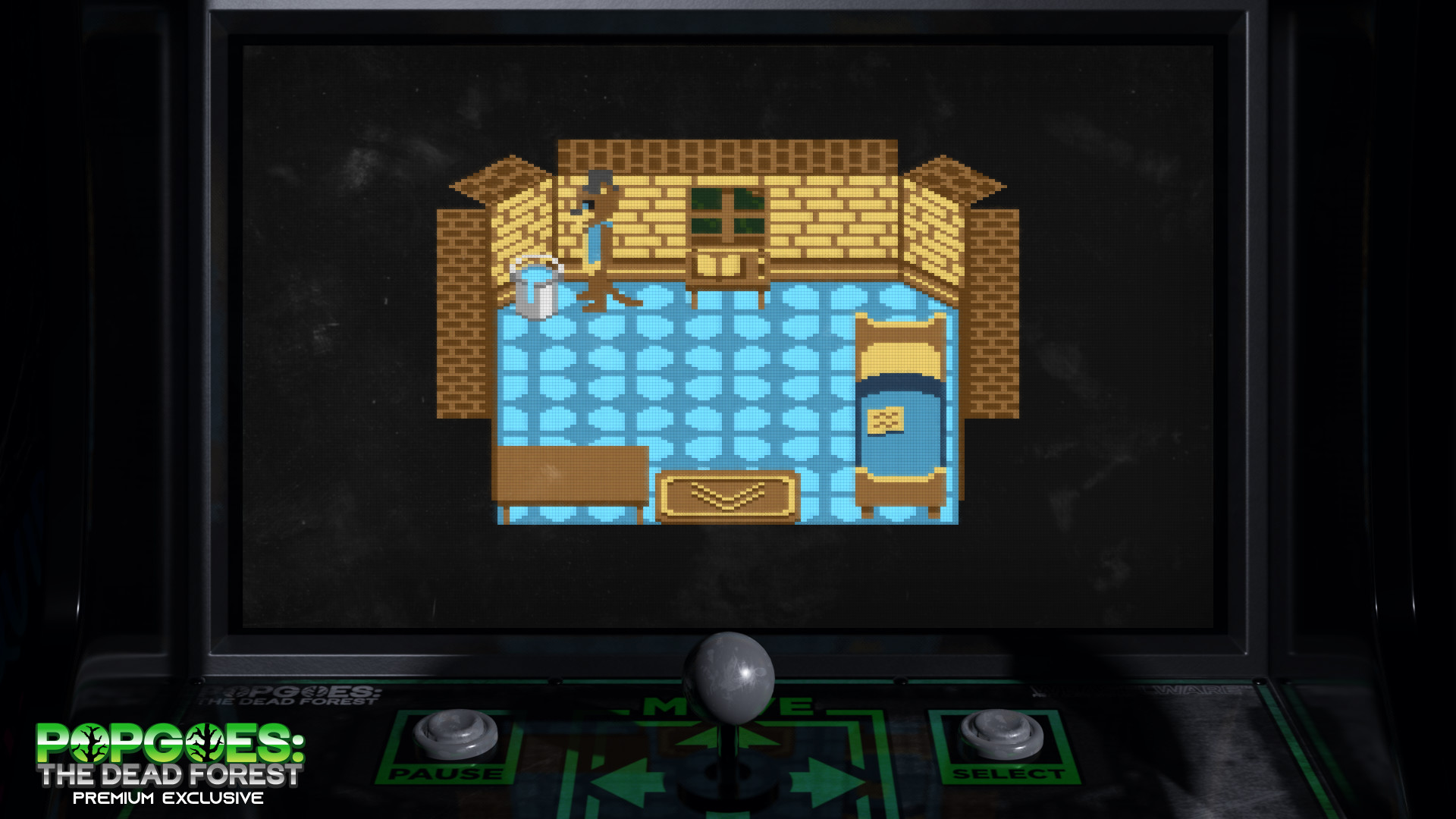
A dedicated room in the Steam edition displays your collected weapons, trophies, and overall progress. Players can arrange items to personalize the space, creating a visual record of their journey.
The room displays your progress with weapons and trophies as you play through the campaigns.
- Group trophies by campaign to see advancement at a glance.
- Use the room as a quick reference for which weapons you have unlocked.
COMMUNITY
Player discussion