 GameWiki
GET YOUR BEARINGS
About POOOOL
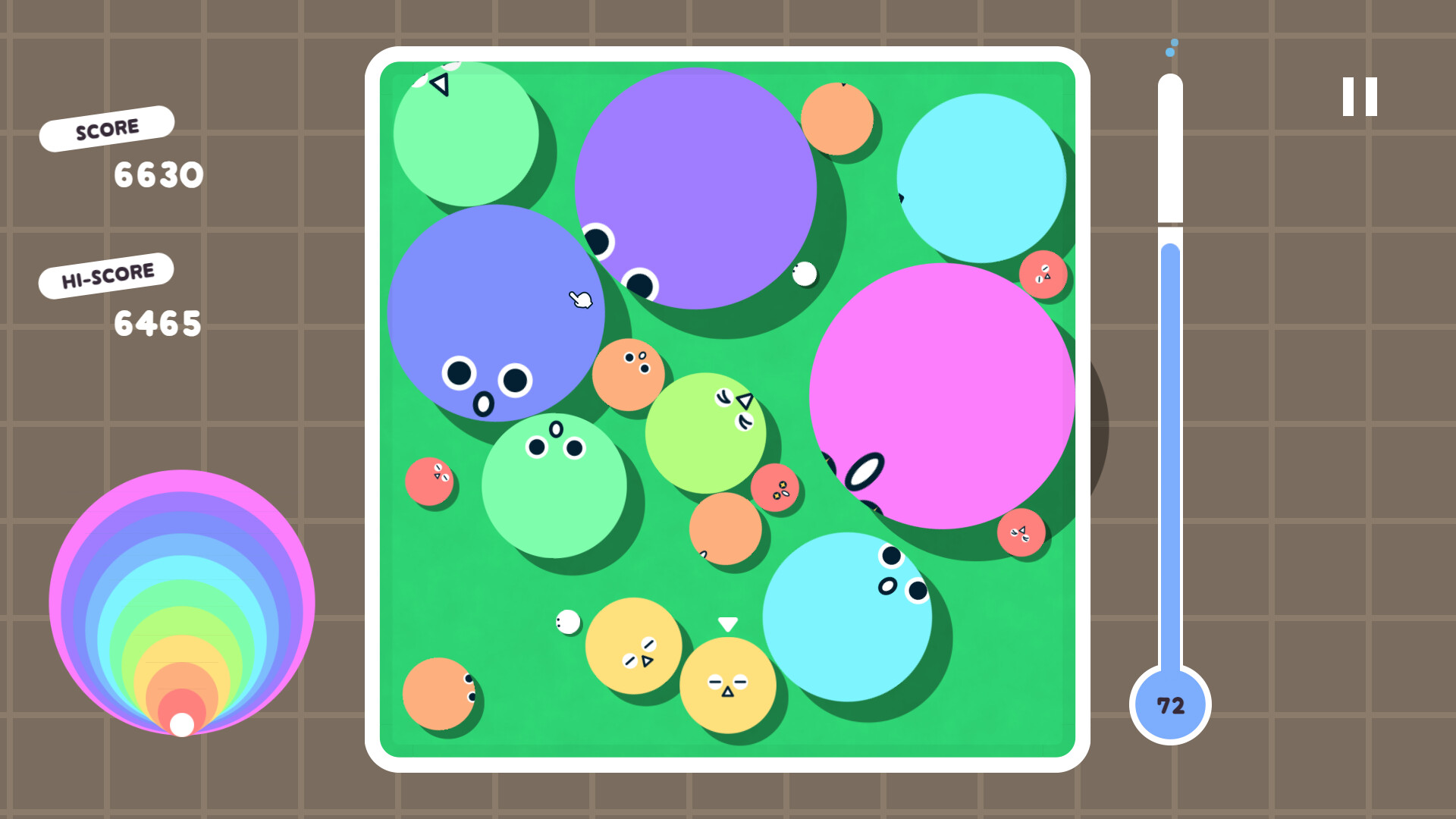
POOOOL is a physics‑based puzzler where you launch pool balls with the mouse, aiming to merge matching colors and sizes into larger balls. Each successful merge raises your score, while a filling meter tracks how much of the table is occupied; reaching 75% ends the game. The game offers endless rounds, customizable backgrounds and ball faces, and lets you share high‑score postcards. It runs on Windows and supports Steam achievements and Family Sharing.
01 / THE GUIDE
Gameplay Mechanics
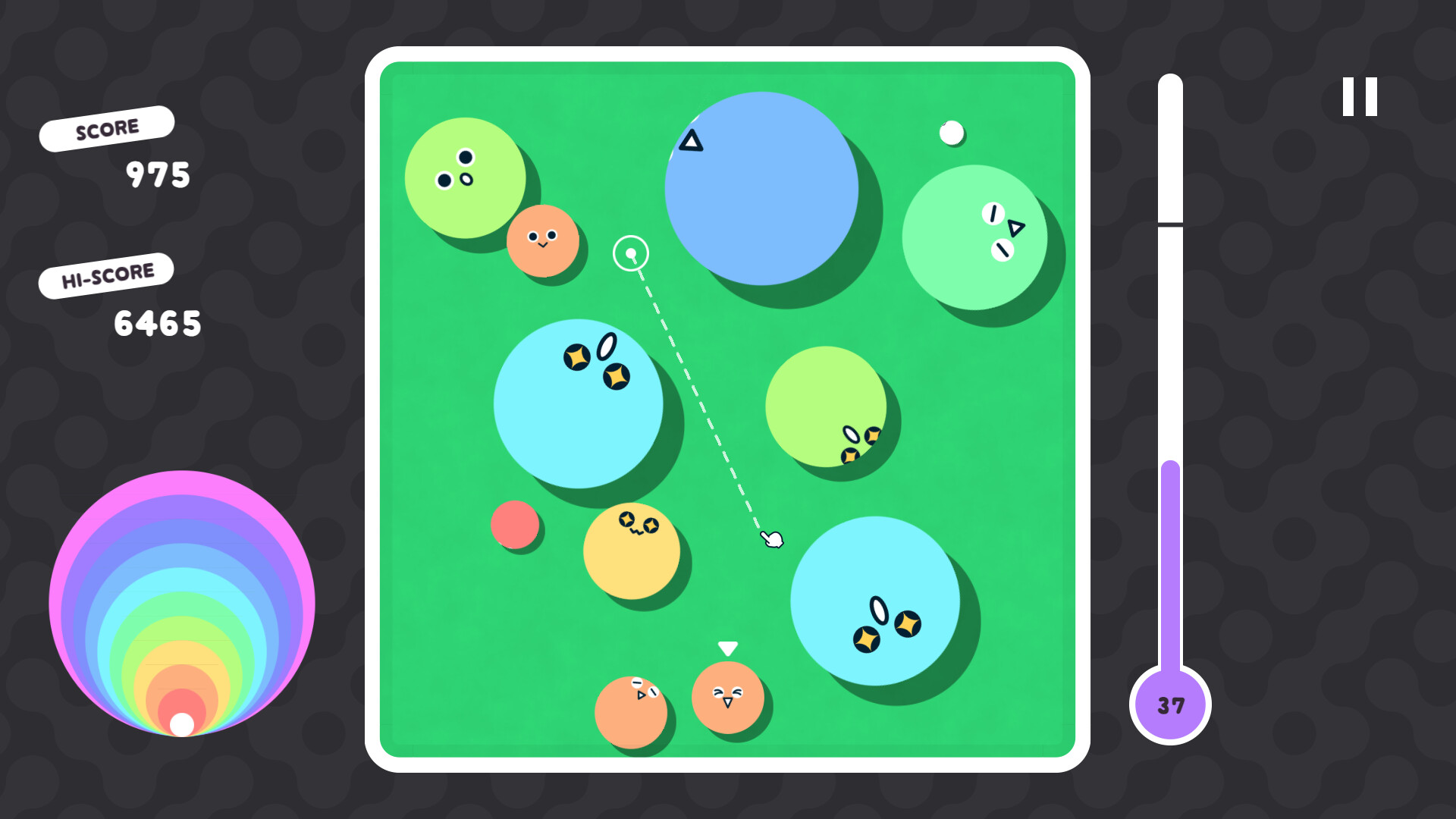
Players click and hold anywhere on the screen, then drag to set the angle and power of a ball fling. Releasing the mouse launches the ball, and physics determine its trajectory and collisions.
When two balls of the same color and size collide, they combine into a larger ball, adding to the score. The play area fills over time, and if it reaches three‑quarters capacity, the round ends.
- Experiment with different drag lengths to gauge power before committing to a shot.
- Observe how balls bounce off walls to plan bank shots that may create merges.
02 / THE GUIDE
Scoring System
Each successful merge of two same‑color, same‑size balls adds points, with larger balls yielding higher scores. The cumulative total appears as your round score.
The game tracks a personal high‑score, encouraging players to beat their own records across endless rounds.
- Prioritize merging smaller balls first to create larger ones that score more.
- Watch the meter; keeping the table less full gives more time for high‑value merges.
03 / THE GUIDE
Visual Customization
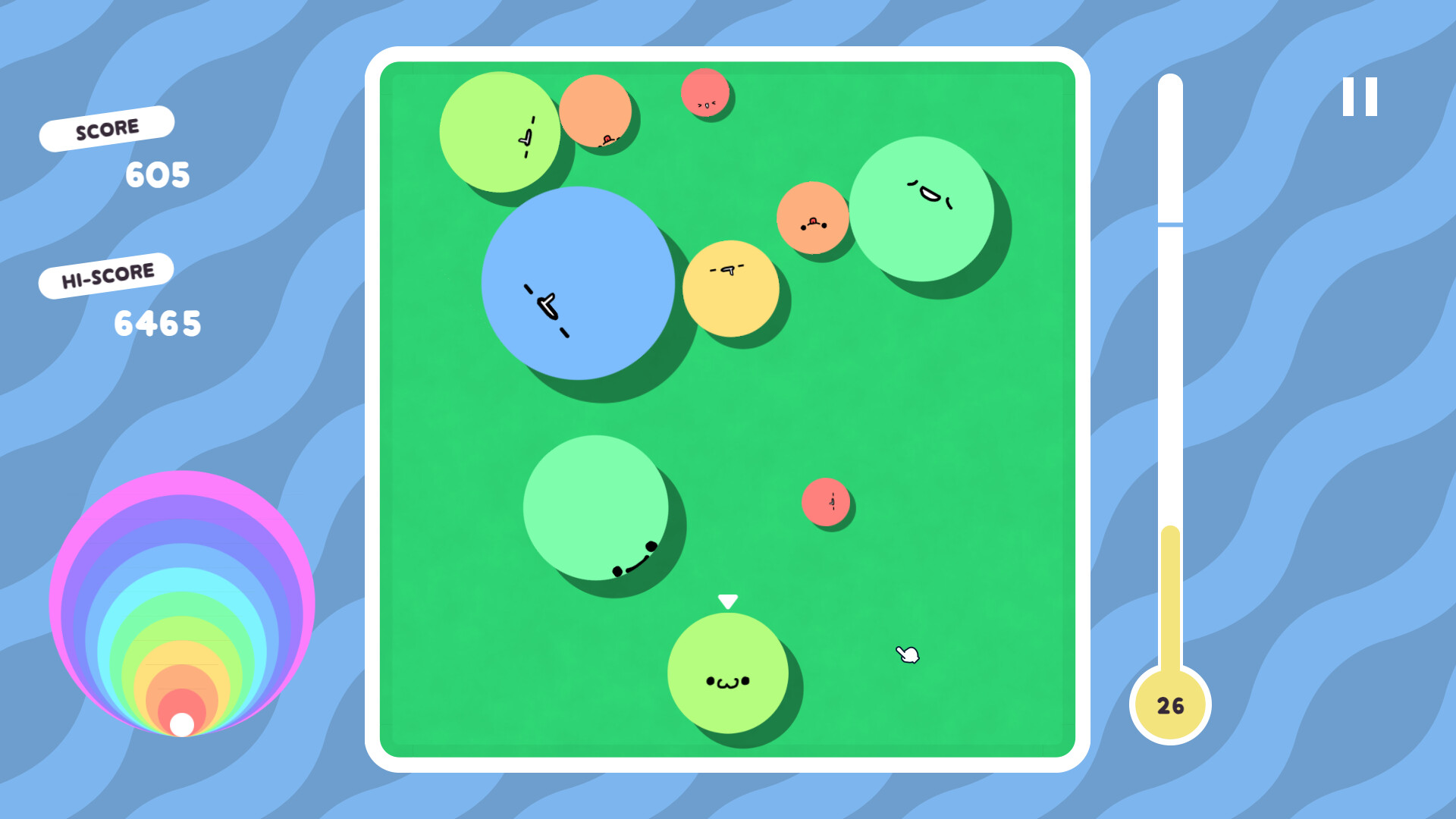
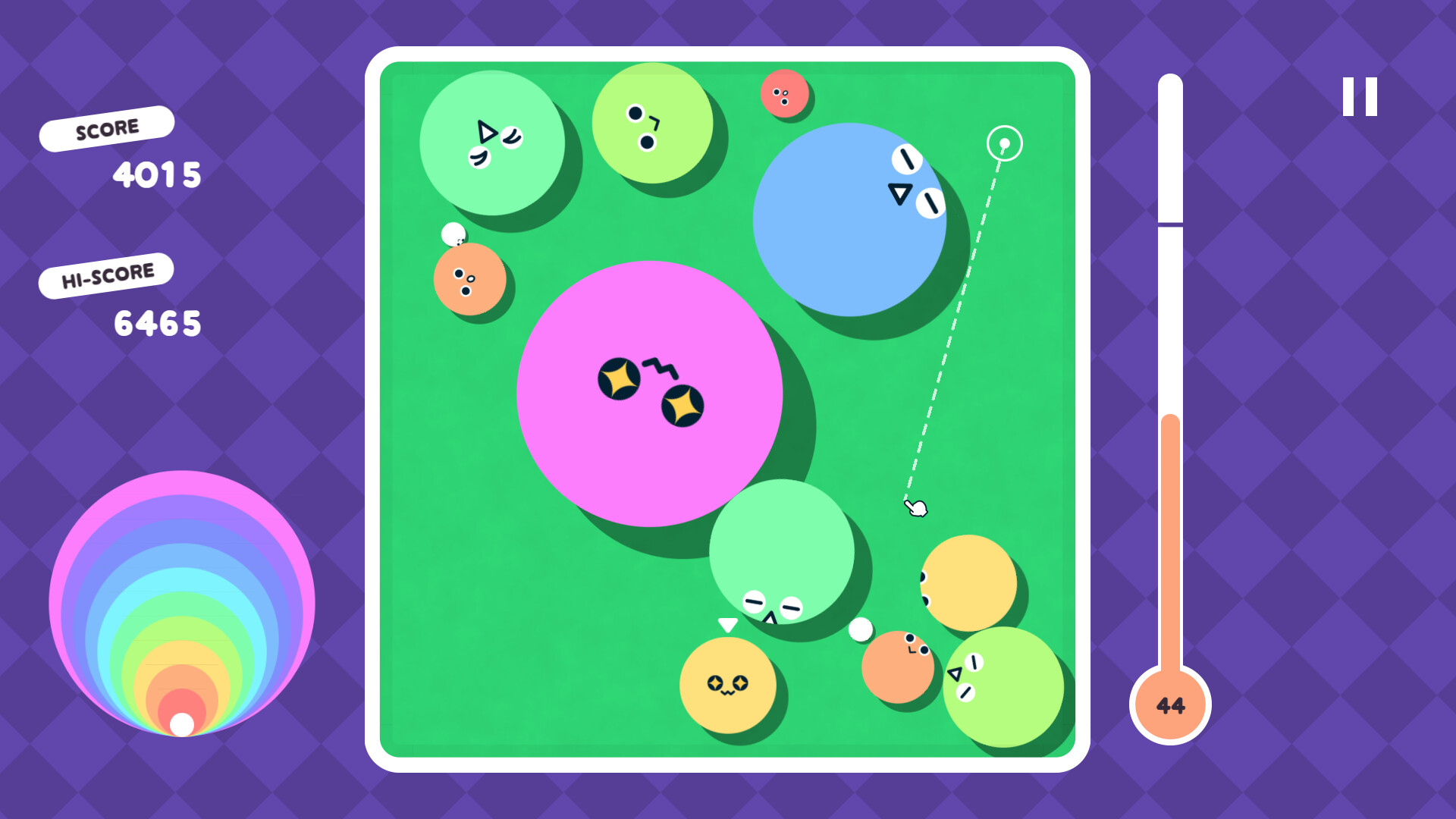
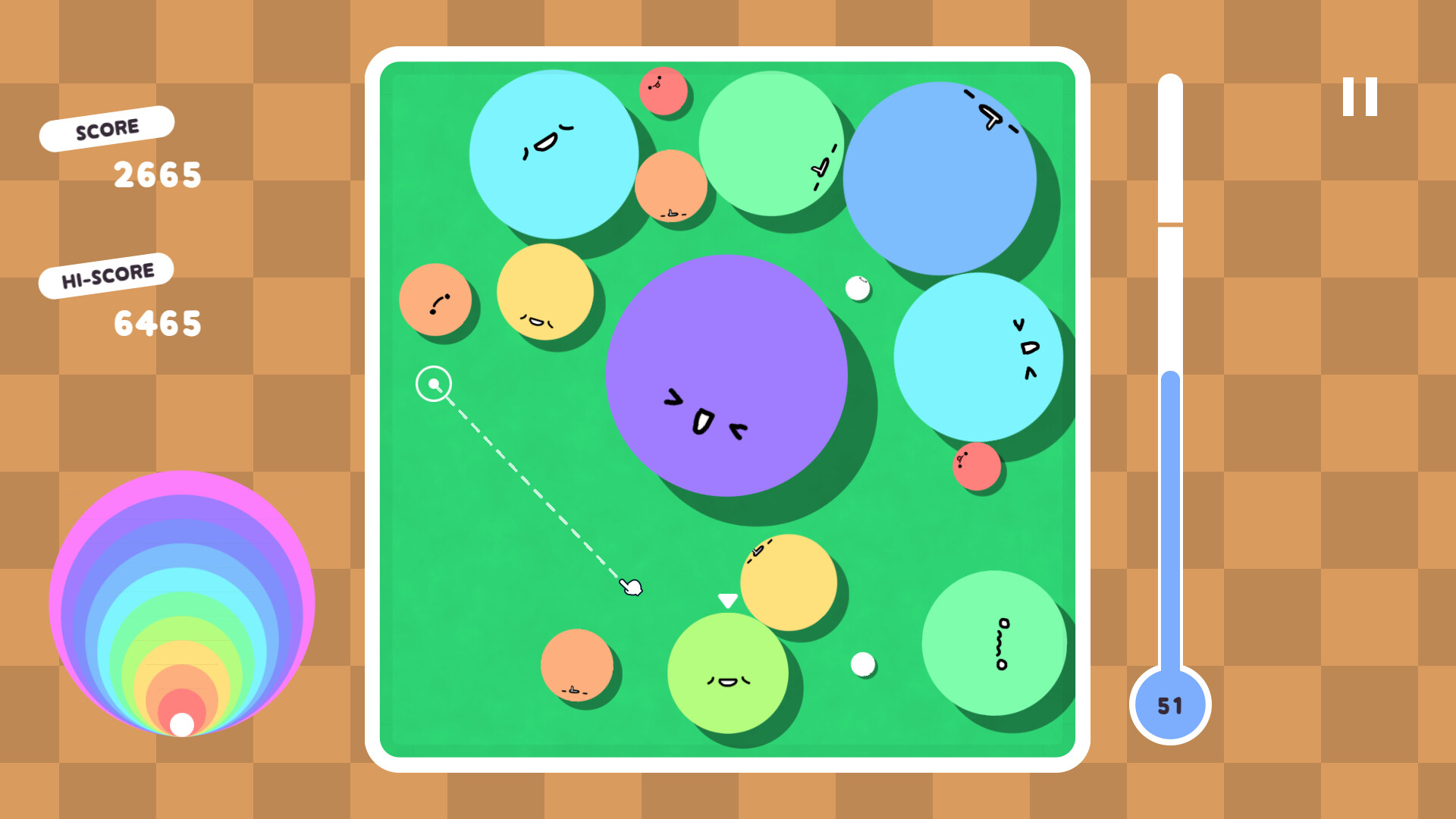
Players can choose from a variety of background images and ball faces, allowing a personalized look for each round.
These visual options add aesthetic variety to each round.
- Select contrasting colors for balls and backgrounds to improve visibility of merges.
- Try different face sets to keep the visual experience fresh during long sessions.
04 / THE GUIDE
Replayability
Every round generates a new arrangement of balls, making each playthrough distinct and endlessly replayable.
The simple mouse‑only control scheme encourages quick, repeated attempts to improve scores.
- Set personal challenges, such as reaching a target score before the meter fills.
- Use the postcard snapshot feature to record and compare high‑score moments.
05 / THE GUIDE
Platform and Features
POOOOL runs on Windows and supports Steam achievements, allowing players to earn recognitions for in‑game milestones.
Family Sharing is enabled, so multiple Steam accounts can access the game on the same machine.
- Check the Steam achievement list to set specific goals while playing.
- Share the game via Family Sharing to let friends try it without purchasing separately.
COMMUNITY
Player discussion