 GameWiki
GET YOUR BEARINGS
About POOLS
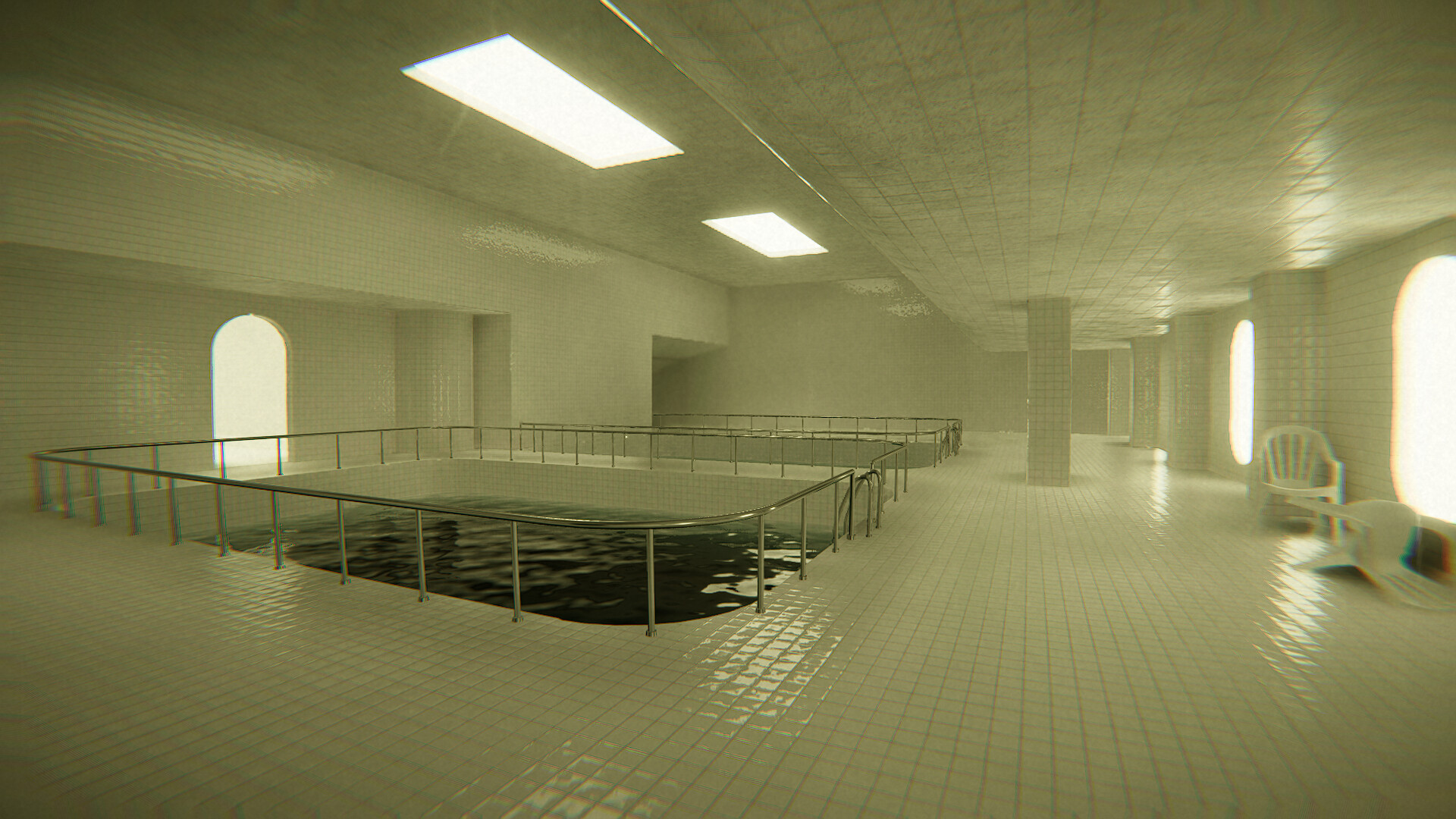
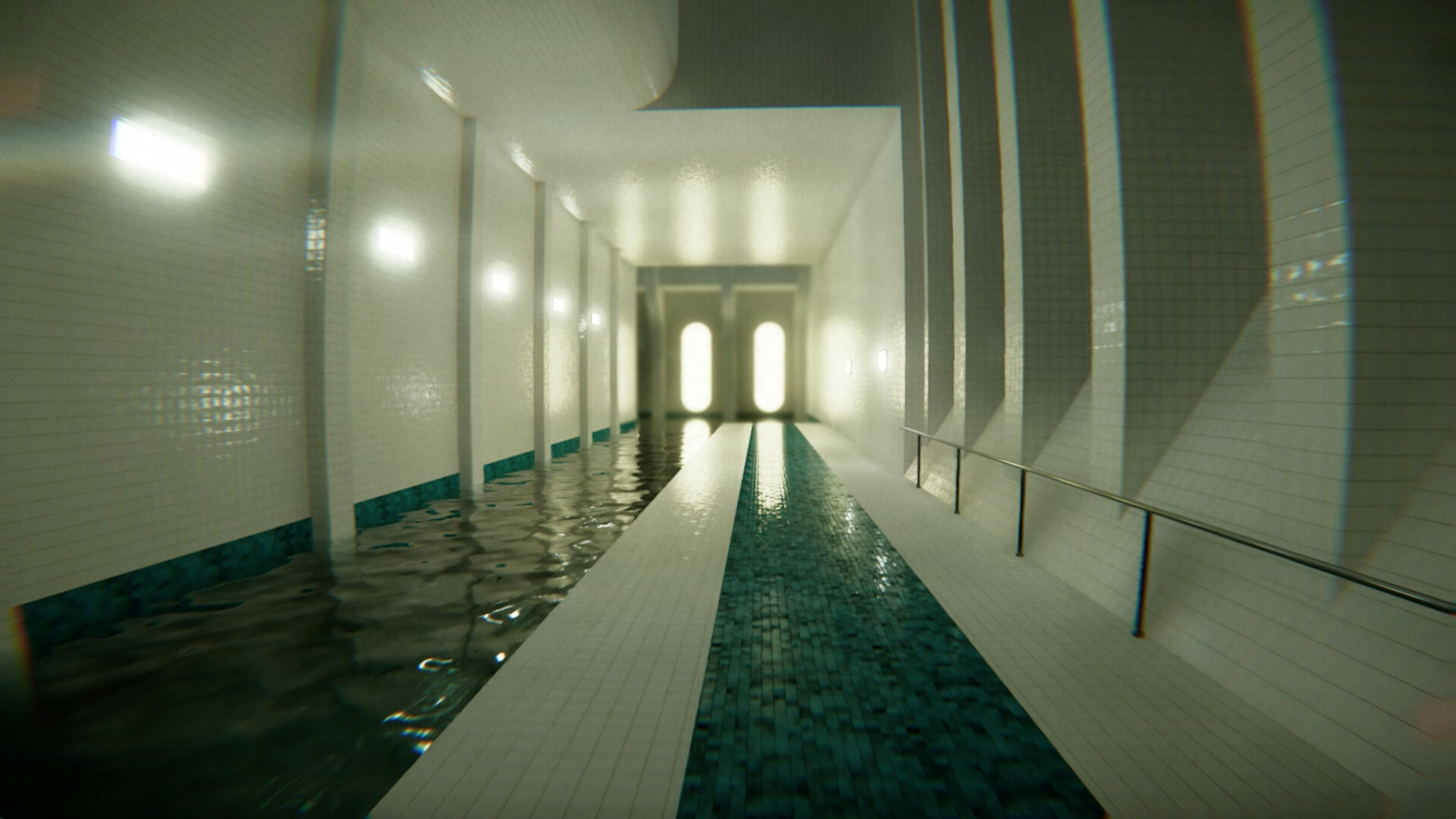
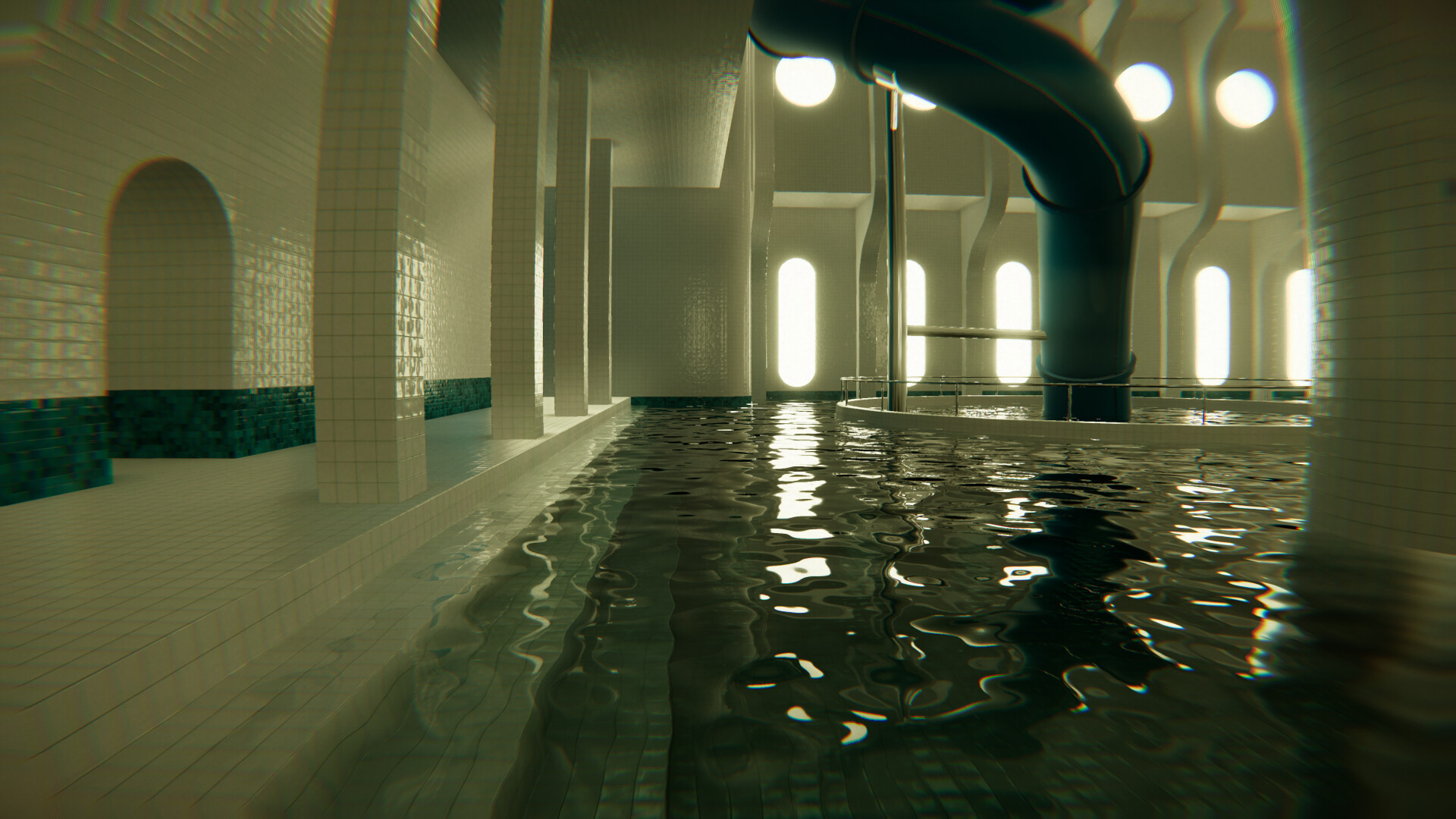
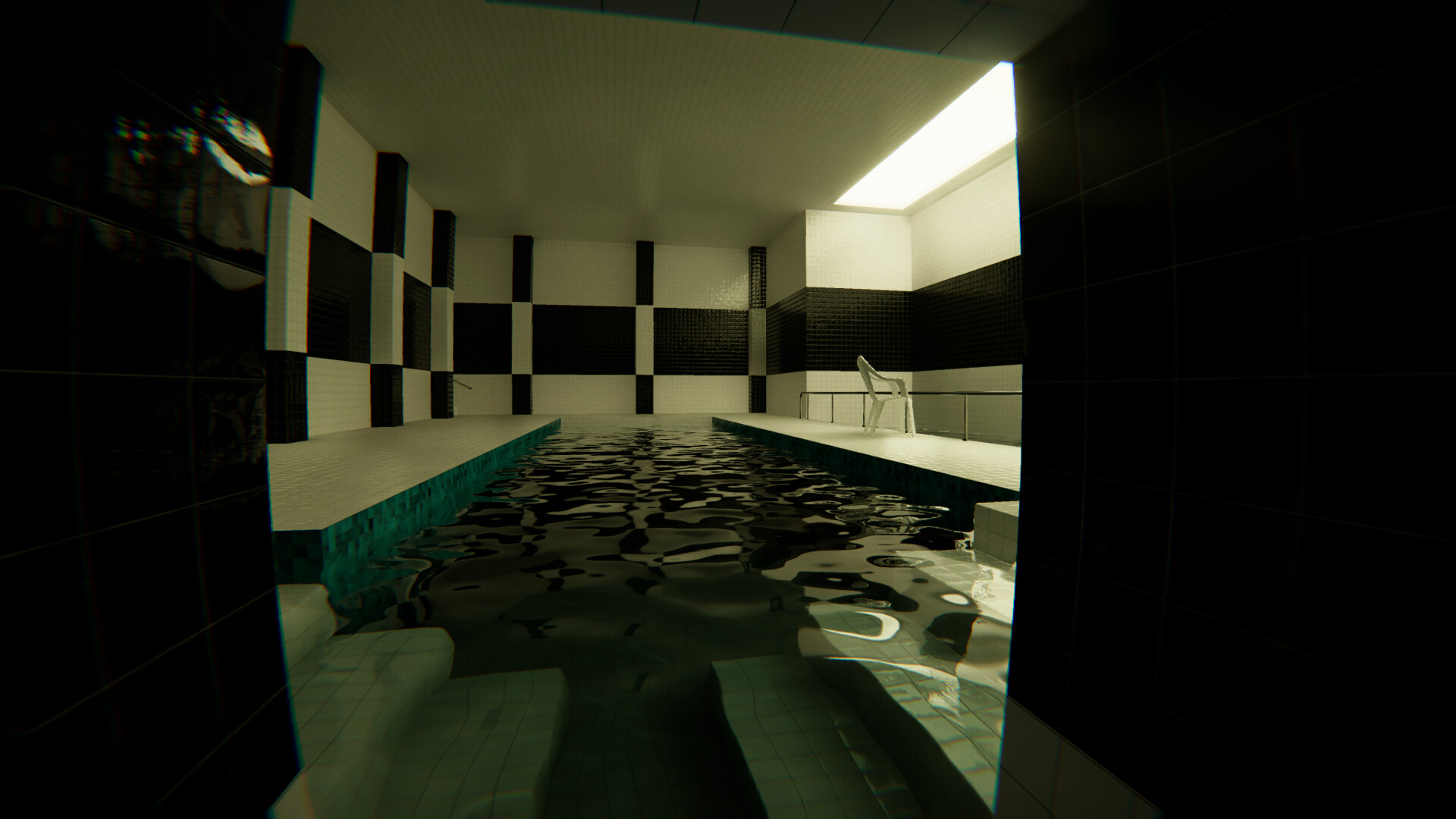
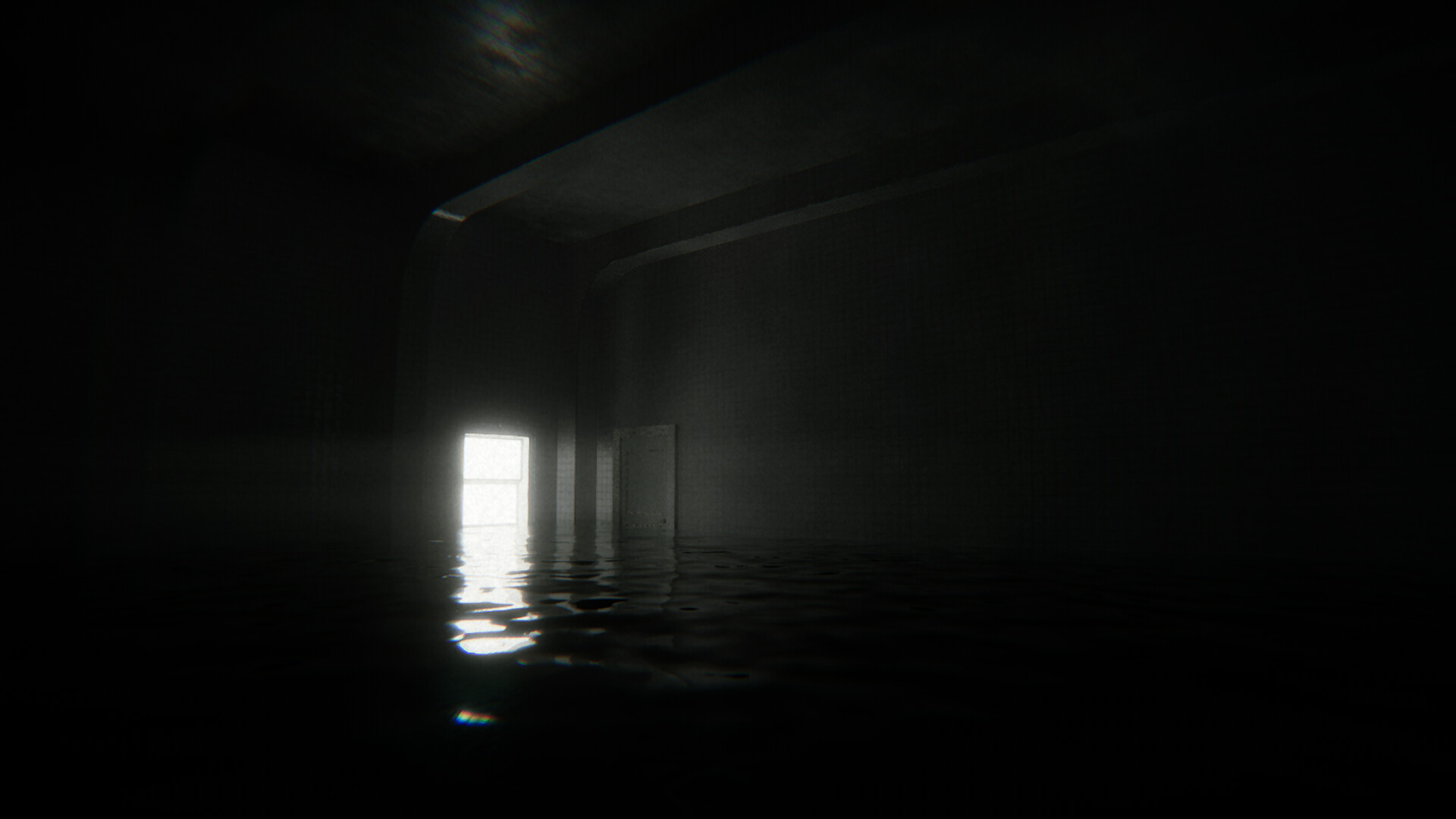
POOLS is an atmospheric adventure where players wander through a series of six distinct chapters that feel like moving through liminal, water‑filled spaces. There is no UI, dialogue, or enemies; the experience relies on sound, echo, and the feeling of being lost in tight, dark rooms.
Each chapter lasts 10‑30 minutes and subtly changes the environment, offering new visual and acoustic mysteries. The game draws inspiration from internet phenomena such as Backrooms and Poolrooms, emphasizing exploration over objectives while maintaining a tense, oppressive mood.
02 / THE GUIDE
Audio‑Driven Atmosphere
POOLS contains no background music; instead, ambient sounds and echoes shift with each room, creating a realistic sense of presence. The sound design reacts to the player’s location, making the environment feel alive.
These audio cues replace traditional UI feedback, guiding players through the darkness and reinforcing the feeling of isolation. The lack of dialogue further focuses attention on the soundscape.
- Use headphones to fully experience directional audio cues.
- Pay attention to subtle sound changes that signal new areas.
03 / THE GUIDE
Chapter Structure
The base game includes six unique chapters, each lasting between ten and thirty minutes. Every chapter introduces a different visual theme and acoustic mood, keeping the exploration fresh.
Progressing through chapters reveals how the world subtly transforms, offering new mysteries without any narrative exposition or notes to collect.
- Treat each chapter as a self‑contained experience to avoid fatigue.
- Notice how room designs evolve to appreciate the game's thematic shifts.
04 / THE GUIDE
VR and Controller Options
POOLS supports VR, full controller input, and a mouse‑only option, allowing players to choose their preferred method of interaction. DualShock and DualSense controllers are listed as supported, as is tracked controller support.
These options do not alter gameplay mechanics; they simply provide alternative ways to move and look around the environment, catering to both seated and immersive play styles.
- Try VR mode for a heightened sense of spatial audio.
- Switch to mouse‑only if you prefer precise turning without a controller.
05 / THE GUIDE
Saving and Cloud Features
Players can save at any time, and the game utilizes Steam Cloud to store progress across sessions. This means you can pause exploration and resume later without losing chapter advancement.
Family Sharing is also supported, letting family members share access to the game, though the experience remains single‑player.
- Save before exiting to ensure your current chapter is recorded.
- Enable Steam Cloud in settings to keep progress synced across devices.
COMMUNITY
Player discussion