 GameWiki
GET YOUR BEARINGS
About Pool Slide Story
Pool Slide Story lets you design a whimsical water park, building indoor and outdoor pools, food stalls, and a variety of attractions. You can customize pools with colors or scents and offer free floats and swimwear, creating a lively atmosphere for guests.
The game measures progress through satisfaction points earned when visitors enjoy your facilities. Happy guests post selfies on social media, generating likes that affect visitor flow and park evaluations as you aim for a five‑star rating.
01 / THE GUIDE
Game Flow
You begin by placing pools, restaurants, and attractions, then work toward a five‑star water park. Progress is tracked by a satisfaction gauge that fills as visitors enjoy your creations.
When the gauge is full, visitors share posts online, which adds likes and influences the ease of attracting new guests and the park’s certificate evaluation.
- Add a mix of indoor and outdoor pools early to keep guests comfortable in any weather.
- Introduce food stalls alongside attractions to create multiple sources of satisfaction points.
02 / THE GUIDE
Visitors
Guests generate satisfaction points when they like your pools, restaurants, and attractions. Their happiness directly fills the satisfaction gauge described in the game flow.
Satisfied visitors also leave comments and suggestions, giving you feedback that can guide future building decisions and keep the satisfaction loop active.
- Read visitor comments for ideas on new attractions that could raise satisfaction.
- Offer a variety of foods and beverages to match different guest preferences.

04 / THE GUIDE
Customization
The game provides a wide range of attractions, including colored or scented pools and free floats or swimwear, letting you shape the park’s look and feel.
Food stalls let you collect ingredients, cook dishes, and create menus, adding depth to the visitor experience and expanding your customization options.
- Experiment with different pool colors and scents to see which attract more visitors.
- Rotate menu items periodically to keep food stalls fresh.
05 / THE GUIDE
Platform Features
Pool Slide Story runs on Windows via Steam and includes single‑player mode, Steam Achievements, full controller support, Steam Cloud, and Family Sharing.
These features allow you to play solo, track optional achievement goals, use a controller if preferred, and have saved progress stored in the cloud for easy access.
- Enable Steam Cloud to keep your park progress saved automatically.
- Try the controller if you enjoy a tactile building experience.


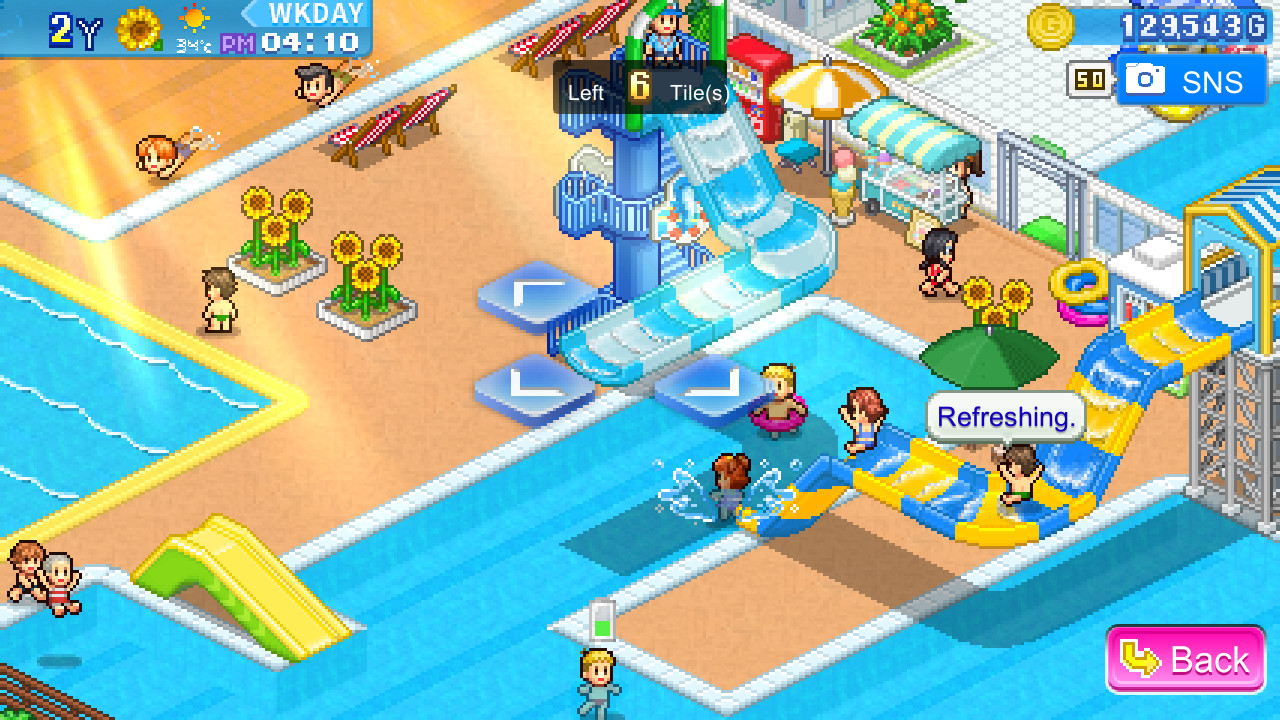

03 / THE GUIDE
Social Media
When visitors are pleased, they post about your water park on social media, granting you likes based on the park’s popularity and visitor numbers.
Likes influence how easily new visitors arrive and affect the park’s evaluation when applying for certificates; you can also like posts from other users.