 GameWiki
GET YOUR BEARINGS
About Pool Nation
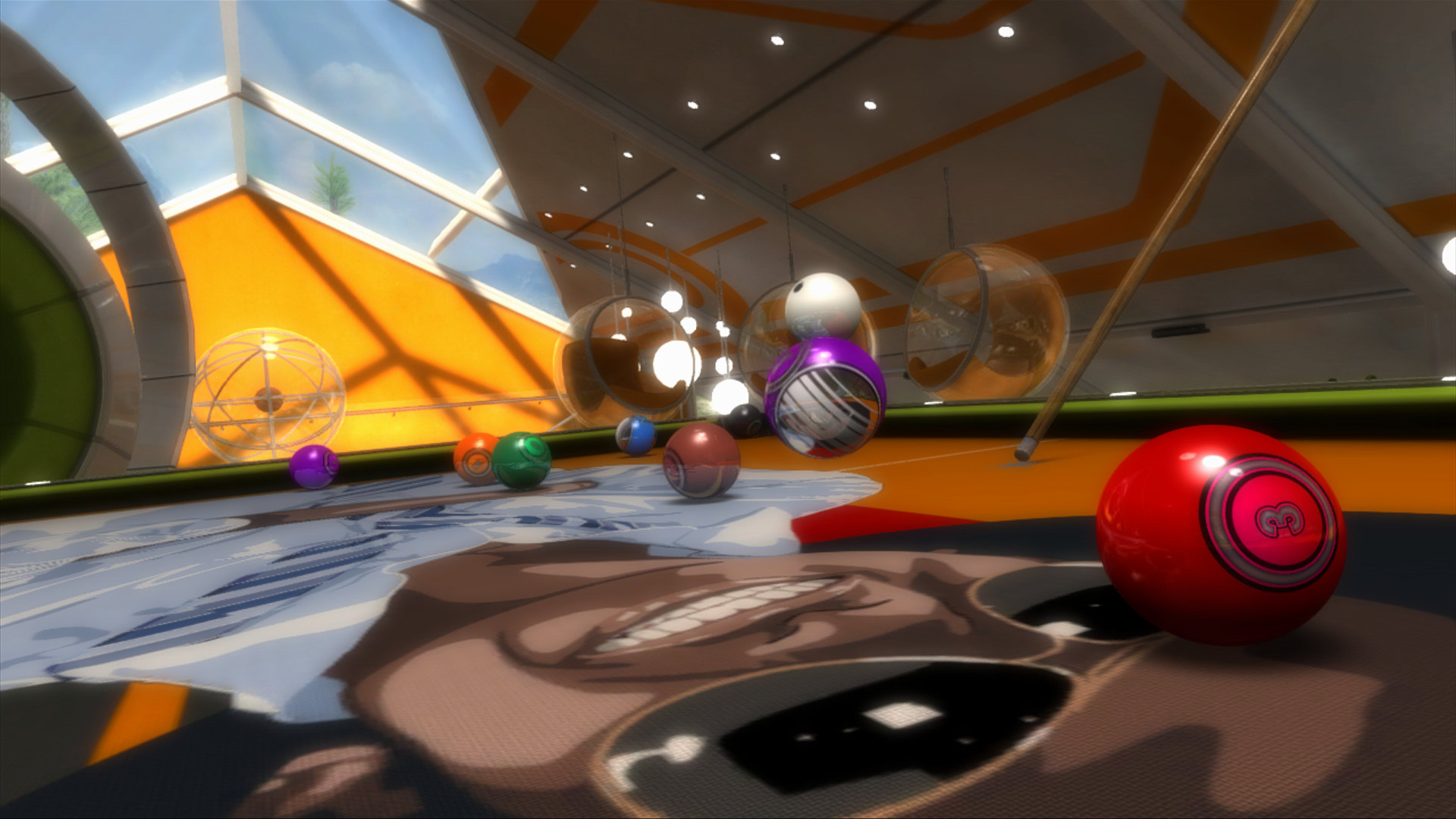
Pool Nation delivers a realistic pool simulation powered by a world‑renowned physics engine that makes the balls behave like their real‑world counterparts. Players can enjoy both offline and online experiences, ranging from casual single‑player play to competitive multiplayer matches.
The title also offers extensive visual customization, a variety of game modes—including Endurance, Speed Pool, and the newly added Crazy Mode’s Box of Tricks—and full controller support, all integrated with Steam features such as Workshop, Achievements, and Leaderboards.
01 / THE GUIDE
Real‑World Physics
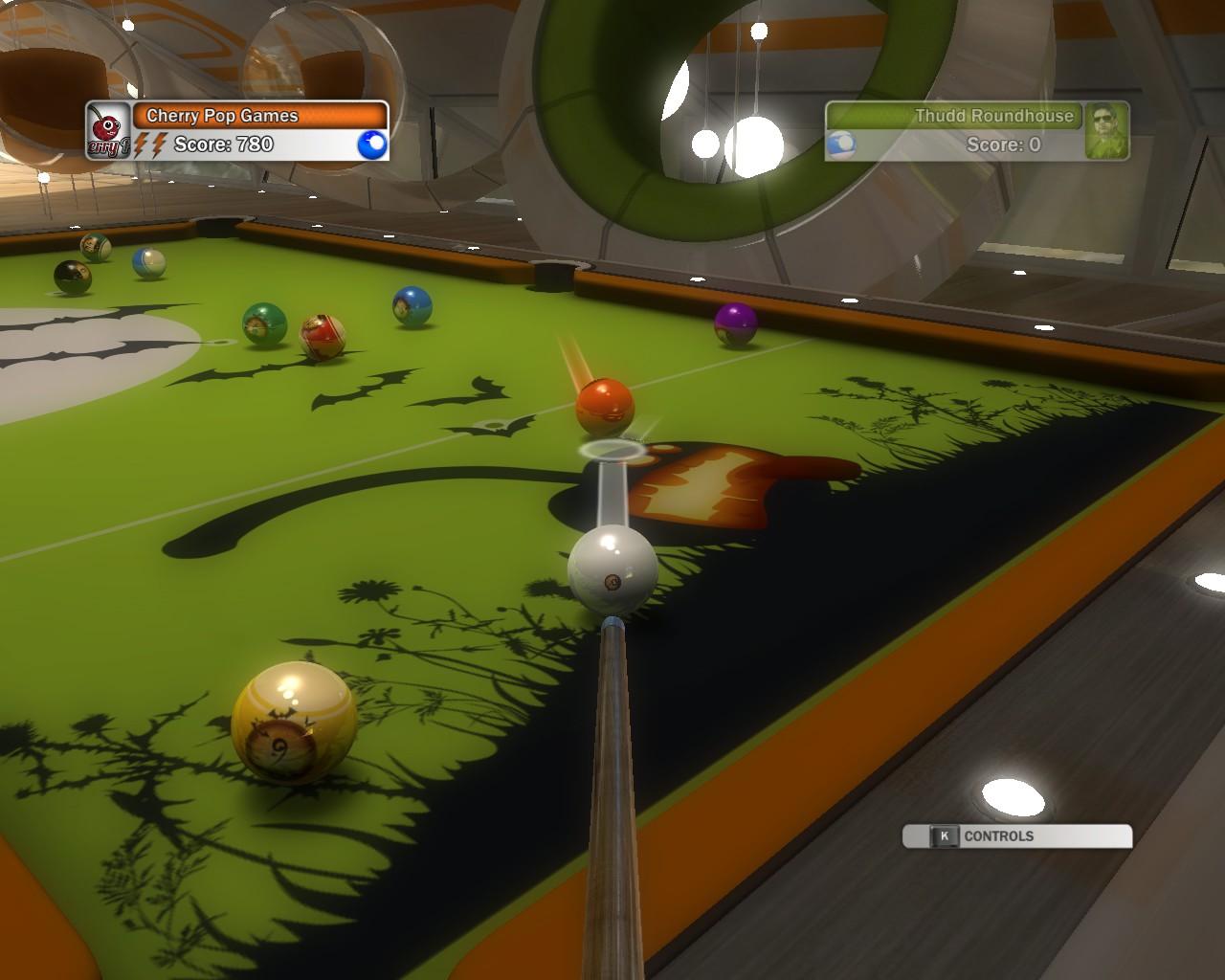
Pool Nation’s core is its acclaimed physics engine, which ensures that every ball reacts as it would on a physical table. This realism lets players rely on true‑to‑life ball trajectories and cushion interactions.
The engine also supports super‑slow‑motion replay, allowing you to review shots and appreciate the precise motion of balls and cue impacts.
- Observe how balls react after each shot to better predict future angles.
- Use the slow‑motion replay to study unexpected bounces and improve aim.
02 / THE GUIDE
Varied Game Modes
Eleven distinct modes keep gameplay fresh, from the adrenaline‑pumping Endurance to the fast‑paced Speed Pool. Career and extensive offline modes provide solo challenges, while seven online modes add competitive depth.
Crazy Mode introduces the Box of Tricks, expanding the repertoire of playable scenarios beyond traditional pool.
- Try Endurance to test stamina and consistency over many racks.
- Speed Pool is ideal for sharpening quick‑decision making.
03 / THE GUIDE
Box of Tricks Workshop
The Box of Tricks, available through Steam Workshop, lets players design, build, and share outlandish trick‑shot setups. Using objects like ramps, pikes, loops, and speed‑up strips, creators can craft unique challenges limited only by imagination.
These community‑made tables can be downloaded and played, fostering a continuous flow of fresh content.
- Explore highly rated community tables for inspiration.
- Combine multiple objects to create layered trick‑shot sequences.
04 / THE GUIDE
Visual Customization
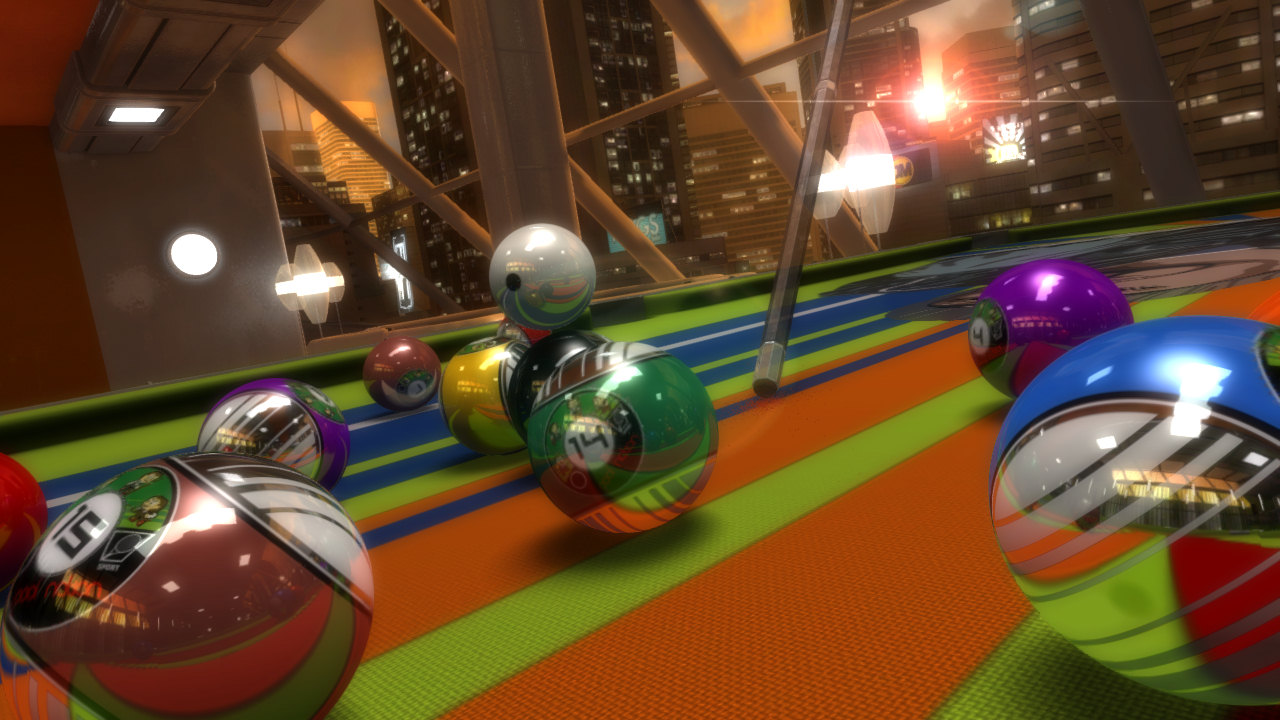
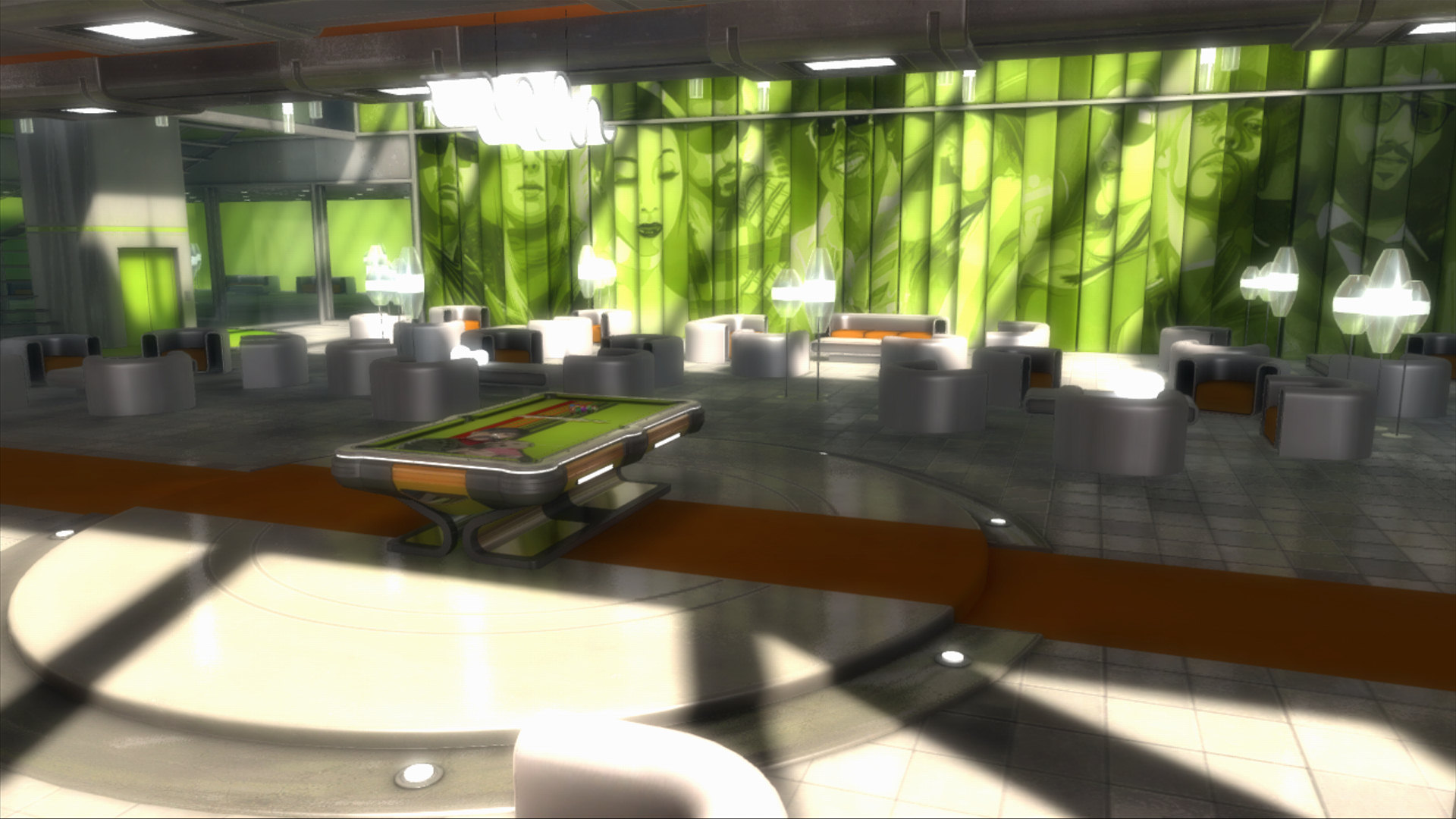
Players can personalize their environment with a wide array of balls, cues, and table decals. Settings also allow changes to the time of day, and games can be customized with a huge array of balls, cues, and table decals.
These options let you craft an ideal aesthetic without affecting core gameplay.
- Match cue and ball colors for clearer visual tracking.
- Adjust time of day to reduce glare on bright tables.
05 / THE GUIDE
Online Integration
Steam integration provides multiplayer play, leaderboards, and achievements, encouraging competition and progression. Remote Play on TV and Family Sharing extend accessibility across devices and households.
Steam Cloud ensures saved data is retained across sessions, while Trading Cards add a collectible side element.
- Check leaderboards to gauge your standing against global players.
- Enable Remote Play to enjoy pool on a larger screen.
COMMUNITY
Player discussion