 GameWiki
GET YOUR BEARINGS
About Poly Bridge
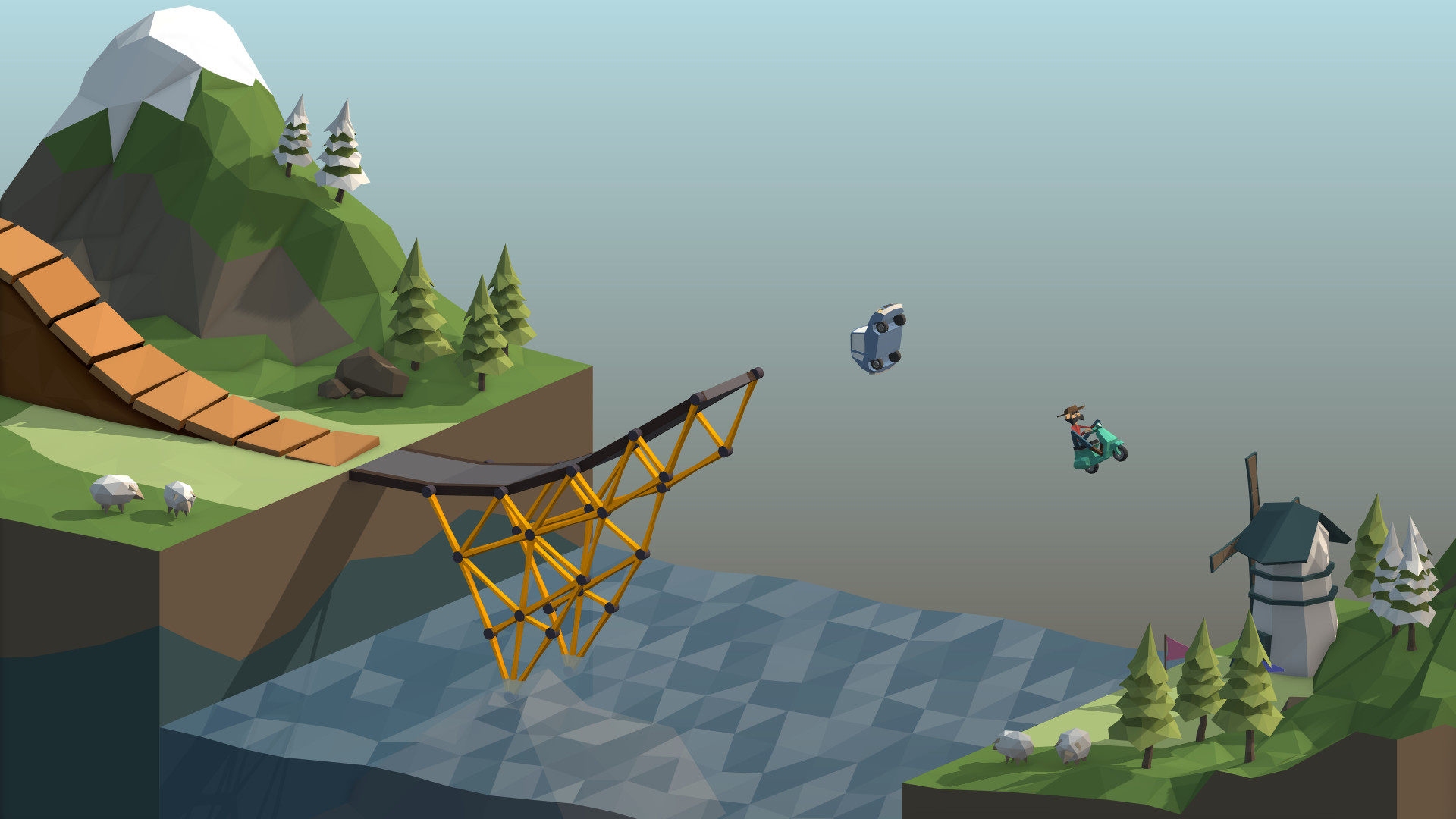
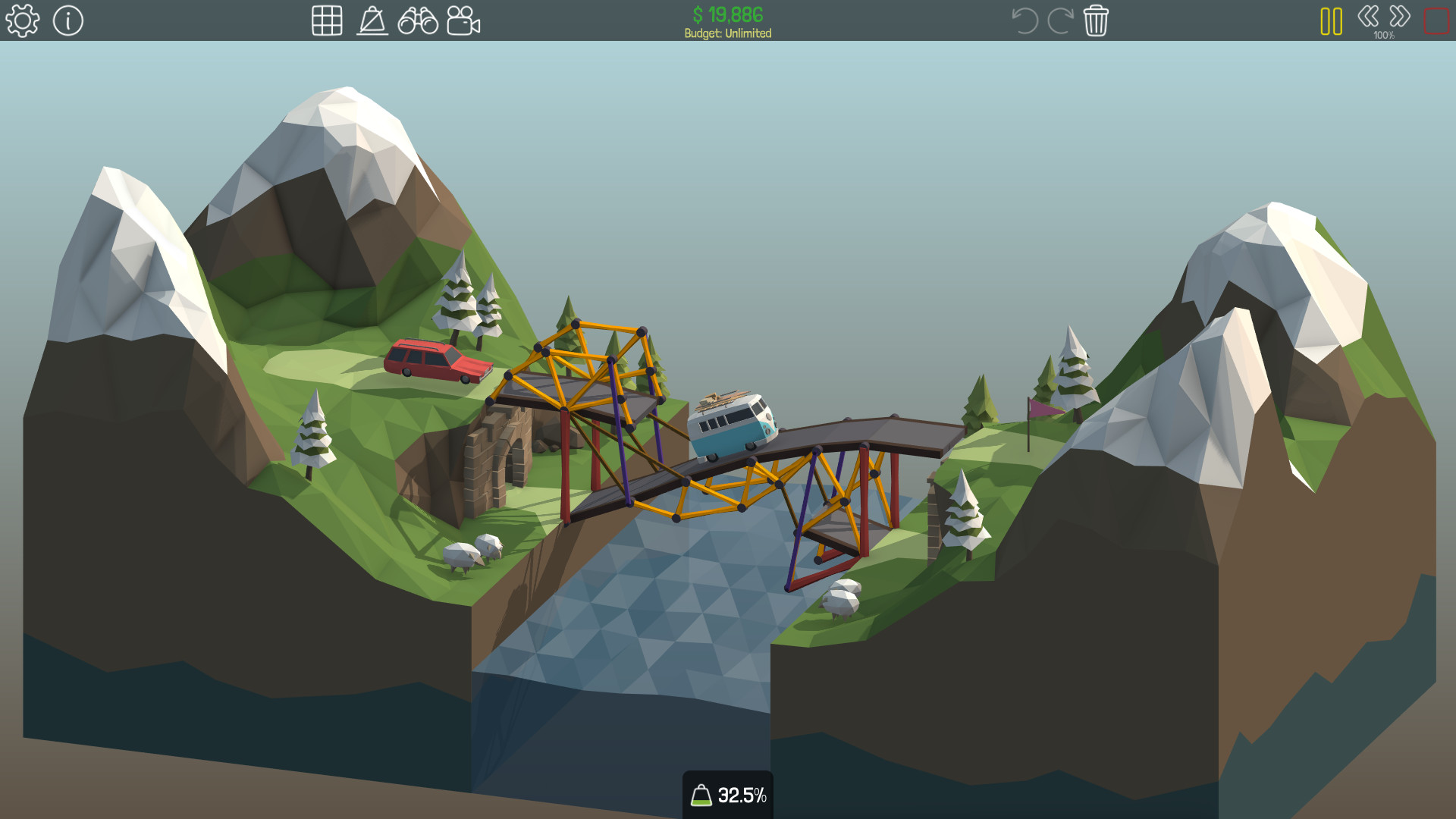
Poly Bridge is a bridge‑building simulator that mixes physics puzzles with creative construction. In the Campaign you solve increasingly difficult levels, each imposing limits on the materials you may use. The Sandbox lets you design any bridge or puzzle you like, publish it to the Steam Workshop, and share animated GIFs of your creations on social media directly from the game.
01 / THE GUIDE
Campaign Mode
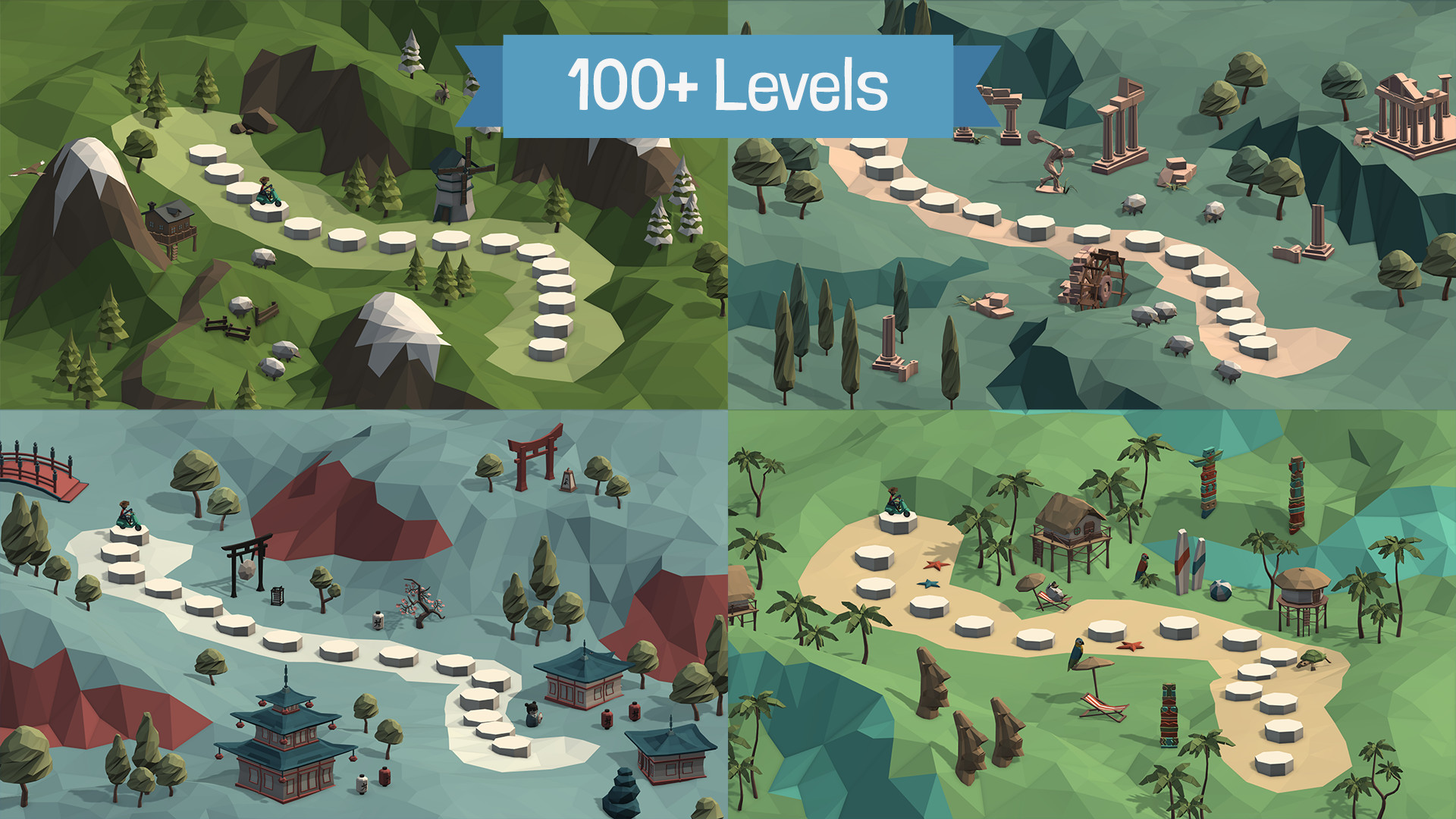
The Campaign offers a series of physics‑based puzzles that grow harder as you progress. Levels range from simple light‑car bridges to multi‑deck draw‑bridges and jumps, each with its own engineering challenges.
Resource restrictions are applied to each level, forcing you to plan carefully which materials and components to use in order to succeed.
- Experiment with different material combos early to see how they affect load capacity.
- Use the level’s built‑in checkpoints to test sections of your bridge before completing the whole design.
02 / THE GUIDE
Sandbox Creation
The Sandbox gives you free rein to build any bridge you can imagine, from functional structures to absurd experiments that push the game’s mechanics.
You can also turn your creations into custom puzzle levels and publish them for others to attempt.
- Try using the copy & paste tools to replicate successful sections quickly.
- Use the copy & paste tools to reuse successful components in future puzzles.
03 / THE GUIDE
Steam Workshop Integration
Published puzzles appear in the Steam Workshop, where the community can download and solve them. The game highlights original and fun designs to help you find worthwhile challenges.
Downloading community levels expands the number of puzzles beyond the built‑in campaign and sandbox offerings.
- Browse the featured section first to discover high‑quality community levels.
- Download extra community levels from the Workshop to keep challenging yourself beyond the built-in levels.
04 / THE GUIDE
Advanced Building Tools
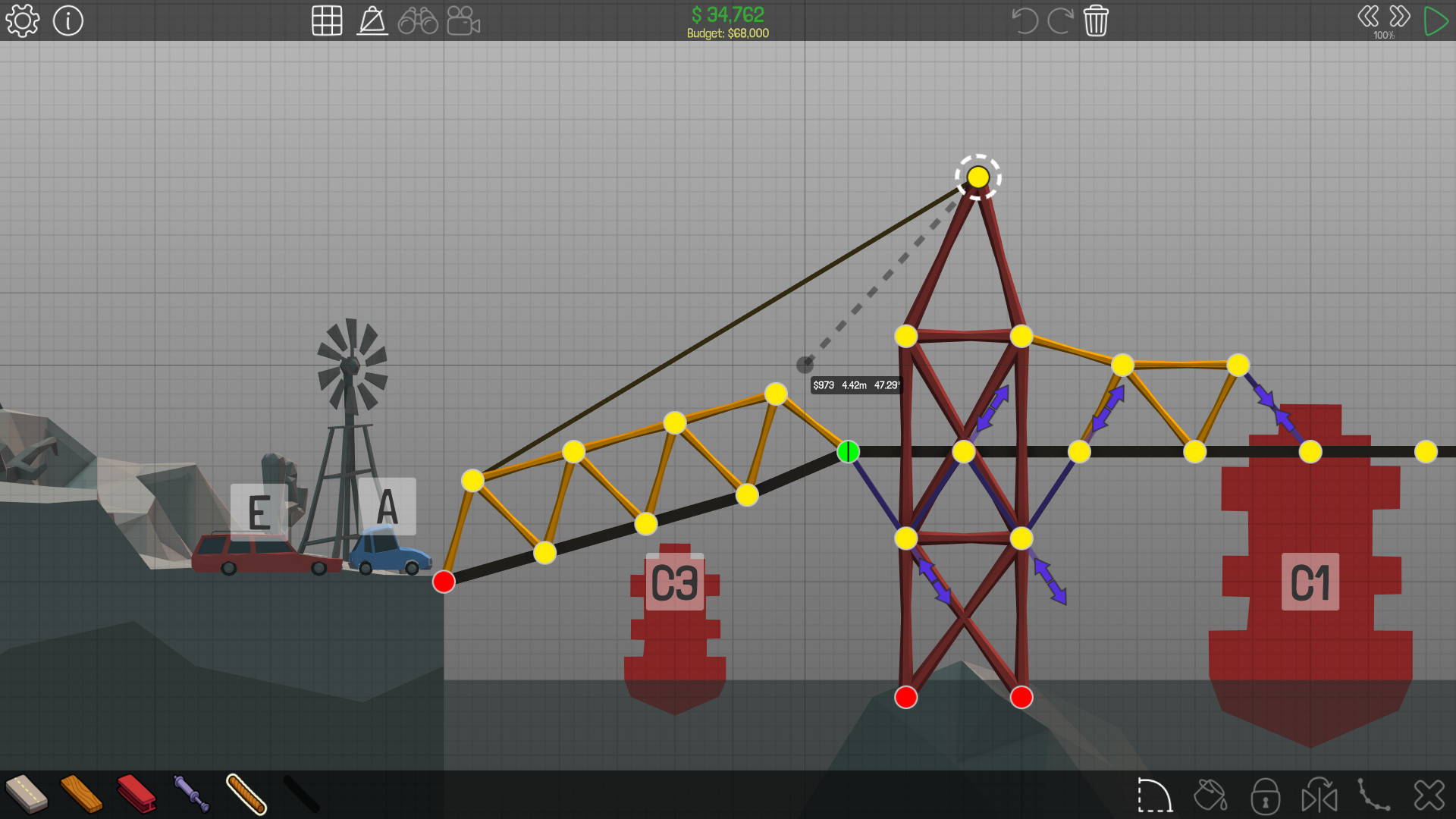
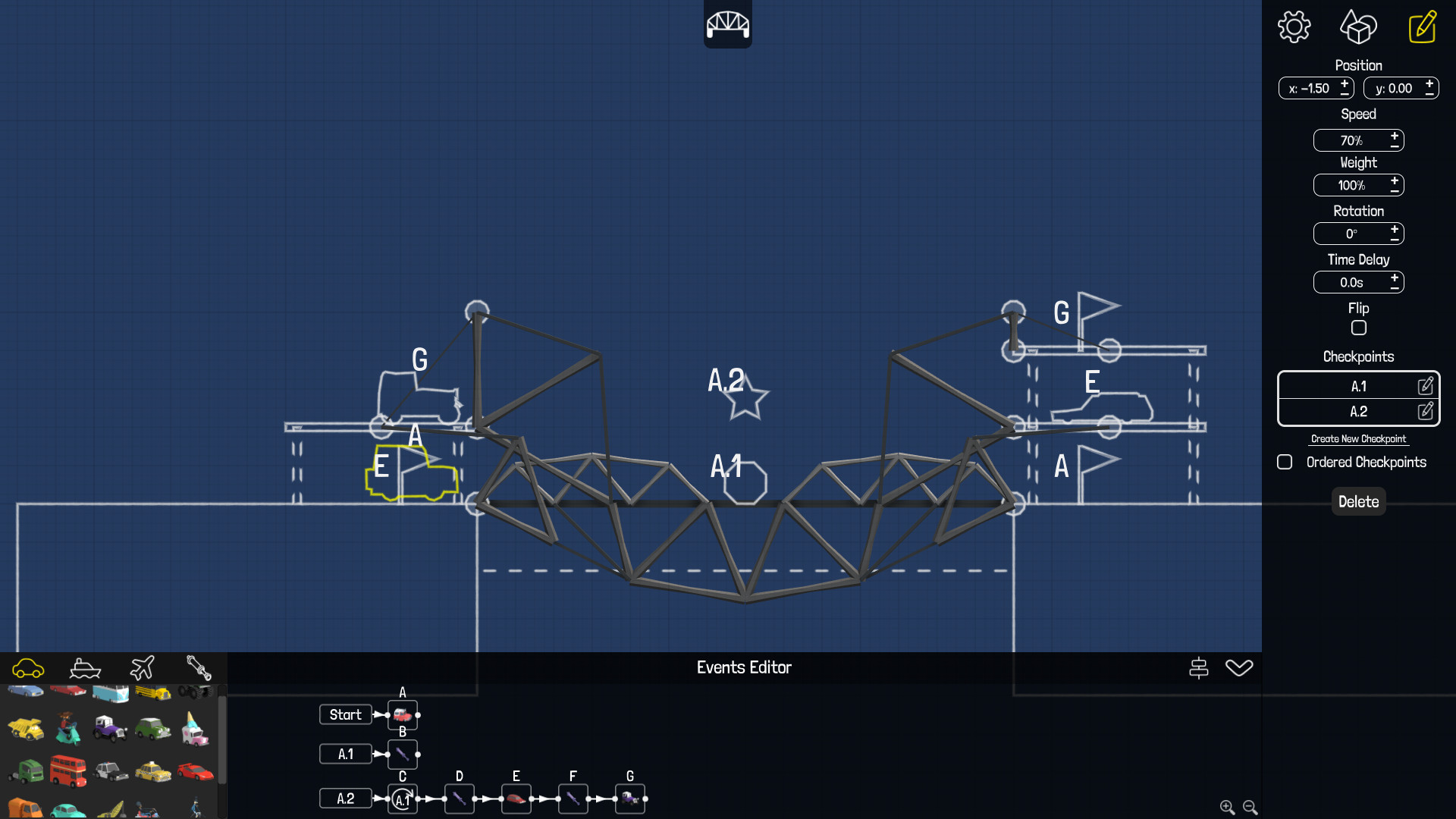
Poly Bridge includes sophisticated features such as advanced hydraulics, multi‑phase hydraulics, a controller for piston activation, and a node‑based event system for complex interactions.
Additional utilities like line tracer, copy & paste, and checkpoint placement aid precise construction.
- Use the line tracer to draw perfect arcs before filling them with material.
- Set up multiple checkpoints to isolate and troubleshoot problematic sections.
05 / THE GUIDE
GIF Sharing and Online Gallery
After building or testing a bridge, you can save an animated GIF of the result, whether it succeeds or fails, directly from the game.
These GIFs can be stored locally, uploaded to the Poly Bridge Online Gallery, or shared on social platforms without leaving the game.
- Capture a GIF of a bridge failure to analyze what went wrong.
- Share impressive successes on social media to showcase your engineering skills.
COMMUNITY
Player discussion