 GameWiki

GET YOUR BEARINGS
About Poly Bridge 3
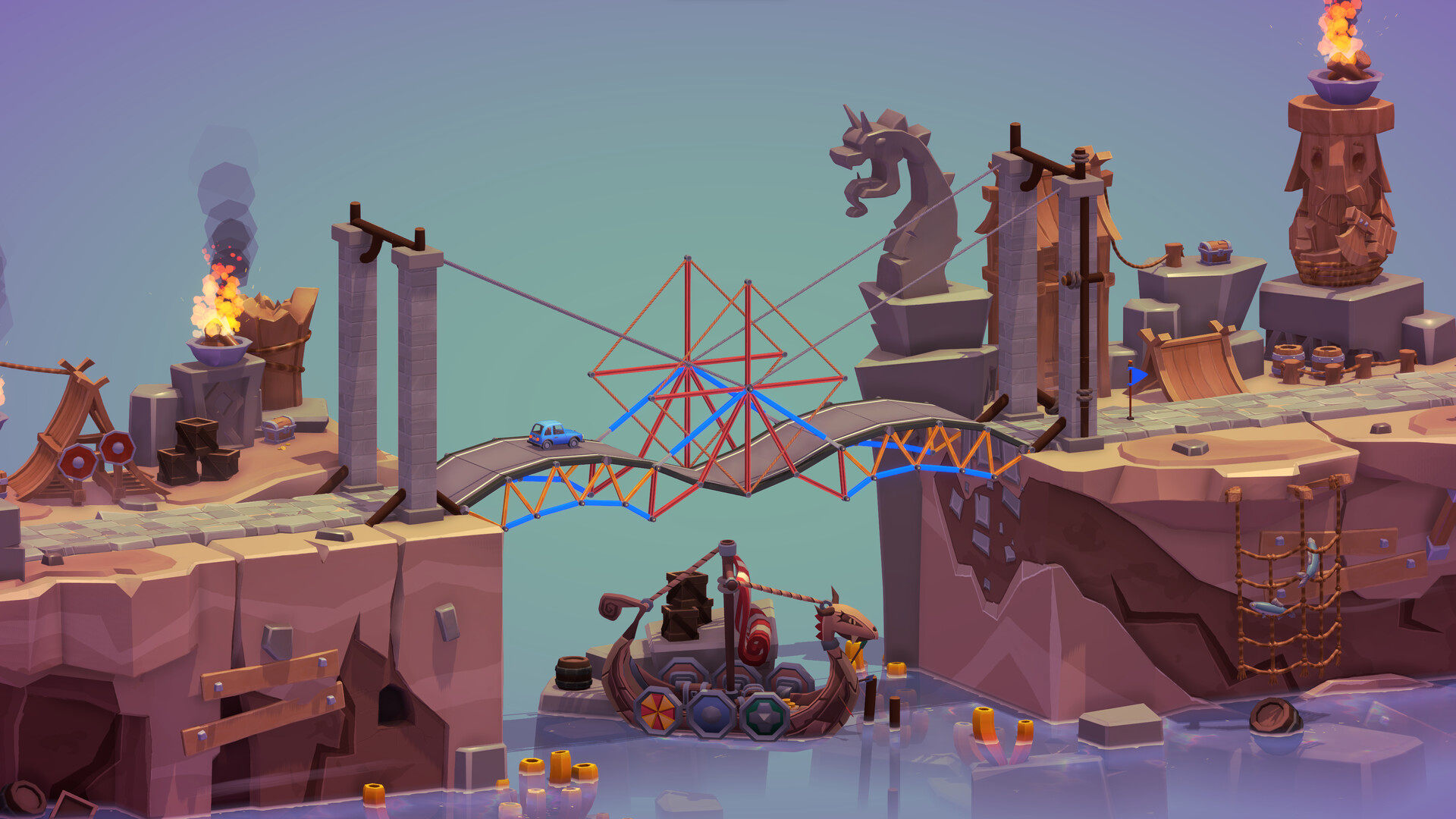
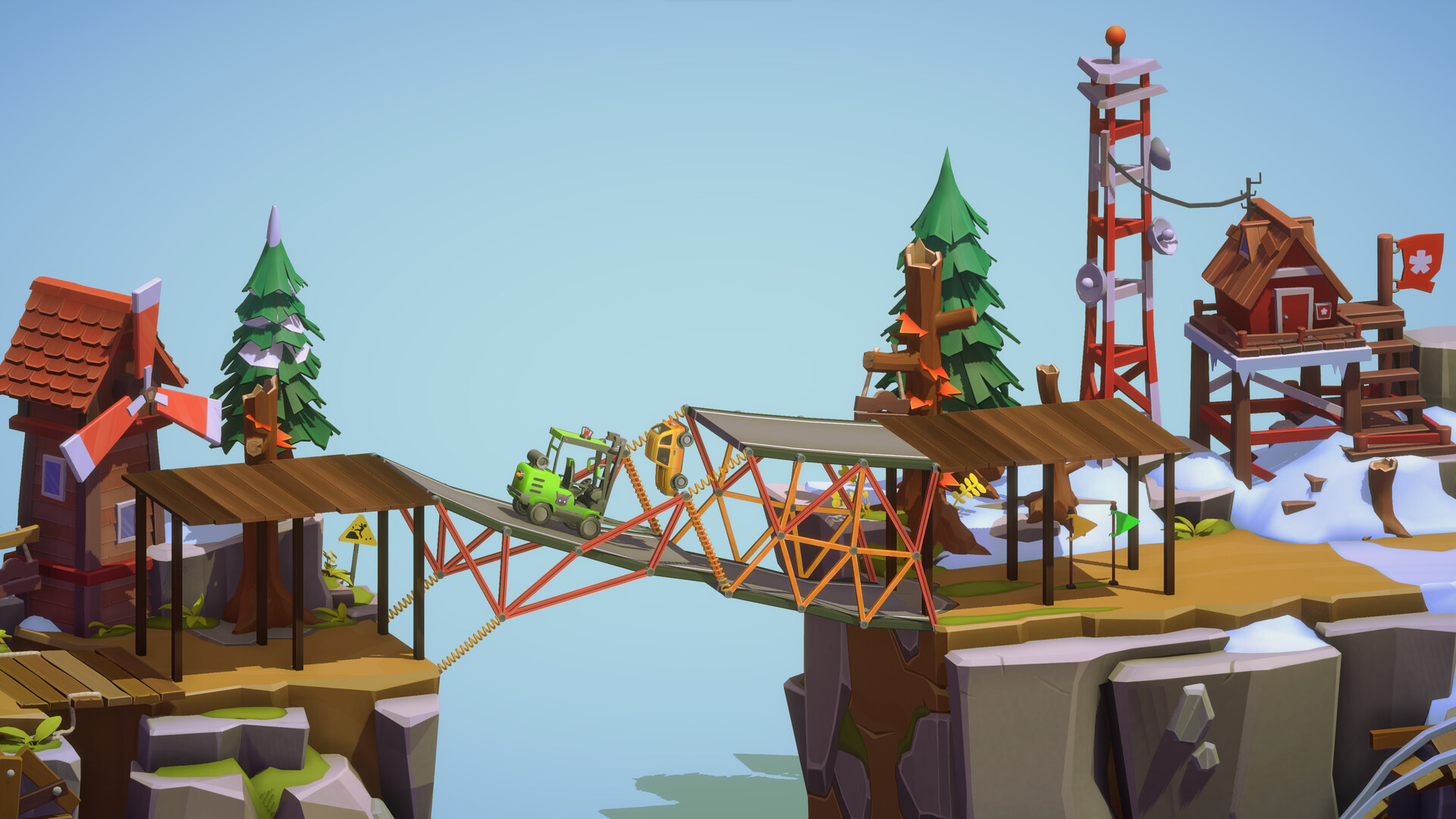
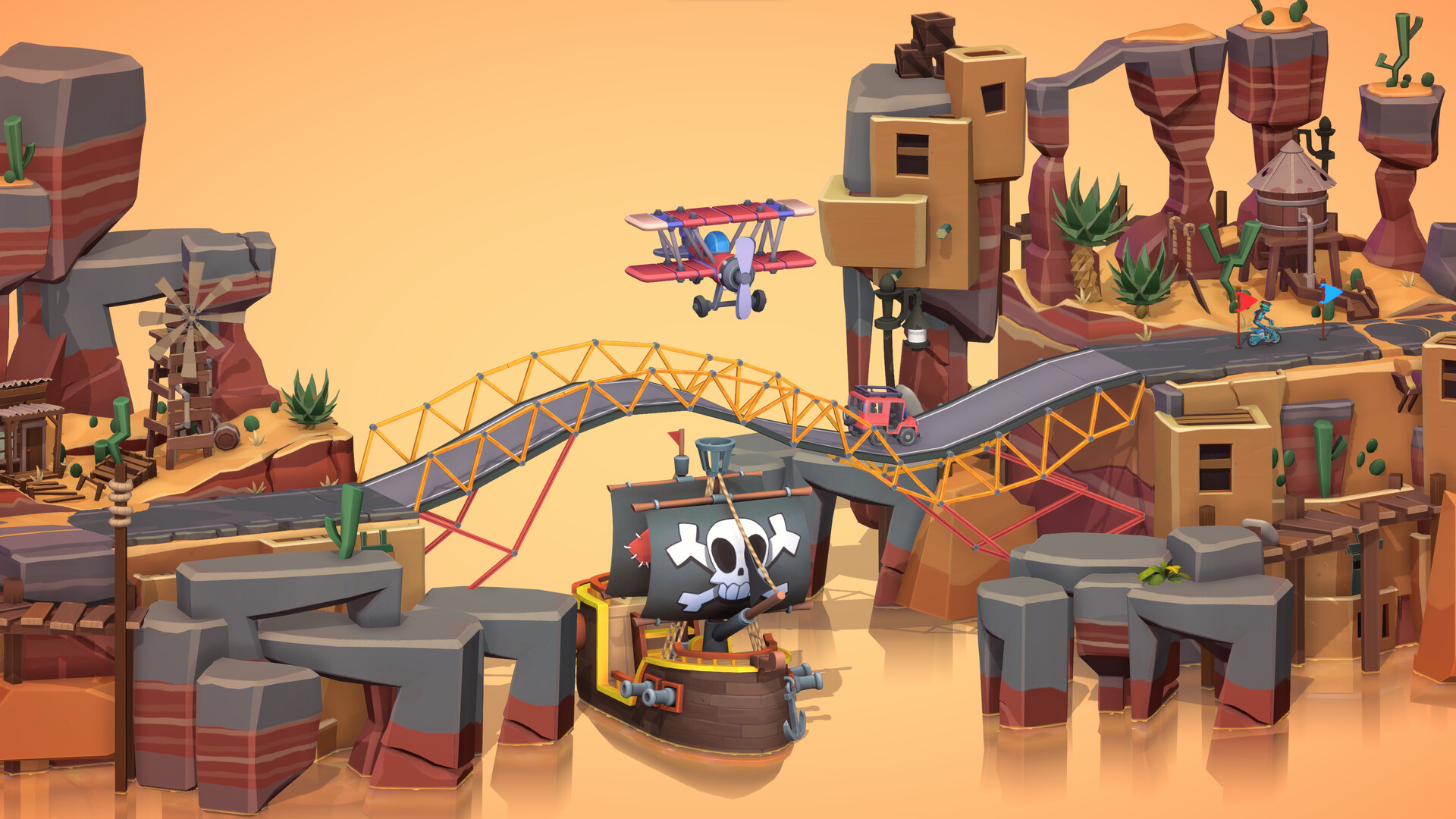
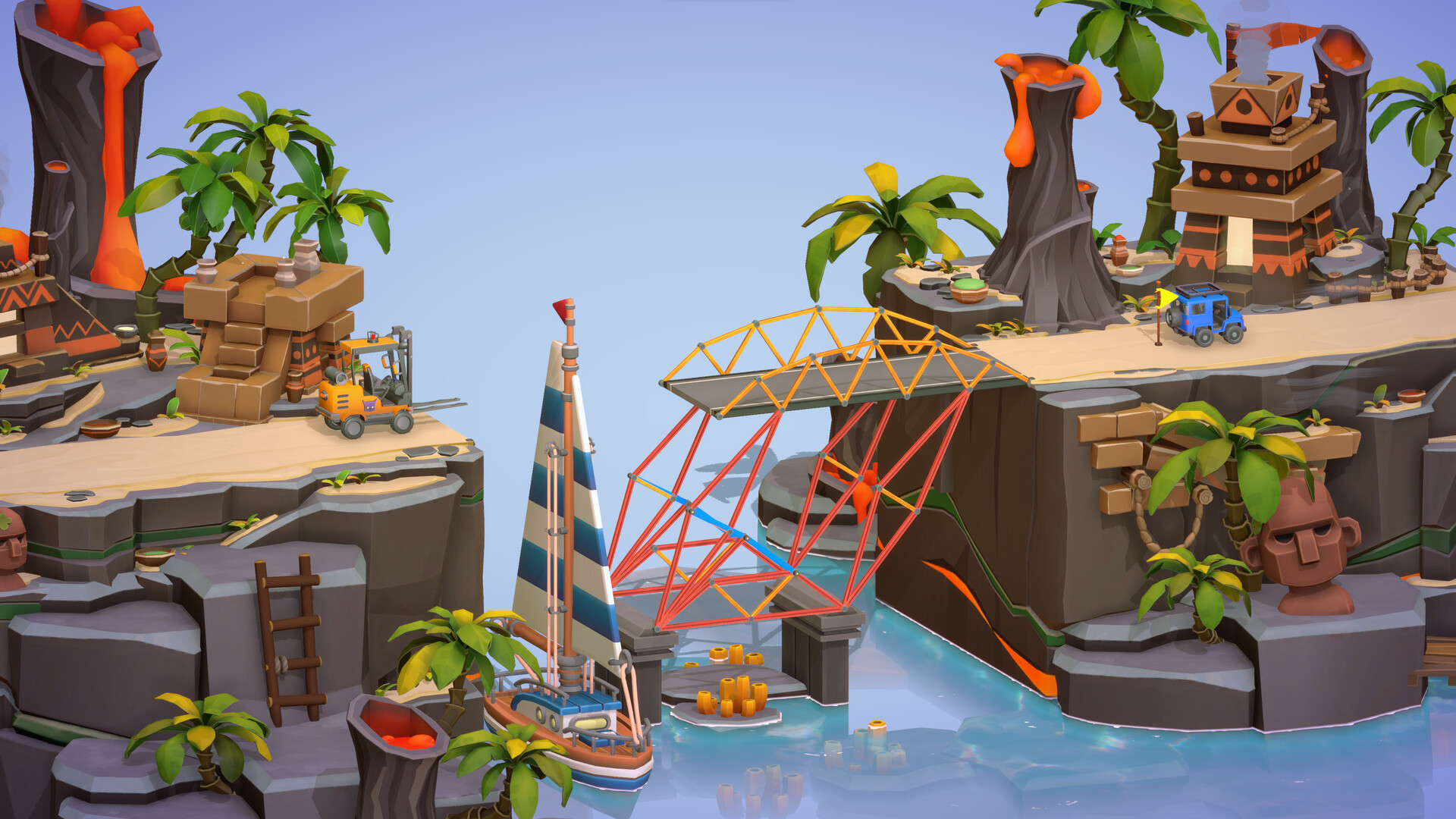
Poly Bridge 3 is a bridge‑building puzzle game that tasks players with engineering structures to move vehicles across challenging terrain. The title adds an open‑world campaign, sandbox freedom, and extensive community tools for creating and sharing content. Its custom physics engine ensures bridges behave consistently, while a variety of modes, decorations, and mod support let players personalize both challenges and aesthetics.
01 / THE GUIDE
Open World Campaign
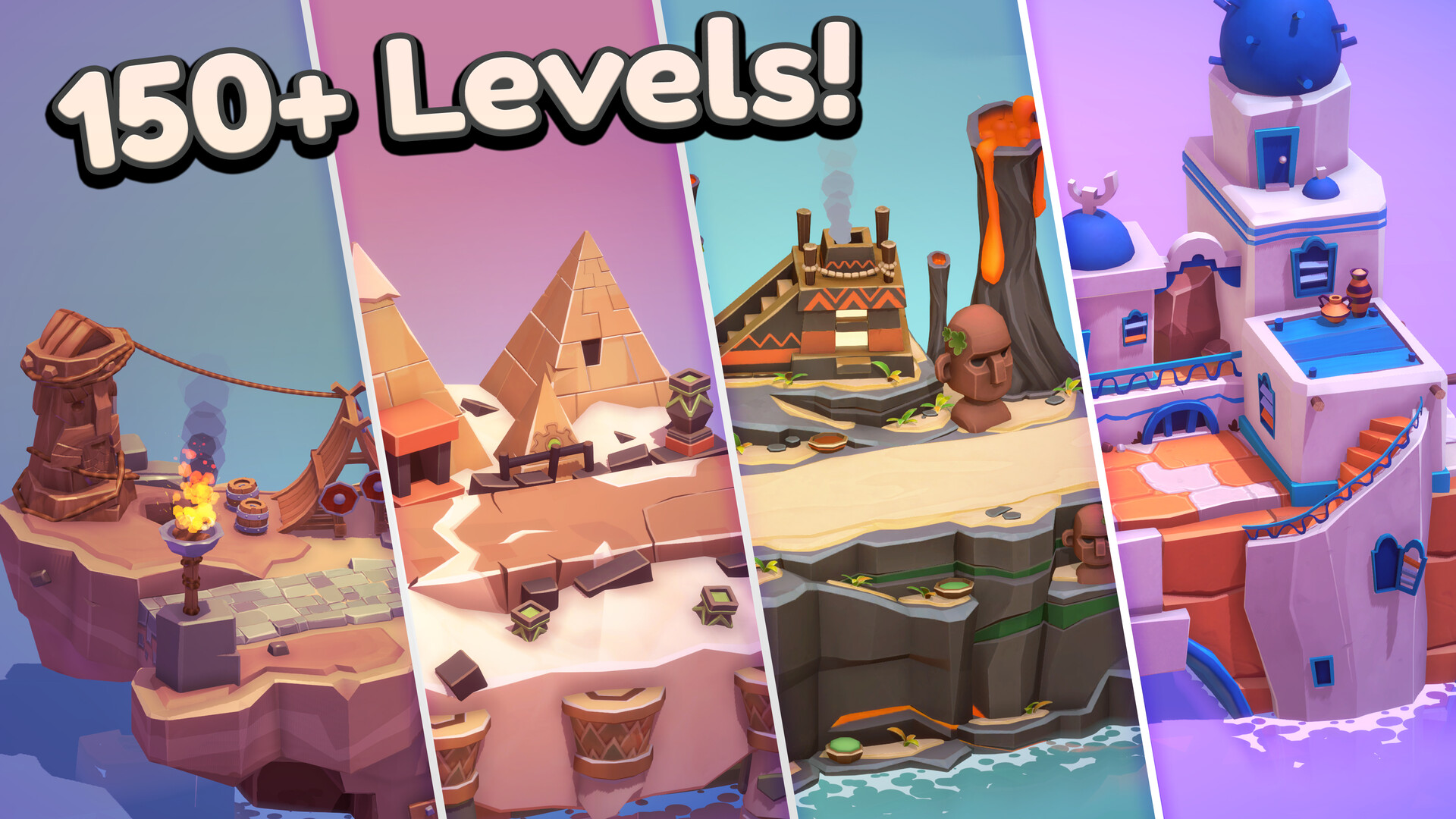
The campaign offers a dozen worlds and over one hundred new levels, featuring jumps, hydraulics, and “normal” bridges. Specific level names such as Vaulting Towers and Bifrost Bend highlight varied objectives.
Each level tests engineering and problem‑solving skills, rewarding players with hours of gameplay as they guide vehicles to their destinations.
- Experiment with hydraulic components early to master the new Bifrost Bend challenges.
- Use the jump mechanics in Vaulting Towers to practice timing before tackling harder levels.
02 / THE GUIDE
Sandbox Mode
Sandbox removes restrictions, allowing unlimited bridge construction to test the limits of the custom physics engine. Players can build without preset objectives, focusing on creativity.
The mode also serves as a testing ground for designs before publishing them to the community.
- Try extreme spans in Sandbox to see how the foundation support material handles stress.
- Use Sandbox to prototype level ideas before adding them to the Workshop.
03 / THE GUIDE
Community Workshop & Gallery
Players can design levels, vehicles, boats, planes, decorations, and custom shapes, then upload them to the Steam Workshop. The Gallery showcases community creations and leaderboards track top scores.
The Workshop provides virtually infinite content, letting users explore others’ bridge designs and compete for high rankings.
- Browse the Gallery for innovative bridge solutions you can adapt to your own levels.
- Aim for leaderboard spots by optimizing material usage and stress distribution.
04 / THE GUIDE
Custom Physics Engine
A dedicated physics system delivers reliable and accurate bridge behavior, ensuring each test run reflects the same forces and stresses. This consistency helps players fine‑tune designs.
The engine supports new materials like Foundation Support, which reduces stress in key positions despite higher cost.
- Use Foundation Support in high‑stress zones to keep bridges stable without excessive material.
- Run multiple simulations to verify that your bridge behaves identically each time.
05 / THE GUIDE
Mods, Materials, and Decorations
Mods let players adjust settings, add new options, and install language packs. New build zones restrict construction to defined borders, while pre‑built materials can be included with a level.
Decor objects ranging from traffic cones to biome‑specific items let users add visual flair without affecting structural function.
- Incorporate pre‑built materials as obstacles to increase level difficulty.
- Use themed decorations to match the biome and enhance visual storytelling.
COMMUNITY
Player discussion