 GameWiki
GET YOUR BEARINGS
About Poly Bridge 2
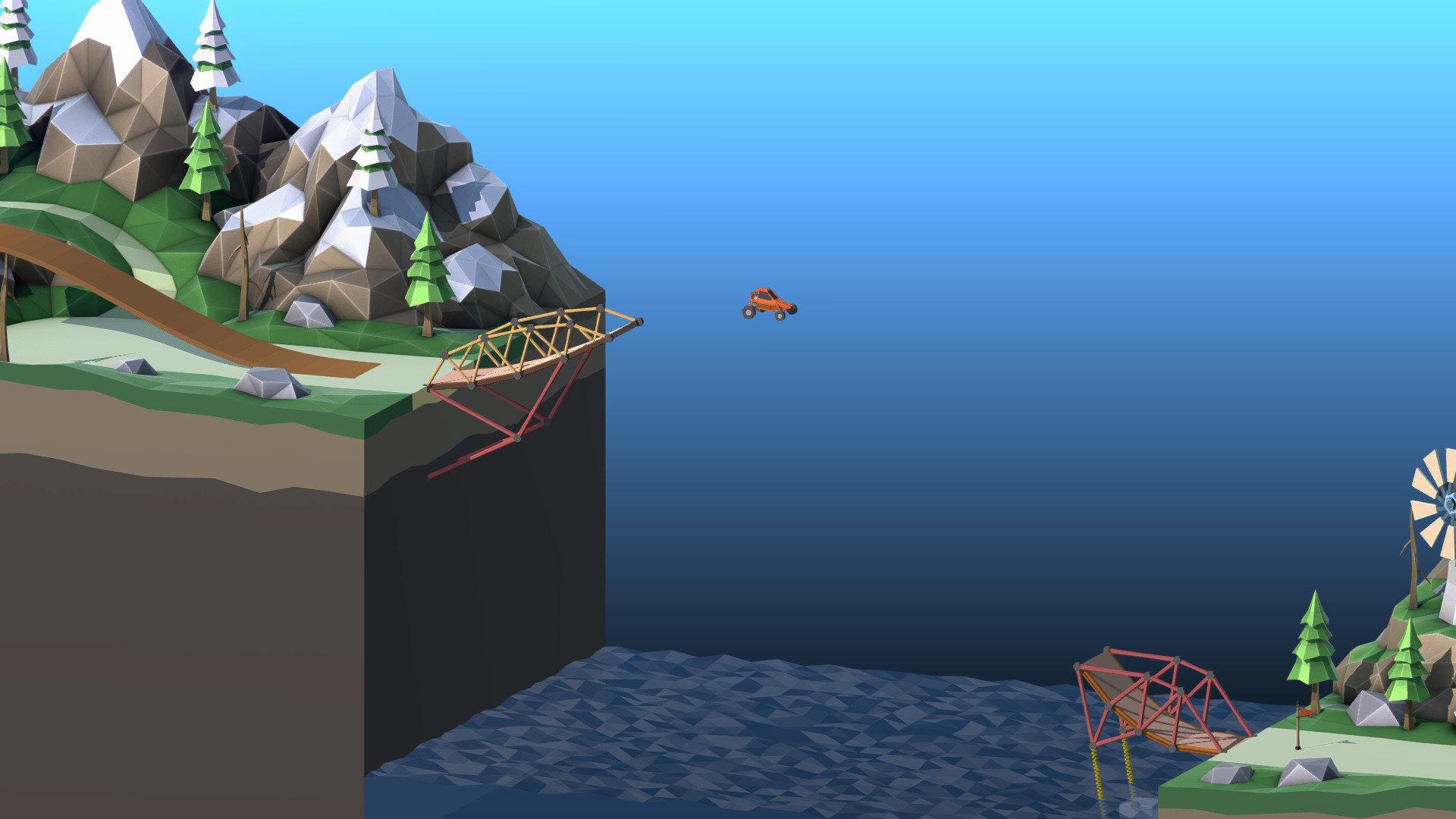
Poly Bridge 2 returns as a bridge‑building simulation that expands on its predecessor with fresh levels, new mechanics, and a custom physics engine. The game adds a Spring material for flexible structures, a First Break Indicator to spot failures, and 3‑way split joints for complex moving designs.
Beyond the core puzzles, players can create and share content through an improved Workshop, design campaign worlds, and compete on verified leaderboards. A full‑length soundtrack featuring new and remastered tracks rounds out the relaxing yet challenging experience.
01 / THE GUIDE
Custom Physics Engine
The developers built a physics engine specifically tuned for bridge simulations, promising accurate and predictable outcomes for every player. This consistency supports competitive play by ensuring identical results across submissions.
The engine is described as fine‑tuned and optimized, which helps keep the simulation stable even with the new flexible materials and moving joints introduced in this version.
- Observe how the engine reacts to different loads; consistency can guide trial‑and‑error building.
- Use the predictable physics to benchmark bridge designs before entering leaderboards.
02 / THE GUIDE
Spring Material
A new Spring material lets bridges gain extra cushion and bounce, adding flexibility to designs that need movement or shock absorption. This material expands the range of structural strategies beyond rigid beams.
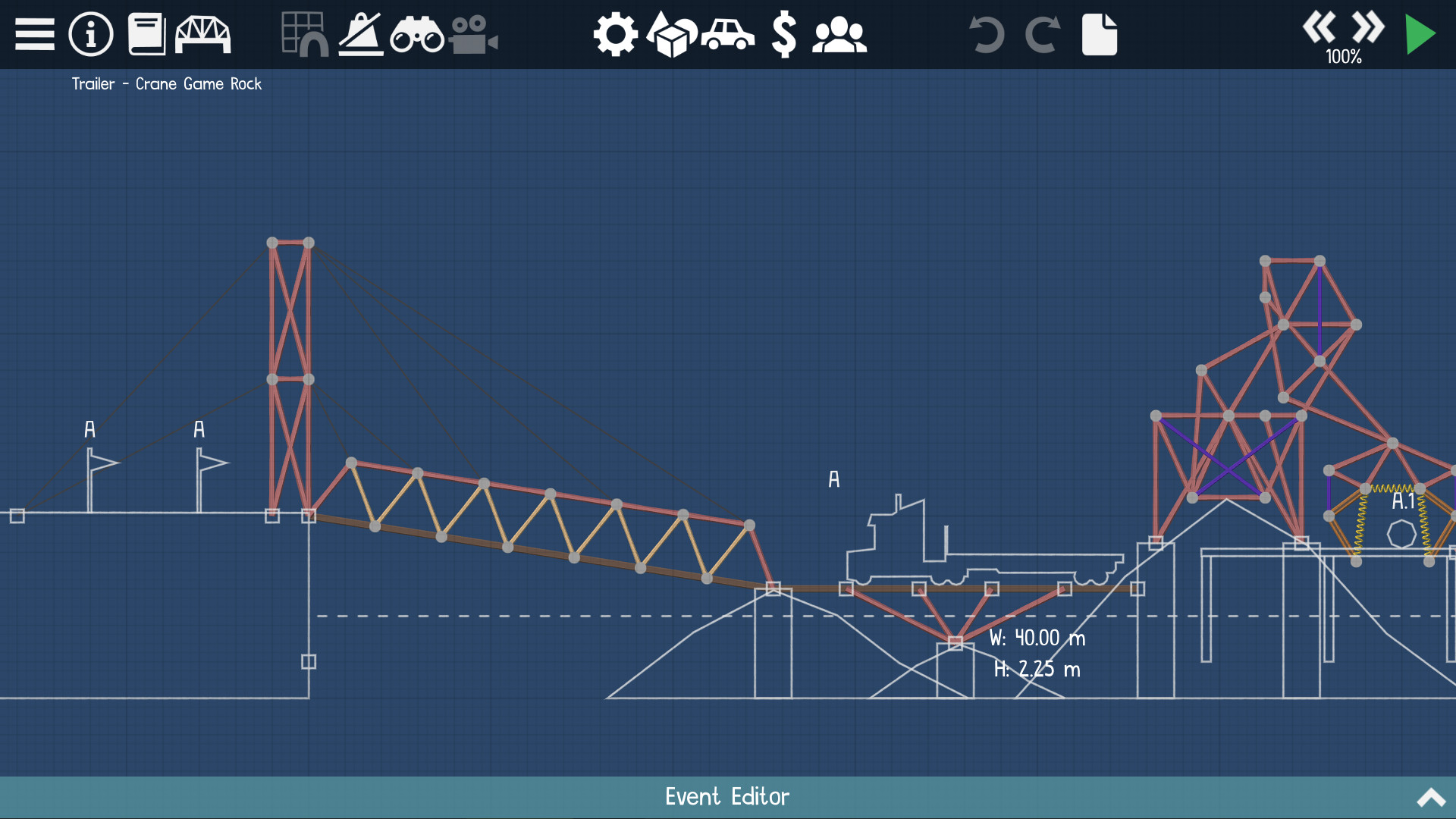
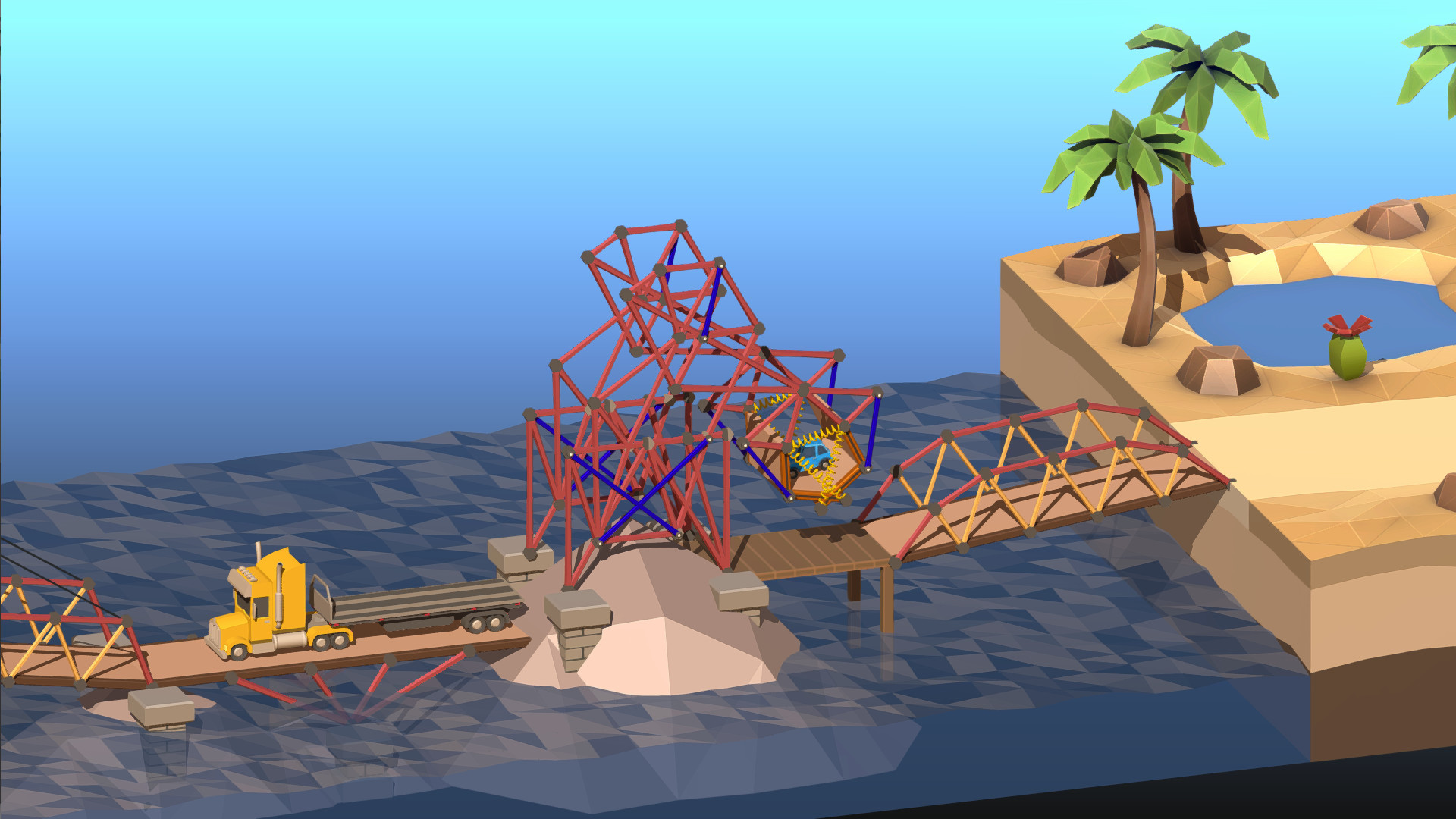
Spring can be combined with other components, such as 3‑way split joints, to create dynamic bridges that react to vehicle weight in novel ways.
- Pair springs with split joints for smoother motion in drawbridge concepts.
- Test spring tension on lighter vehicles before applying to heavier loads.
03 / THE GUIDE
Verified Leaderboards
Poly Bridge 2 features separate general and unbreaking leaderboards where entries are verified on submission. This verification process aims to keep competition fair for all participants.
The leaderboards provide a way to compare results against the broader community, encouraging players to refine their designs for better rankings.
- Review top leaderboard entries to discover efficient material combos.
- Submit multiple variations to see which performs better on the leaderboard.
04 / THE GUIDE
Workshop & Campaign Creation
An improved Sandbox level designer lets players craft unique levels, customize ramps, and choose from over twenty vehicles. Completed levels can be uploaded to the in‑game Workshop.
Workshop Campaigns let creators group levels into themed series with shared difficulty progression, and the game already includes over 100 original levels ready for replay within this system.
- Use the new objects to experiment with vehicle‑specific challenges.
- Organize your own campaign to test a gradual learning curve for friends.
05 / THE GUIDE
First Break Indicator
When a bridge collapses, the First Break Indicator highlights the initial piece that failed, making it easier to diagnose structural weaknesses. This visual aid streamlines the debugging process for complex designs.
By focusing on the first broken component, players can iteratively reinforce problem areas without rebuilding the entire bridge from scratch.
- After a failure, note the highlighted piece and reinforce it before retesting.
- Combine the indicator with spring testing to balance flexibility and strength.
COMMUNITY
Player discussion