 GameWiki
GET YOUR BEARINGS
About Pode
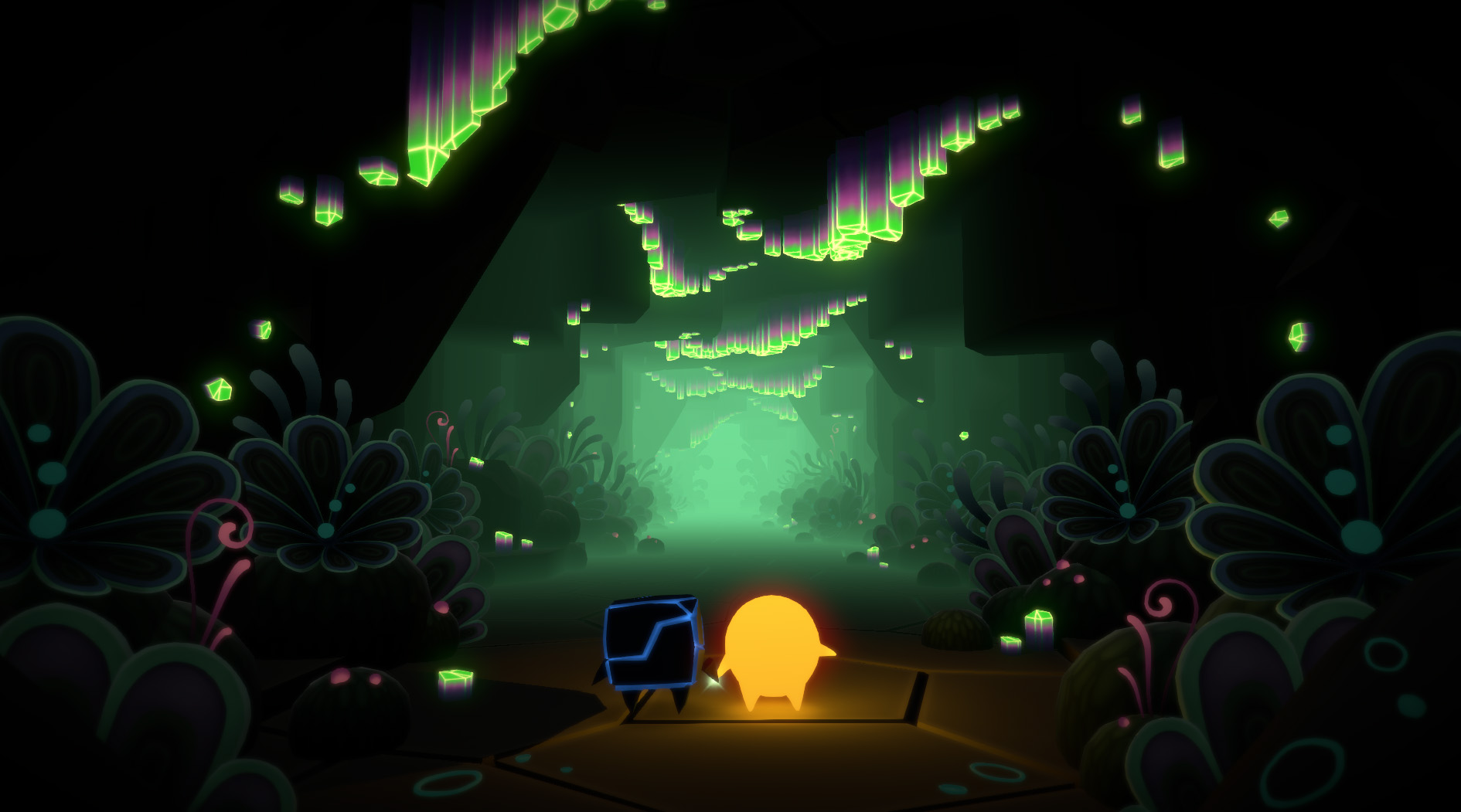
Pode is a co‑op puzzle‑exploration title starring Bulder, a rock, and Glo, a fallen star. They travel inside the magical Mount Fjellheim, awakening an ancient sleeping world as they solve riddles together.
The game features a Norwegian‑inspired art style and a soundtrack by Austin Wintory. Players may enjoy split‑screen co‑op or solo play, with a gamepad recommended for the best experience.
01 / THE GUIDE
Exploration
Players wander a beautiful, ancient cave system that draws on Norwegian art and nature. The environment reveals new passages as you progress toward the mountain’s summit.
Each discovered route leads to further puzzles and story beats, encouraging careful observation of the surroundings to locate hidden routes.
- Observe visual cues in the walls and floor; they often hint at secret passages.
- Compare the layout of early chambers with later ones to anticipate similar obstacles.
02 / THE GUIDE
Puzzles
Pode presents riddles and mechanisms that require both characters’ special abilities. Combining the two characters’ special abilities creates unique solutions.
When a puzzle is solved, a secret passage opens, advancing the journey deeper into the ruins of Mount Fjellheim.
- Try using each character’s ability in different orders to see how the environment reacts.
- Look for repeating patterns; earlier puzzles often foreshadow later ones.
03 / THE GUIDE
Co‑op and Single‑Player Modes
Pode supports shared split‑screen co‑op and solo play. In solo mode you control both companions to solve challenges.
Co‑op requires at least one gamepad, allowing a second player to manage one character while you handle the other.
- When playing alone, plan each character’s moves ahead to reduce back‑tracking.
- In co‑op, briefly discuss which ability will be needed next before each puzzle.
04 / THE GUIDE
Art Style and Music
The visual design draws from Norwegian art and natural landscapes, giving the mountain a distinct, stylized look that supports a tranquil yet mysterious tone.
Austin Wintory’s soundtrack underscores exploration and puzzle moments, enhancing immersion throughout the journey.
- Notice how color palettes shift between cavern zones as you explore the cave system.
- Listen for musical changes that may signal a newly unlocked area.
05 / THE GUIDE
Controller Recommendation
Developers recommend a gamepad for the optimal experience, applying to both solo and co‑op sessions.
For co‑op play, at least one gamepad is required for co-op play.
- If a gamepad is available, use it to keep both characters’ controls consistent.
- Consider a second gamepad for a friend in co‑op to simplify split‑screen handling.


COMMUNITY
Player discussion