 GameWiki
GET YOUR BEARINGS
About Pocket Waifu: Desktop Pet
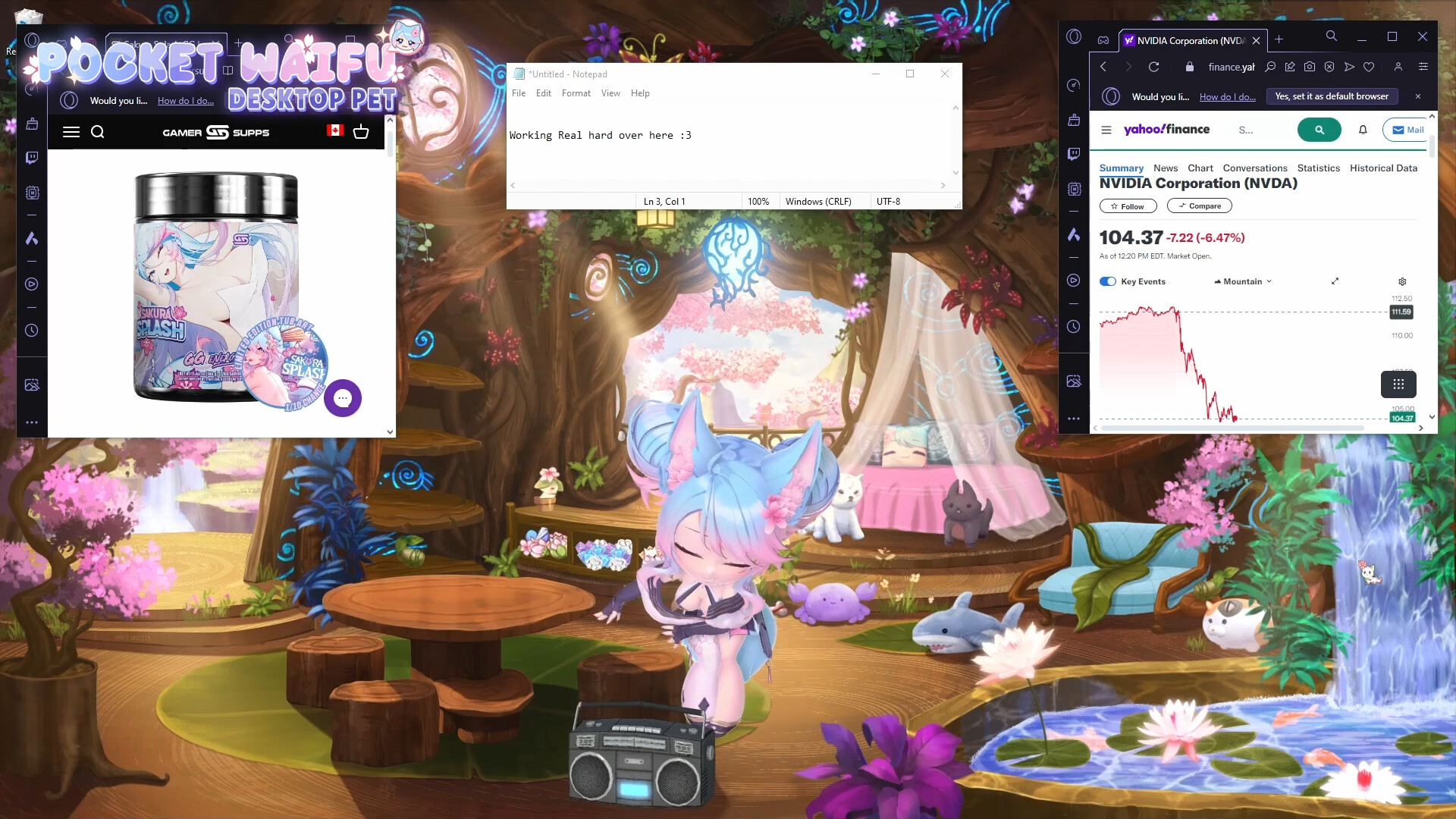
Pocket Waifu: Desktop Pet offers a 3D chibi companion that lives on your desktop while you work or game. The pet, Silvy, reacts with over 80 animations, expressions, and props, providing a lively visual presence. The app includes achievements, a simple UI, and many settings for performance and customization, plus planned expansions like Chaos Mode and productivity tools such as a Pomodoro timer.
01 / THE GUIDE
Animations & Expressions
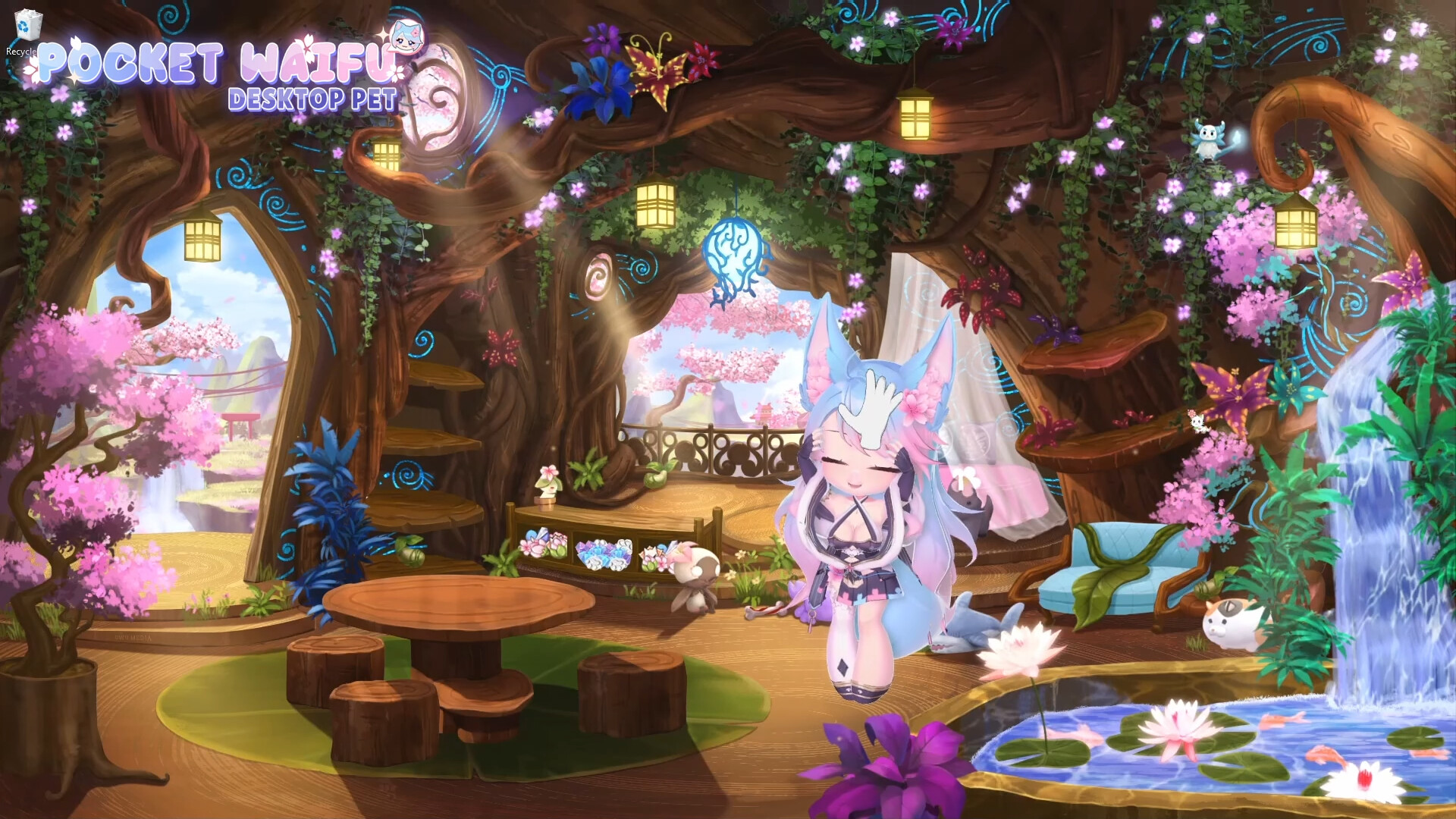
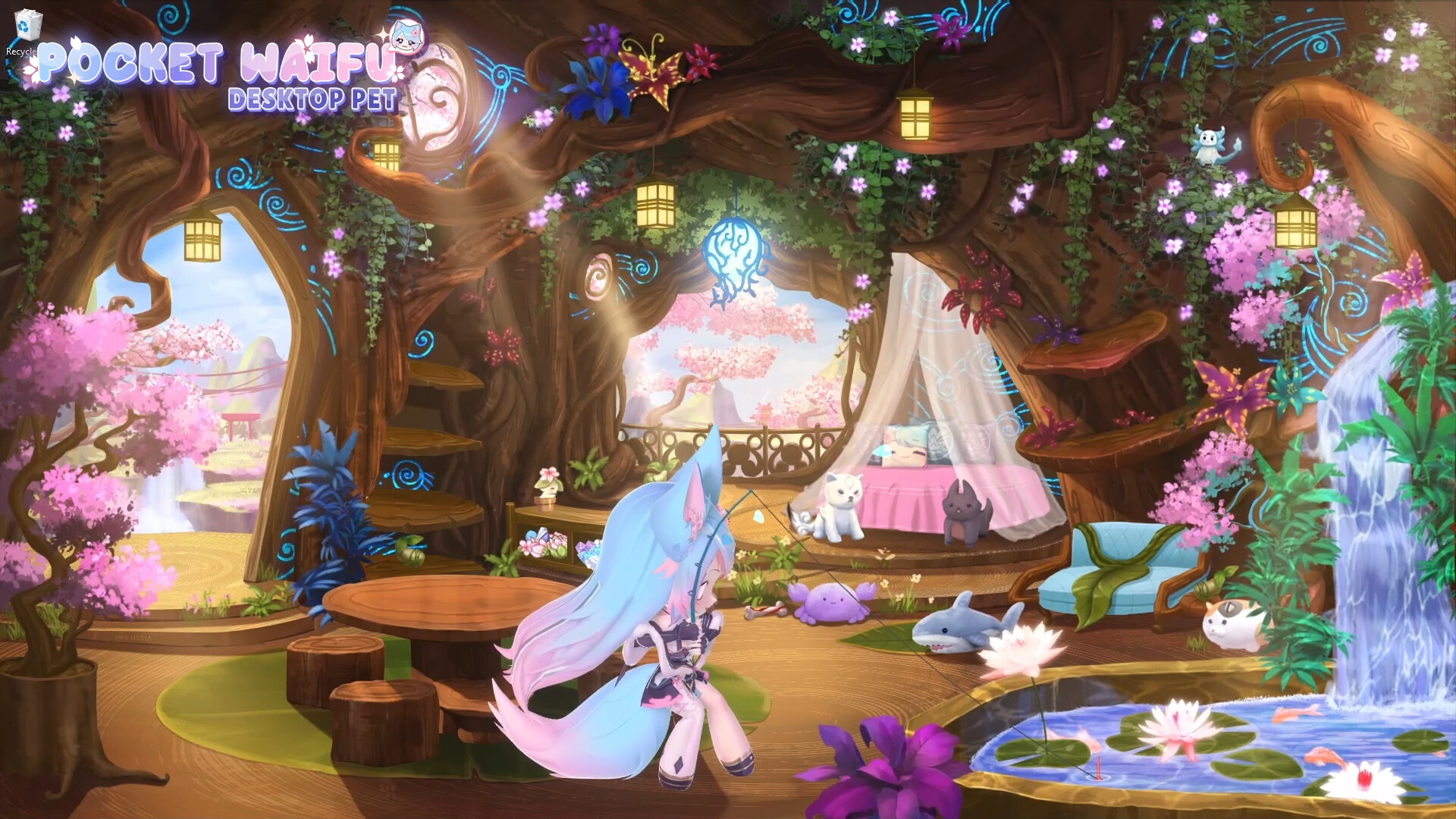
Silvy features more than eighty distinct animations, ranging from idle poses to interactive gestures. These animations are paired with a wide range of facial expressions that change based on player interaction.
Custom props and foods also trigger specific animation sets, adding visual variety. The variety ensures the desktop pet feels lively and responsive throughout the day.
- Observe which actions produce the most varied animations to keep the experience fresh.
- Combine different props with foods to discover new expression combos.
02 / THE GUIDE
Interaction Methods
Players can pat Silvy’s head, boop her nose, or even fling her across the screen when she blocks view. These simple gestures are the core ways to engage with the pet.
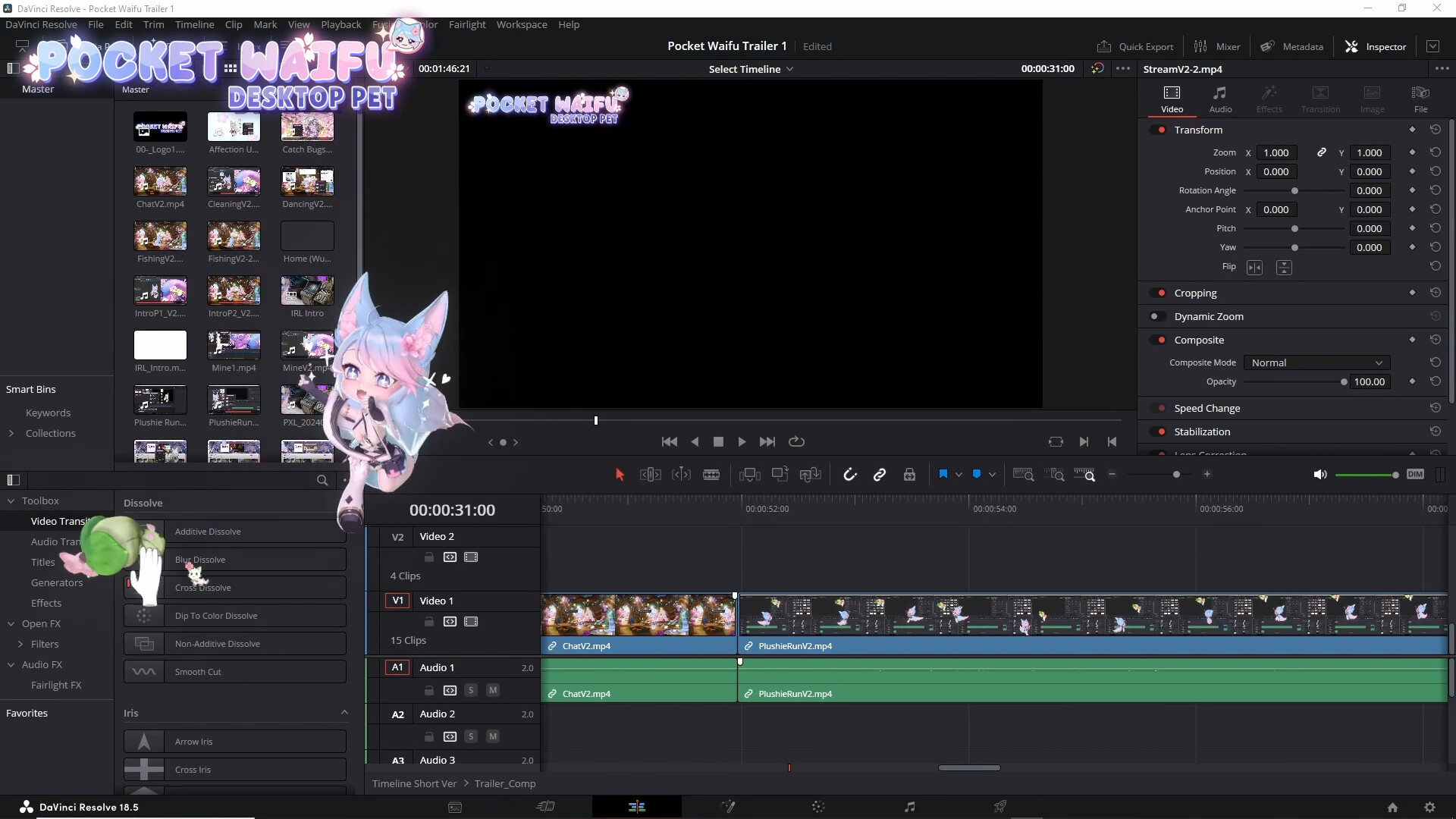
Additional activities include riding a Roomba, dancing, streaming, cleaning the screen, catching bugs, and mining minerals, each providing a different form of interaction.
- Try gentle gestures first to see how affection changes.
- Use the more disruptive “yeet” action sparingly to avoid covering important windows.
03 / THE GUIDE
Achievements
The game tracks player milestones through a built‑in achievement system. Achievements are earned as you play, giving players a clear sense of progress.
These achievements are displayed within the simple UI, giving players a clear sense of progress without complex menus.
- Check the achievement list regularly to target easy goals.
- Combine daily petting with other activities to earn multiple achievements at once.
04 / THE GUIDE
Settings & Performance
A range of settings lets users tailor visual fidelity and resource usage. Options include performance optimizations that help the pet run smoothly alongside other software.
Many settings options let you customize the experience, helping the pet fit comfortably into your setup.
- Lower visual settings if you notice lag while gaming.
- Explore the many settings options to match your preferences.
05 / THE GUIDE
Planned Features
Future updates promise a Chaos Mode where Silvy becomes highly disruptive in entertaining ways. Additional interactions, accessories, outfits, and a Pomodoro timer are also slated.
Language translations and a to‑do list are listed among upcoming enhancements, indicating a broader utility beyond pure entertainment.
- Stay tuned to update notes for new interaction possibilities.
- Consider how a Pomodoro timer could integrate with your work routine.

COMMUNITY
Player discussion