 GameWiki
GET YOUR BEARINGS
About Pocket City
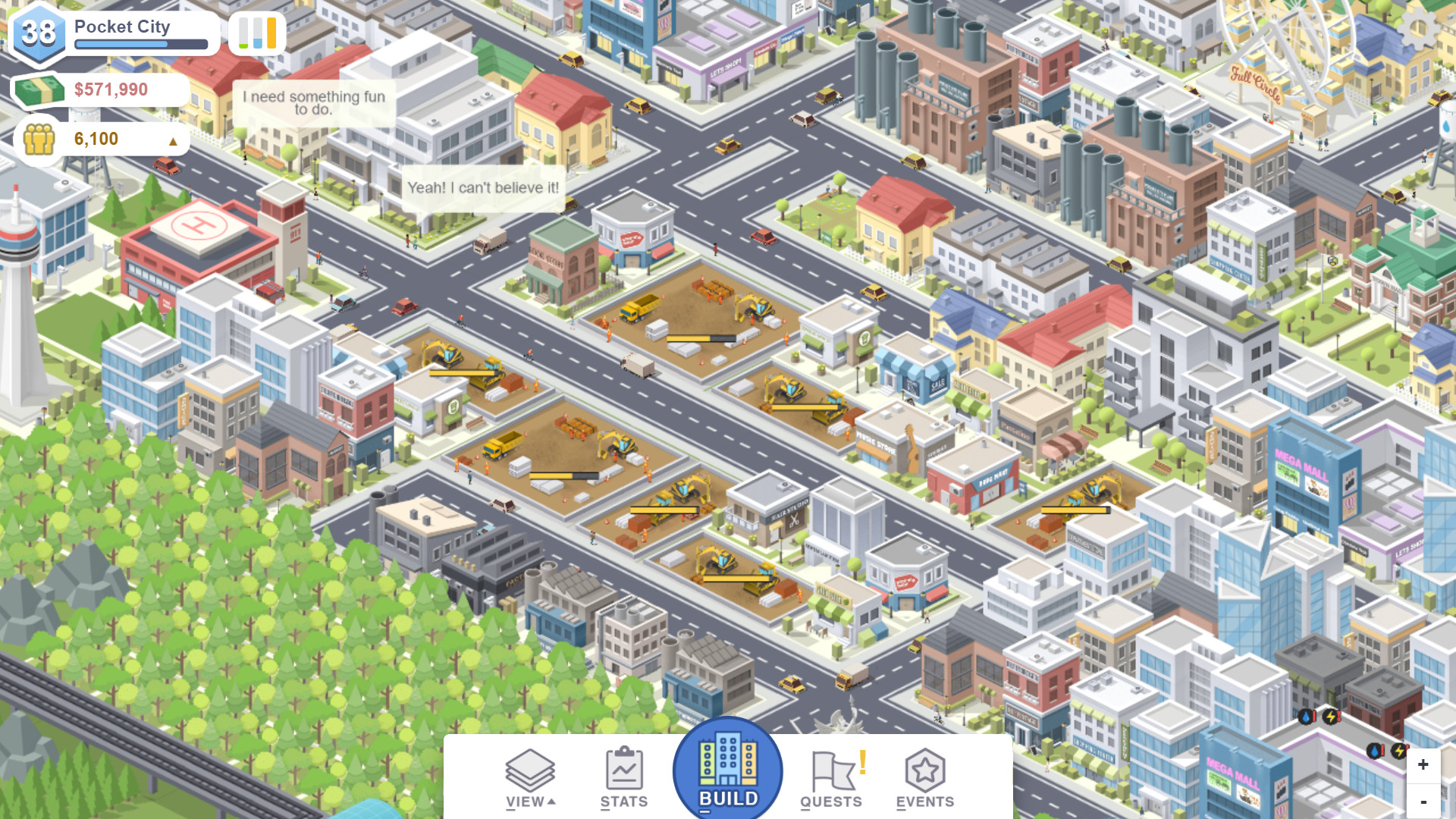
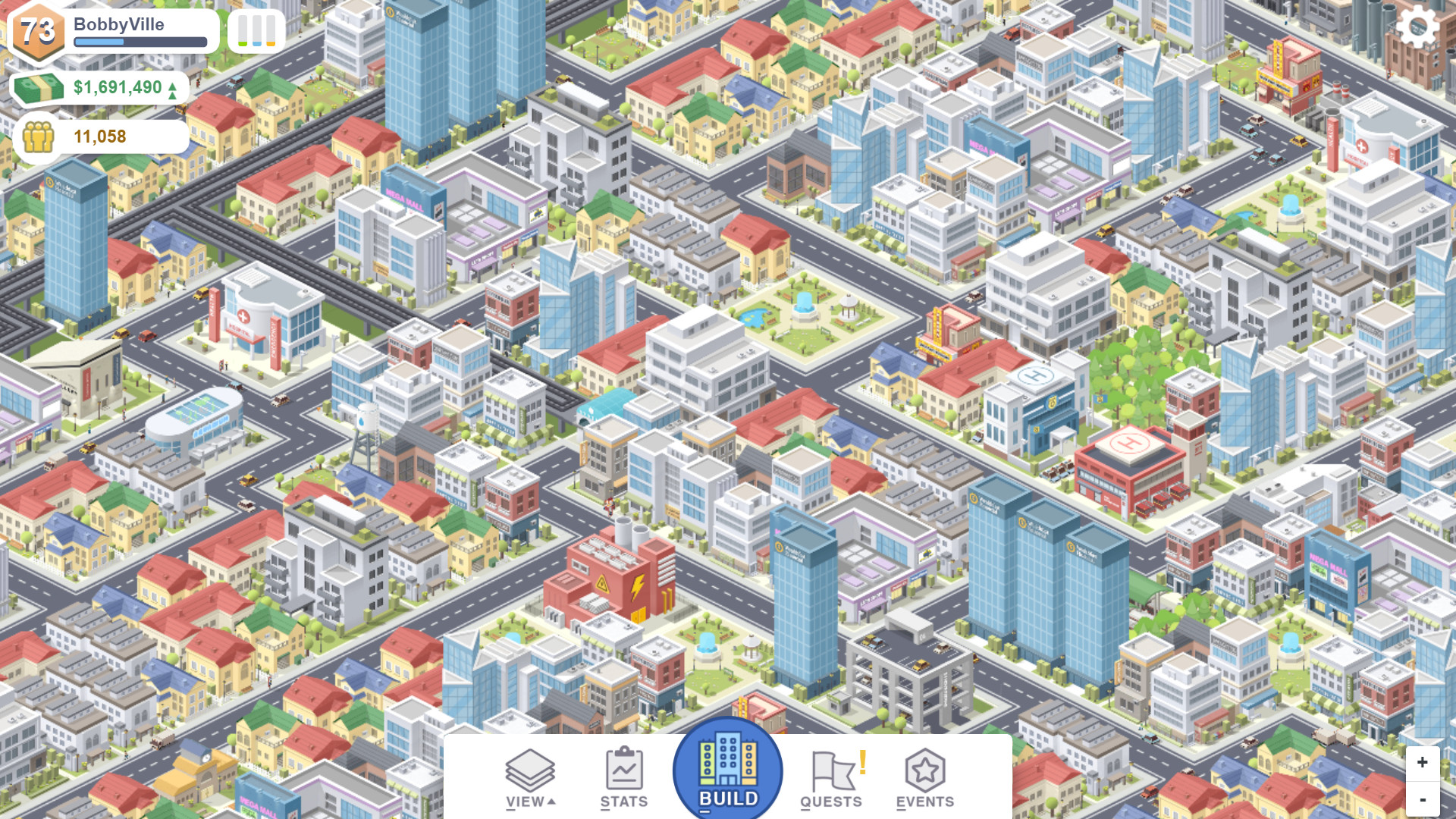
Pocket City is a casual, light‑hearted city‑building simulation where you act as mayor and shape a growing metropolis. The game offers simple controls for zoning, building services, and recreational structures while citizens, vehicles, animals and animated buildings bring the city to life.
Progress is driven by completing advisor quests for XP and money, and by leveling up to unlock new building options. Disasters such as tornadoes and events like block parties add variety, and cloud upload lets you move or share your city across devices.
01 / THE GUIDE
Zones and Buildings
You can create residential, commercial, and industrial zones, each providing space for specific building types that support population growth and income generation. Zones determine where homes, shops, factories and related services appear in your layout.
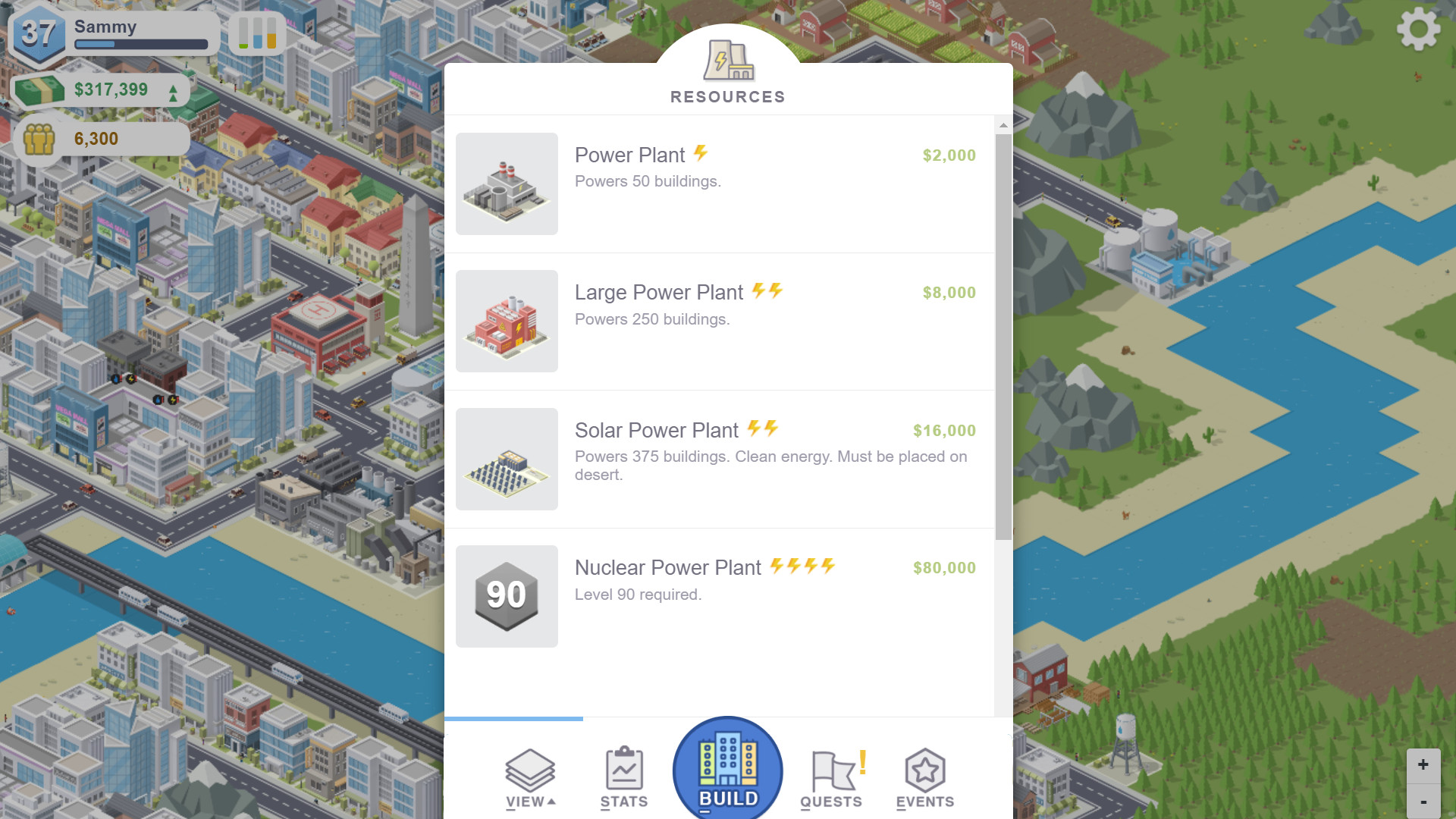
As you level up, advanced buildings become available, expanding the range of services and decorative options you can place. These buildings can enhance city functions or add visual variety beyond the basic zones.
- Experiment with different zone mixes to see how they affect cash flow.
- Place recreational buildings near residential zones and observe any change in citizen happiness.
02 / THE GUIDE
Quests and Progression
Advisors issue quests that reward experience points and money, giving clear short‑term goals and guiding early development decisions. Completing quests adds to your total XP and cash reserves.
Accumulating XP raises your level, which in turn unlocks new building options and expands the range of city designs you can create. Level progression is the primary path to accessing advanced structures.
- Prioritize quests that grant money early to fund essential services.
- Track which quests give the most XP for your current level.
03 / THE GUIDE
Disasters and Events
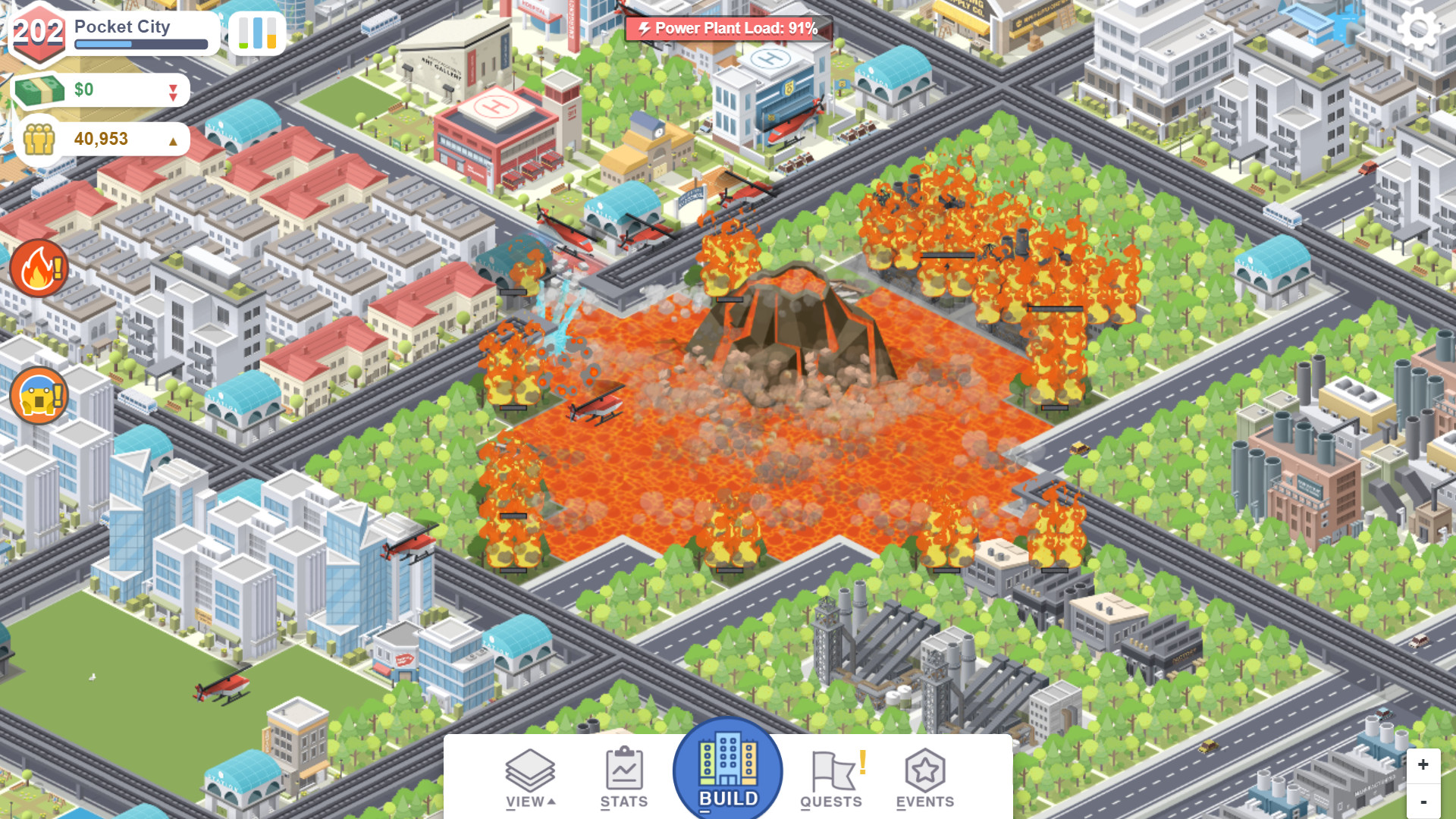
Disasters such as tornadoes can strike, requiring you to adjust services and infrastructure to mitigate damage. These events test the resilience of your city’s layout and emergency planning.
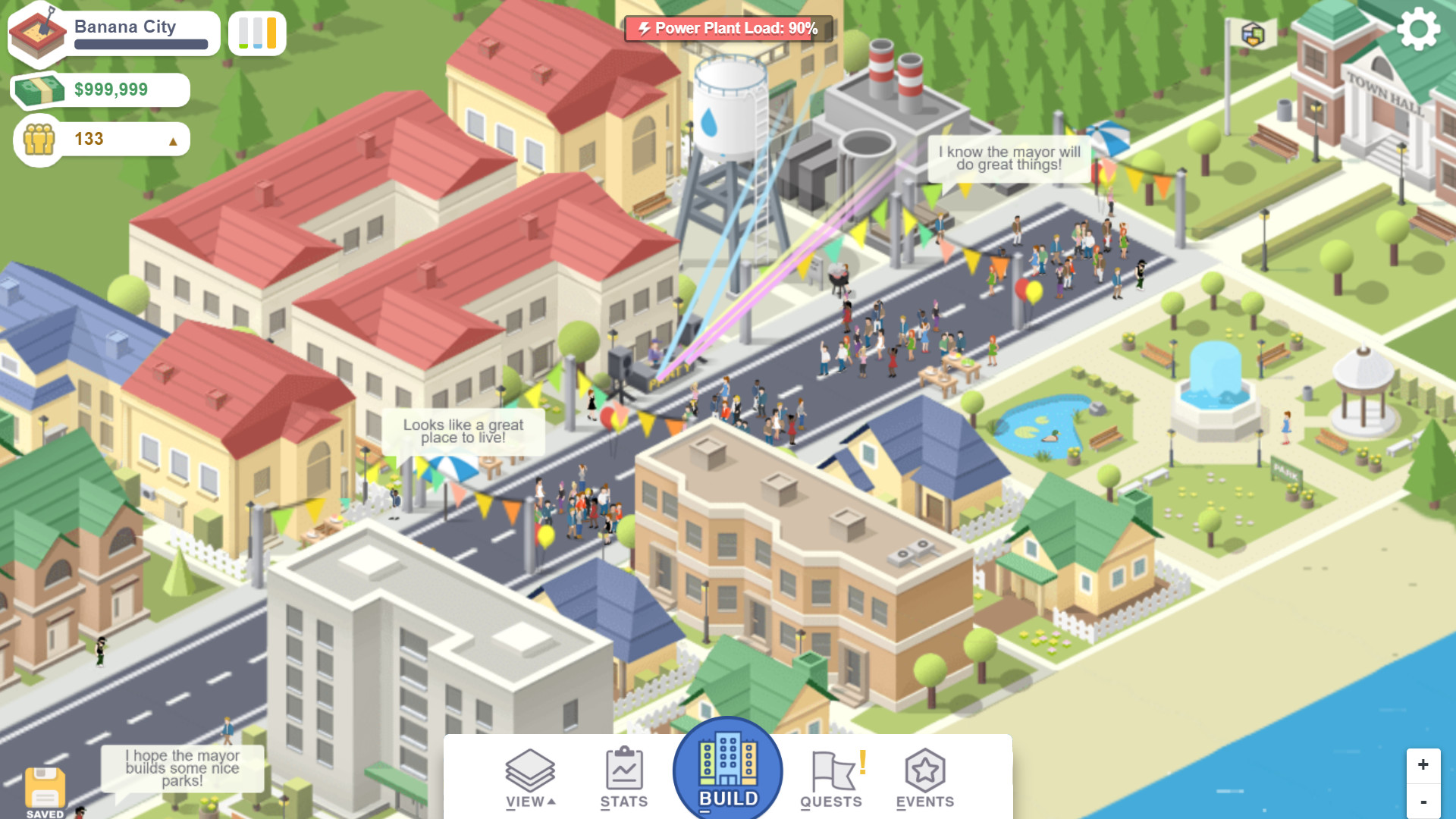
Fun events like block parties also occur, offering a lighter contrast and giving citizens a chance to celebrate together. Events add a lighter, celebratory contrast to everyday city life.
- Build emergency services in areas where disasters are likely.
- Observe how block parties influence happiness after a disaster.
04 / THE GUIDE
City Management Metrics
Success is measured through cash flow, traffic, happiness and other indicators; balancing these ensures steady growth and prevents problems. Each metric reflects a different aspect of city health.
Regularly reviewing these stats lets you spot weak spots such as congested roads or unhappy neighborhoods and apply targeted improvements to keep the city thriving.
- Check traffic after adding new commercial zones.
- Monitor happiness after building new recreational facilities.
05 / THE GUIDE
Cloud Save and Sharing
Your city can be uploaded to the cloud, allowing you to transfer it to another device while preserving all progress. Cloud upload lets you transfer your city between devices or share it with a friend.
The same cloud feature lets you share your saved city with a friend, who can then download and explore your layout on their own device.
- Upload before switching devices to avoid losing progress.
- Share with a friend to compare layout strategies.
COMMUNITY
Player discussion