 GameWiki
GET YOUR BEARINGS
About Pleh!
Pleh! is a free‑to‑play indie adventure for Windows that presents a solitary, introspective experience. Jester Games warns that the title deals with heavy subjects such as depression, suicide, and social anxiety, and it may not suit every player.
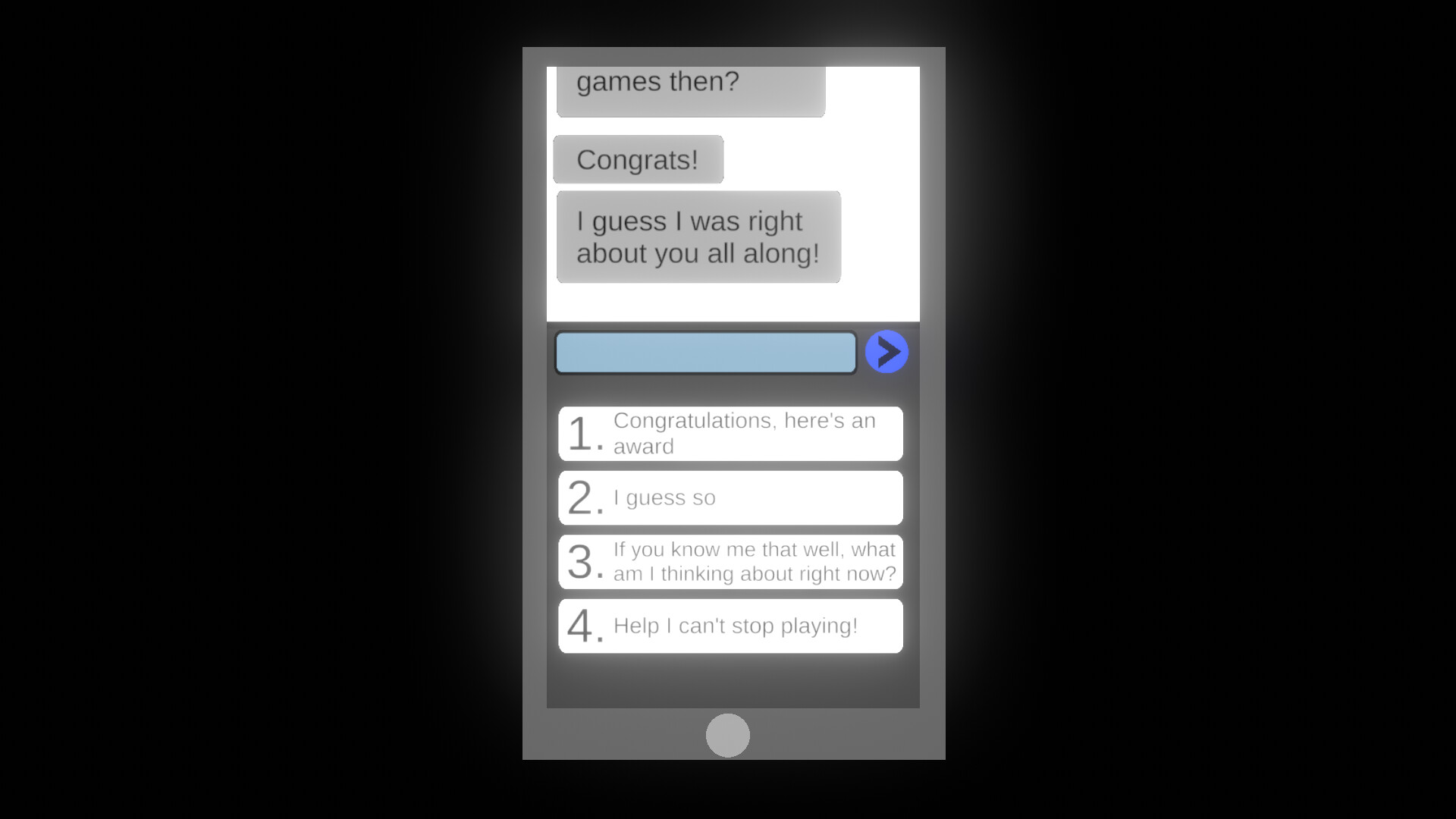
The game reads certain local data—your Steam name, computer username, and Discord information if the client is installed—and displays it in‑game. No data is uploaded, and a streamer mode can hide the computer name for live broadcasts.
01 / THE GUIDE
Narrative Tone and Themes
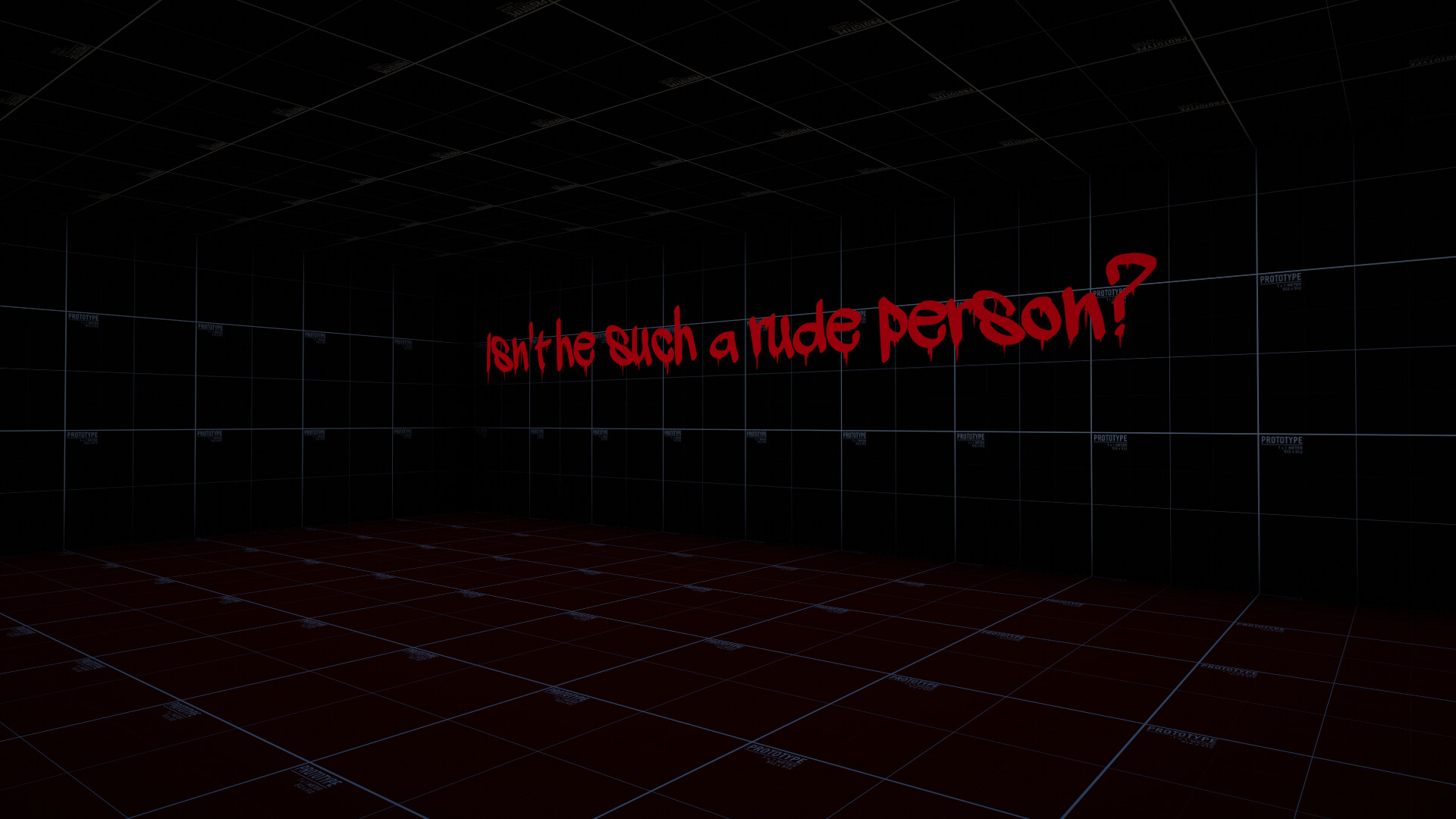
The developer repeatedly tells the player that "there is no escape" and that they are "small in a world that doesn't matter," creating a bleak narrative tone. This direct address frames the whole experience as unsettling.
Heavy themes are explicitly listed: depression, suicide, and social anxiety. The developer advises players who might be triggered to avoid the game, indicating that the content is intentionally intense.
- Read the warning before starting to gauge personal comfort.
- If the tone feels overwhelming, pause and assess your emotional state.
02 / THE GUIDE
Local Data Usage
Pleh! may display three pieces of information that already exist on the computer: the Steam name, the computer username, and Discord details when the Discord client is present. The developer states this data is only shown, not collected.
According to the developer, the displayed data remains on the local machine and is never transmitted elsewhere, reassuring players about privacy.
- Check your Steam and Discord usernames beforehand if you prefer anonymity.
- Close Discord before launching if you do not want its info shown.

03 / THE GUIDE
Streamer Mode
A built‑in streamer mode can be enabled to stop the computer name from being used in the game's display, helping players who fear live doxxing.
Activating streamer mode only hides the computer name; other displayed data such as Steam name and Discord information remain unchanged unless those services are absent.
- Enable streamer mode before a live broadcast.
- Test the mode in a private session to confirm the computer name is hidden.
04 / THE GUIDE
Platform Availability and Features
Pleh! runs on Windows only; macOS and Linux are not listed as supported platforms. The feature list includes single‑player, Steam achievements, partial controller support, and family sharing.
Partial controller support means some controller input works, though the exact scope is not detailed. Family sharing allows other Steam accounts linked to the same library to launch the game.
- Share the game via Steam Family Sharing to let friends try it without buying.
- Verify controller functionality early to see which actions respond.
05 / THE GUIDE
Developer’s Direct Message
The developer openly expresses frustration, saying they "always just end up… hating it," which adds a personal, self‑reflective layer to the presentation.
A tongue‑in‑cheek remark tells players who prefer fast‑paced shooters to look elsewhere, reinforcing that Pleh! is not a conventional action title.
- Read the developer’s note to understand the intended emotional context.
- If you prefer shooter gameplay, consider other titles as suggested.


COMMUNITY
Player discussion