 GameWiki
GET YOUR BEARINGS
About Please, Don't Touch Anything 3D
Please, Don’t Touch Anything 3D is a cryptic, brain‑racking button‑pushing puzzle game where a lone worker faces a mysterious console with a green‑screen monitor and a red “do not press” button. Your choices—pressing once, many times, or exploring the room—spawn a cascade of surprising outcomes.
The updated edition adds high‑quality visuals, new mechanics, and fresh solutions to classic endings, expanding the roster to over 30 unique puzzle conclusions. It supports full controller, tracked controller, and VR, and includes Steam achievements, trading cards, captions, and family sharing for a single‑player experience.
01 / THE GUIDE
Story premise
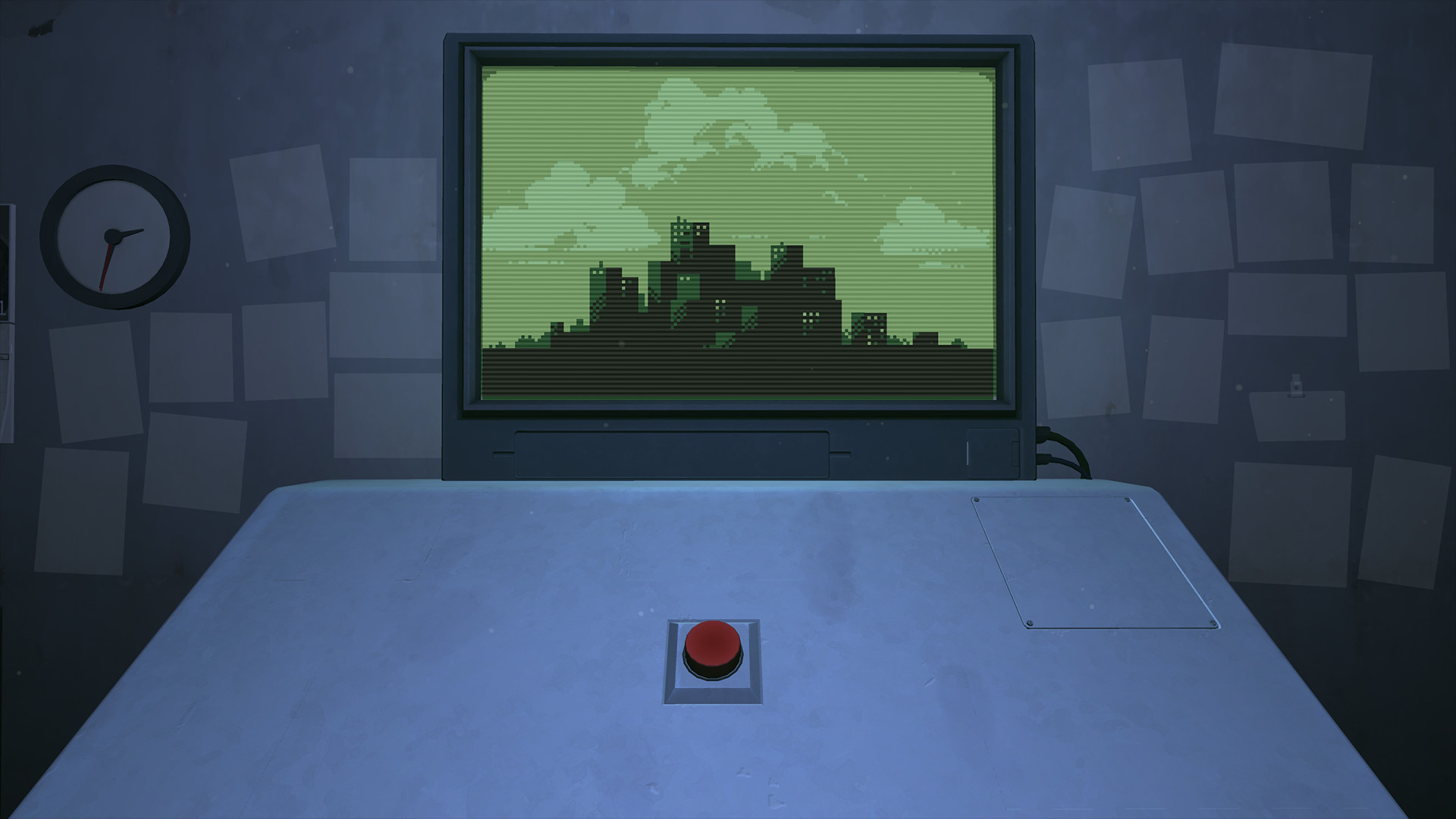
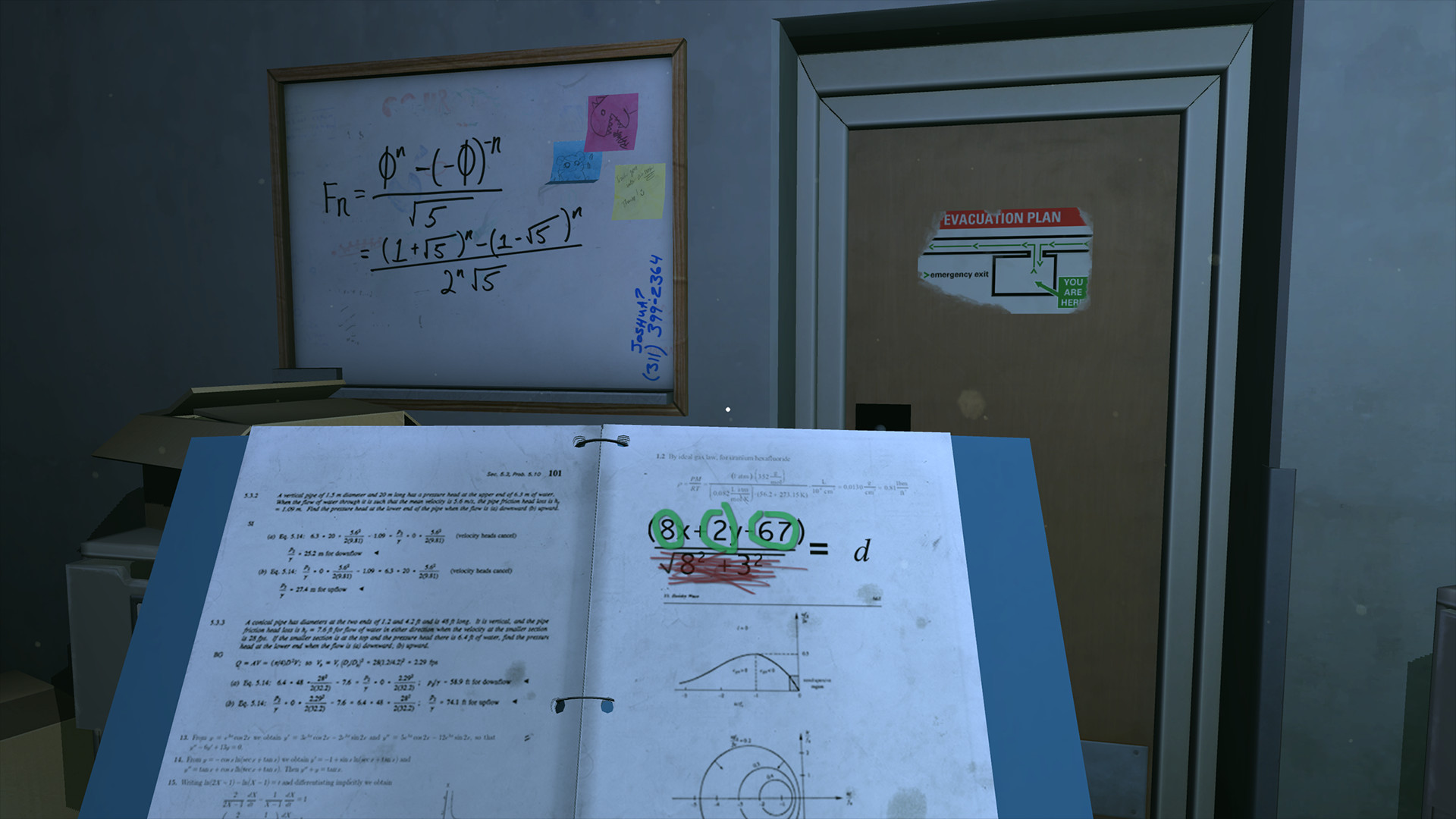
You cover for a colleague on a bathroom break and encounter a console displaying a pixelated live image of an unknown city. The console’s red button bears a stark warning: do not touch anything.
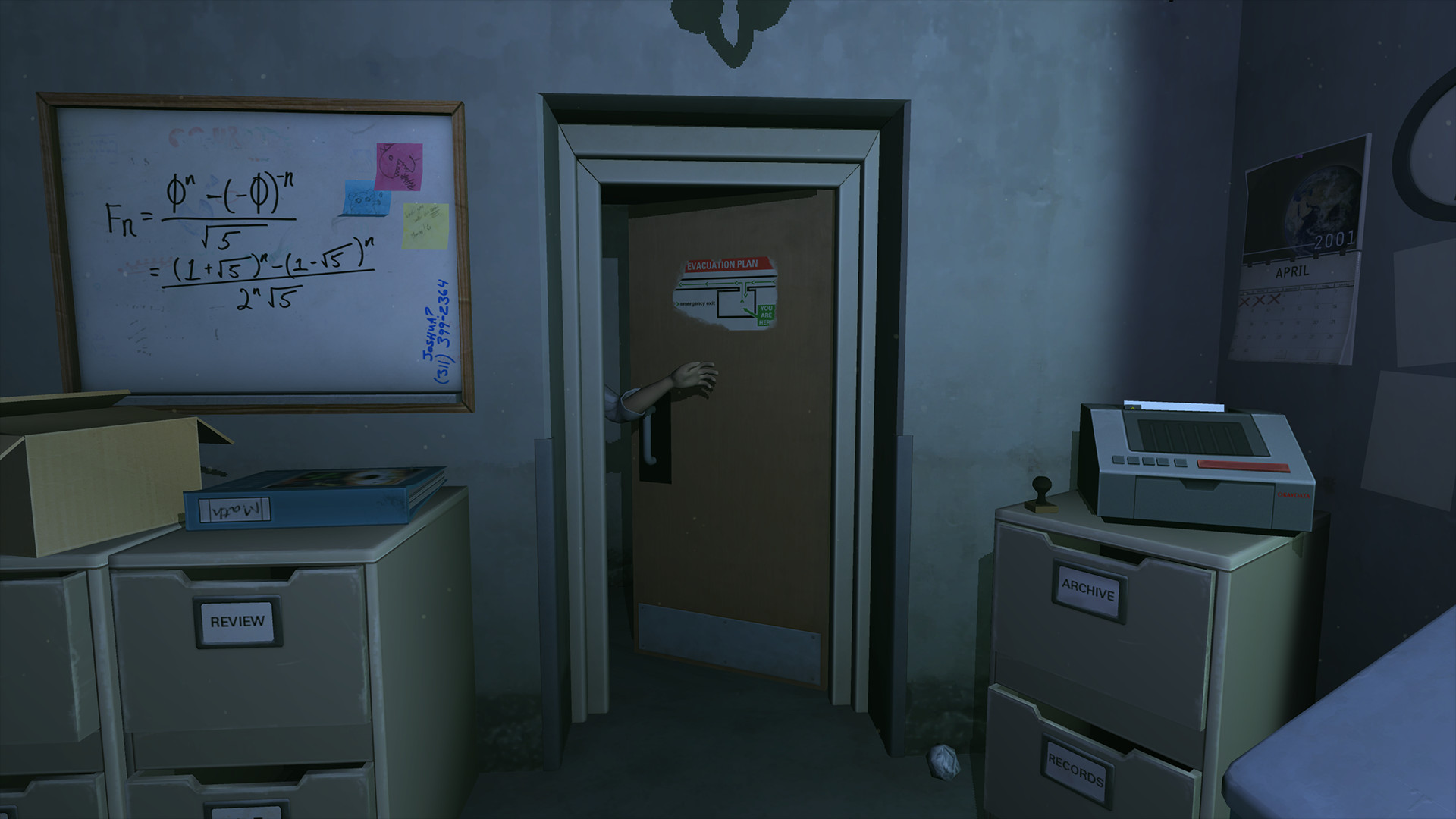
The narrative is deliberately vague, letting the player infer context from the room’s clues, tools, and the evolving screen. The premise sets a tone of curiosity and risk, encouraging experimentation despite the warning.
- Observe the green‑screen monitor for subtle changes after each interaction.
- Compare the room’s objects to the visual cues on the screen for hidden connections.
02 / THE GUIDE
Puzzle endings
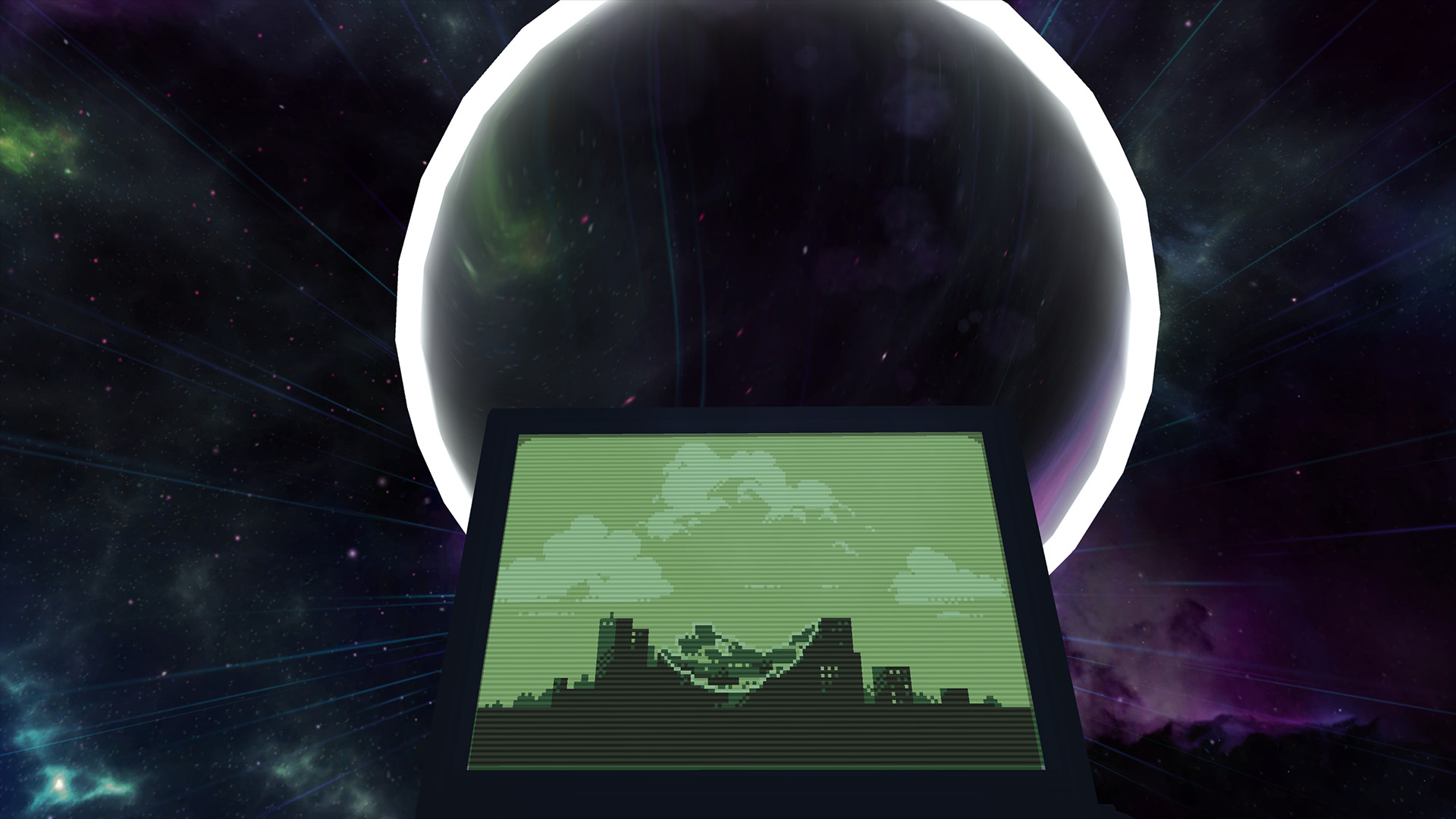
Each button press, tool use, or discovered clue can trigger an “outrageous consequence,” leading to one of more than 30 distinct puzzle endings. Endings range from comedic to catastrophic, reflecting the player’s level of curiosity.
The game’s design encourages replayability through varied solutions, as many classic endings have been updated with new mechanics and fresh resolutions, offering fresh experiences even for returning players.
- Try different sequences of button presses to uncover less obvious endings.
- Document which clues lead to which outcomes for future reference.
03 / THE GUIDE
Visual updates
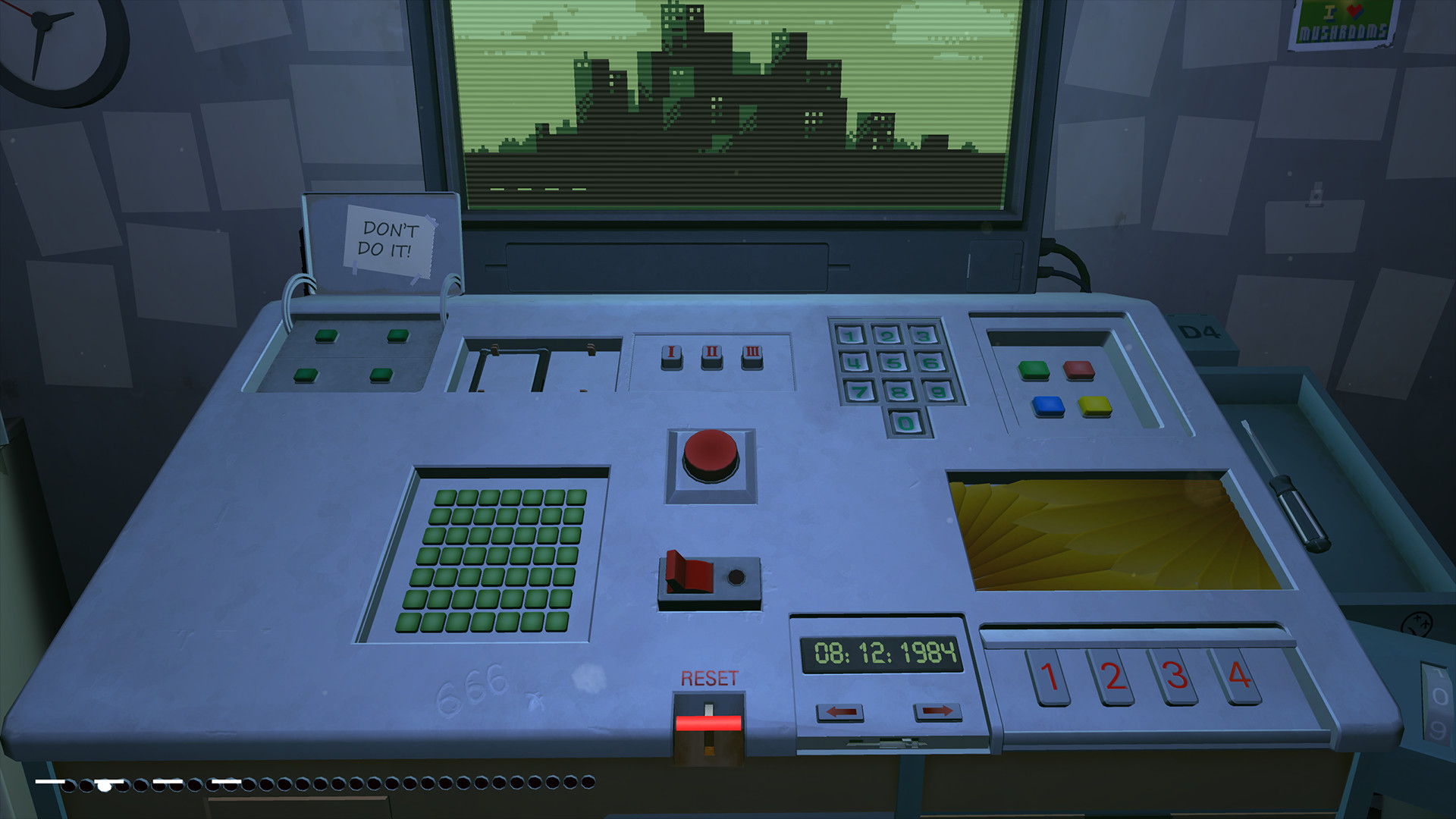
The 3D version replaces the original’s low‑resolution graphics with high‑quality visuals, enhancing the pixelated city view and the console’s environment. These upgrades make subtle visual hints more noticeable.
New mechanics are paired with the visual overhaul, allowing players to notice interactive elements that were previously hidden, thereby deepening the puzzle‑solving experience.
- Pay attention to lighting changes that may signal interactive objects.
- Use the improved graphics to spot tiny items that could serve as tools.
04 / THE GUIDE
Controller and VR support
The title lists full controller support, tracked controller support, and VR compatibility, meaning players can interact with the console using a gamepad, motion‑tracked devices, or a VR headset. No keyboard‑only requirement is stated.
These options broaden accessibility, allowing players to experience the puzzle from a seated, standing, or immersive perspective, each offering a slightly different feel for pressing the red button and examining the room.
- Experiment with VR to gain a different spatial sense of the console layout.
- Try a tracked controller for precise pointing at on‑screen elements.
05 / THE GUIDE
Achievements and sharing
Steam achievements and trading cards are included, giving players milestones to track progress through the many endings. Family Sharing is also supported, allowing the game to be played on another account without purchasing a second copy.
Captions are available, ensuring the narrative and instructions are accessible to a broader audience while preserving the single‑player focus of the experience.
- Aim for achievements that correspond to rare endings for a sense of completion.
- Use family sharing to let a friend experience the puzzles without extra cost.
COMMUNITY
Player discussion