 GameWiki
GET YOUR BEARINGS
About Playing House
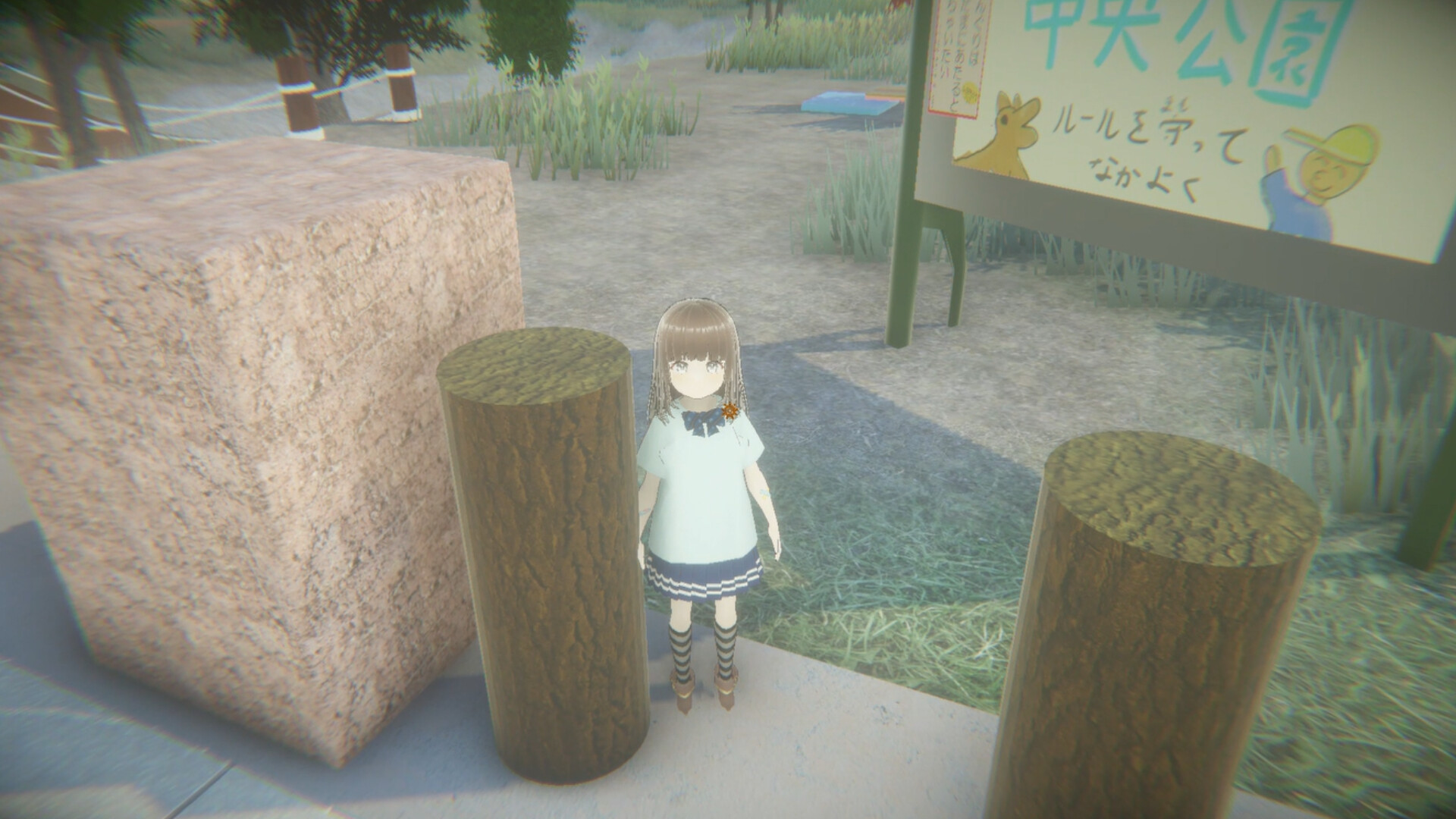
Playing House puts you in the shoes of Haruma, a father who spends a holiday with his daughter Naori in a park that turns strange. The game is presented in first‑person and mixes narrative scenes with errands, mini‑games, and sudden confrontations.
You progress through chapters such as the Wedding and Pet missions, aiming to complete special conditions that unlock one of two possible endings. The entire experience is estimated to take four to six hours, and language can be switched from a gear icon after launch.
01 / THE GUIDE
Story and First‑Person View
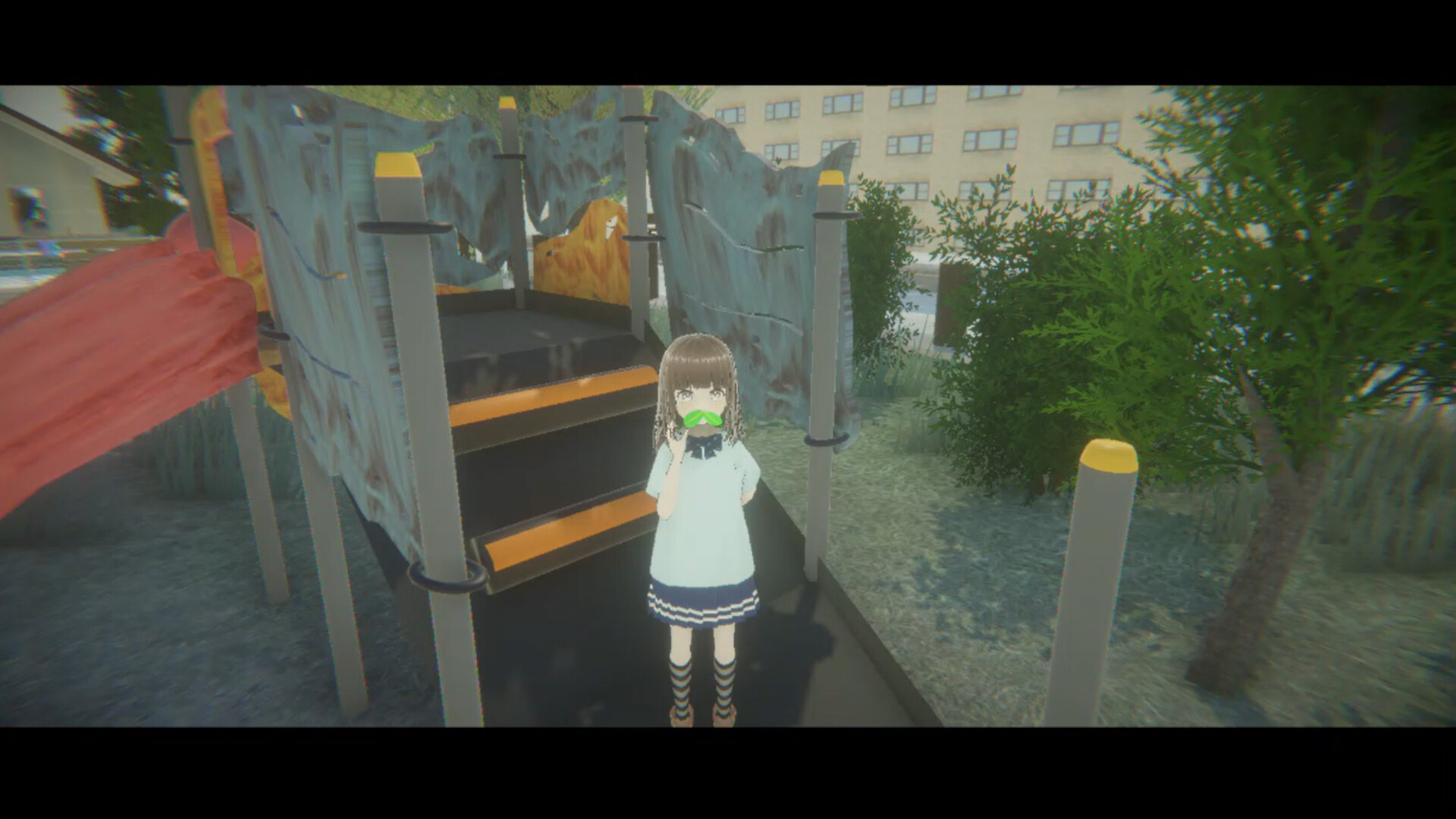
The narrative follows Haruma, a father, and his daughter Naori during a holiday that becomes increasingly odd. Players experience the events directly through Haruma’s eyes, creating an intimate viewpoint.
The premise references the classic “playing house” concept where children imitate adult life, framing the game’s missions as extensions of that pretend play.
- Observe how the first‑person framing influences the emotional tone of each scene.
- Compare the narrative focus on family with other indie titles that use a similar perspective.
02 / THE GUIDE
Missions and Mini‑Games
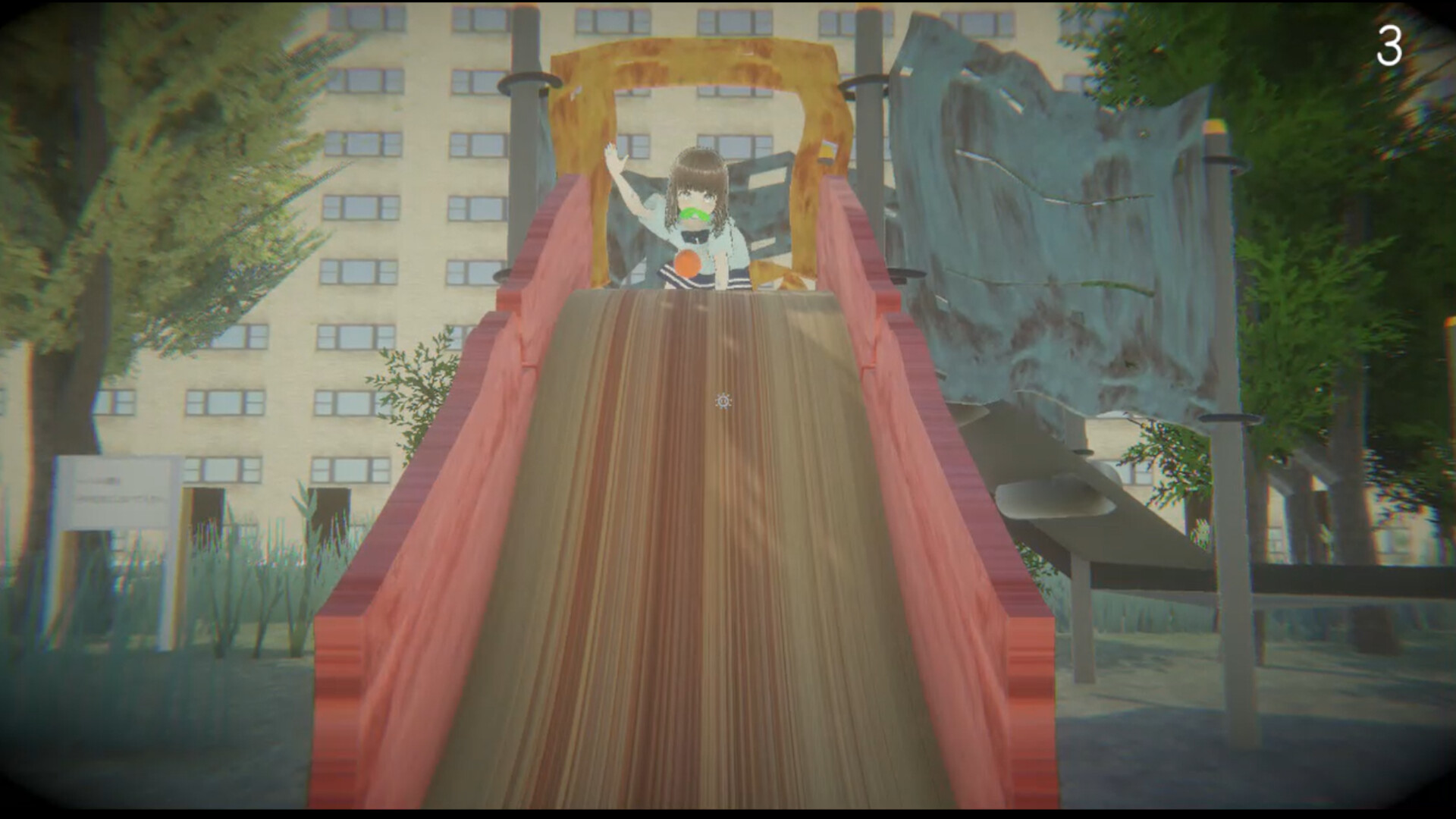
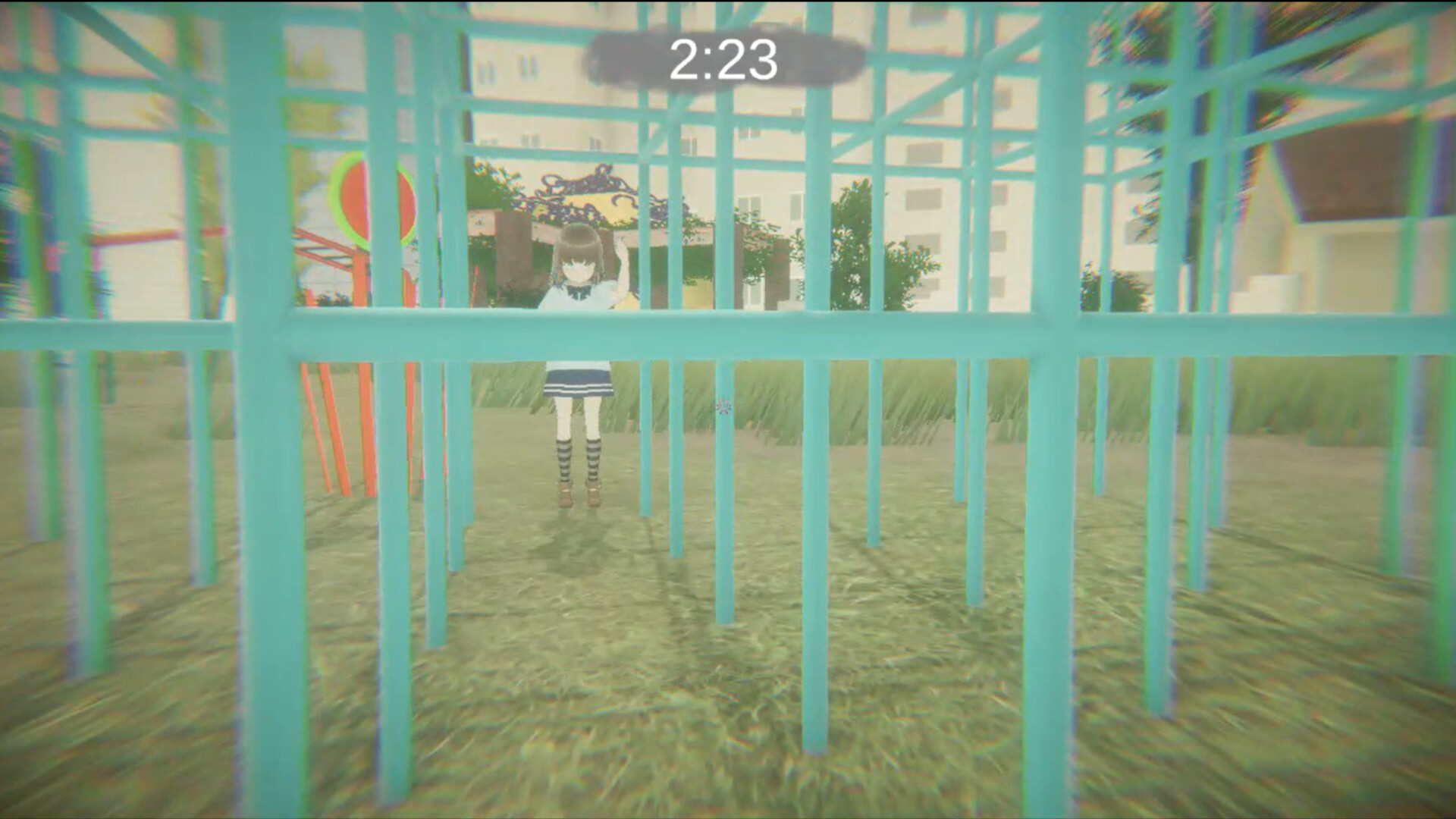
Gameplay is divided into distinct missions such as the Wedding Chapter and Pet Chapter, each containing various errands and mini‑games. These tasks are presented as part of the “Playing House Guidebook.”
Occasionally, players face confrontations with sudden intruders, adding a brief challenge before returning to the core errands.
- Treat each mission as a self‑contained episode to keep track of objectives.
- Notice how mini‑games differ in pacing compared to the narrative sections.
03 / THE GUIDE
Endings and Unlock Conditions
Playing House offers two endings. To reach Ending 2, players must satisfy special conditions in each mission and advance to Mission 6, collecting the flags along the way.
The flag status appears next to the Mission button on the title screen, and the special conditions must be completed sequentially from Mission 1.
- Check the flag indicator after each mission to confirm progress toward Ending 2.
- Follow the required order; skipping a mission may prevent the special condition from registering.
04 / THE GUIDE
Language Selection and UI
Players can change the game’s language via a gear icon located at the bottom left of the screen after the game starts. This option is available after starting the game.
The UI element is simple: click the gear, choose a language, and the game updates its text accordingly.
- Switch languages early to avoid rereading dialogue later.
- Compare the translated text to see how cultural nuances are handled.
05 / THE GUIDE
Voice Cast and Audio
Naori and Maino are both voiced by Touru Mito, providing a consistent vocal performance throughout the title. The voice work contributes to the intimate family atmosphere.
No additional cast members are listed, focusing attention on the two primary characters.
- Listen for how the same actor differentiates the two characters.
- Consider how the voice acting reinforces the game’s casual tone.
COMMUNITY
Player discussion