 GameWiki

GET YOUR BEARINGS
About PlateUp!
PlateUp! lets up to four players build and run a restaurant from scratch. You choose dishes, buy and place appliances—some of which can be daisy‑chained—to create automatic kitchens while cooking and serving customers. Between shifts the restaurant expands, and progression unlocks new content and challenges across fifteen hectic days.
The game offers single‑player, local split‑screen, and online co‑op modes, full controller support, and Steam features such as achievements, cloud saves, and Workshop integration. You can customise your brand, upgrade equipment, and move to new locations while keeping earned unlocks.
01 / THE GUIDE
Restaurant Design
Players have free rein to design their kitchen layout, placing any purchased appliances wherever they wish. Certain appliances can be linked together, allowing more complex automatic setups that can speed up cooking during service.
After each day the restaurant expands, providing additional space for new equipment or decorative items such as art and wallpaper. The expanded area lets you rearrange the floor plan to suit the next shift’s needs.
- Plan appliance chains early to avoid bottlenecks during service.
- Reserve space for both functional equipment and decorative touches.
02 / THE GUIDE
Menu Management
The game includes a wide selection of mains, sides, sauces, toppings, desserts, and starters. You choose which items to offer, allowing you to shape a menu that fits a gourmet or fast‑food style.
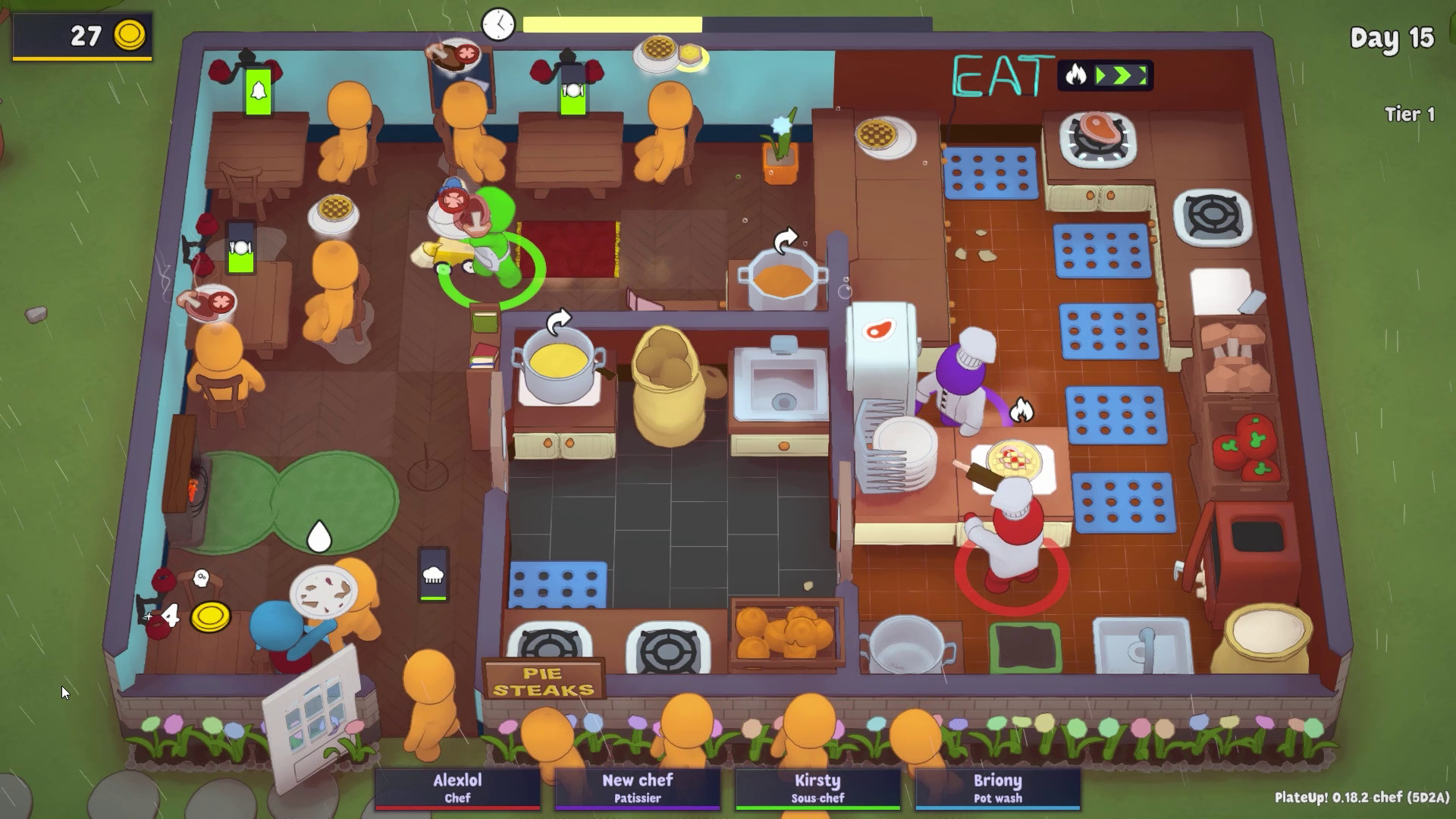
During service you must plate dishes correctly and deliver them promptly, while monitoring customer patience meters to keep orders within acceptable time limits.
- Start with a small, focused menu to master timing before adding more items.
- Watch customer patience meters to prioritize urgent orders.
03 / THE GUIDE
Co‑op Play
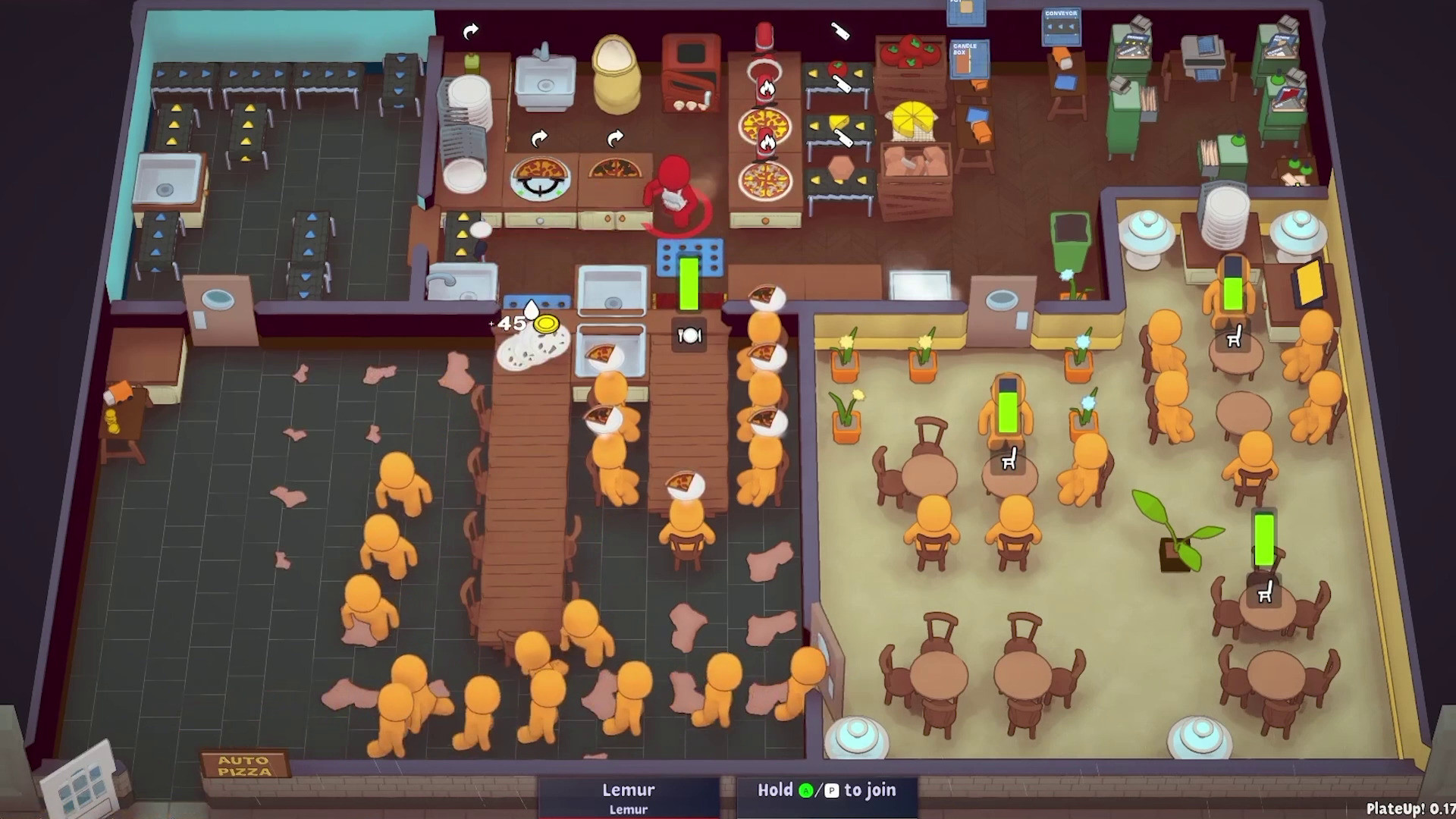
PlateUp! supports up to four players locally or online, with shared or split‑screen options. Teams can coordinate kitchen tasks such as cooking, serving, and managing the floor, working together like a well‑olive‑oiled machine.
Solo play is also available, letting a single player build a name for themselves and manage the entire restaurant without teammates.
- Assign clear roles (chef, server, manager) to streamline workflow.
- Communicate task assignments before each shift to reduce overlap.
04 / THE GUIDE
Progression and Unlocks
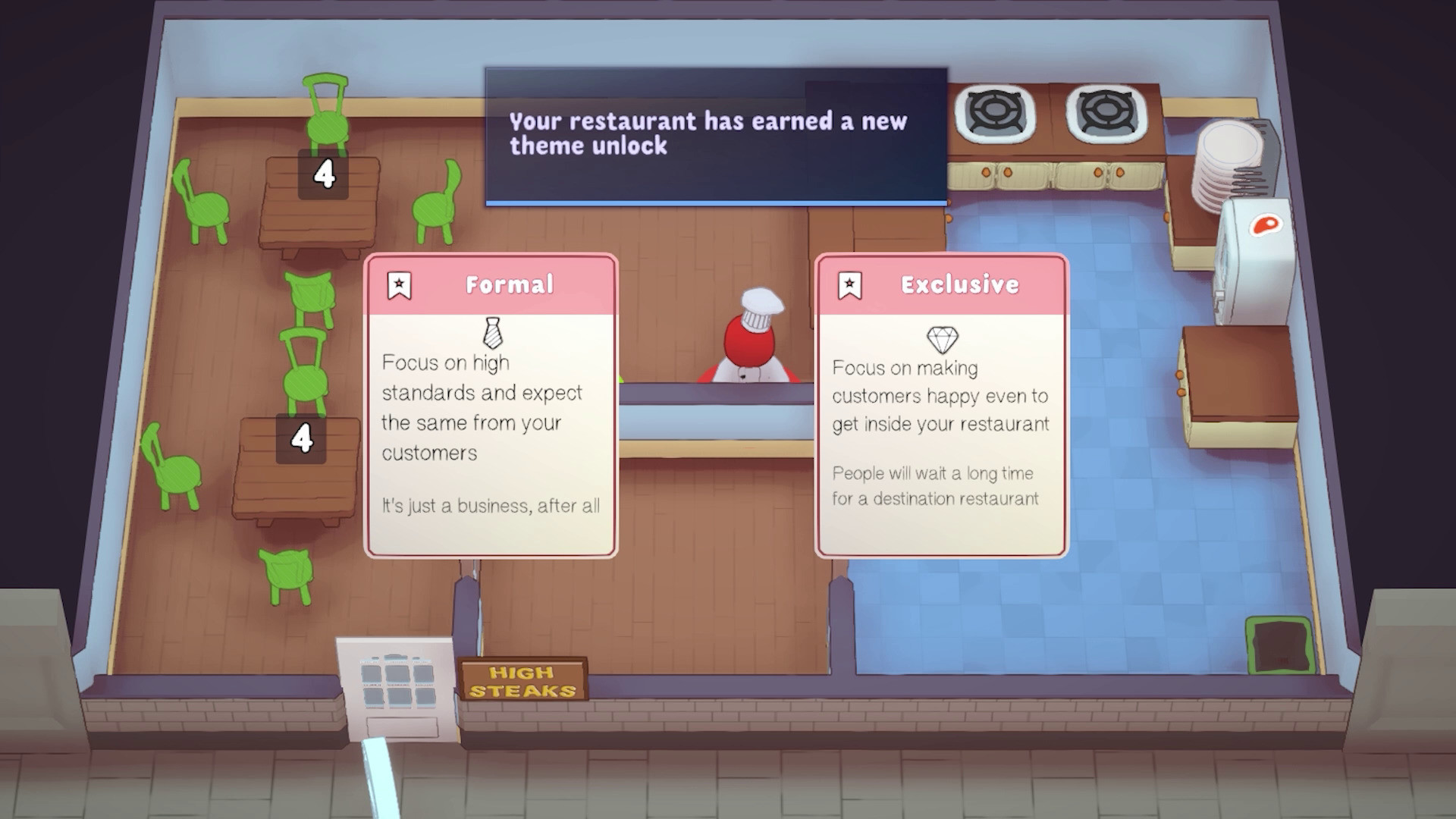
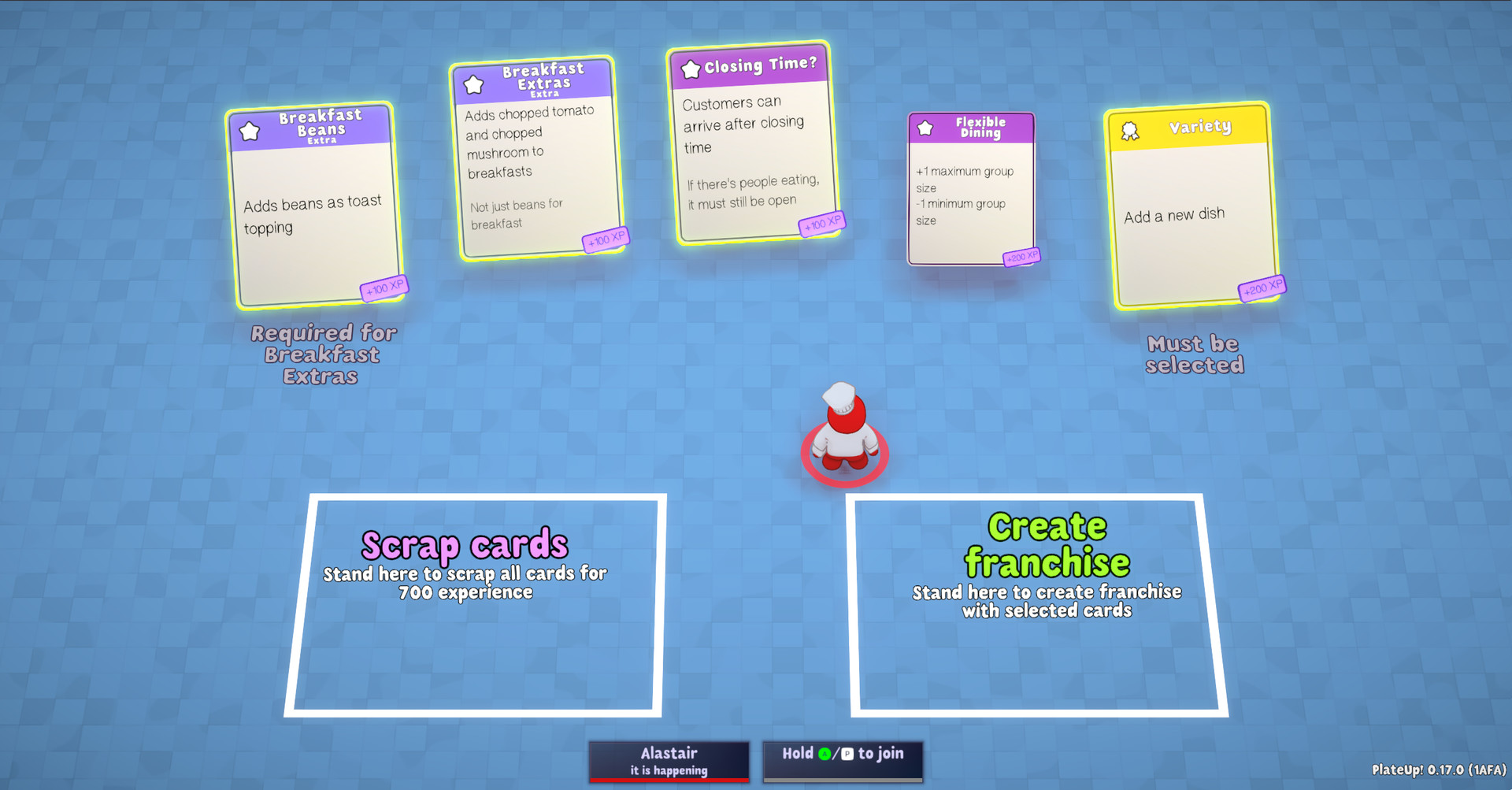
Exceeding daily goals unlocks new equipment, upgrades, and decorative options. When a location closes, you can start a new franchise that carries these unlocks forward.
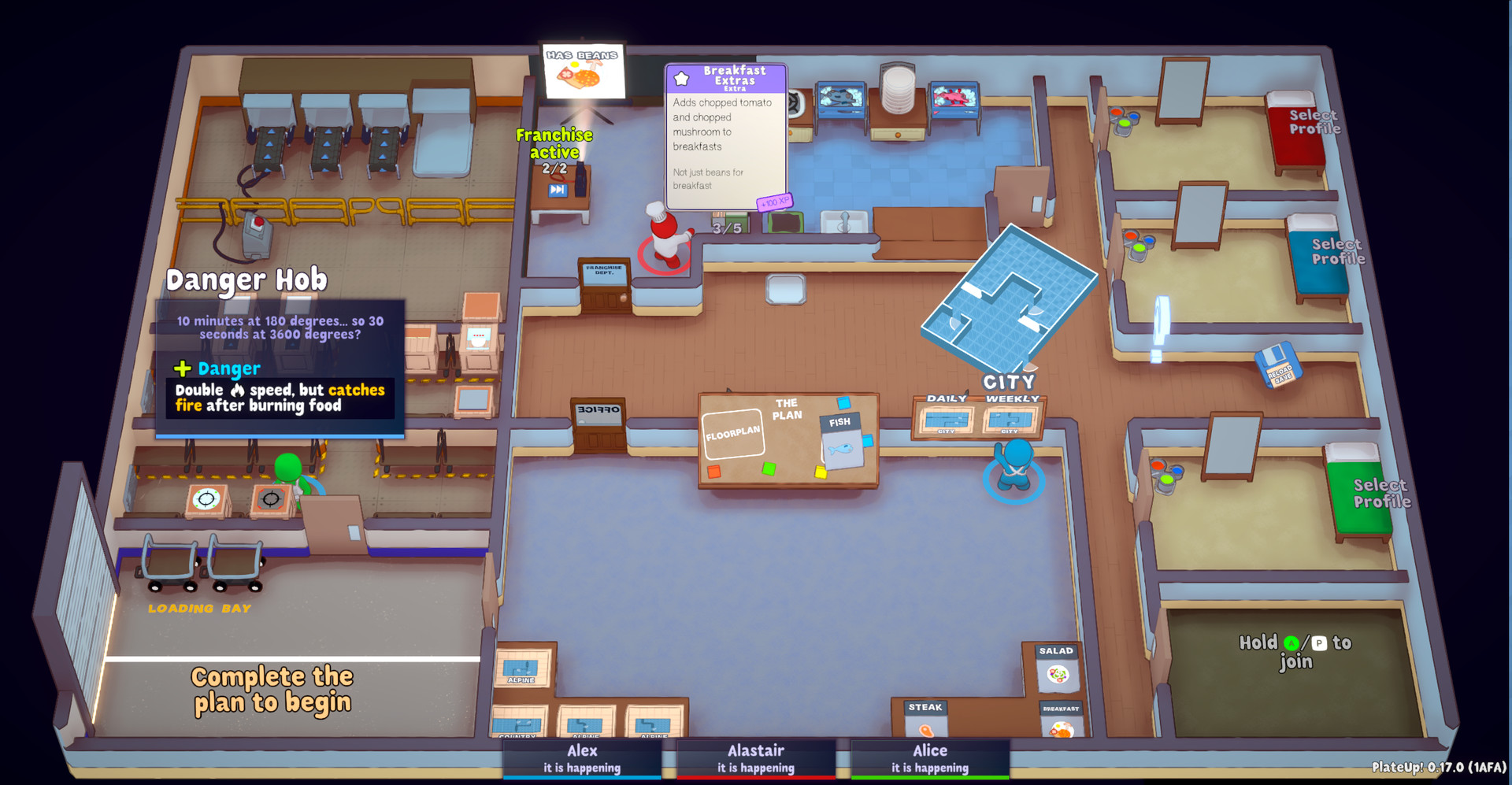
The franchise HQ lets you view achievements, customise characters, and upgrade your kit, preparing you for the next adventure with the tools you have earned.
- Focus on exceeding daily goals to earn more unlocks faster.
- Visit the franchise HQ before each new shift to plan upgrades.
05 / THE GUIDE
Platform Features
PlateUp! runs on Windows and includes full controller support, Steam Cloud saves, achievements, and Steam Workshop integration for community‑made content. Remote Play on TV and Remote Play Together allow flexible play setups.
Family Sharing is also supported, letting multiple accounts on the same device access the game without needing separate purchases.
- Enable Steam Cloud to keep progress across multiple PCs.
- Explore Workshop items for fresh kitchen layouts and challenges.
COMMUNITY
Player discussion