 GameWiki
GET YOUR BEARINGS
About Plastic Battlegrounds
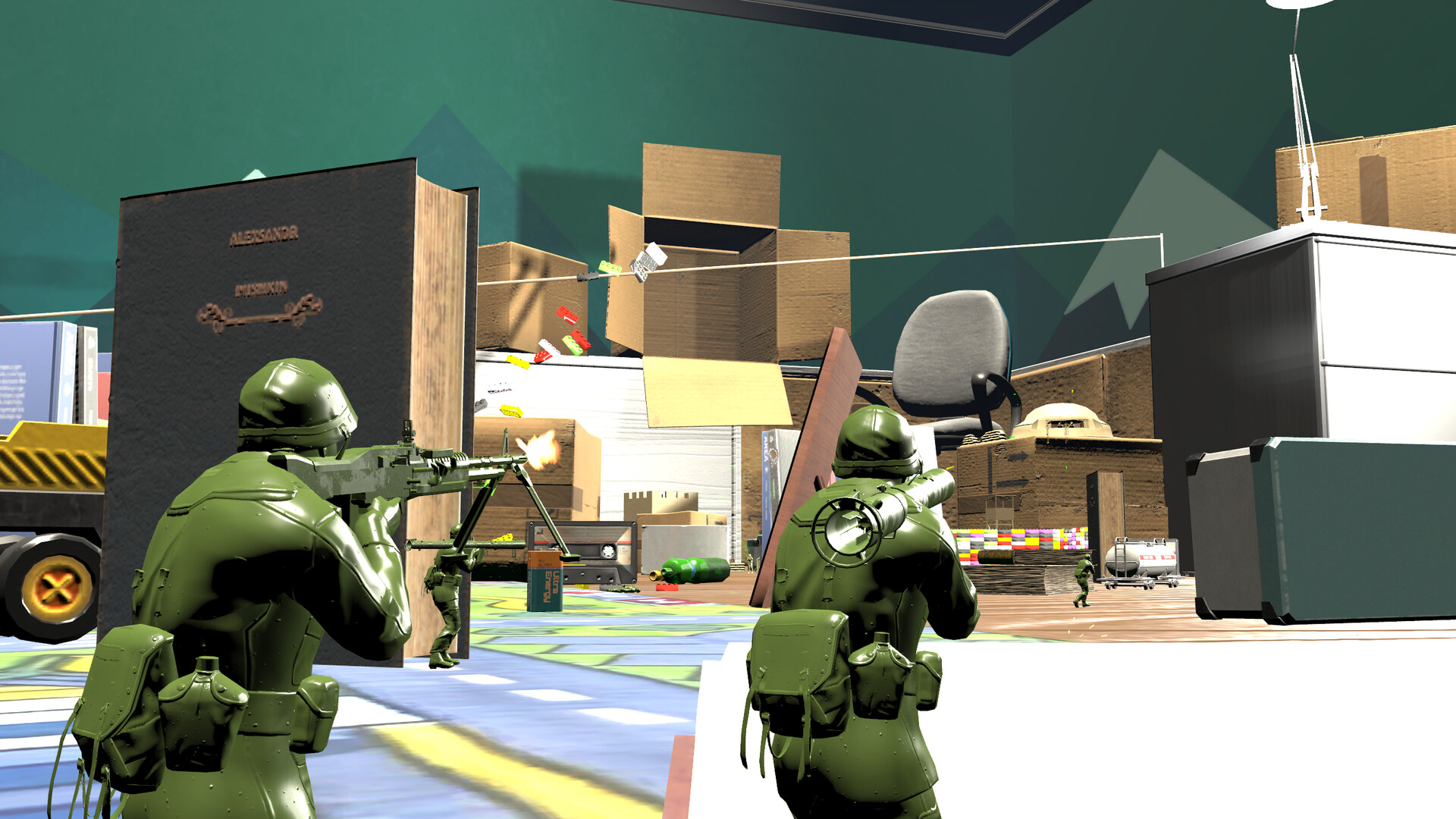
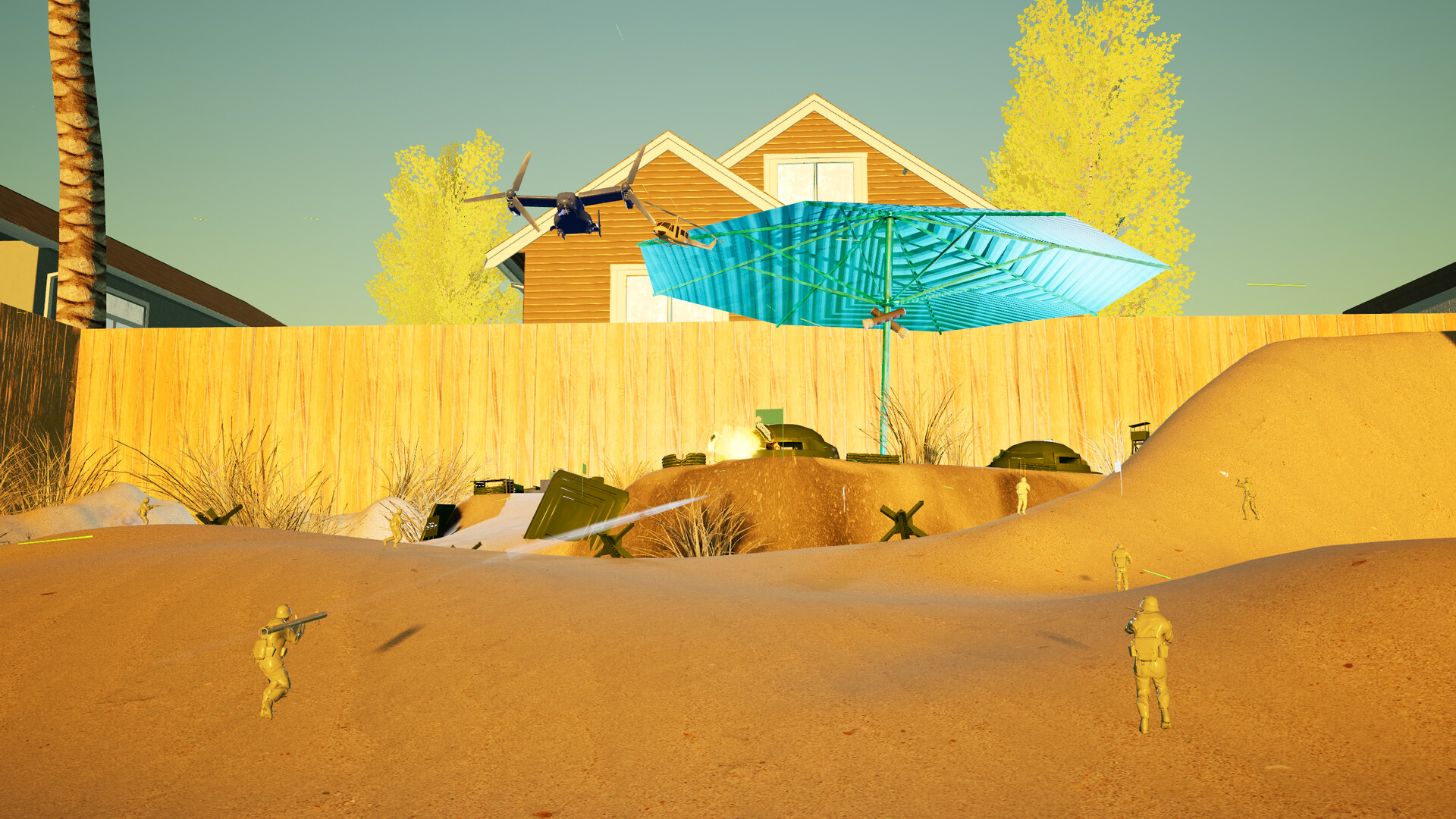
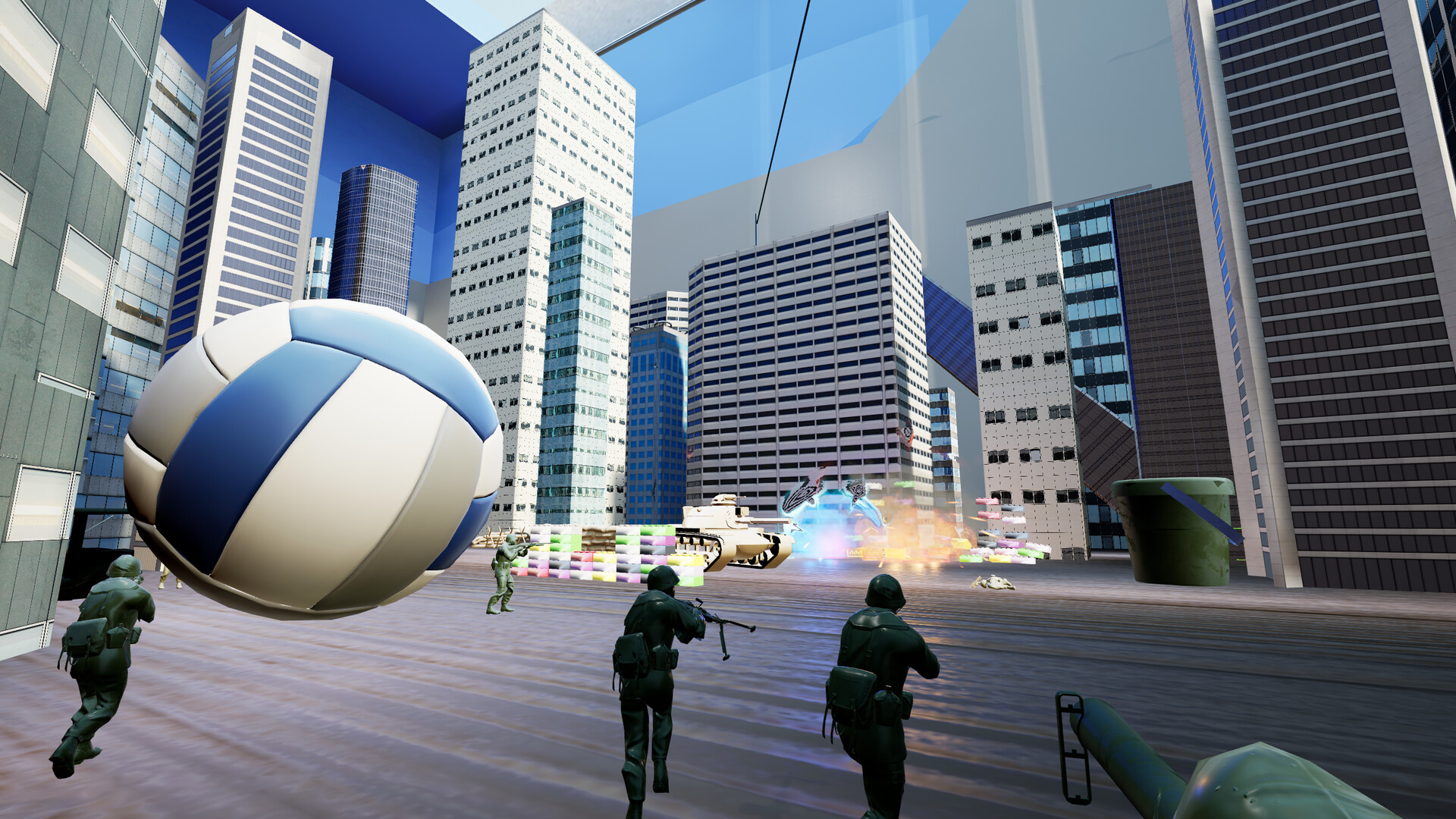
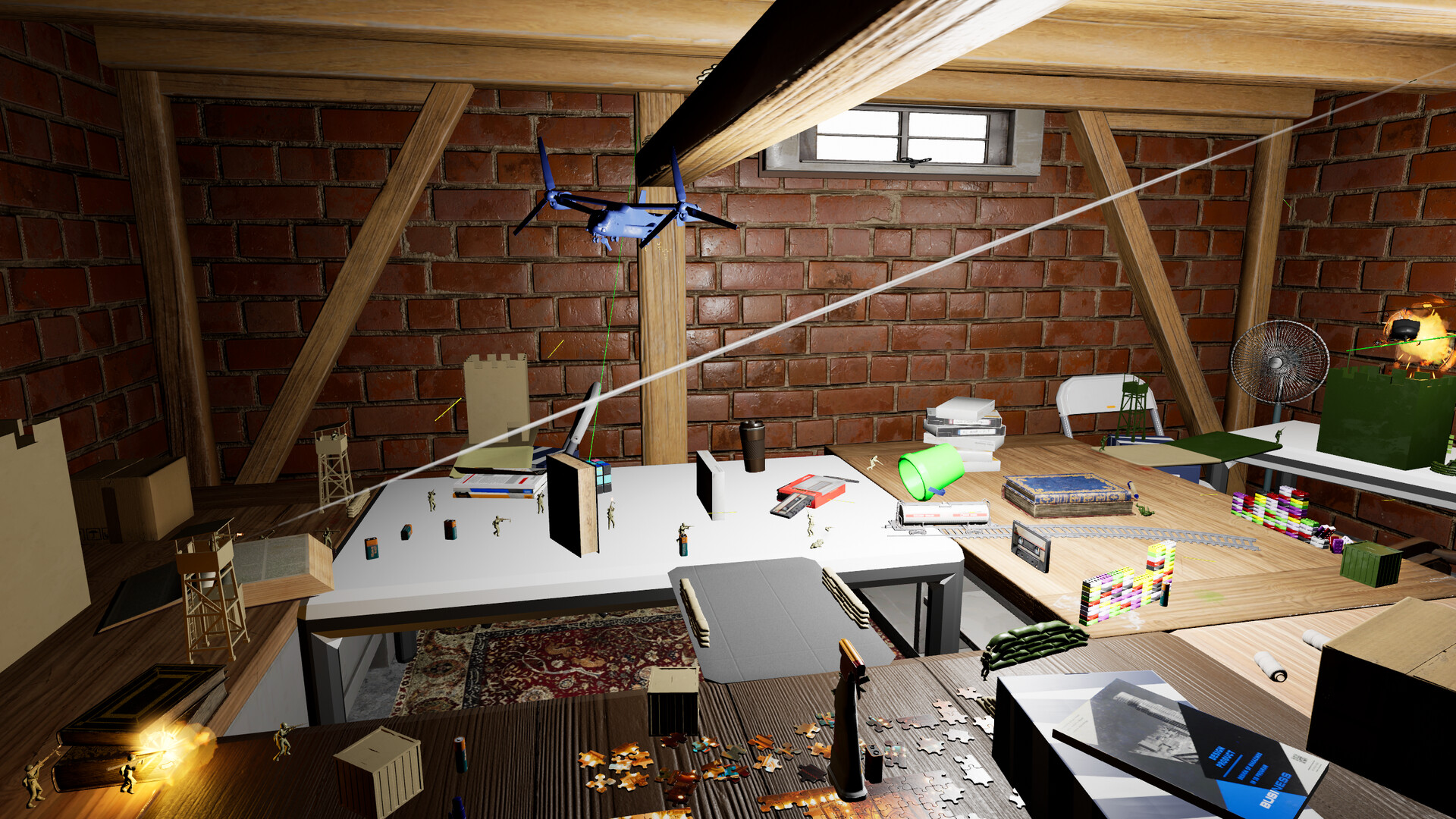
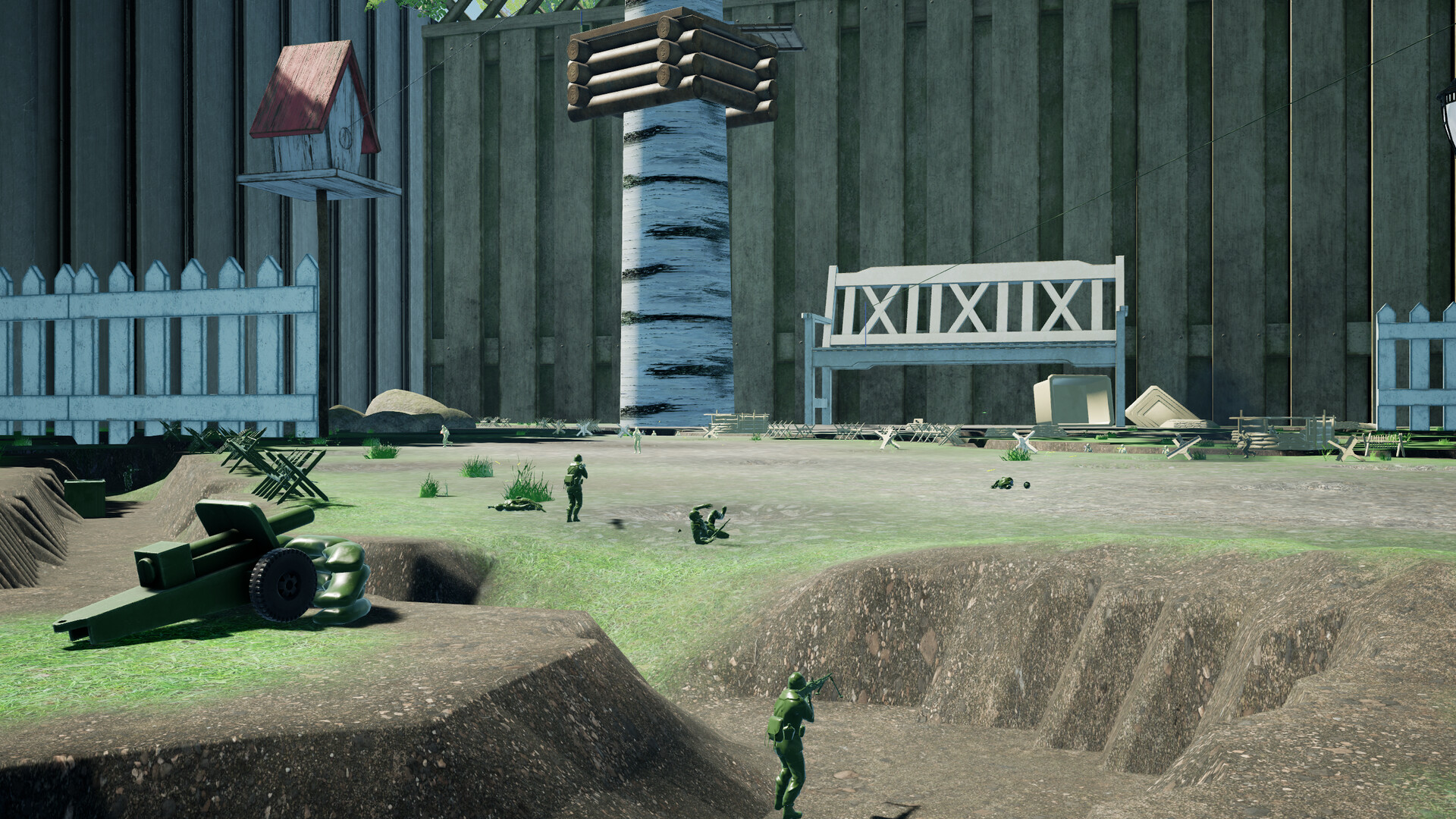
Plastic Battlegrounds is an early‑access sandbox battle simulator where players arrange plastic soldiers, vehicles, emplacements and hazards before launching chaotic set‑piece fights. The game offers both single‑player and multiplayer experiences, letting you control a toy soldier in a variety of scenarios.
Development updates are shared through the official Discord linked on the website. The Windows build includes online PvP, online co‑op, VR support and a built‑in level editor for custom battlefields.
01 / THE GUIDE
Sandbox Mode
In Sandbox mode you place units, configure spawners and add environmental hazards to create a unique combat scenario for each session. The description emphasizes that each playthrough can differ because the battlefield is user‑defined.
The mode is intended for players who want to experiment with placement and observe how different configurations affect the flow of battle without being bound by a preset objective.
- Try varying the number of spawners to see how wave timing changes the battle rhythm.
- Combine vehicle paths with brick fortifications to create unexpected tactical moments.
02 / THE GUIDE
Conquest Mode
Conquest is described as an experimental objective‑based mode where teams must hold the majority of capture points to win. Victory is achieved by controlling more points than the opposing side.
This adds a strategic layer to the otherwise free‑form battles, encouraging coordinated attacks and defense of key locations on the map.
- Secure a cluster of points early to create a defensive stronghold.
- Use fast‑moving jeeps to quickly contest contested capture points.
03 / THE GUIDE
Multiplayer Options
Plastic Battlegrounds lists online PvP, online co‑op and multiplayer as features, allowing players to join matches with others over the internet. Both single‑player and multiplayer sessions are mentioned in the feature list.
The game’s multiplayer modes operate on Windows, matching the platform support indicated for the title.
- Coordinate with friends via the Discord community before starting a co‑op match.
- Experiment with different team sizes to see how they affect match length.
04 / THE GUIDE
VR Support
VR support is listed as a feature, enabling players to experience the toy‑filled warzone in virtual reality on Windows. The description notes that you can join the battle as a plastic soldier or be life sized and tower over the chaos.
Playing in VR provides a different visual perspective, which can affect how players judge distances between spawners, units and hazards.
- Adjust your play area before entering VR to avoid real‑world collisions.
- Use the VR view to better gauge distances between spawners and capture points.
05 / THE GUIDE
Level Editor
An included level editor lets players craft their own battlefields, placing units, hazards and spawners as they wish. The editor is mentioned as part of the game’s features.
Custom maps expand the variety of scenarios beyond the built‑in options.
- Start with a small test map to learn the editor’s placement tools before tackling larger designs.
- Save multiple versions of a map to experiment with different hazard layouts.
COMMUNITY
Player discussion