 GameWiki
GET YOUR BEARINGS
About Plasma
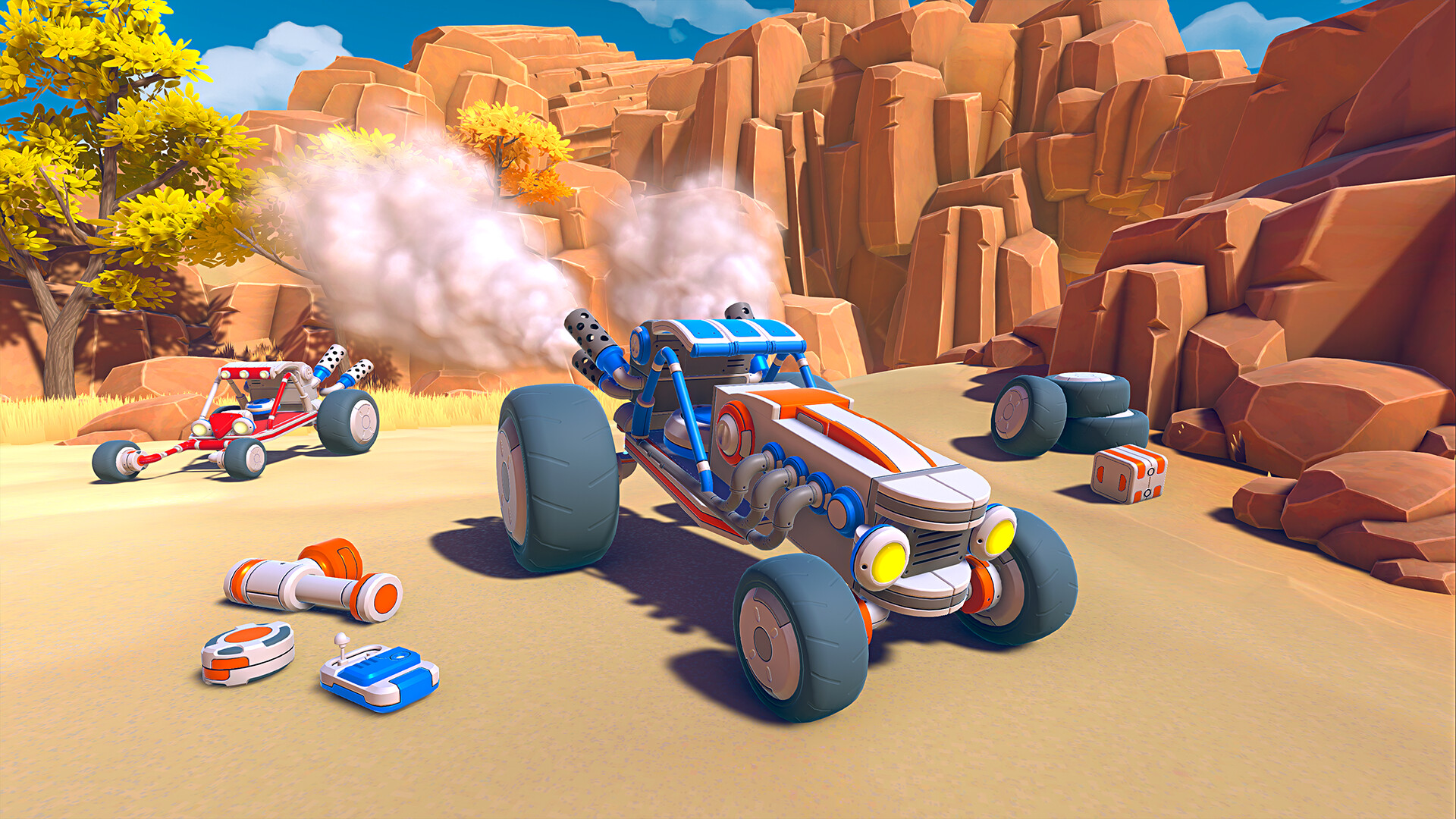
Plasma is a sandbox engineering playground where players assemble any device they can imagine using hundreds of components. Robots, factories, arcade machines, giant spiders, whole worlds, and unnamed creations can be built, painted, scaled, and rotated to match the creator’s vision.
The game centers on a visual programming system that drives the behavior of those devices, and it integrates tightly with Steam Workshop, allowing creators to publish and explore community‑made inventions. It runs as a single‑player title on Windows and supports Steam’s Family Sharing.
01 / THE GUIDE
Free‑form Building
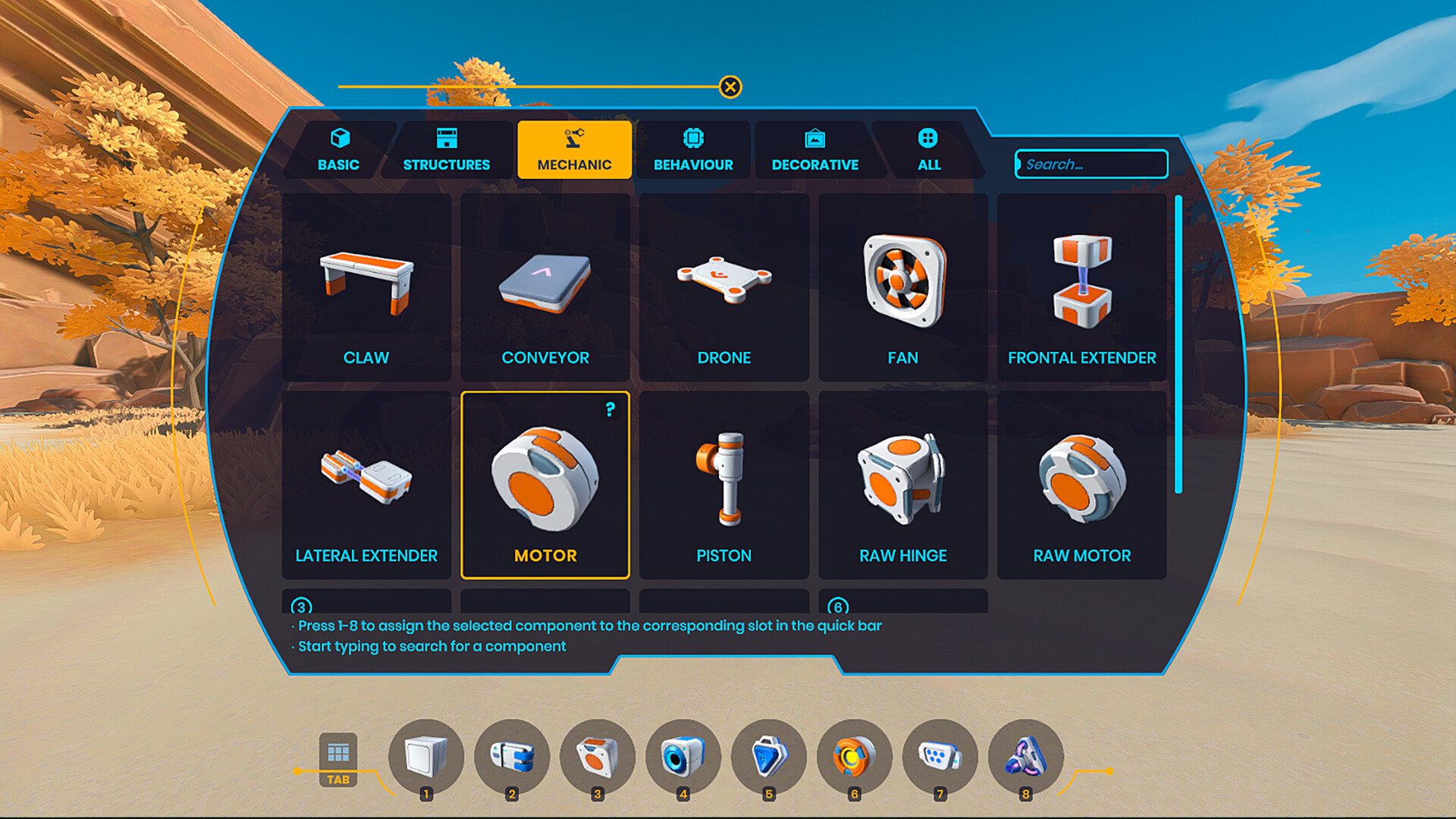
Plasma supplies a library of hundreds of components that can be scaled, rotated, and painted. The tools let players construct anything from a simple gadget to a massive, intricate machine.
Customization extends to every visual aspect, letting creators differentiate functional sections with color or size. Because each part can be manipulated independently, the building process supports iterative experimentation and precise engineering.
- Begin with basic shapes to establish a structural foundation before adding detailed parts.
- Use the paint tool to visually separate functional zones, which aids later programming.
02 / THE GUIDE
Visual Programming
A node‑based visual programming interface lets users define logic and behavior for any assembled device without writing code. Nodes represent actions, conditions, and data flow, and they can be linked to create complex sequences.
Advanced nodes broaden the range of possible interactions, letting creators get anything and everything done in their builds.
- Group related nodes together to keep the graph readable.
- Validate small sub‑graphs before connecting them to larger systems.

03 / THE GUIDE
Steam Workshop Integration
Creators can upload their devices and entire worlds to the Steam Workshop, where the community can browse, download, and study each other's work. The Workshop acts as a shared repository of user‑generated content.
Published items include descriptions and screenshots, helping other players understand design intent. Downloaded creations can be examined and used as inspiration for new projects.
- Provide clear descriptions and multiple screenshots when publishing to aid discovery.
- Explore highly rated Workshop entries to learn techniques you can adapt.
04 / THE GUIDE
Single‑player Mode
Plasma is presented as a single‑player experience, giving each user full access to building and programming tools without requiring online opponents or teammates. All creative actions occur locally on the player’s machine.
This mode allows uninterrupted experimentation, letting creators iterate at their own pace, test ideas repeatedly, and revisit projects whenever they choose.
- Save frequently to protect complex builds from accidental loss.
- Use the single‑player focus to prototype ideas before sharing them publicly.
05 / THE GUIDE
Family Sharing Support
Plasma supports Steam’s Family Sharing feature, which permits multiple accounts on the same device to launch the game from a single purchase. Each account can launch the game.
Shared access lets multiple users on the same device play from a single purchase.
- Coordinate with shared users to avoid overwriting each other's files.
- Consider using distinct folder names for each user’s projects.


COMMUNITY
Player discussion