 GameWiki
GET YOUR BEARINGS
About planetarian: Snow Globe
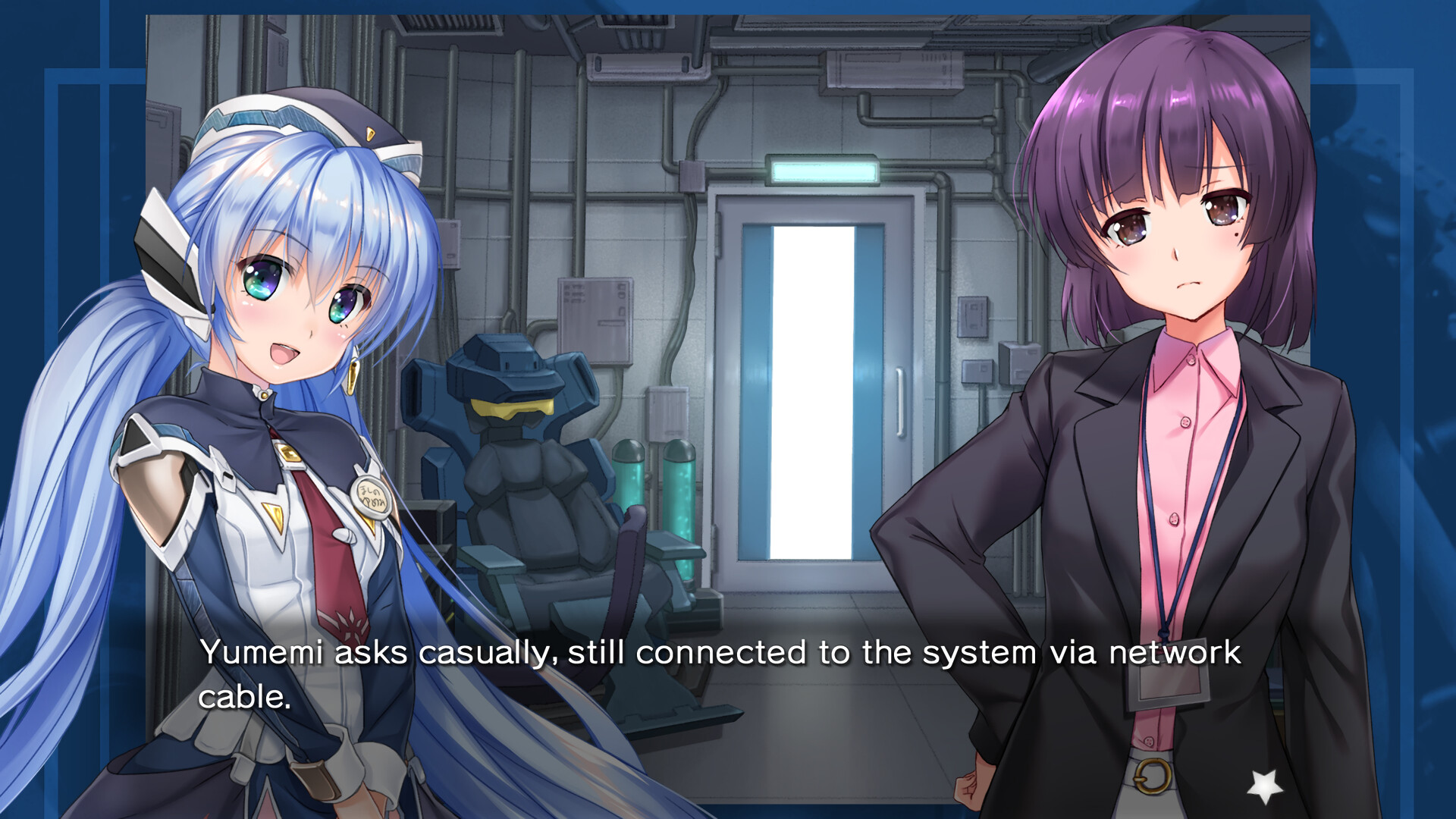
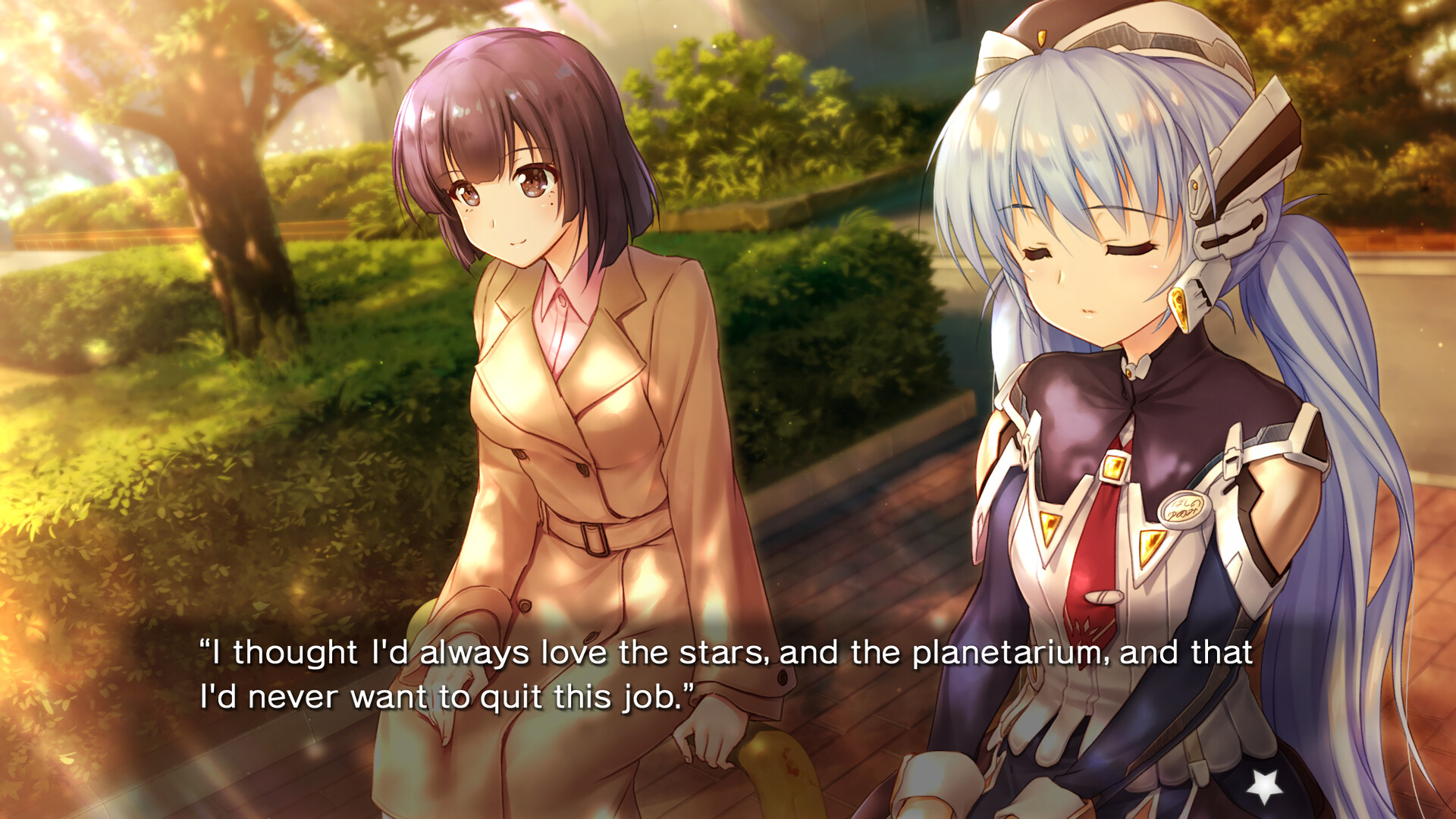
planetarian: Snow Globe is a kinetic digital novel that tells a single, unbranching story about Yumemi Hoshino, a companion robot working at a suburban planetarium. The narrative advances automatically, presenting scenes like a novel or anime without player‑driven choices.
The title offers multilingual subtitles, fully voiced Japanese dialogue, Dolby Atmos® binaural audio (with a stereo fallback), and optional touch‑gesture navigation on tablet PCs or the Steam Deck. It runs on Windows and lists full controller support, Steam Achievements, Cloud saves, and Family Sharing.
01 / THE GUIDE
Language Options
In‑game text, the options menu, and the digital manual can be displayed in English, French, Simplified Chinese, Traditional Chinese, or Japanese. The language setting is reachable at any moment, so players may switch languages during play.
Regardless of the subtitle language chosen, all character dialogue remains fully voiced in Japanese, preserving the original voice performances across every language configuration.
- Switch languages mid‑play to compare subtitle clarity with the Japanese voice track.
- Set your preferred language at the start to avoid frequent menu navigation.
02 / THE GUIDE
Audio and Binaural Sound
The game includes a Dolby Atmos® binaural audio mix intended for stereo headphones, delivering spatial depth to music and ambient sounds. Stereo headphones are recommended to experience the music with this binaural audio.
A conventional stereo audio track is also bundled, so players without headphones can still listen using the included stereo version.
- Use headphones to notice subtle directional cues in the binaural mix.
- Switch to the stereo track if headphone comfort becomes an issue.
03 / THE GUIDE
Touch Gesture Controls
On tablet PCs and the Steam Deck, the novel can be navigated using touch gestures. Touch gestures allow navigation without relying on traditional keyboard or controller inputs.
Touch input operates as an alternative method, giving players flexibility to choose the most comfortable interaction style for their hardware.
- Use touch input carefully to avoid accidental skips.
- Use touch gestures if you prefer a direct, screen‑based interaction.
04 / THE GUIDE
Story Premise
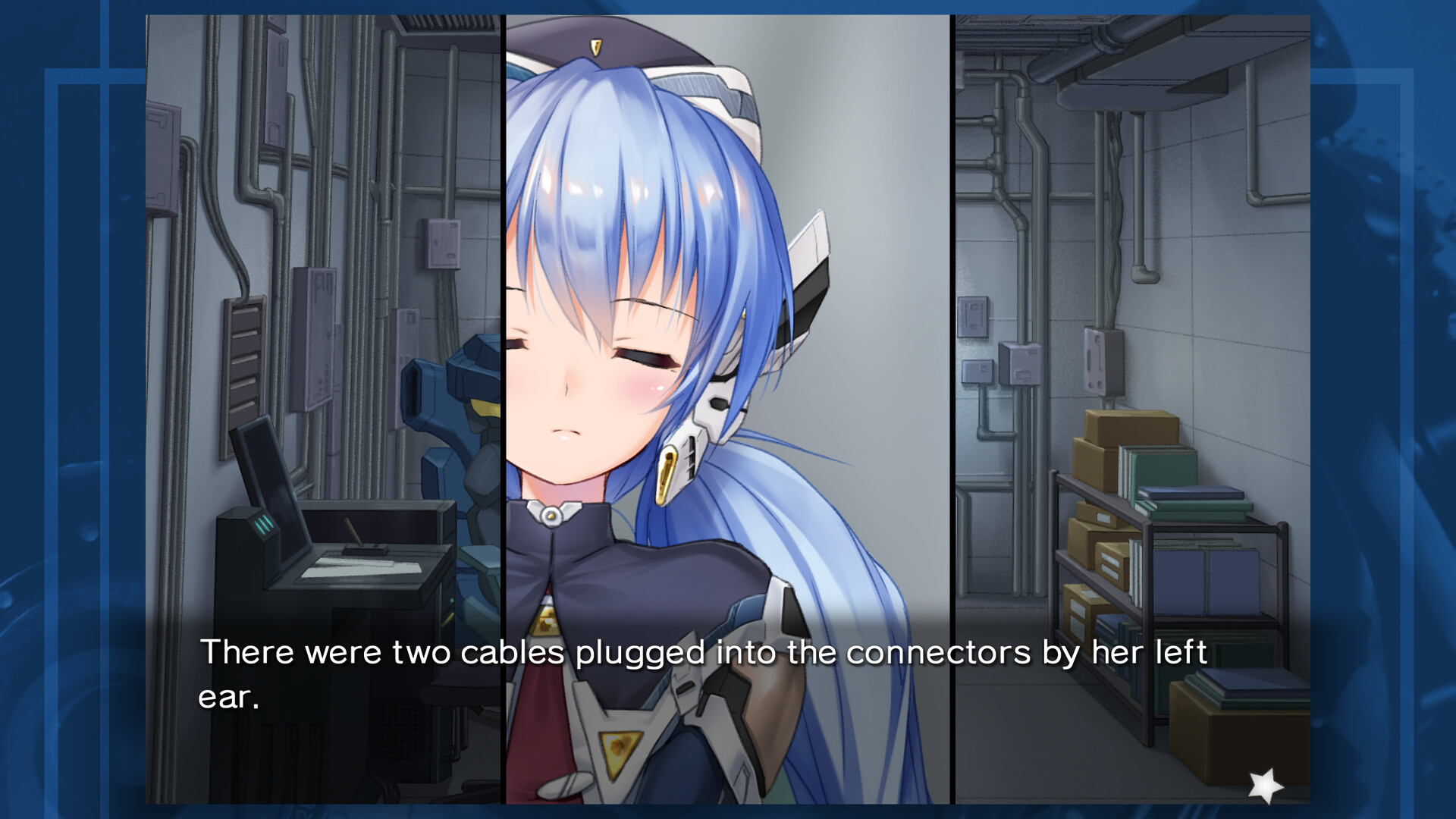
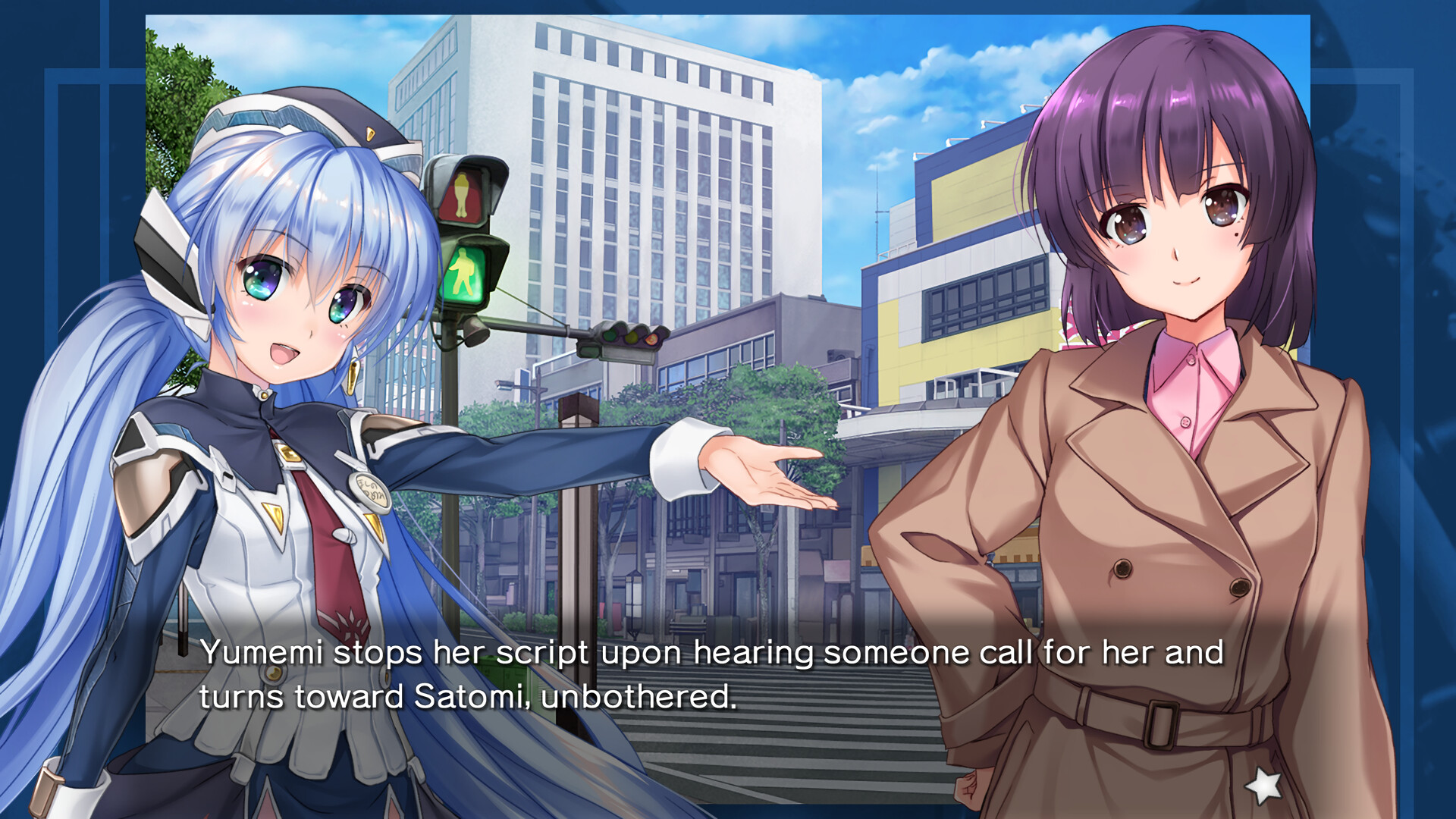
Set in the near future, the narrative follows Yumemi Hoshino, a companion robot assigned to a department‑store planetarium. Although known for diligent work, she begins to ignore orders, leading to simple, everyday moments of happiness with her co‑workers.
The presentation is kinetic: the story advances automatically as the player advances text, with no branching paths or decision points influencing the outcome.
- Pay attention to dialogue to appreciate subtle character development.
- Observe background details for extra narrative flavor.
05 / THE GUIDE
Controller Compatibility
planetarian: Snow Globe offers full controller support, including DualShock and DualSense compatibility, and integrates with the Steam Input API. Players can navigate menus and advance text using a gamepad without needing a keyboard.
Steam Cloud and Family Sharing are also supported, allowing saved progress to be stored online on Windows installations.
- If a gamepad feels unintuitive, try a supported controller such as DualShock or DualSense.
- Enable Steam Cloud to keep your progress synchronized across multiple devices.
COMMUNITY
Player discussion