 GameWiki
GET YOUR BEARINGS
About Planet Zoo 2
Planet Zoo 2 expands the beloved zoo‑building simulation with new animal groups, letting players design habitats for fully aquatic and flying species for the first time. The sequel adds Wildlife Reserves where you can release animals into custom ecosystems, extending conservation beyond the zoo grounds.
The game offers a range of building tools, scenery themes and ready‑to‑place blueprints, plus three play modes—Career, Franchise and Sandbox—so you can manage a zoo, trade with others or simply unleash creativity at your own pace.
01 / THE GUIDE
Aquatic Habitats
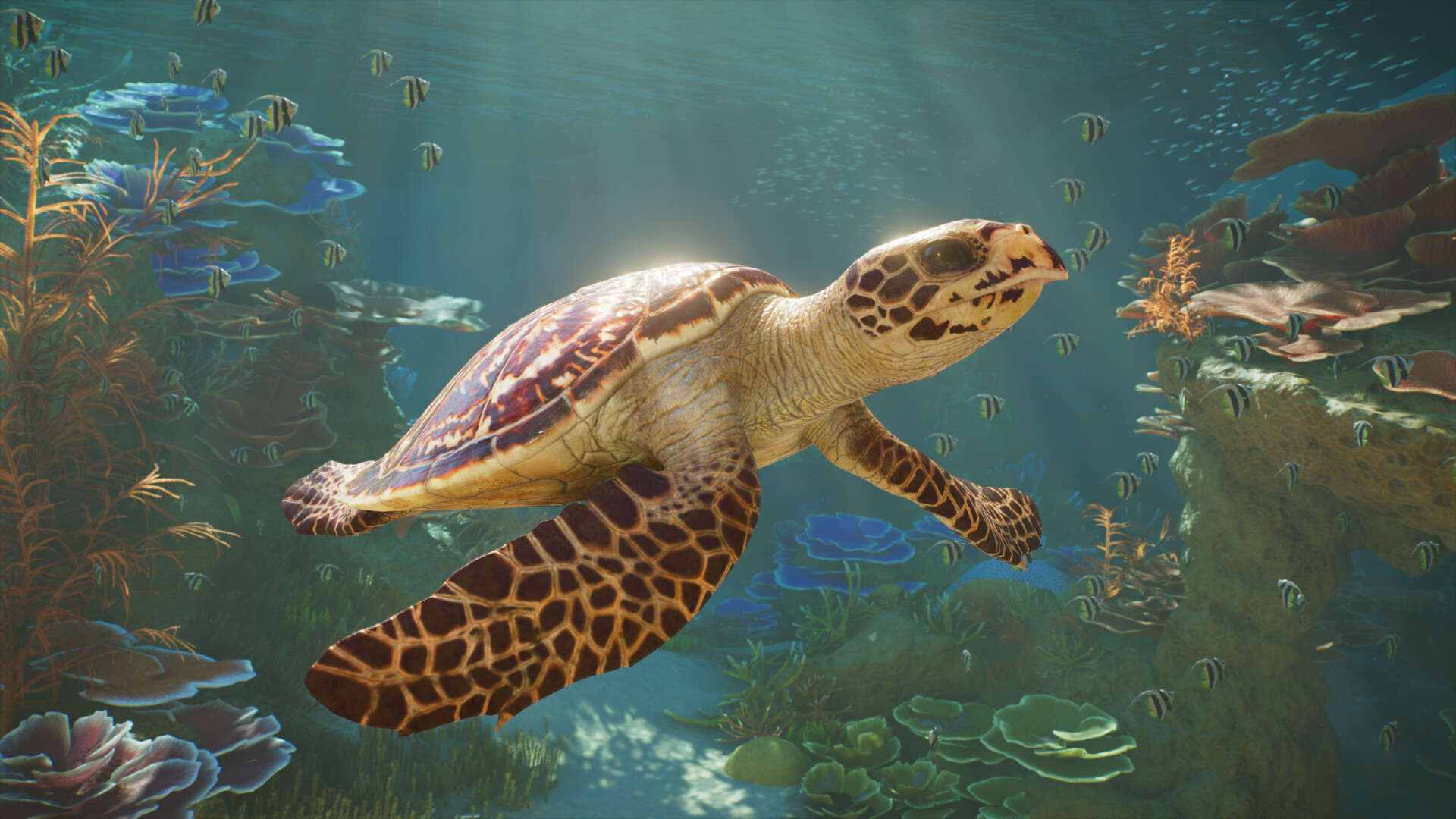
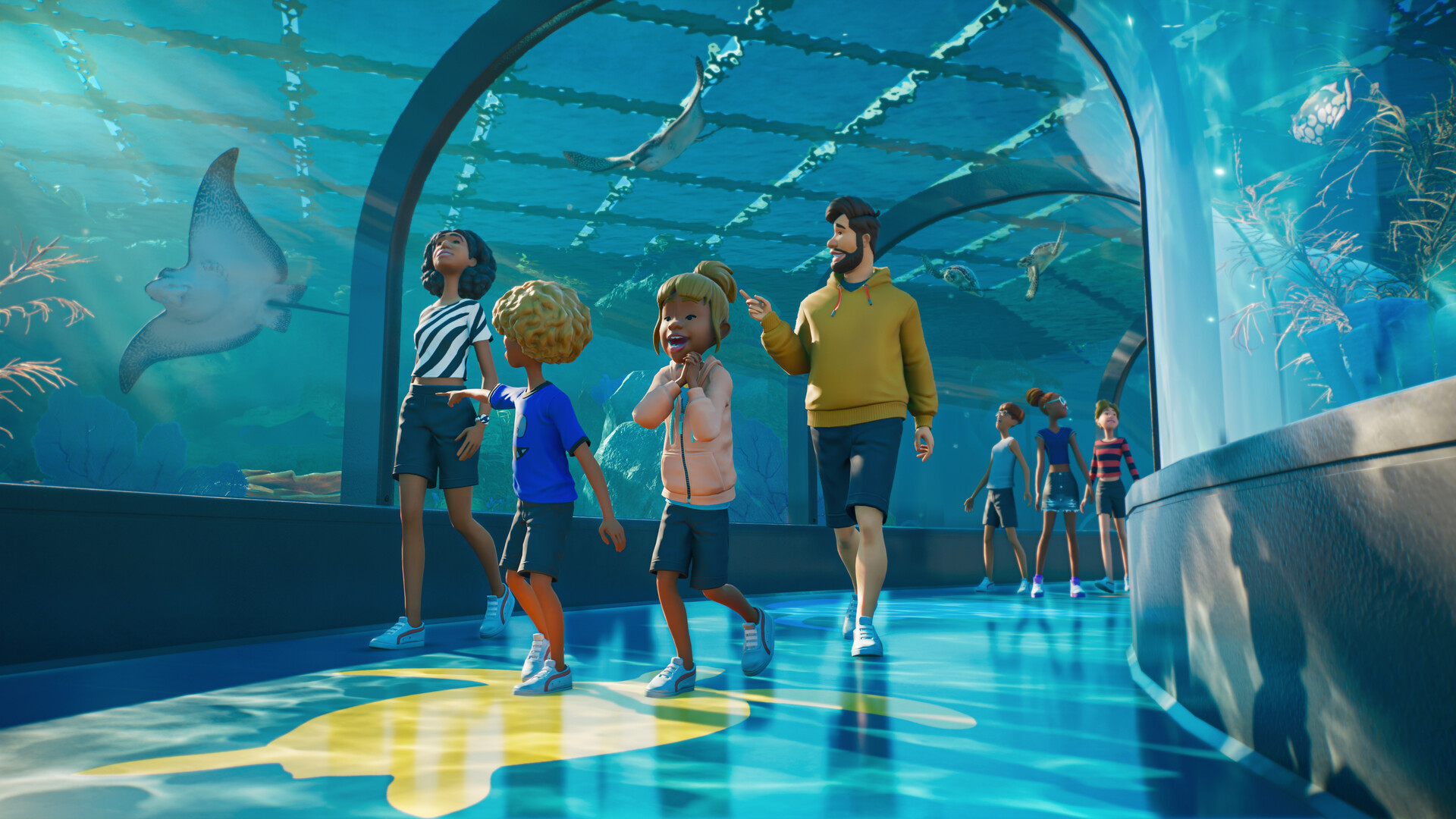
Planet Zoo 2 introduces fully aquatic species, allowing you to build custom freshwater or saltwater aquariums. These habitats can host fish, sharks, turtles and other swimming animals, creating a vibrant underwater world.
Aquariums are constructed using the same piece‑by‑piece tools as other habitats, with barriers and supports that can be scaled, coloured and arranged to suit each species’ needs.
- Experiment with different barrier arrangements to suit the needs and behaviours of each aquatic species.
- Use the new foliage and terrain brushes to add realistic underwater plants and rocks.
02 / THE GUIDE
Aviary Design
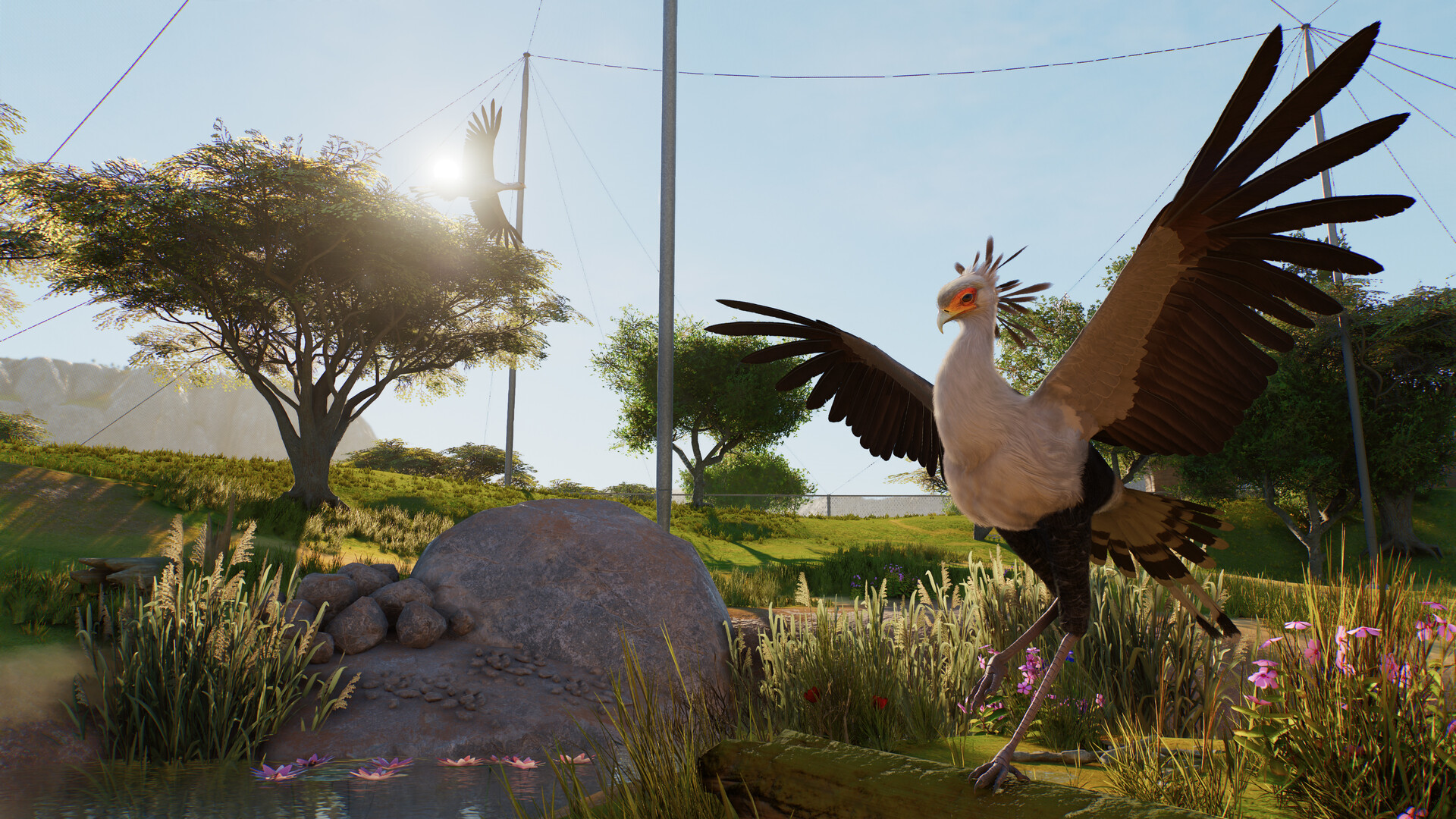
The sequel adds fully flying birds such as the Toco Toucan and Secretarybird, which require custom aviaries built from barriers, support poles and dynamic mesh covers. These structures let birds fly freely while staying safely contained.
Aviary construction uses the same scaling and flexi‑colour tools as other habitats, enabling detailed, sky‑filled enclosures that showcase both ground and aerial behaviours.
- Use the dynamic mesh covers to let birds fly freely and safely.
- Adjust barrier colours to blend with surrounding scenery for a seamless look.
03 / THE GUIDE
Wildlife Reserves
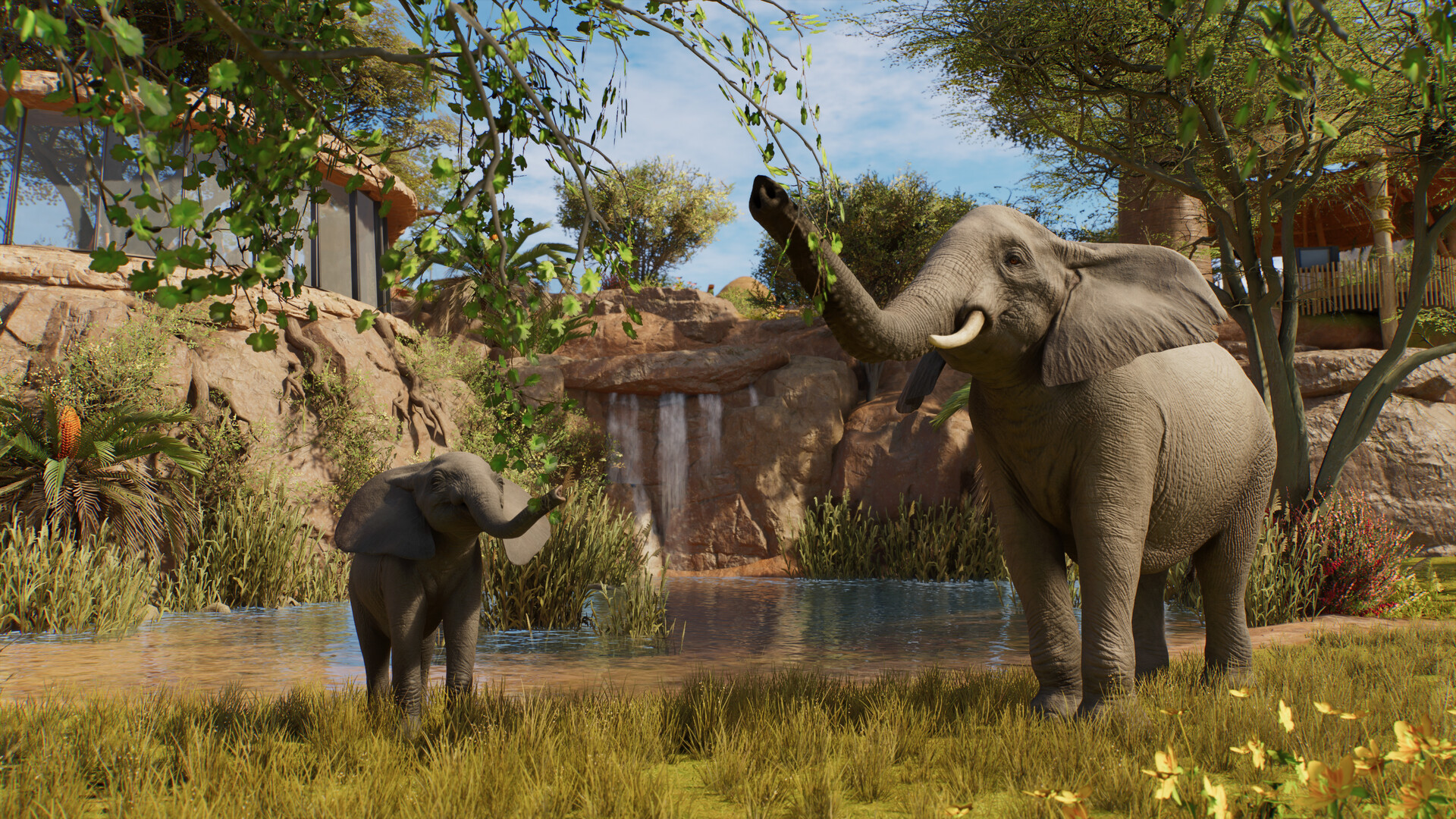
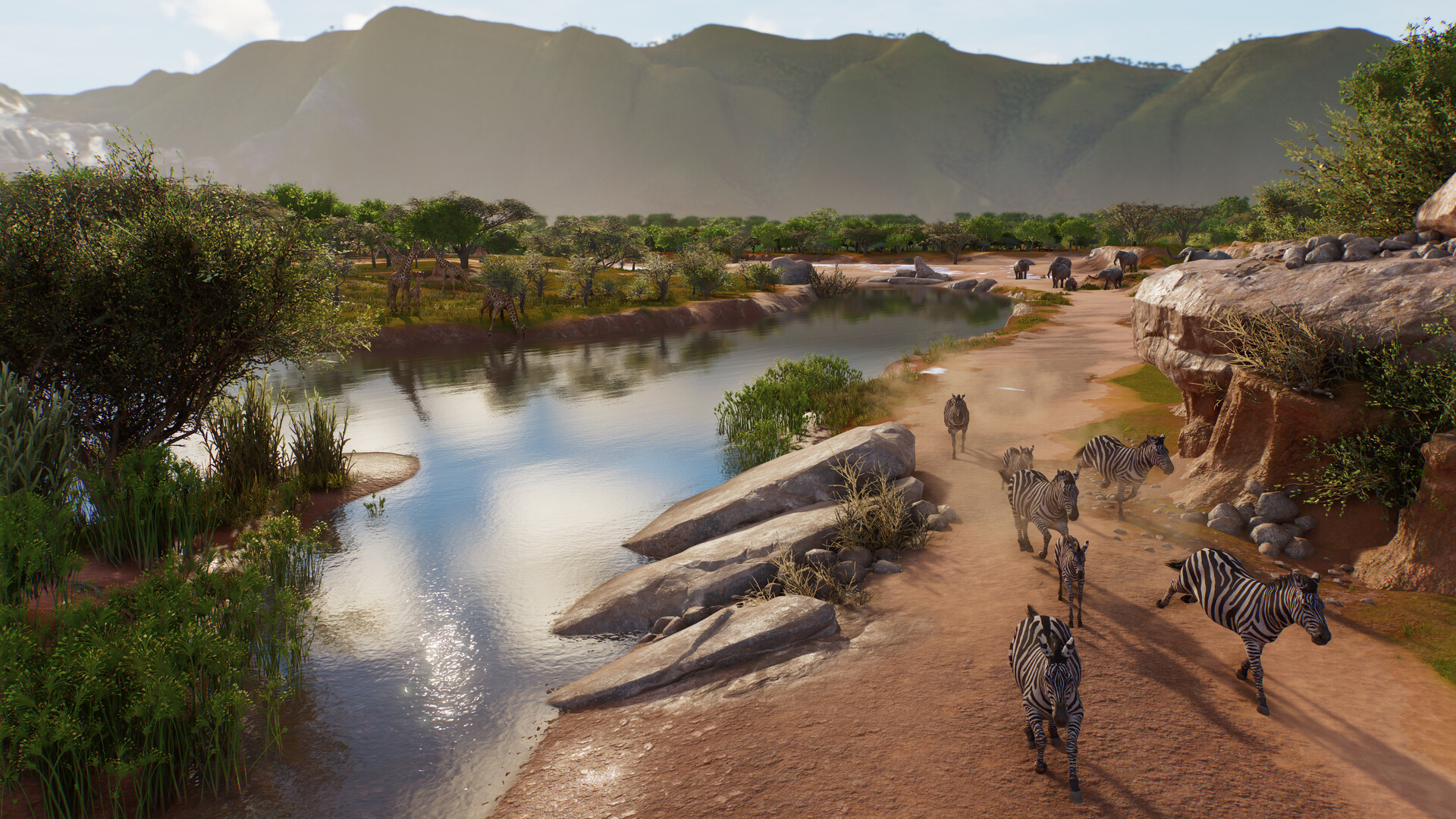
Beyond the zoo, Planet Zoo 2 lets you create expansive Wildlife Reserves where animals can be released into ecosystems you design. These reserves are fully customisable, letting you shape terrain and foliage to meet specific conservation project requirements.
Reserves function as living ecosystems, providing a broader context for animal care and allowing players to meet global conservation goals while expanding their management experience.
- Plan reserve terrain before placing animals to ensure suitable habitats are available.
- Use the same pathing and foliage tools from the zoo to maintain visual consistency.
04 / THE GUIDE
Building Tools & Blueprints
Planet Zoo 2 offers ready‑to‑place blueprints for quick construction and a piece‑by‑piece system for detailed creation. Tools include scaling, flexi‑colour, pathing, foliage and terrain brushes, allowing grand changes to both zoos and reserves.
These tools let players design habitats, guest pathways and scenery with precision, supporting both rapid setup and intricate, custom builds.
- Start with a blueprint to establish a layout, then refine details using the piece‑by‑piece tools.
- Utilise the new terrain brushes to make grand changes to your zoo's terrain.
05 / THE GUIDE
Play Modes
Three distinct modes shape the experience: Career mode follows the Fauna and Ecosystems Network (FEN) storyline, Franchise mode enables animal trading with other players, and Sandbox mode offers unlimited creativity without objectives. Each mode can be played at your own pace.
Each mode offers its own take on building and animal care, from Career's guided adventure to Franchise trading and Sandbox creativity.
- Use Career mode to learn animal needs before experimenting in Sandbox.
- Try Franchise mode after mastering zoo management to explore trading dynamics.
COMMUNITY
Player discussion