 GameWiki
GET YOUR BEARINGS
About Pixel Art Academy: Learn Mode
Pixel Art Academy: Learn Mode is an educational single‑player experience that teaches pixel‑art fundamentals through interactive tutorials. The current Early Access version focuses on the element of line, offering about two to three hours of core content and optional extra challenges.
The game features a cozy UI, background music, and the ability to apply lessons by creating fan art, sprite designs, and a custom pinball machine. Future updates will expand to the remaining six elements of art, but the present build remains limited to line work.
01 / THE GUIDE
Learn Mode Overview
Learn Mode drops players directly into the tutorial series, promising the fastest path to becoming a pixel artist. It is organized around the seven elements of art, though only the line element is currently available. The mode provides roughly 2–3 hours of core gameplay, with additional time possible if players complete all challenges and extra projects.
- Focus on completing each tutorial before moving to challenges for smoother skill progression.
- Allocate a bit of extra time for the optional projects to deepen understanding.
02 / THE GUIDE
Interactive Tutorials
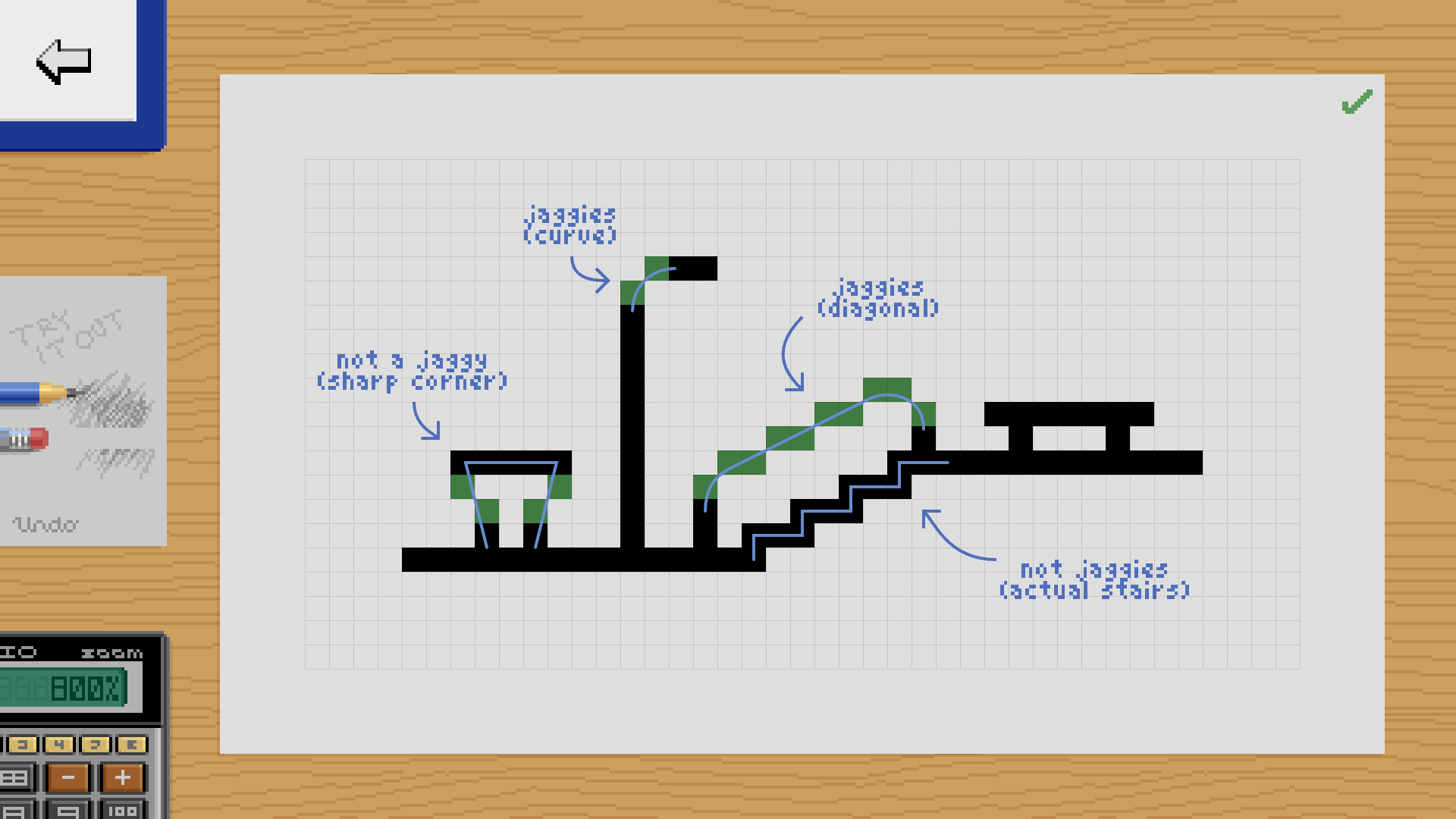
The tutorials are described as immersive and carefully designed, teaching drawing‑tool usage and pixel‑art fundamentals with an emphasis on line art and jaggies. They guide players from basic theory to practical application. Each lesson builds on the previous one, ensuring that users understand how to manipulate lines before tackling more complex tasks.
- Pause the tutorial to experiment with tools before proceeding.
- Compare the on‑screen examples with your own attempts to spot differences.
03 / THE GUIDE
Drawing Challenges
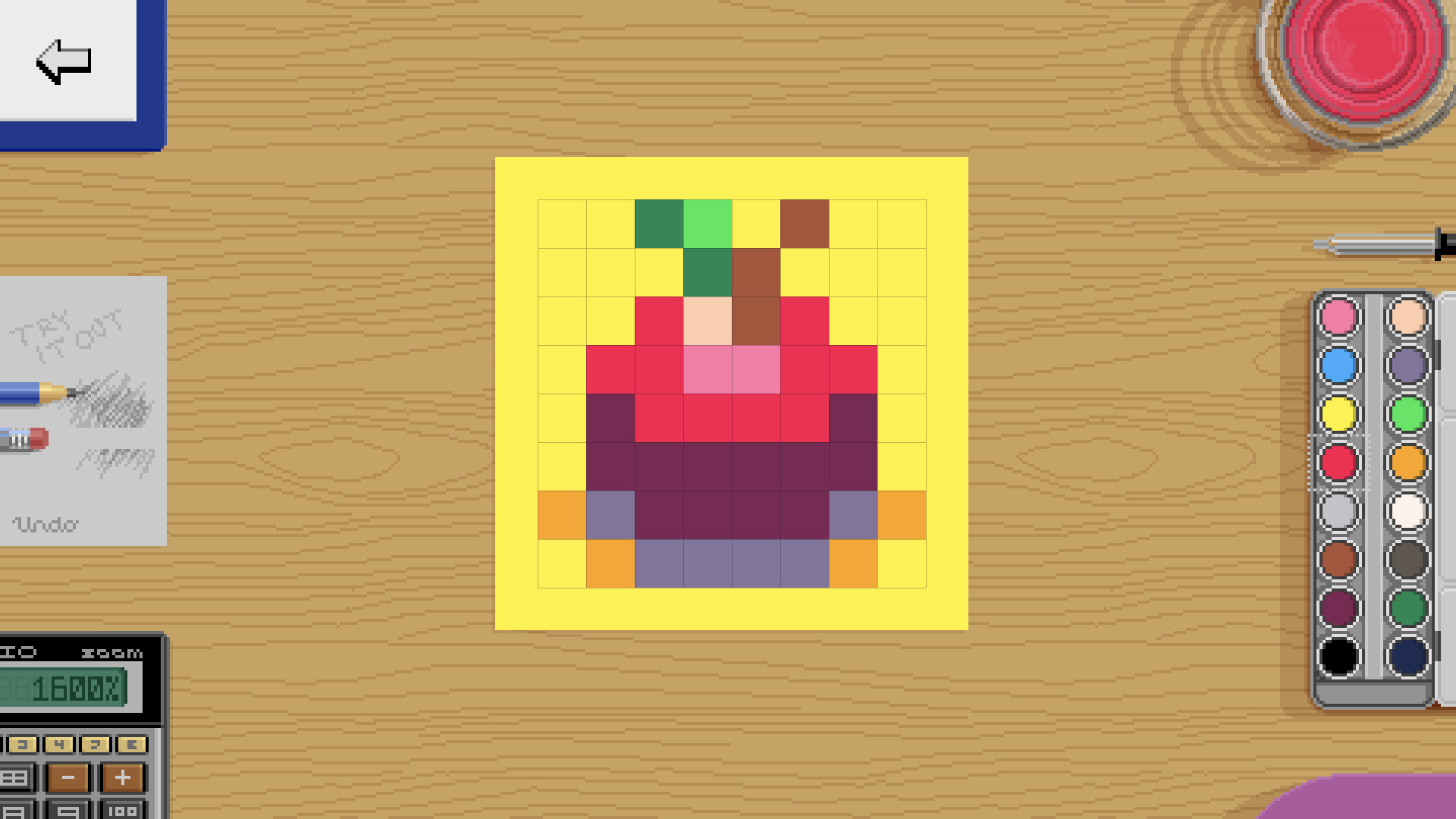
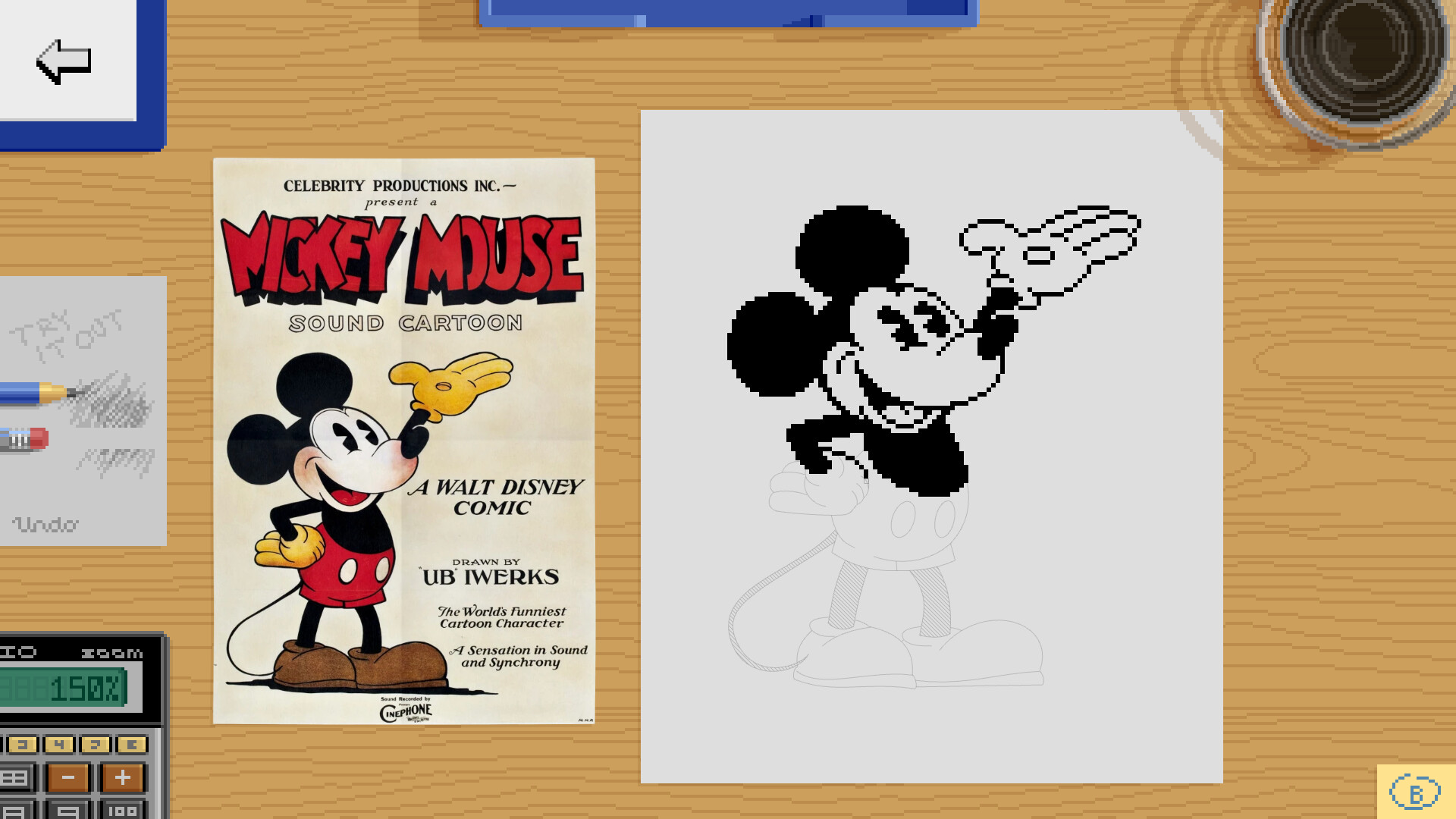
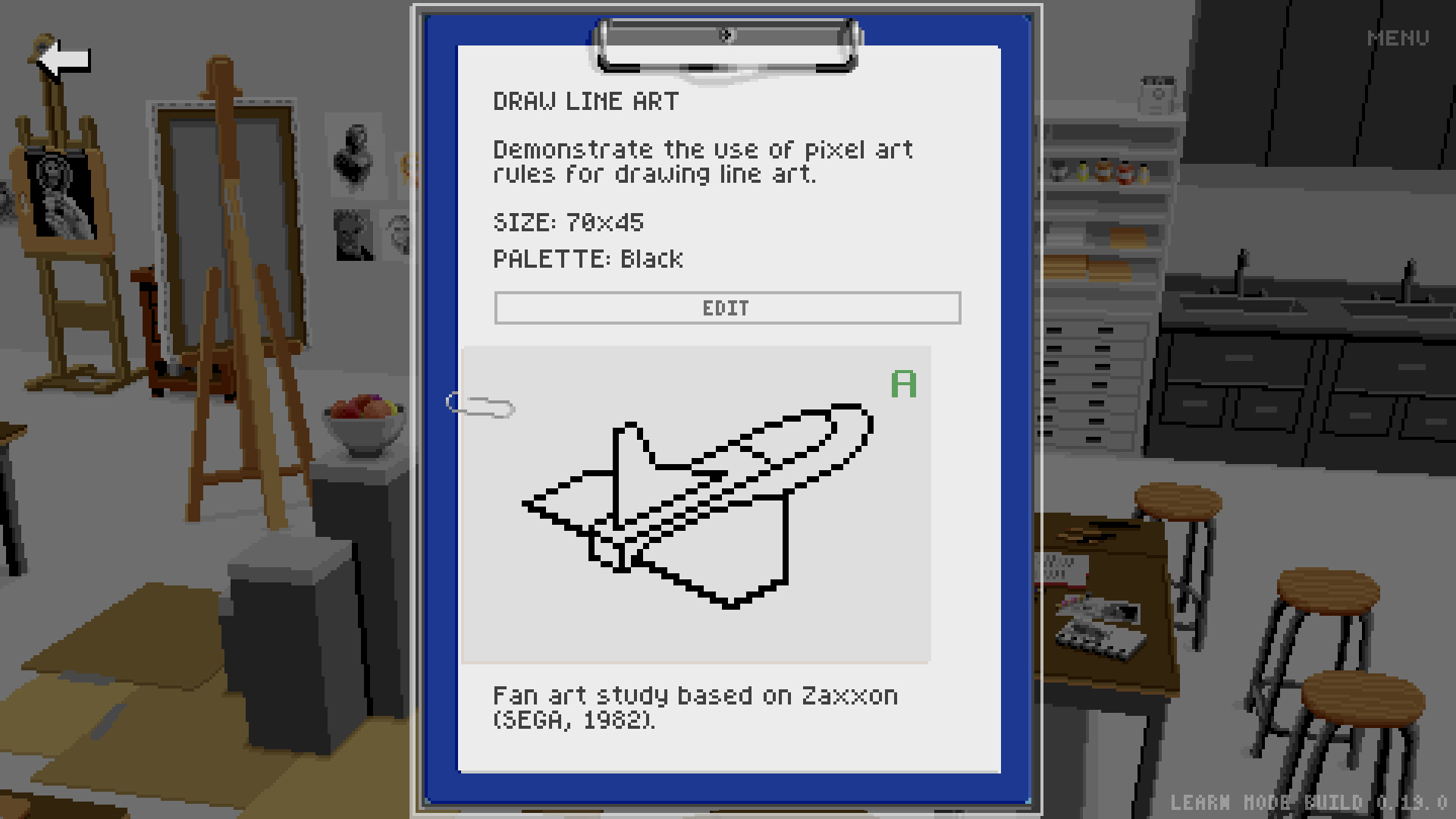
After tutorials, players face challenges that require copying indie game sprites or creating fan art from reference images. These tasks let users apply theory in a controlled setting. Challenges are optional but provide a measurable way to test skill acquisition and encourage creative interpretation of existing artwork.
- Use reference images at the same resolution as your canvas for easier replication.
- Attempt the challenge without looking at the solution first to gauge true skill level.
04 / THE GUIDE
Game Projects: Snake & Pinball
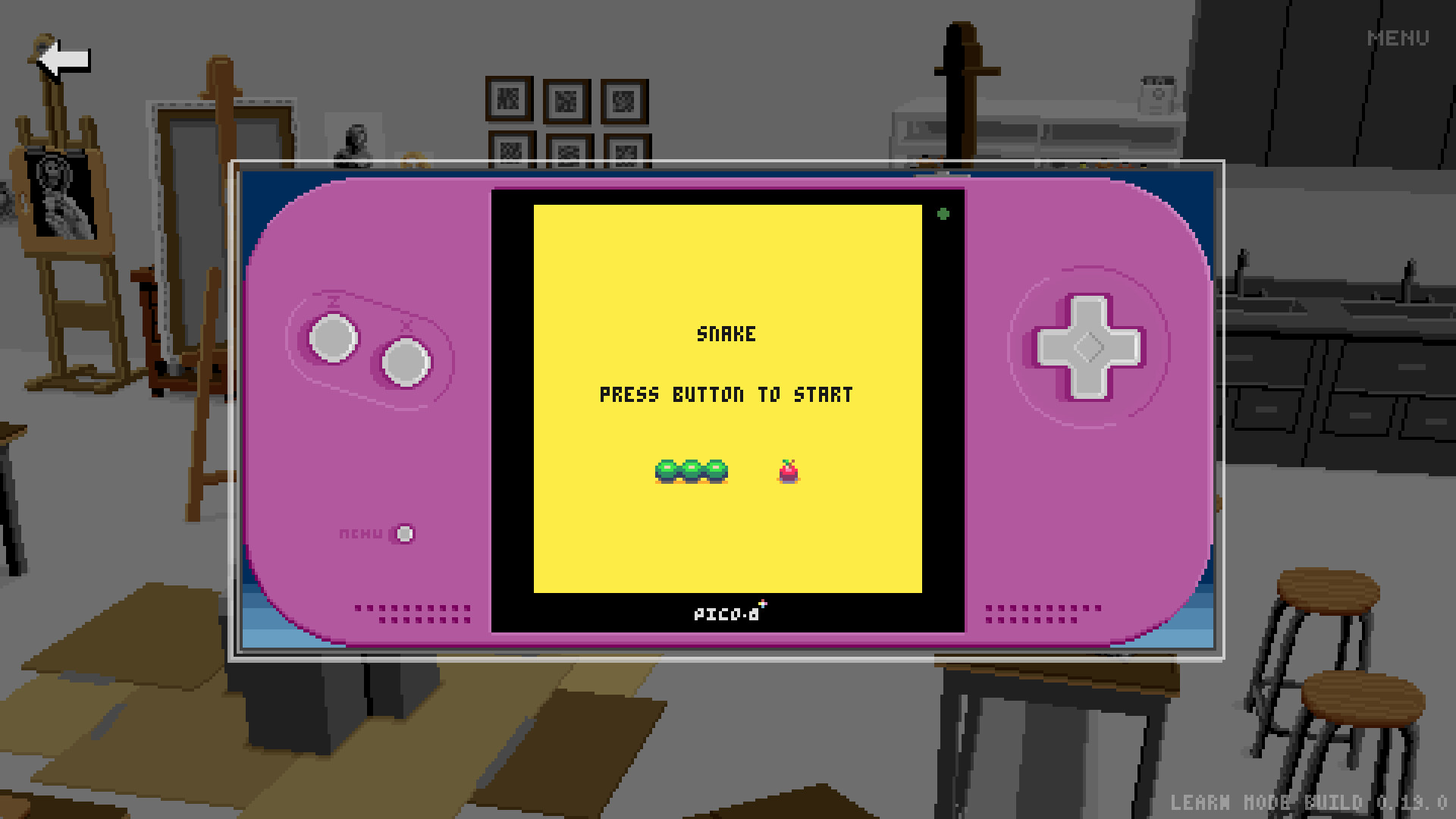
Learners can design video‑game sprites while customizing a version of Snake and building a personal pinball machine. These projects let players see their art in motion and interact with the results. Both projects are playable, offering a direct feedback loop between creation and gameplay.
- Start with simple sprite shapes before adding detailed line work.
- Test the pinball machine frequently to ensure your designs function as intended.
05 / THE GUIDE
Audio & Atmosphere
The UI is described as cozy and relaxing, complemented by over six hours of background music that plays during drawing sessions. This ambience aims to keep players focused and comfortable. The atmospheric design is intended to support longer practice periods without fatigue.
- Adjust your own volume settings if the music becomes distracting after a while.
- Take short breaks between music tracks to maintain concentration.
COMMUNITY
Player discussion