 GameWiki
GET YOUR BEARINGS
About Pivot XL
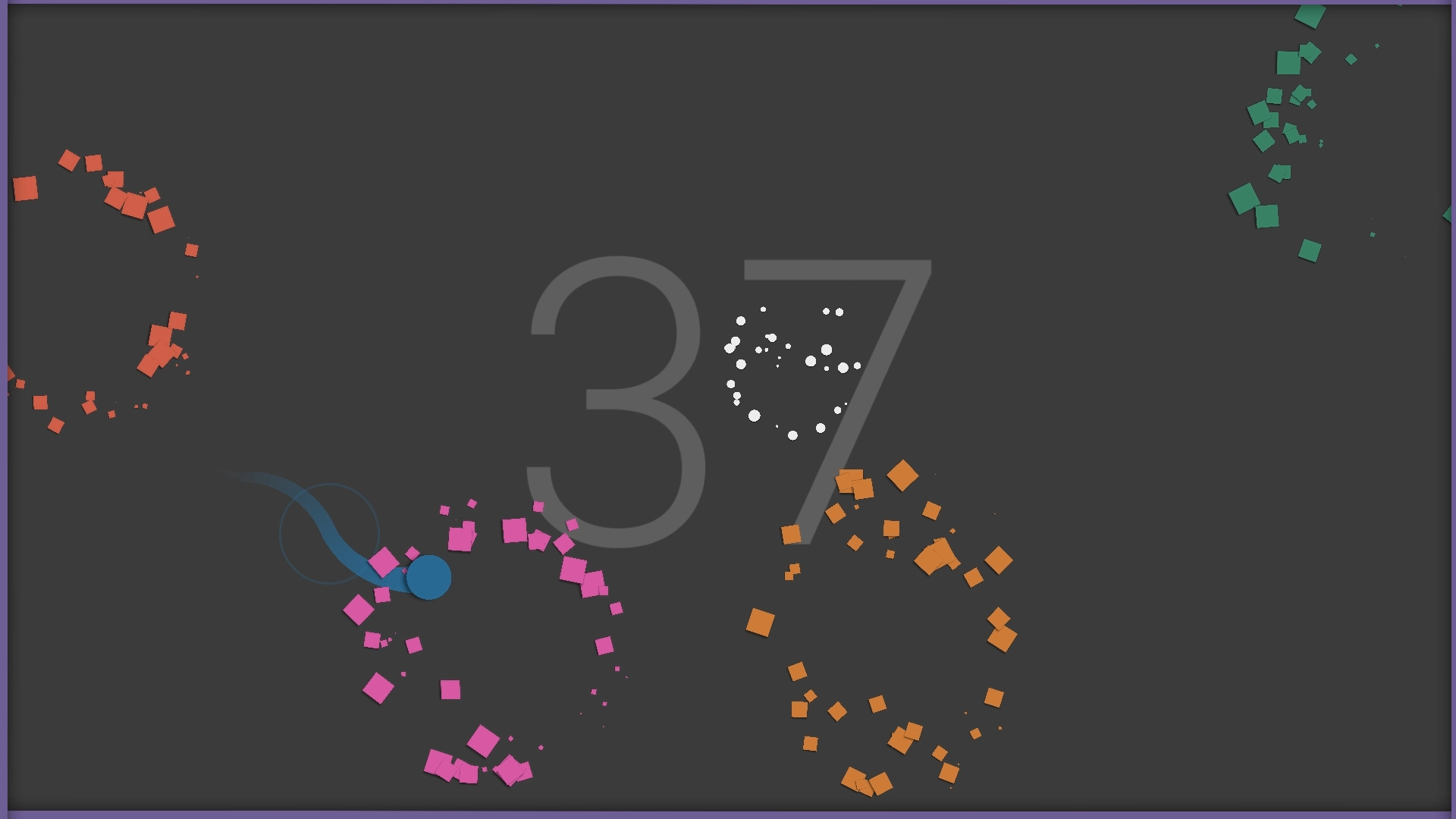
Pivot XL is a minimalist arcade title where you rotate a character within the screen borders, dodge obstacles, collect points and smash power‑ups. The game’s speed increases over time, creating an endless score‑chasing loop that rewards precise timing and near‑misses.
Developed by Adamvision Studios as the second entry in a three‑part series, the PC version adds unlockable skins, Steam leaderboards, achievements and full controller support while keeping the single‑button pivot mechanic that is easy to learn but hard to master.
01 / THE GUIDE
One‑Button Pivot Controls
Press the pivot button to spin your character in the opposite direction, keeping it inside the screen’s borders. The game accepts input from a gamepad, keyboard or mouse, allowing you to choose any of those devices for the single action.
Because only one button is required, the control scheme presents a low entry barrier. Mastery comes from timing the pivots correctly as the game accelerates, turning a simple input into a demanding reflex challenge.
- Try each supported input device to see which feels most responsive for rapid pivots.
- Begin each run at a slower pace to internalise the timing before the speed ramps up.
02 / THE GUIDE
Scoring and Close Call System
Points are awarded for collecting items and smashing power‑ups while avoiding obstacles. The “Close Call” system adds bonus points when you narrowly miss a hazard, encouraging tight navigation.
As the session continues the game speeds up, raising both difficulty and potential point yield. Sustained survival combined with frequent close calls yields the highest possible scores.
- Target early obstacles for close calls to build a point buffer before speed increases.
- Balance aggressive pivots with safety; a mistimed spin can end a high‑score run quickly.

03 / THE GUIDE
Unlockable Skins
Playing Pivot XL unlocks additional character skins, including designs from other Adamvision Studios games. The game includes unlockable skins, featuring characters from other Adamvision Studios games.
Skins change the visual appearance of the on‑screen avatar, giving players a way to personalise the look.
- Track which skins you have earned to set visual goals for future sessions.
- Use the appearance changes as a visual indicator of progress toward higher score thresholds.
04 / THE GUIDE
Leaderboards and Steam Achievements
Pivot XL integrates Steam Leaderboards, allowing you to compare your score with players worldwide. Steam Achievements mark milestones as you play, adding goals beyond the leaderboard race.
Both features provide external benchmarks that extend replay value beyond personal high scores, encouraging players to improve their rank or complete achievement challenges.
- Check the leaderboard after each run to gauge your global standing and set incremental targets.
- Review achievement descriptions to discover hidden goals that diversify your play sessions.
05 / THE GUIDE
Steam Platform Features
The game supports Steam Cloud, syncing progress across devices, and offers Remote Play on TV for couch play. Family Sharing lets multiple accounts access the title without additional purchases.
These Steam‑specific features ensure that your high‑score data follows you whether you switch PCs, stream to a television, or share the game with family members.
- Enable Steam Cloud in the client settings to keep scores backed up automatically.
- Try Remote Play on a larger screen to see if a broader view helps your pivot timing.



COMMUNITY
Player discussion