 GameWiki
GET YOUR BEARINGS
About Pinball FX Midnight
Pinball FX Midnight is Zen Studios’ horror‑themed pinball simulation released as a free‑to‑play title on Windows via Steam. The base game advertises a collection of new tables described as sinister, gory, and badass, aiming at players who enjoy a dark aesthetic.
Beyond solo play, the title lists multiplayer, PvP, and split‑screen options, and integrates several Steam services such as achievements, cloud storage, and family sharing. Full controller support is also noted for the Windows version.
01 / THE GUIDE
Sinister Table Library
The core offering consists of brand‑new tables that the description calls “never‑before‑seen” and filled with fear and carnage. Each table follows a horror motif, giving the library a visual style distinct from other Zen Studios pinball games.
These tables are positioned for “thrilling competition,” indicating that players can test their skill against the challenging layouts while experiencing the horror‑focused presentation.
- Observe how the horror visuals influence your perception of ball movement on each table.
- Compare the scoring layout of a base table with that of a DLC table to note thematic differences.
02 / THE GUIDE
Wrath of the Elder Gods: Director’s Cut
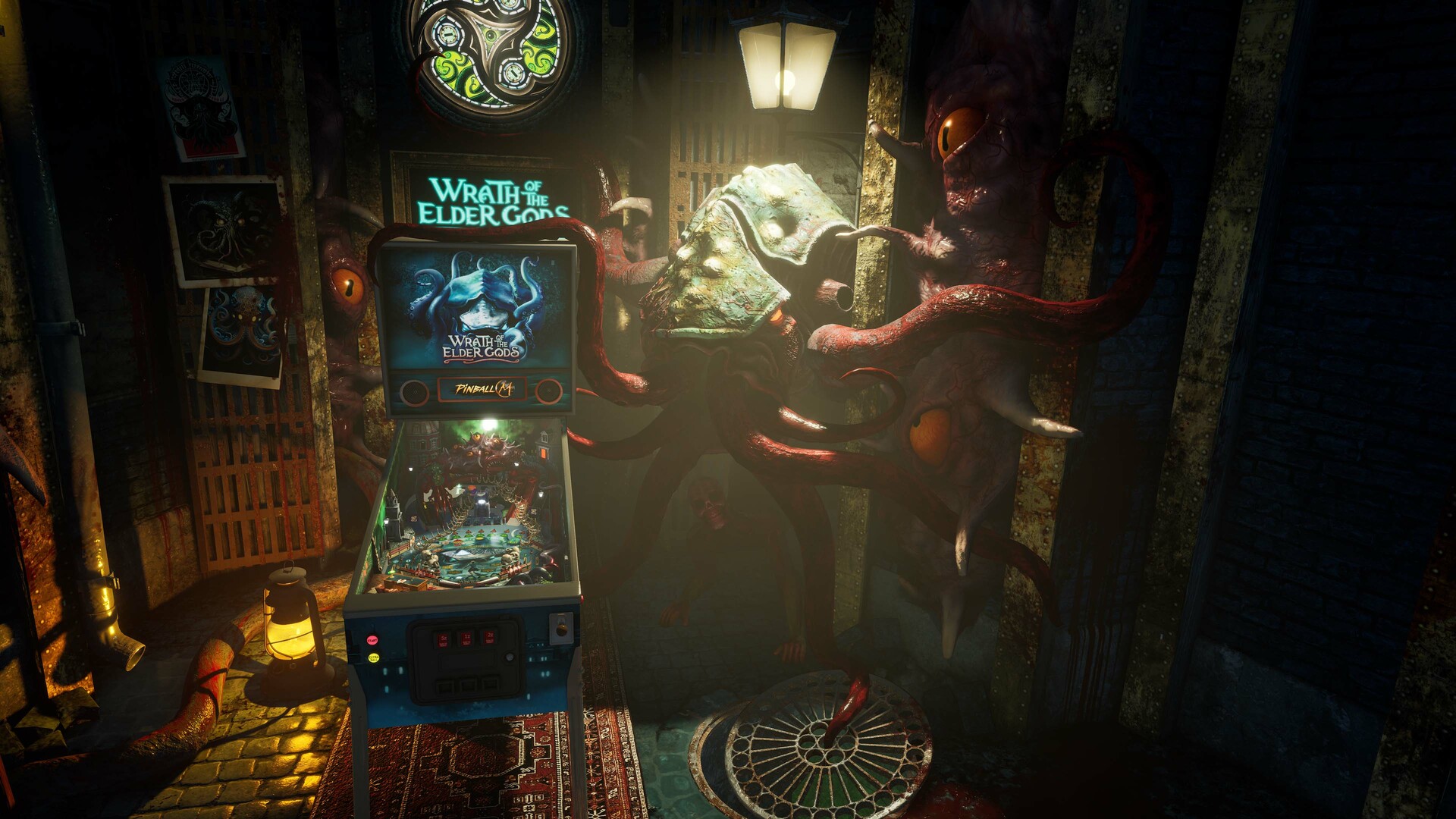
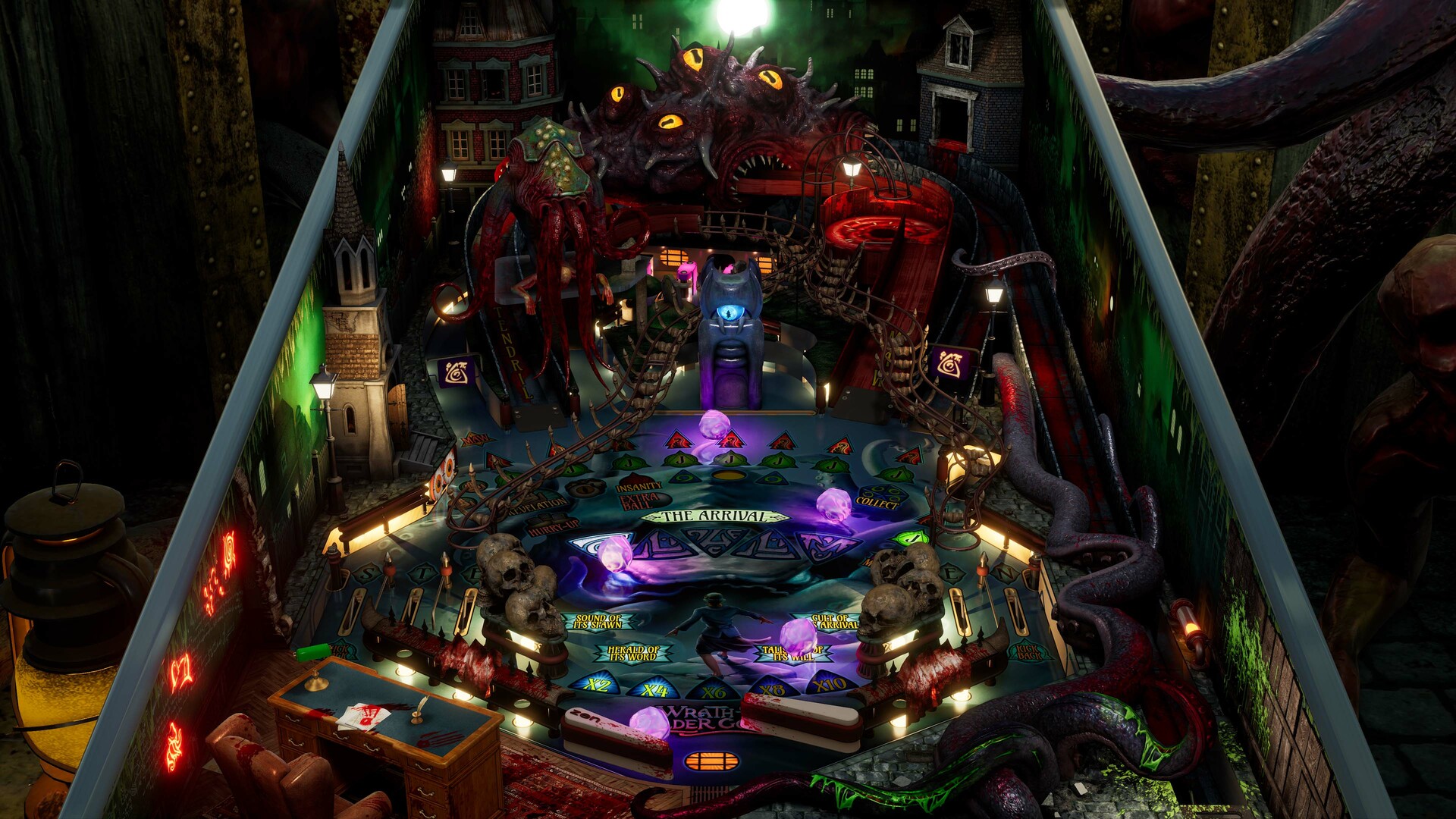
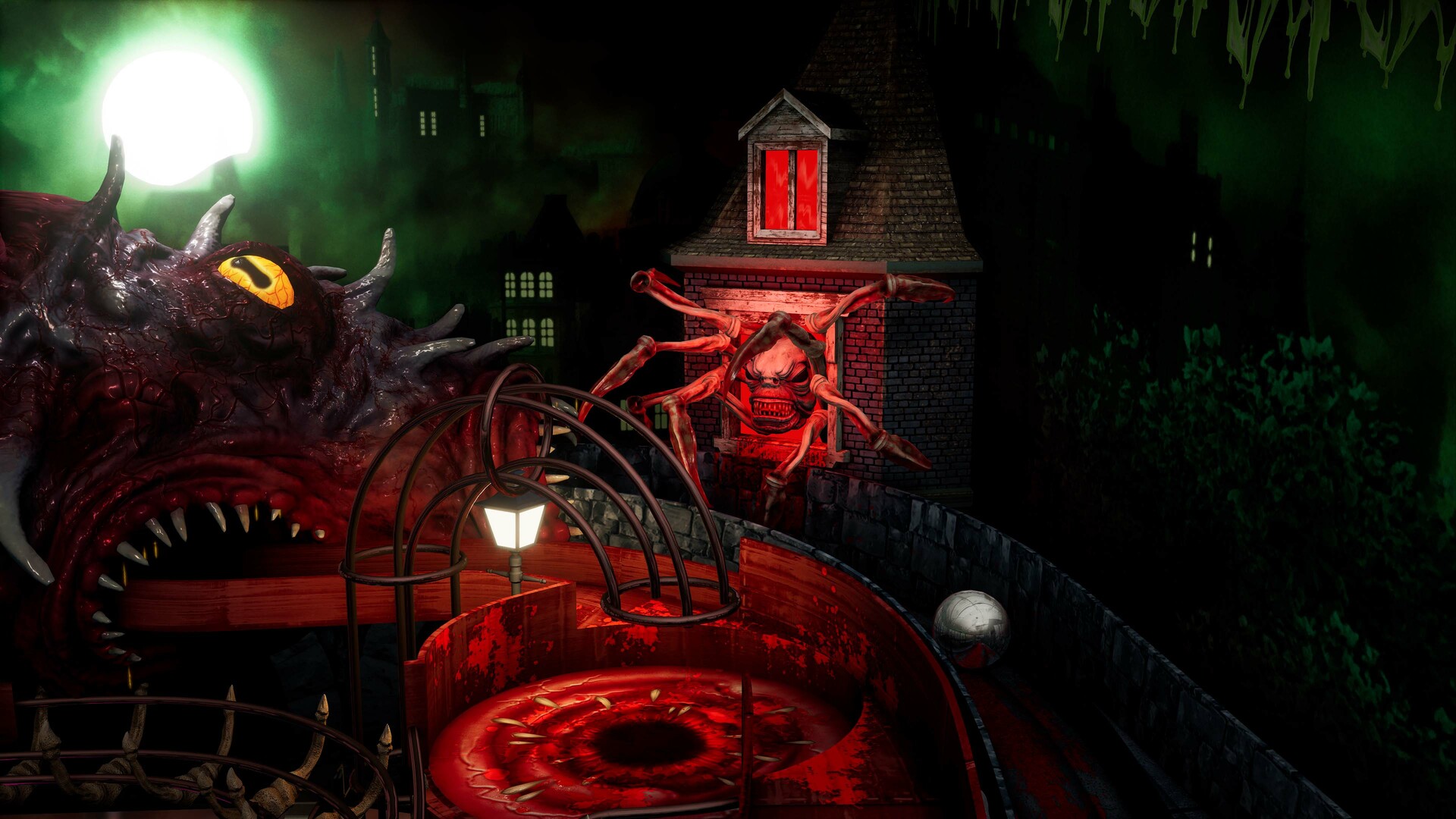
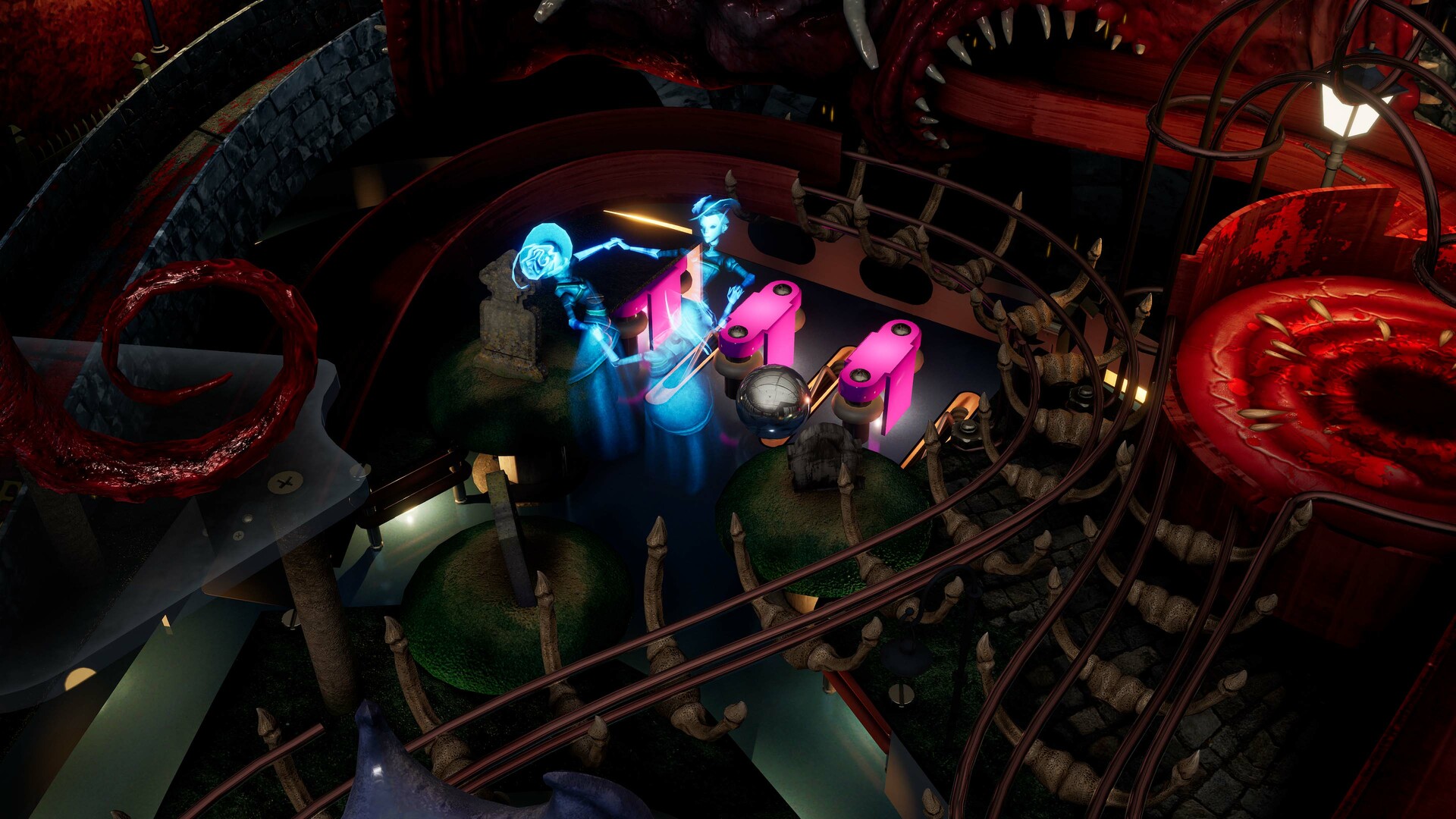
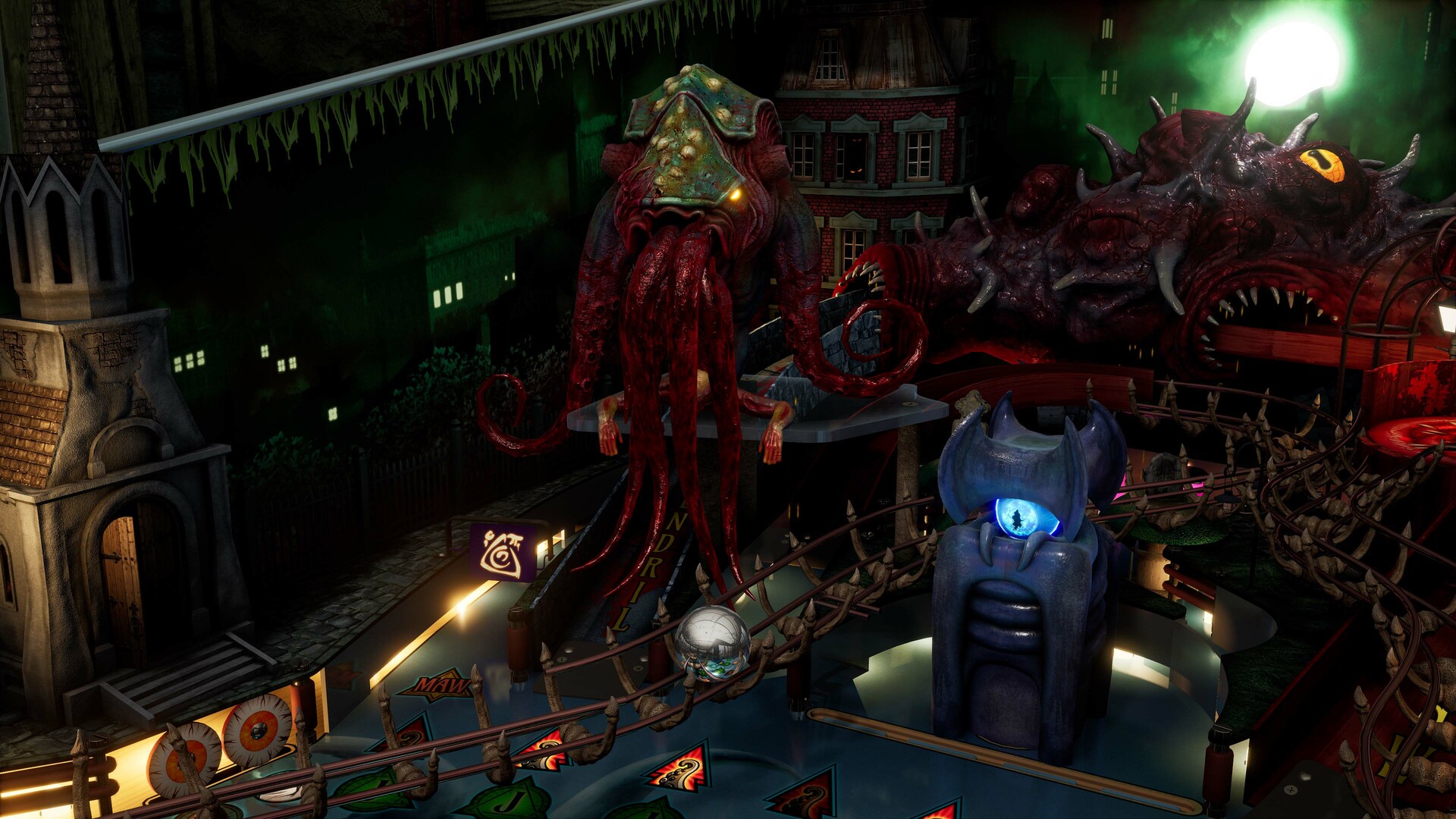
Wrath of the Elder Gods: Director’s Cut is highlighted as a free table that delivers “eldritch horror unrestricted for free.” Its inclusion in the base game means no purchase is required to access this content.
The “Director’s Cut” label suggests an expanded version of the table, though the description does not detail specific changes. Players can experience this table as part of the base game at no cost.
- Play the Director’s Cut early to establish a baseline for the free horror content.
- Watch for visual or audio differences that may indicate the “Director’s Cut” enhancements.
03 / THE GUIDE
Chucky's Killer Pinball DLC
Chucky's Killer Pinball is a purchasable DLC that places players in “a twisted realm where the innocent becomes sinister, and the playful turns menacing.” The description emphasizes Chucky’s presence in the shadows, shaping the table’s horror theme.
This DLC adds a character‑specific table to the library, extending the horror motif with a recognizable franchise while maintaining the core pinball mechanics described for the platform.
- Compare the layout of Chucky’s table with a base table to note thematic design choices.
- Look for visual cues tied to Chucky that may signal scoring opportunities.
04 / THE GUIDE
Multiplayer and PvP Modes
The feature list includes Single‑player, Multi‑player, PvP, Shared/Split Screen PvP, and Shared/Split Screen, indicating that players can compete either online or locally on the same display. This supports “thrilling competition” among participants.
No specific matchmaking or ranking systems are described, but the presence of both online PvP and split‑screen suggests flexibility in how players engage with each other using the same tables.
- Try both online PvP and split‑screen to see which format feels more comfortable.
- Use shared screen mode to watch opponent scores in real time.
05 / THE GUIDE
Steam Integration and Platform Support
Pinball FX Midnight runs on Windows via Steam and lists Steam Achievements, Steam Cloud, and Family Sharing as features. These services provide standard Steam‑based progress tracking, cloud storage, and the ability to share the game with other accounts.
Full controller support is also listed for the Windows version, confirming gamepad compatibility. macOS and Linux are not mentioned, so the game is currently limited to Windows players on Steam.
- Enable Steam Cloud if you want the game to store data on Steam’s servers.
- Activate Family Sharing to let friends try the game without purchasing a separate copy.
COMMUNITY
Player discussion