 GameWiki
GET YOUR BEARINGS
About Piñata Go Boom
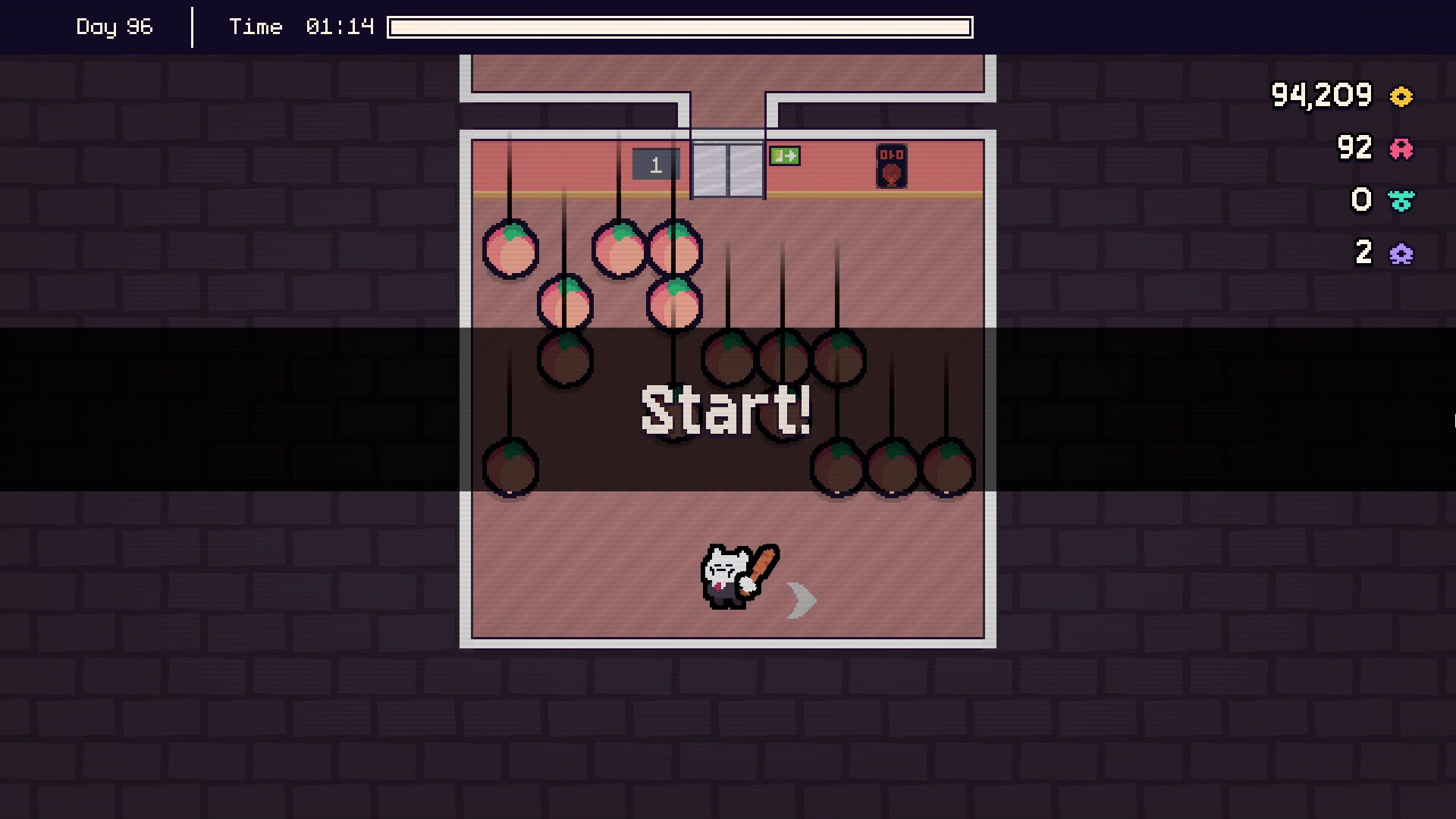
Piñata Go Boom puts you on your first day as a Piñata Popper, armed with a large bat. You smash piñatas, collect the toys they contain, and sell the haul to earn commission that funds upgrades in a skill tree and prestige ranks.
The game runs in single‑player on Windows and Linux, supports full controller use, offers a mouse‑only option, and includes Steam Cloud saves, Family Sharing, and Steam Achievements. Audio can be tuned with custom volume controls, and play does not require timed input.
01 / THE GUIDE
Core Gameplay Loop
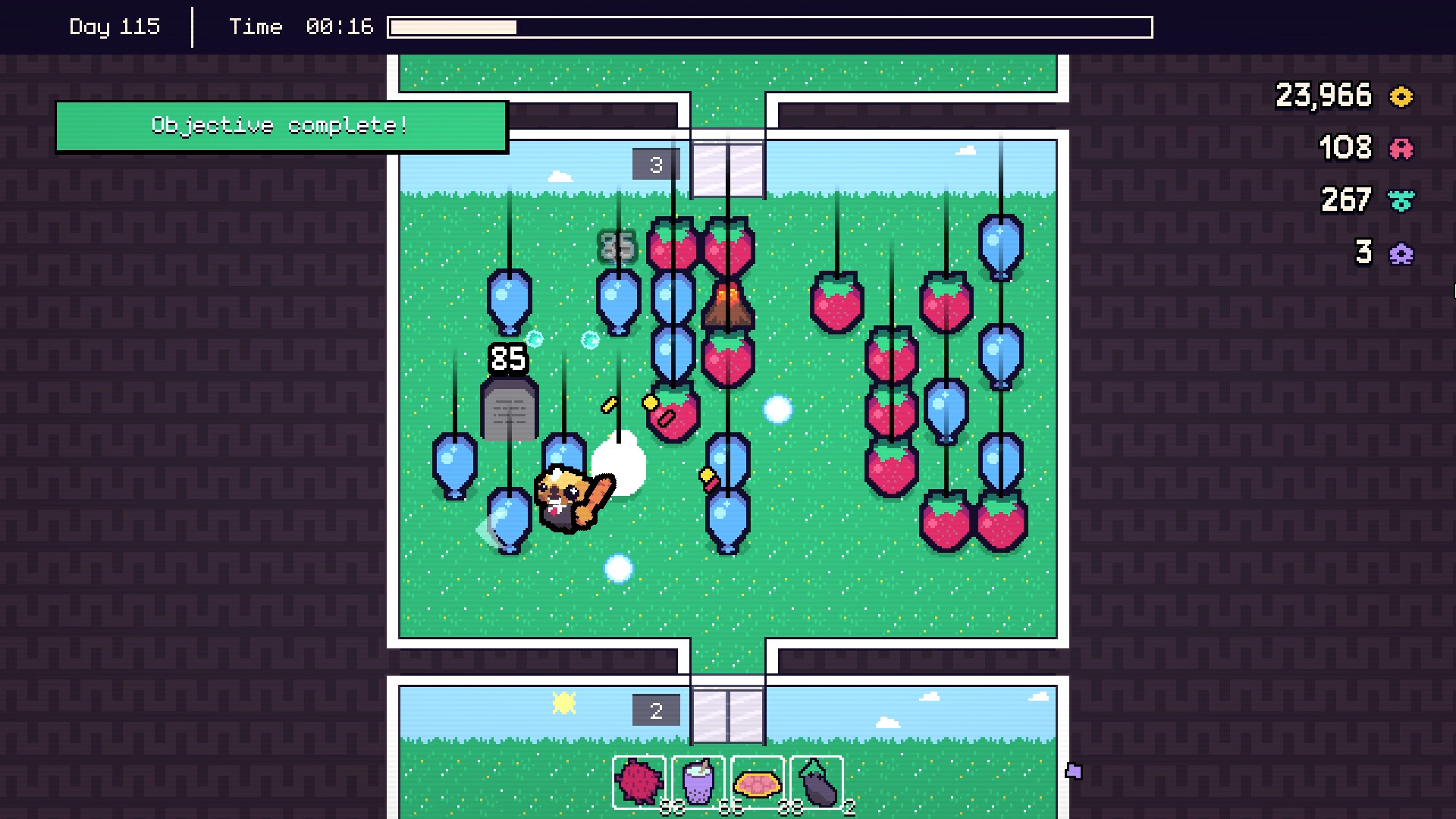
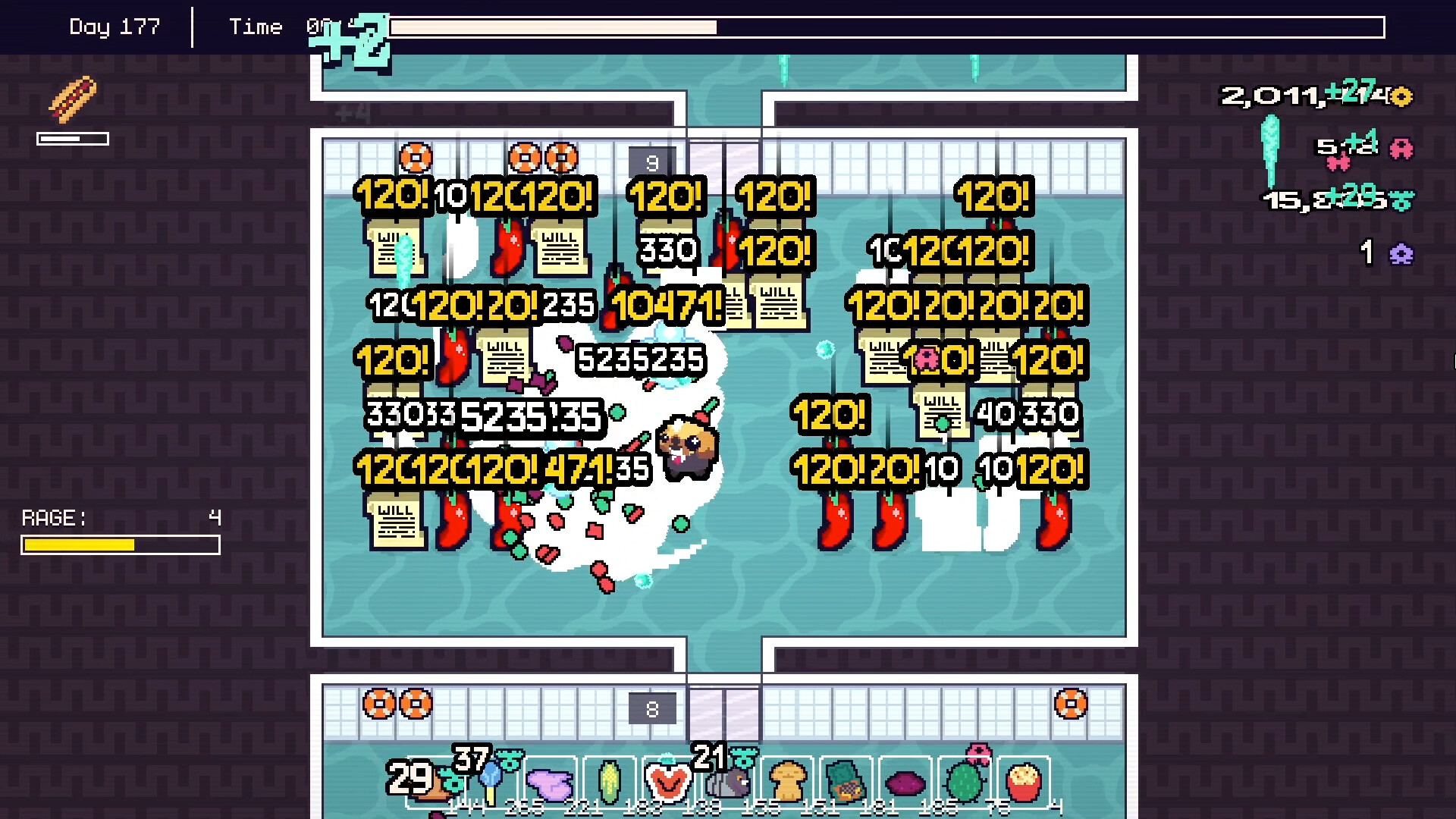
Each room contains a set of piñatas that you must smash. Breaking a piñata yields toys and other loot, which you collect before moving on to the next room.
After clearing a room you can sell the collected toys for commission. The earned commission is then used to upgrade your character, and the process repeats as you unlock the next room.
- Observe which rooms provide the most toys per smash to prioritize efficiency.
- Compare early‑room earnings with later rooms to decide when to sell for maximum commission.
02 / THE GUIDE
Skill Tree and Upgrades
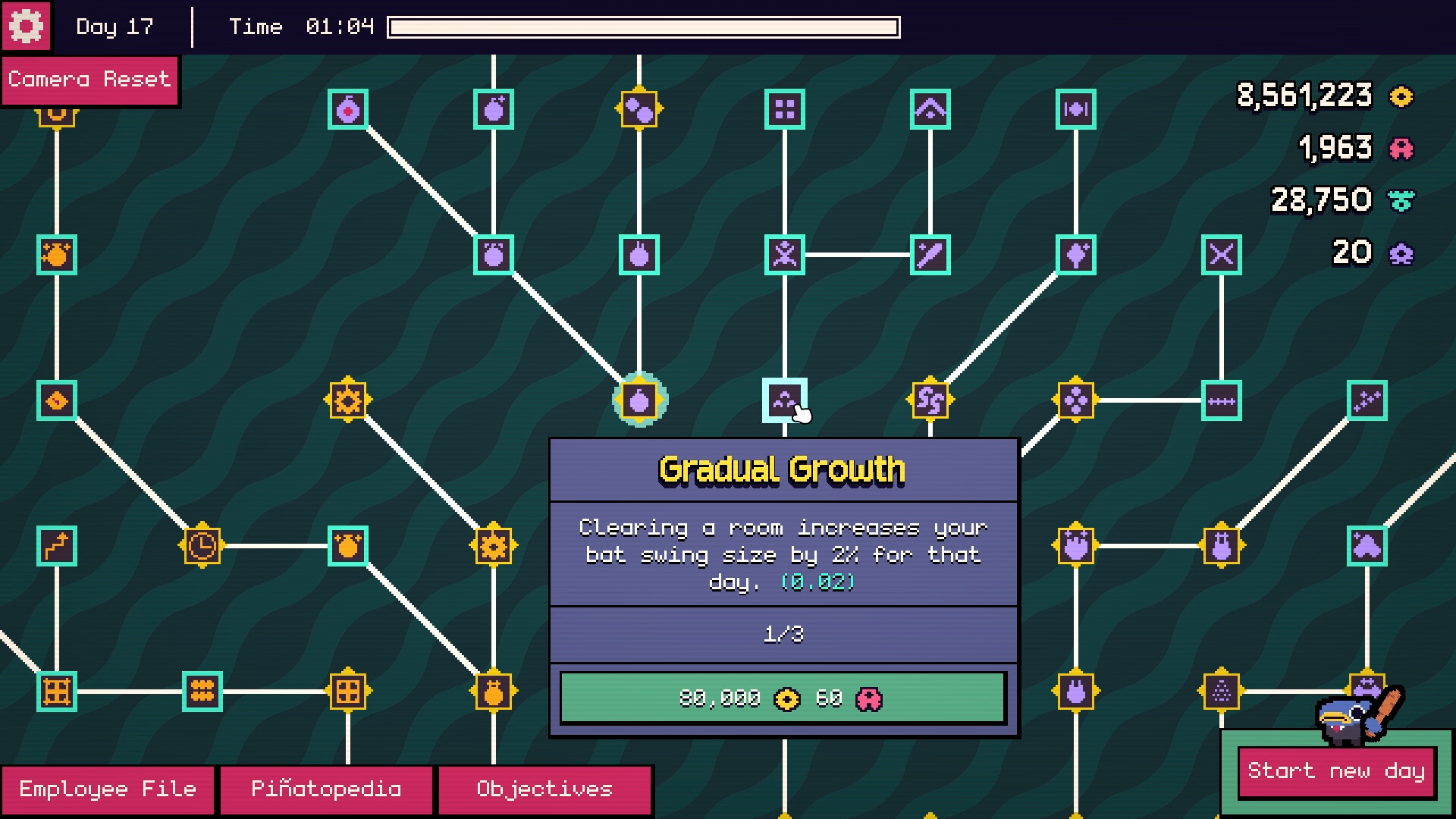
Commission from sold toys is applied to a vast skill tree. Points can be allocated to improve stats, unlock new smashing styles, or enhance other abilities.
Because the tree is described as “vast,” it offers many branching paths. Players can experiment with different allocations to see how power, speed, or efficiency changes affect room clearance.
- Start with a balanced spread of points to identify which stat most improves your smash rate.
- Track how each upgrade alters your performance and adjust future spending accordingly.
03 / THE GUIDE
Prestige System
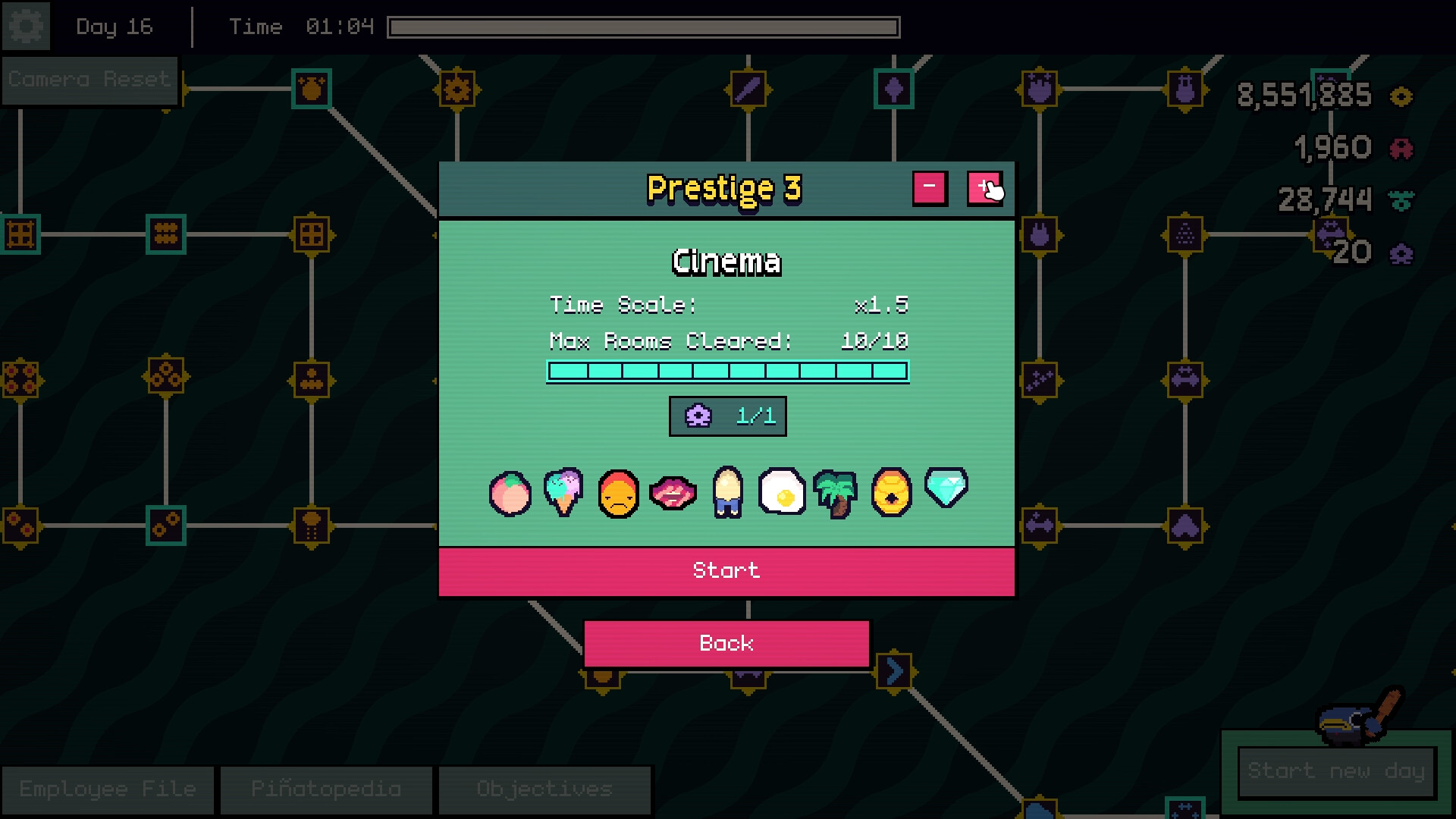
When certain milestones are reached, you may prestige. Prestige unlocks new mechanics, allowing you to continue progressing with fresh options.
Each prestige level adds deeper loops to the core gameplay, encouraging repeated cycles of smashing, selling, and upgrading.
- Note the point at which prestige becomes available to plan your upgrade spending.
- Compare the new mechanics unlocked after each prestige to decide the optimal time to reset.
04 / THE GUIDE
Input Options and Controller Support
Piñata Go Boom includes full controller support and a mouse‑only option, letting players choose their preferred input method without any timed‑input requirement.
Both DualShock and DualSense controllers are listed, indicating compatibility with common PlayStation‑style gamepads, while custom volume controls let you adjust audio independently of gameplay.
- Try both mouse and controller to see which feels more natural for rapid smashing.
- Set volume levels early to ensure you hear any audio cues during intense rooms.
05 / THE GUIDE
Platform and Cloud Features
The title is available on Windows and Linux and uses Steam Cloud to synchronize progress, allowing your saved data to follow you across installations.
Family Sharing is supported, and Steam Achievements provide optional milestones that can guide your upgrade decisions.
- Enable Steam Cloud before your first session to protect your progress.
- Review the achievement list for optional goals that align with your upgrade path.
COMMUNITY
Player discussion