 GameWiki
GET YOUR BEARINGS
About Piczle Cross Adventure
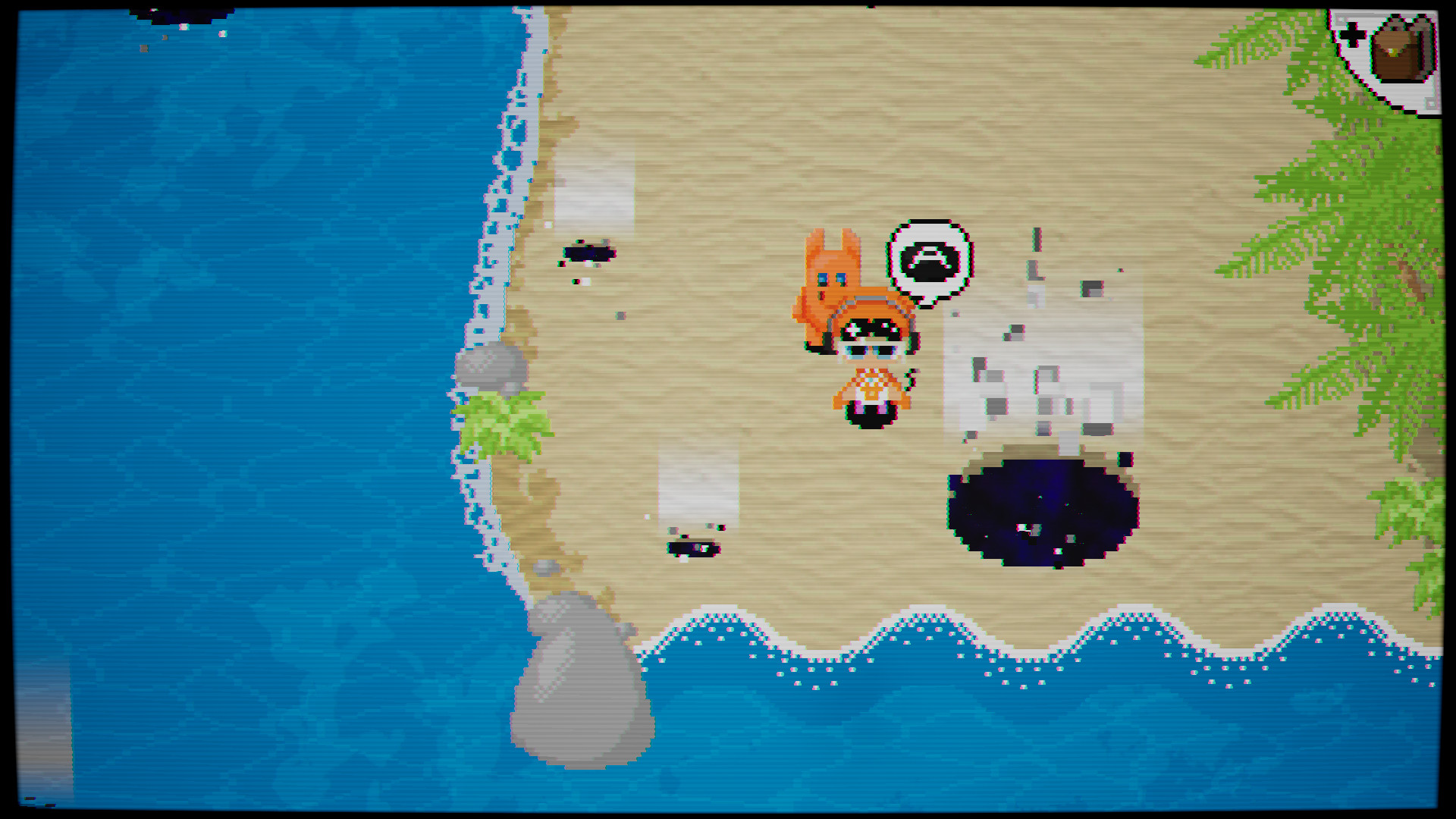
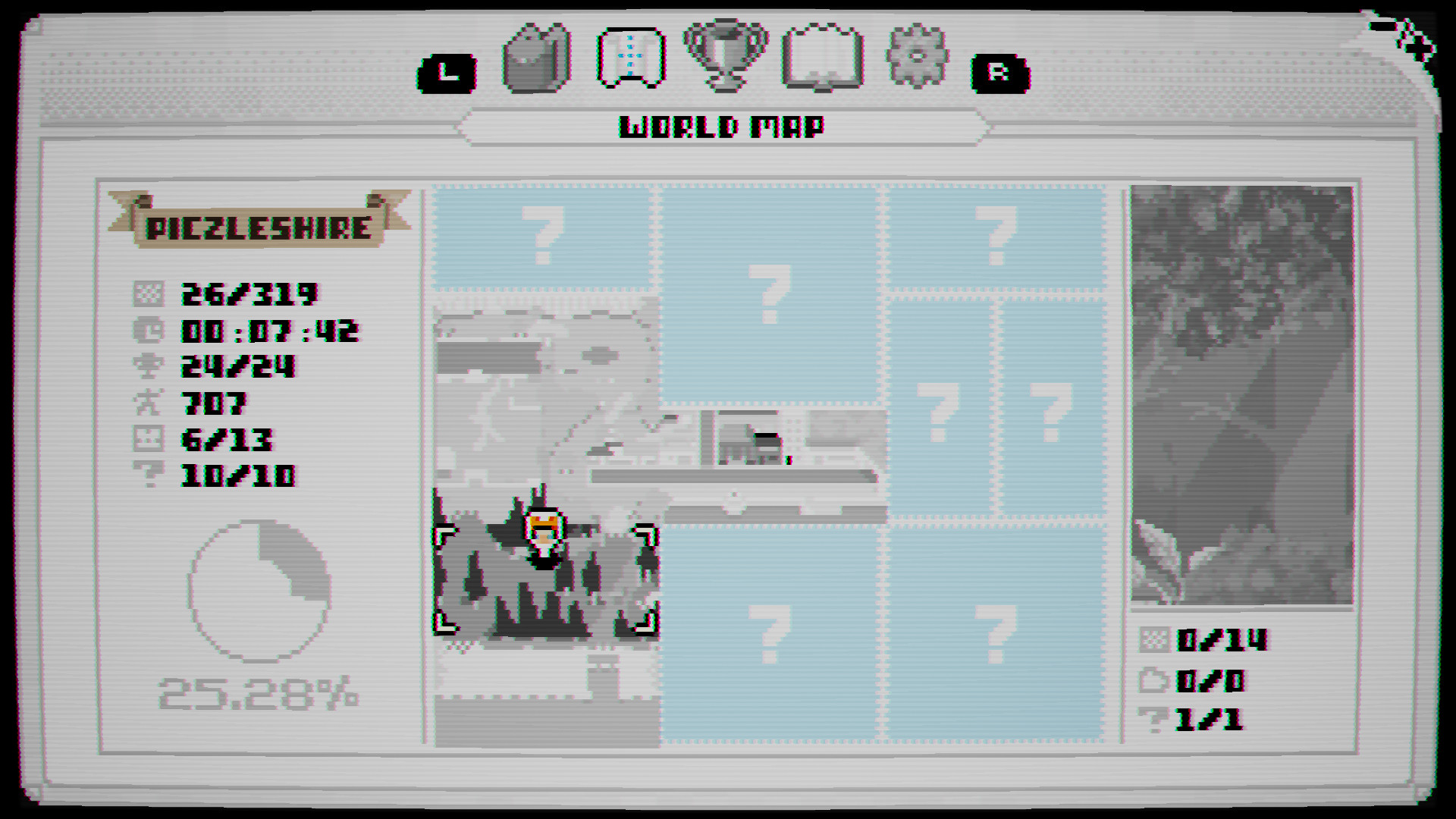
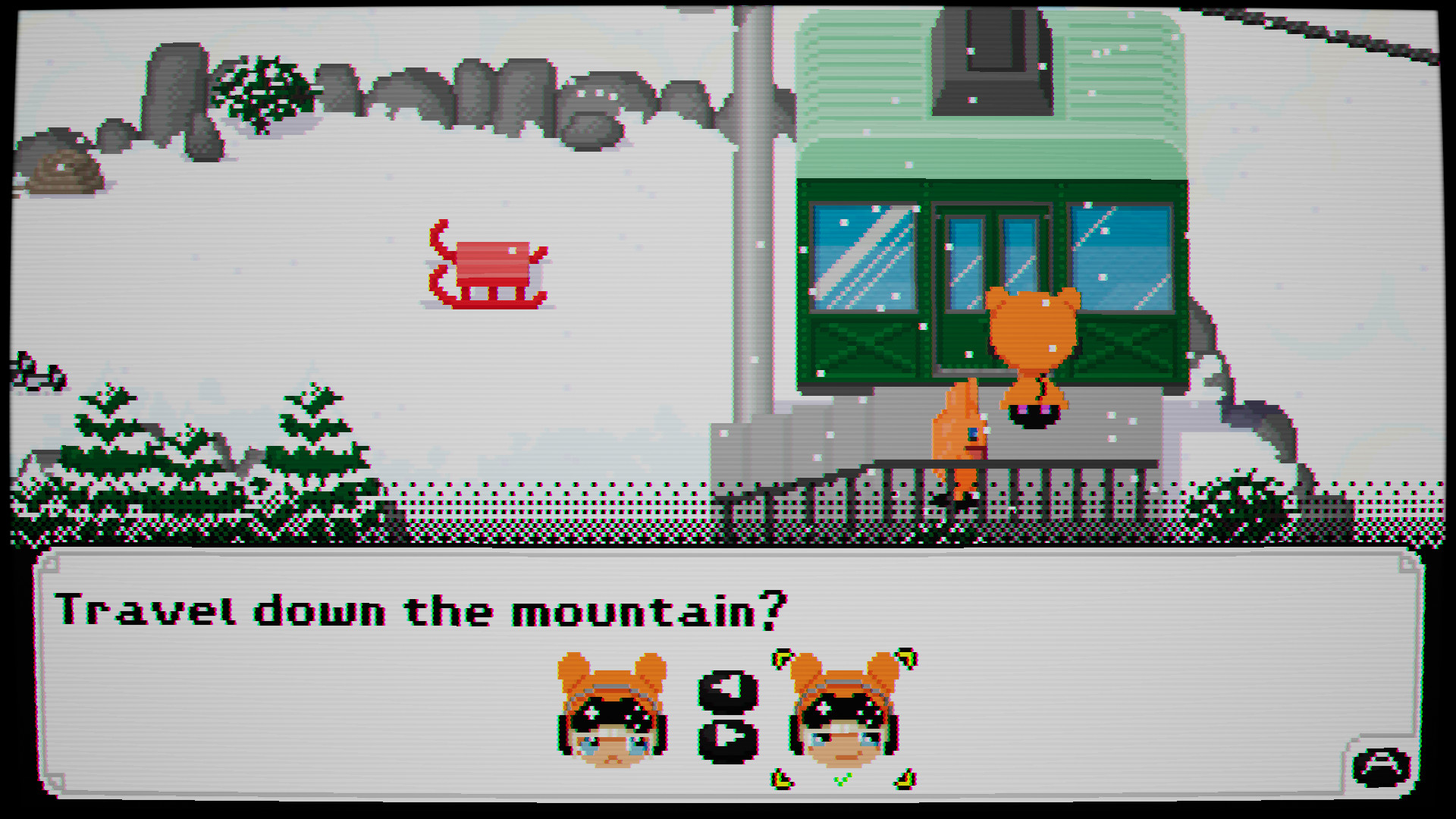
Piczle Cross Adventure follows Score‑chan and Gig as they chase the metal menace under_SCORE, who has turned the world of Piczleshire into black‑and‑white pixels. The duo must solve nonogram logic puzzles to restore the shattered scenery and uncover the mastermind behind the chaos.
The game blends a narrative adventure with a robust nonogram engine, offering customizable play options, accessibility settings, and a trophy system for puzzle completion. It supports single‑player, full controller input, and Steam features such as achievements and trading cards.
01 / THE GUIDE
Nonogram Puzzle Core
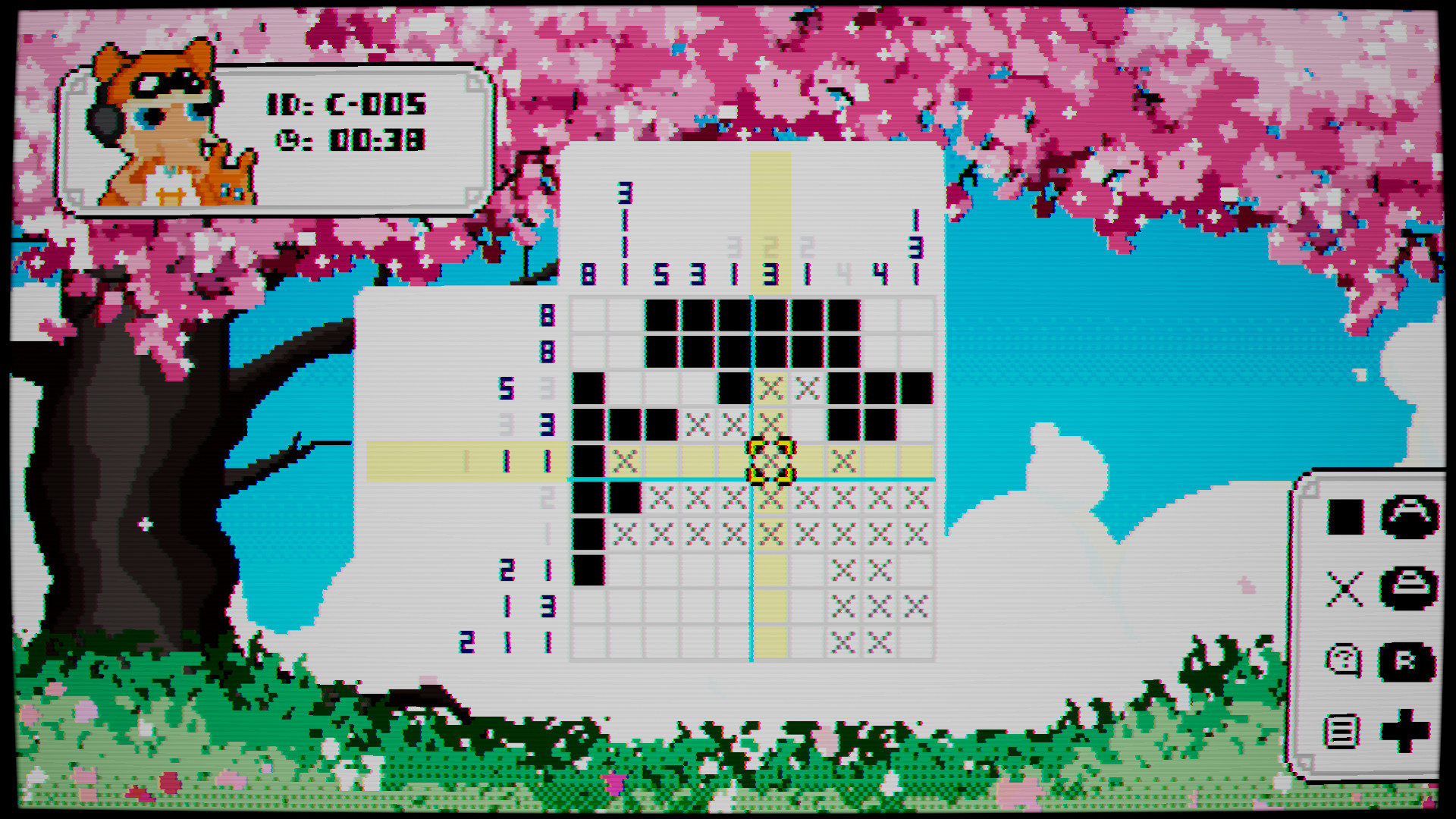
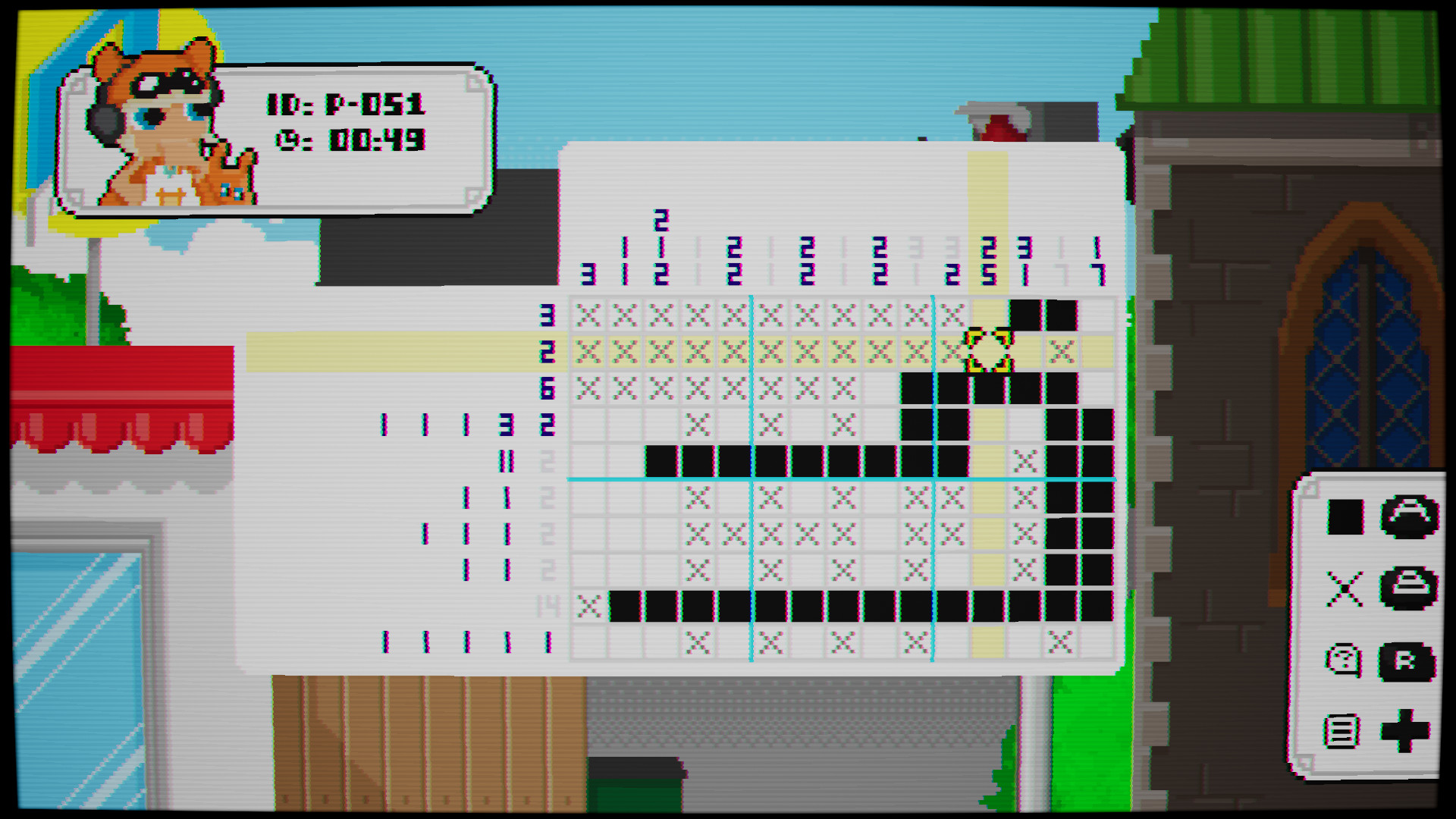
The central gameplay revolves around solving nonogram logic puzzles to rebuild destroyed environments. Each solved puzzle restores a portion of the world, advancing the story.
Puzzles can be approached with optional aids like automatic row/column filling, and players may hide the timer if they prefer a relaxed pace.
- Try enabling automatic fills for quicker progress.
- Hide the timer to focus on puzzle logic.
02 / THE GUIDE
Customization Options
Players can select visual themes or create their own, tailoring the aesthetic to personal taste. Additional settings include clue roulette activation and timer visibility.
These options let players shape the puzzle experience without affecting core mechanics.
- Experiment with custom themes for visual variety.
- Toggle clue roulette for a fresh challenge.
03 / THE GUIDE
Accessibility Features
The game provides reduced flashing and input options to accommodate different player needs. These settings are designed to make the puzzle experience more comfortable.
Adjusting these features does not alter puzzle difficulty, only the presentation and input handling.
- Enable reduced flashing for eye comfort.
- Use input options that match your preferred device.
04 / THE GUIDE
Steam Integrations
Piczle Cross Adventure includes Steam Achievements, Trading Cards, and Family Sharing. Trophies are earned for completing puzzles and uncovering secrets.
Family Sharing allows multiple accounts to access the game from a single purchase, while Trading Cards are collectible via Steam.
- Check the achievement list for hidden goals.
- Collect trading cards to complete your Steam set.
05 / THE GUIDE
Full Controller Support
The title supports full controller input, letting players navigate menus and interact with puzzles using a gamepad. No keyboard‑only requirement is imposed.
Controller support works alongside other input methods, offering flexibility in how puzzles are solved.
- Use a controller for comfortable menu navigation.
- Switch between controller and other inputs as needed.
COMMUNITY
Player discussion