 GameWiki
GET YOUR BEARINGS
About Pictopix
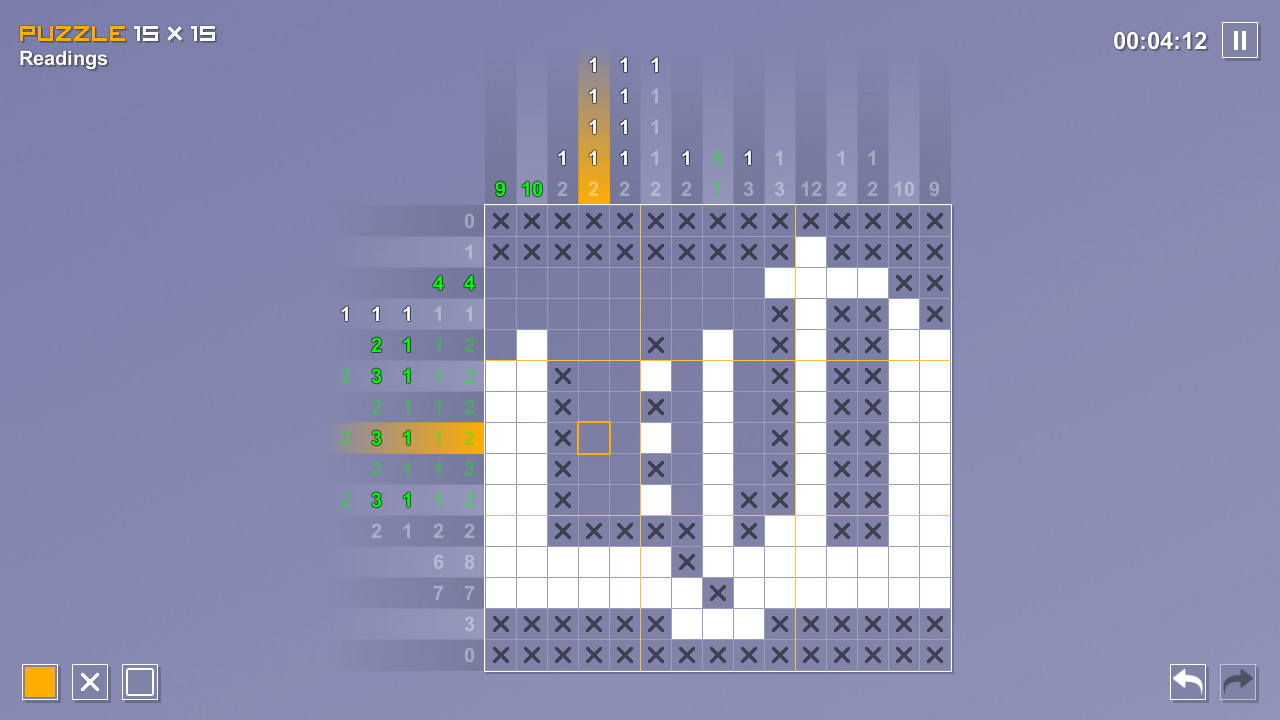
Pictopix is a logic‑puzzle title where you colour squares on a grid to reveal hidden pictures. The game starts with small grids and gradually expands to much larger ones, offering a clear learning curve for newcomers.
It ships with over 300 built‑in puzzles, a community library of more than 4,000 player‑made challenges, four distinct game modes, a puzzle editor, and relaxing jazz and bossa‑nova music. Input works via mouse, keyboard, controller, or touchscreen.
01 / THE GUIDE
Tutorial and Hints
A dedicated tutorial introduces the basic rules, showing how to colour squares without guessing. The description stresses that every puzzle is logically solvable, meaning deduction alone is sufficient to complete a picture.
Beginner‑friendly hints are available for players who need extra guidance. The interface can be customised, allowing new players to experiment safely before tackling larger grids.
- Run the tutorial first to become familiar with the hint system.
- Adjust interface size early to reduce accidental selections.
02 / THE GUIDE
Game Modes
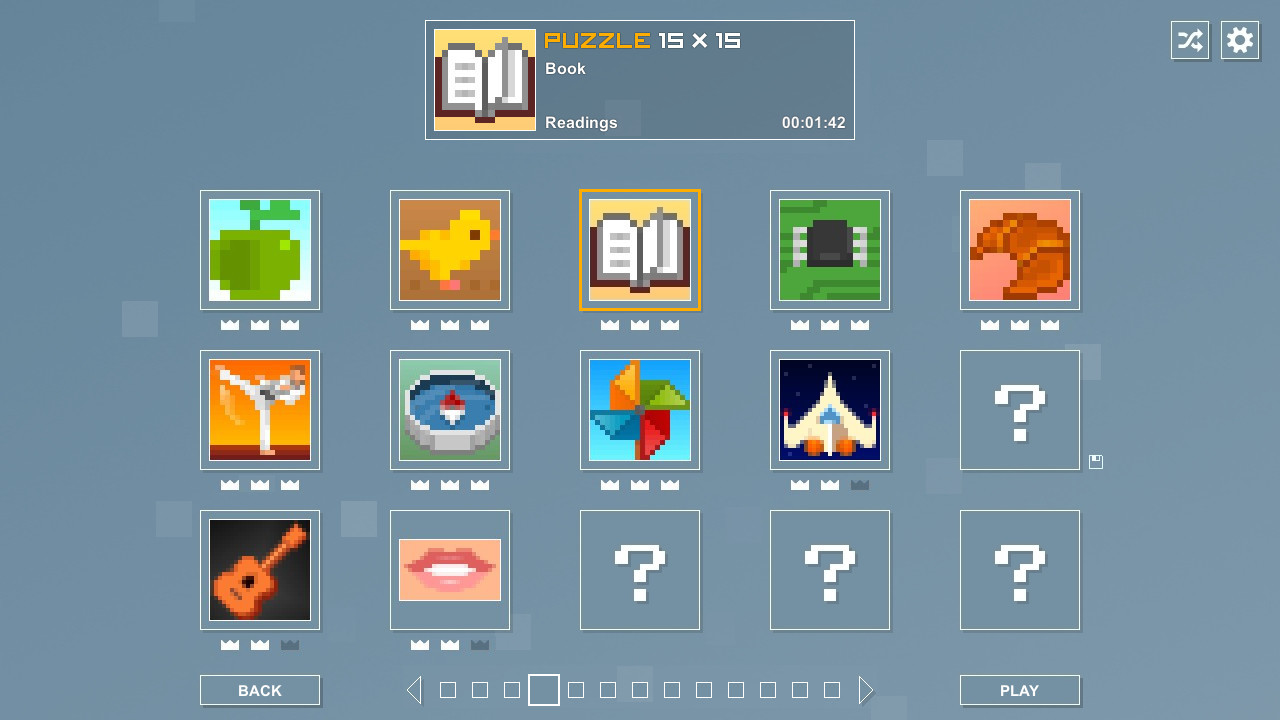
Pictopix offers four modes: Classic, Mosaics, Endless, and Challenges. Each mode uses the same logical colouring mechanic but varies the presentation or objectives, giving players multiple ways to engage with puzzles.
All modes are selectable from the main menu, letting players choose the pacing and goals that suit their current mood, whether they prefer a single picture or an ongoing challenge.
- Start with Classic to master the core mechanic.
- Try Endless for low‑pressure practice.
03 / THE GUIDE
Puzzle Editor & Workshop
The built‑in editor lets you design custom puzzles, set grid size, and define the solution picture. Once finished, puzzles can be uploaded to the Steam Workshop for other players to download and solve.
Community contributions have already added over 4,000 extra puzzles, expanding the playable content beyond the original catalogue and providing endless new challenges.
- Test your puzzle before publishing to ensure it is solvable.
- Browse the Workshop for inspiration and difficulty benchmarks.
04 / THE GUIDE
Input Options
Pictopix supports mouse, keyboard, full controller, and touchscreen inputs. Specific options such as Keyboard Only and Mouse Only guarantee each method works independently, letting players choose their preferred device.
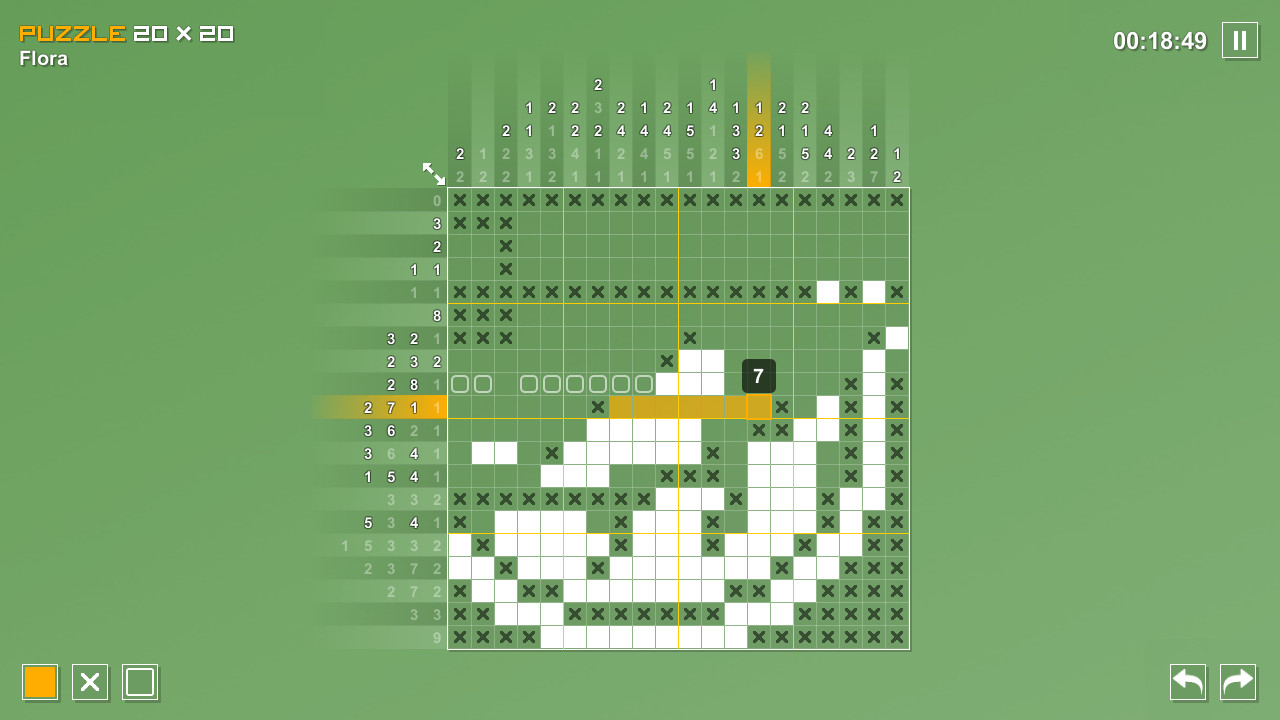
Features like Smart Slide help draw straight lines, while Undo and Redo buttons let you fix mistakes without restarting a puzzle, and a Zoom button improves visibility on large grids.
- Enable Smart Slide on large grids for steadier lines.
- Experiment with controller input if you prefer tactile feedback.
05 / THE GUIDE
Accessibility Features
The game includes relaxing music, customizable volume controls, and a color‑alternative palette for visual sensitivity. Multiple save slots let you keep separate progress files, and puzzles can be suspended and resumed at any time.
Zoom improves readability on big grids, and Steam Cloud is listed among the game's Steam features.
- Use the color‑alternative palette if standard colours are hard to distinguish.
- Zoom in on large puzzles to keep details clear.


COMMUNITY
Player discussion