 GameWiki
GET YOUR BEARINGS
About Picross Touch
Picross Touch brings the classic Nonogram puzzle experience to PC with a clean, ad‑free interface. Each grid has a single logical solution, letting players rely on deduction rather than trial‑and‑error. The game includes a massive library of puzzles and tools for creating and sharing new challenges.
Beyond the core puzzles, the title offers cloud‑saved progress, Steam achievements, leaderboards, and a tutorial for newcomers. Various play‑style options let you tailor the experience, while the integrated workshop makes community content easy to browse and enjoy.
01 / THE GUIDE
Logical Puzzle Solving
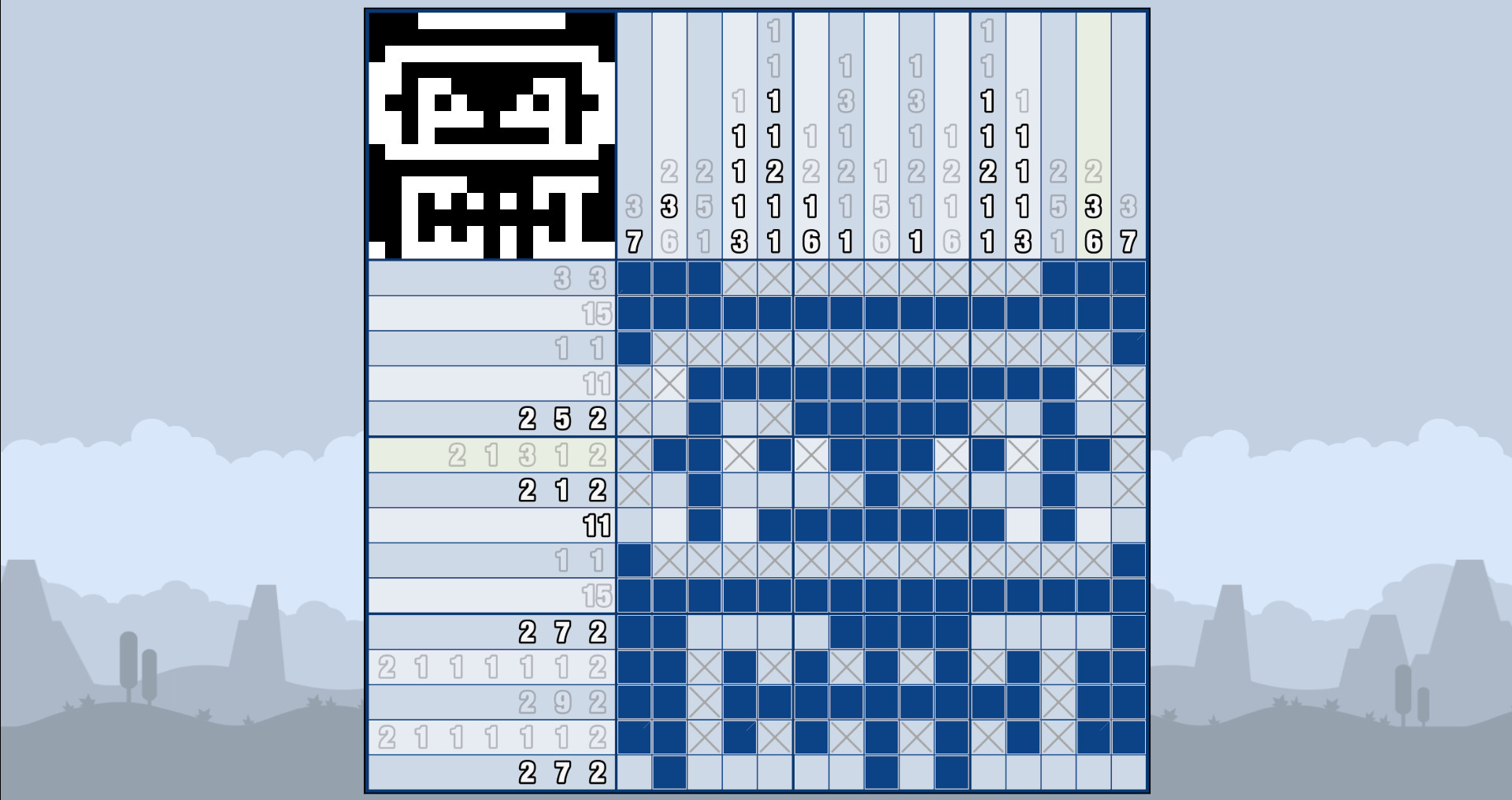
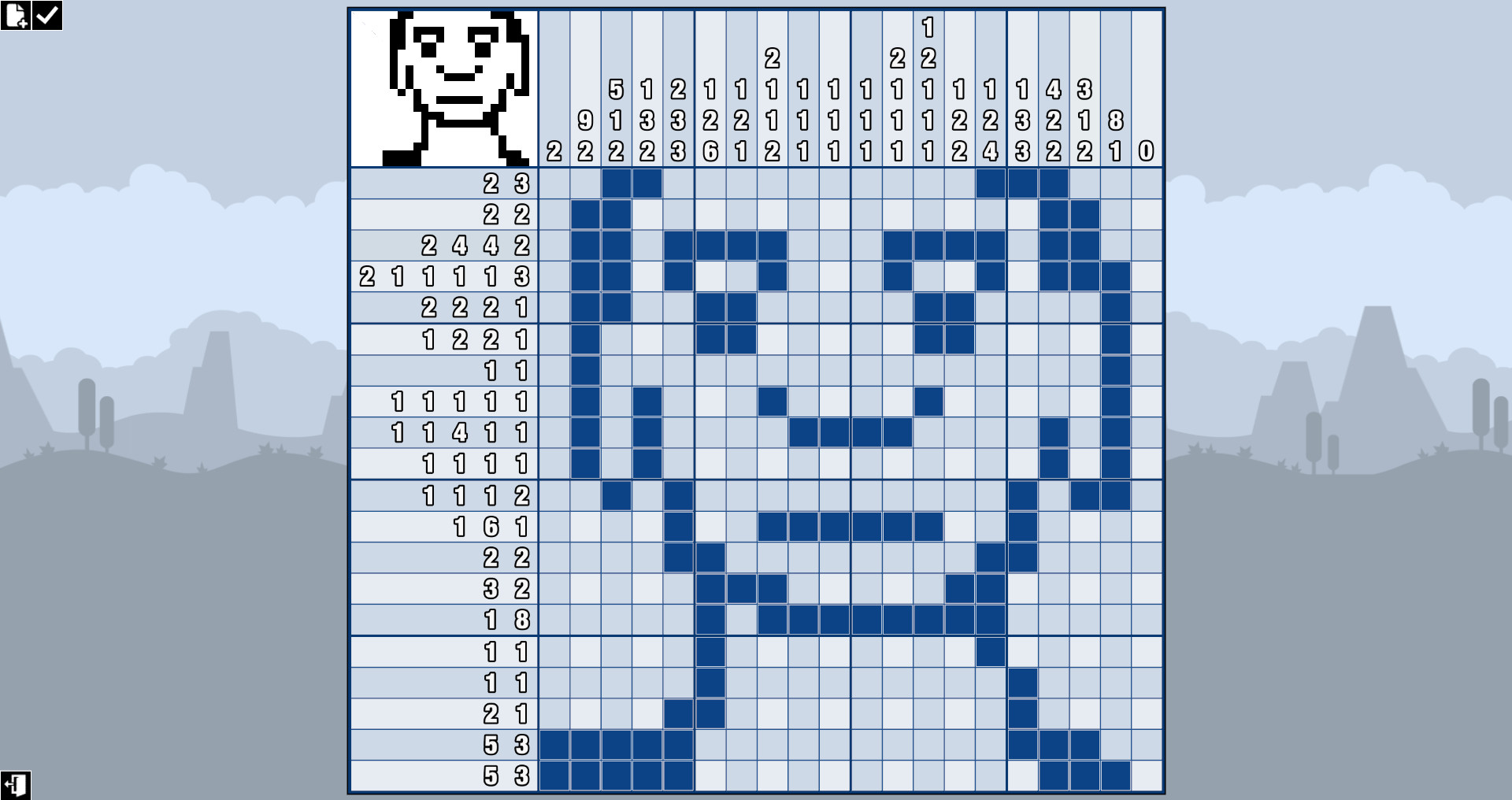
Every Picross grid presents numeric clues that dictate how many cells in each row or column are filled. Using those clues, you deduce the only correct pattern, ensuring each puzzle has a single solution. The game auto‑saves each puzzle, so you can pause and resume at any time.
Undo lets you revert your most recent move, helping correct mistakes without restarting. This combination of logical deduction and safety features creates a smooth, low‑friction puzzle experience.
- Start by filling rows or columns with clues that match the grid size.
- Use Undo to experiment with tentative placements.
02 / THE GUIDE
Level Editor & Workshop Integration
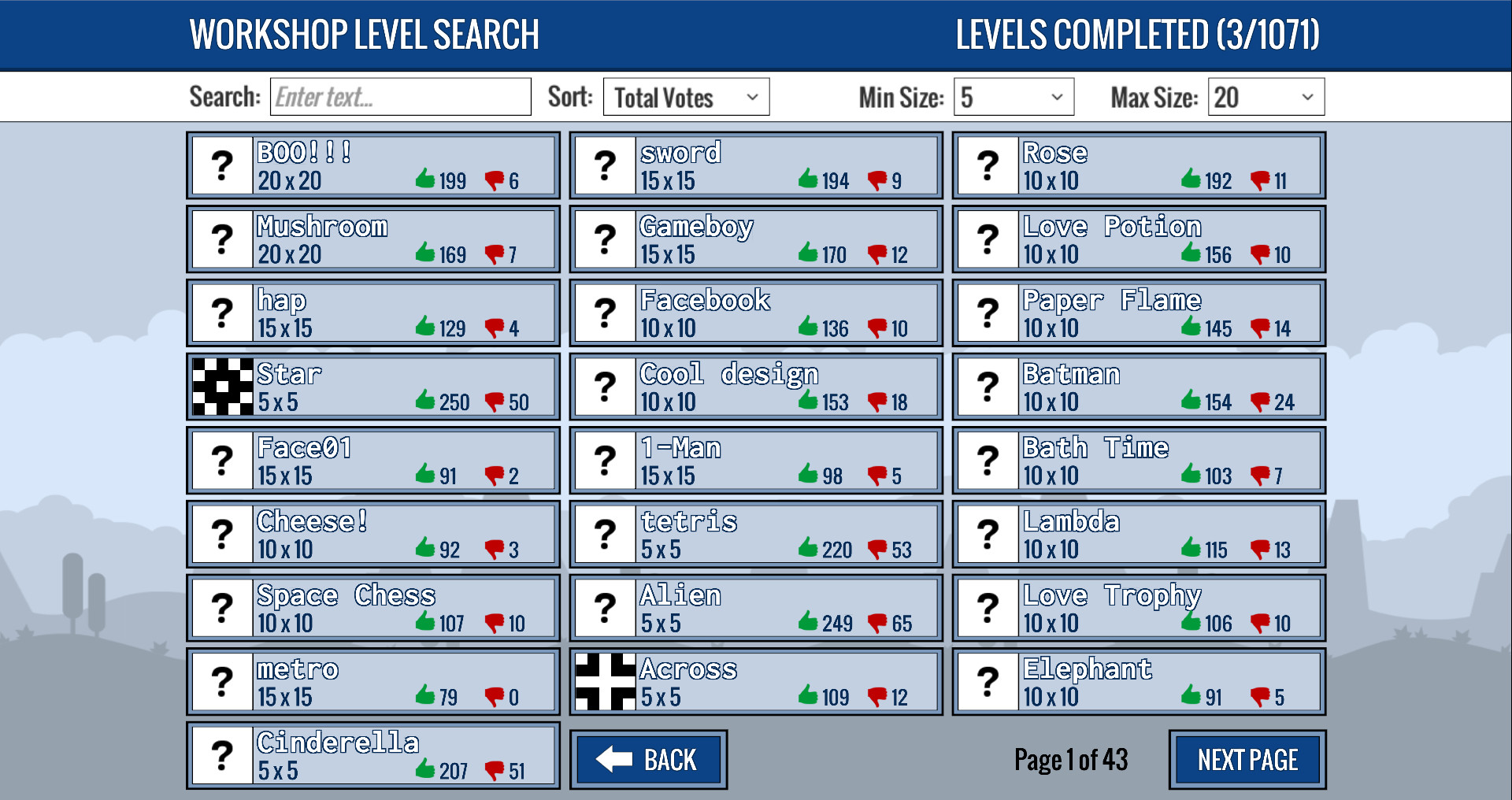
Picross Touch includes a built‑in level editor, allowing you to design custom grids and set numeric clues. Once created, levels can be uploaded to the Steam Workshop, where the community can browse and play them. The Level Browser streamlines finding workshop content.
Sharing your creations contributes to the ever‑growing puzzle pool, ensuring fresh challenges beyond the built‑in library. The editor’s simplicity mirrors the core gameplay, keeping creation intuitive.
- Test your level in the editor before publishing.
- Explore popular workshop levels for design inspiration.
03 / THE GUIDE
Auto Theme Generator & Theme Editor
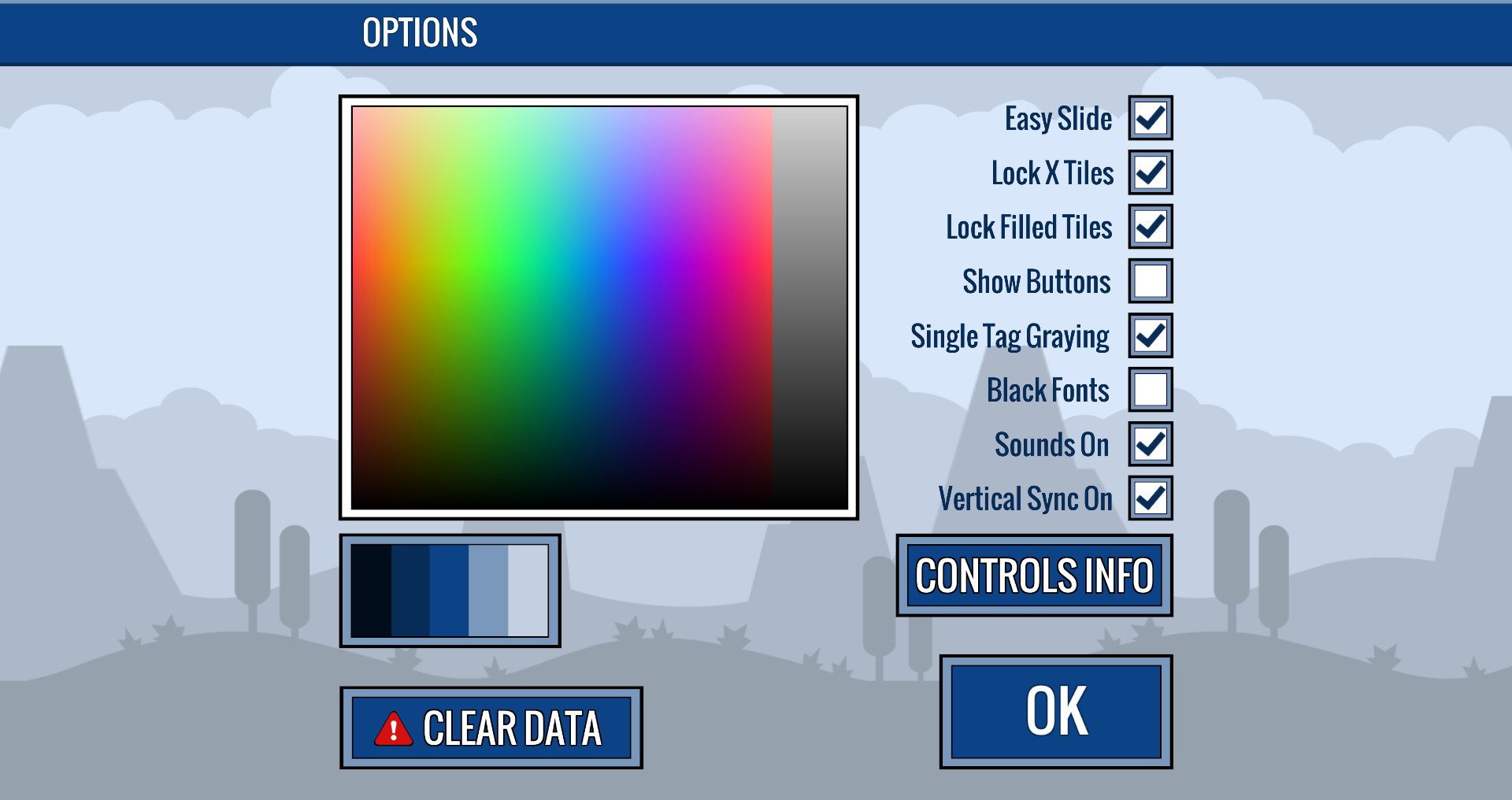
Select any color and the Auto Theme Generator produces a matching visual theme for the puzzle interface. For deeper customization, the Theme Editor lets you craft, adjust, and share your own themes, giving each puzzle a distinct look.
These tools let players personalize aesthetics without affecting puzzle logic, enhancing visual variety while maintaining consistent gameplay.
- Pick a high‑contrast color for clearer visibility.
- Share unique themes to personalize the community experience.
04 / THE GUIDE
Cloud Save, Achievements & Leaderboards
Progress on each puzzle is automatically saved to the cloud, allowing you to continue on any device linked to your Steam account. Completing puzzles contributes to Steam Achievements and updates your standing on the leaderboards.
These features provide a sense of progression and friendly competition without requiring manual record‑keeping.
- Check the leaderboards to gauge community performance.
- Aim for achievements that reward diverse puzzle sizes.
05 / THE GUIDE
Tutorial and Play‑Style Options
A built‑in tutorial walks new players through the basics of interpreting clues and filling grids. Various game options let you tailor the experience to match your play style, ensuring comfort during long sessions.
The combination of guided learning and customizable settings makes Picross Touch approachable for both beginners and seasoned puzzlers.
- Complete the tutorial before tackling larger puzzles.
- Experiment with options to find a comfortable UI layout.
COMMUNITY
Player discussion