 GameWiki
GET YOUR BEARINGS
About Picross for a Cause
Picross for a Cause is a casual, single‑player puzzle title where players fill pixel grids using numeric clues to reveal pictures. All developer proceeds were donated to the NAACP Legal Defense and Education Fund, raising over $1,000 before the fundraising period ended on July 1, 2022.
The game contains more than 500 colored and monochrome puzzles ranging from 10×10 to 30×30 cells, organized into six themed collections. Completing every tile in a collection finishes a mural, and Steam achievements reward full collection completion.
01 / THE GUIDE
Gameplay Basics
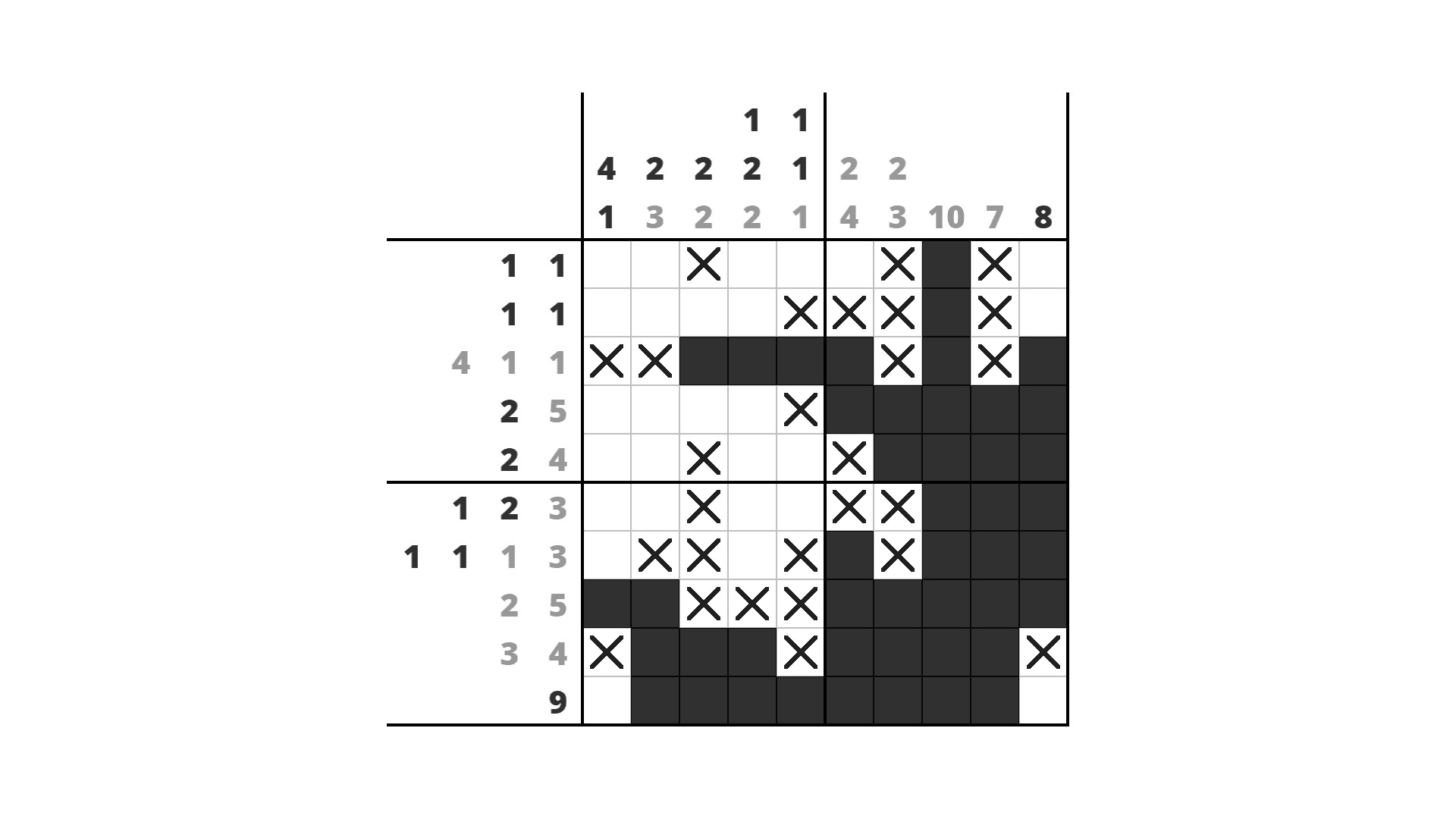
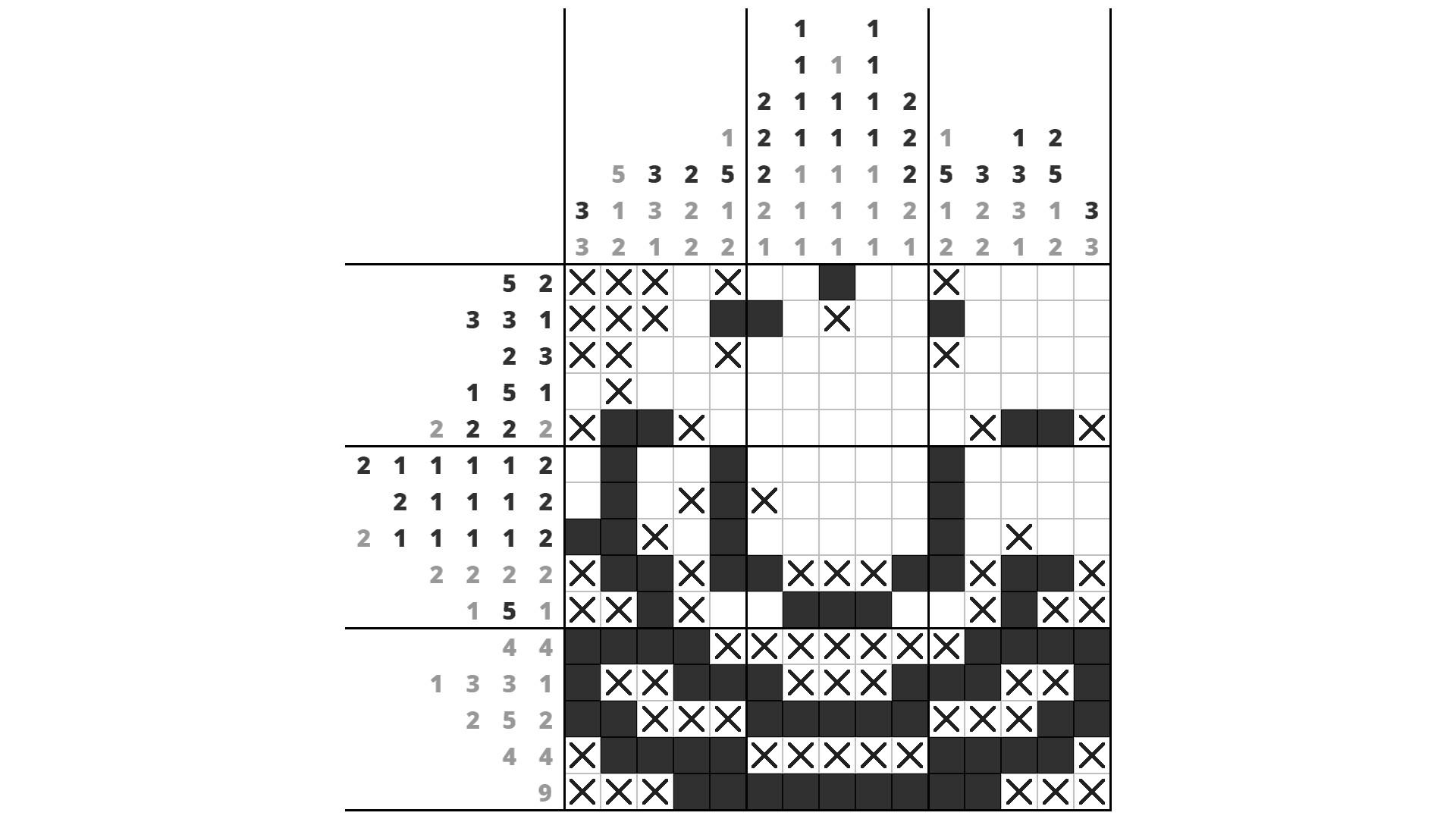
Each puzzle presents a grid with numeric clues that indicate how many consecutive cells are filled in each row or column, and players must deduce the correct pattern without guessing because every puzzle is logically solvable.
The core loop involves marking cells as filled or empty until the hidden picture emerges, and an undo button lets players correct mistakes.
- Start with the smallest grids to learn clue interpretation before tackling larger puzzles.
- Use the undo button freely; it encourages experimentation without risking progress.
02 / THE GUIDE
Puzzle Sizes
Grids vary from 10×10 up to 30×30 pixels, providing a clear difficulty curve; smaller puzzles require fewer deductions while larger ones demand longer logical chains.
The size range supports both quick sessions and longer, more immersive challenges, fitting casual play or deeper focus.
- Allocate extra time for 30×30 puzzles; they often contain multiple clue groups per line.
- Mix sizes within a session to balance mental fatigue.
03 / THE GUIDE
Collections & Murals
The 500+ puzzles are grouped into six themed collections, each contributing tiles toward a larger mural; solving every tile completes the artwork.
Mural completion offers a visual sense of progress beyond individual puzzles, encouraging players to finish an entire set.
- Track which tiles remain unsolved in a collection to prioritize gaps.
- Enjoy the emerging mural as a reward for systematic play.
04 / THE GUIDE
Steam Achievements
Finishing a collection unlocks Steam achievements, providing a lightweight meta‑goal tied to completing all puzzles within a themed set.
These badges serve as a record of accomplishment and can be displayed on a player's Steam profile.
- Check the achievement list to see which collections you’ve yet to complete.
- Use achievements as a checklist for exploring all six themes.
05 / THE GUIDE
Undo Feature
An undo button is available for correcting any mistaken cell markings, reinforcing the game's logical guarantee that guessing is unnecessary.
Because every puzzle can be solved without guessing, the undo function primarily supports experimentation and learning.
- Undo frequently when a line’s logic seems contradictory; it often reveals a missed deduction.
- Combine undo with note‑taking to track reasoning steps.


COMMUNITY
Player discussion