 GameWiki

GET YOUR BEARINGS
About PICO PARK 2
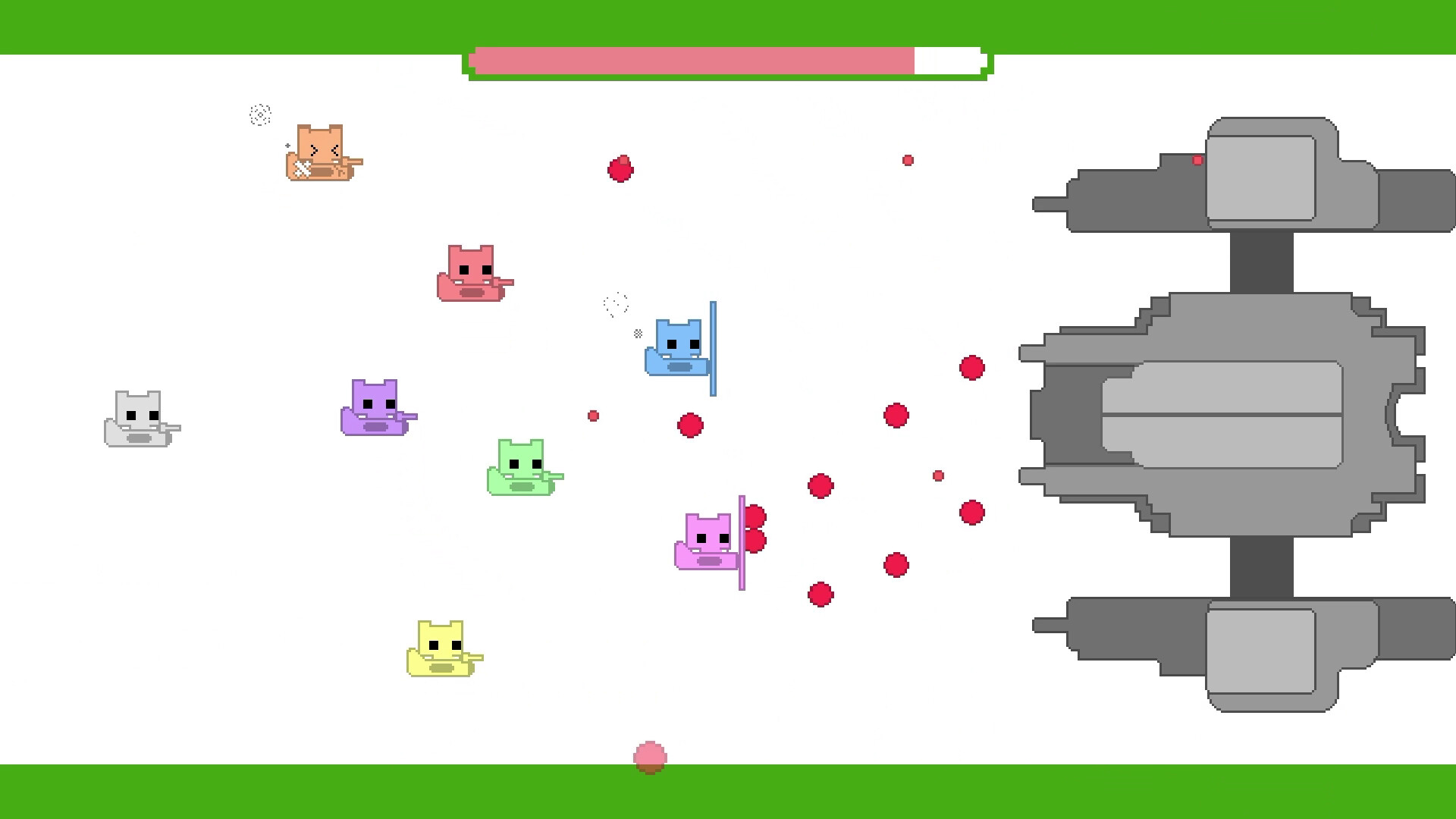
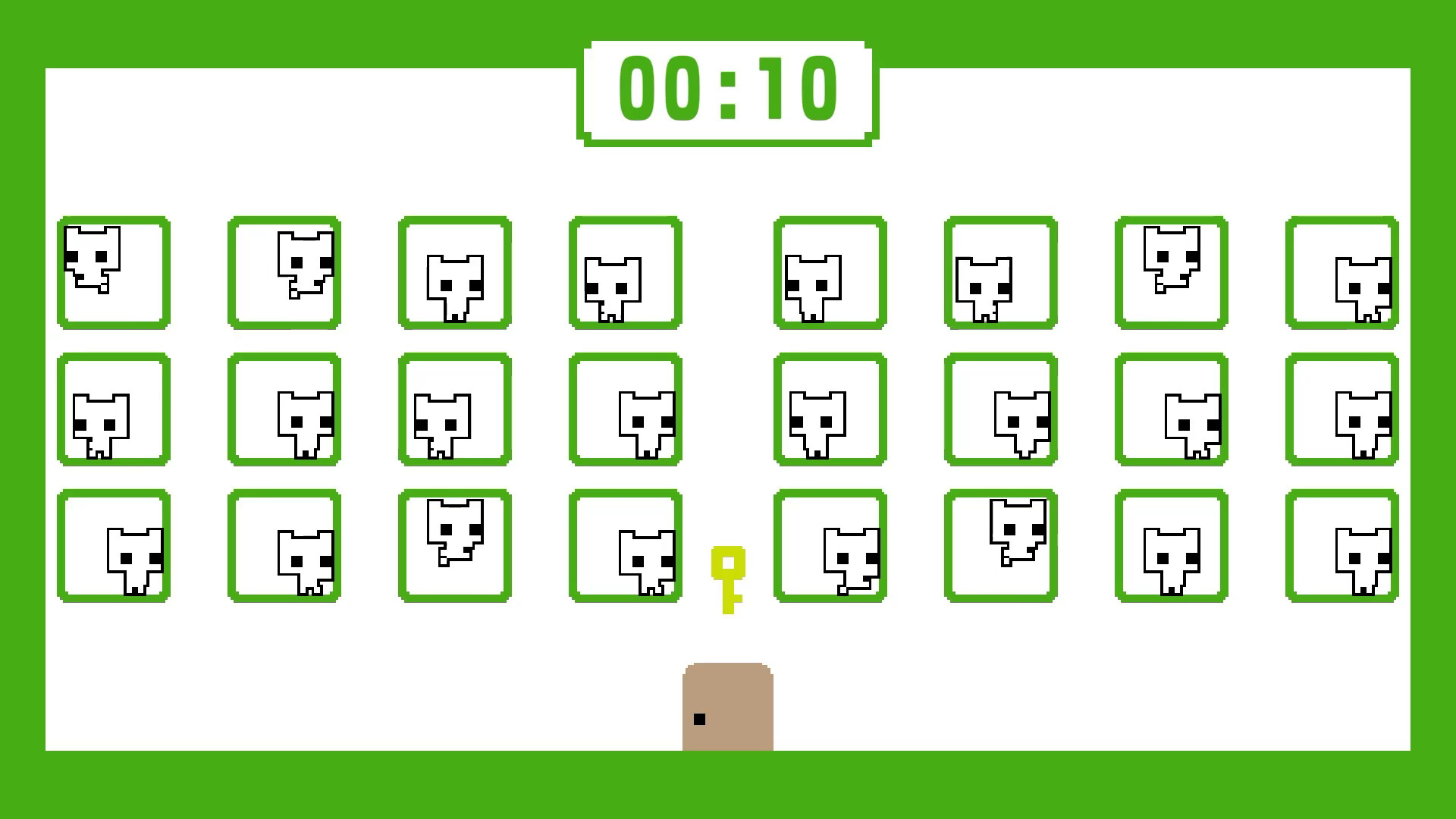
PICO PARK 2 is a 2D action‑puzzle title that emphasizes cooperative play. Up to eight participants can join locally or online, and every level is available regardless of player count. The game adds new modes, including a challenging DARK option, alongside the familiar WORLD, ENDLESS, and BATTLE experiences.
Cross‑platform multiplayer lets friends on Windows, macOS, or other supported systems play together, while optional smartphone controls via the TecoGamePad expand input choices. Steam features such as achievements, cloud saves, and Remote Play Together round out the offering.
01 / THE GUIDE
Keyboard Controls
When two players share a keyboard, the right Ctrl key may be needed for one participant. If a keyboard lacks this key, the KEY CONFIG screen in SETTINGS lets you reassign it. Customizing keys ensures both players can act without hardware limitations, keeping the puzzle flow smooth.
- Check the KEY CONFIG screen before starting a session.
- Assign rarely used keys to avoid accidental inputs.
02 / THE GUIDE
Multiplayer Modes
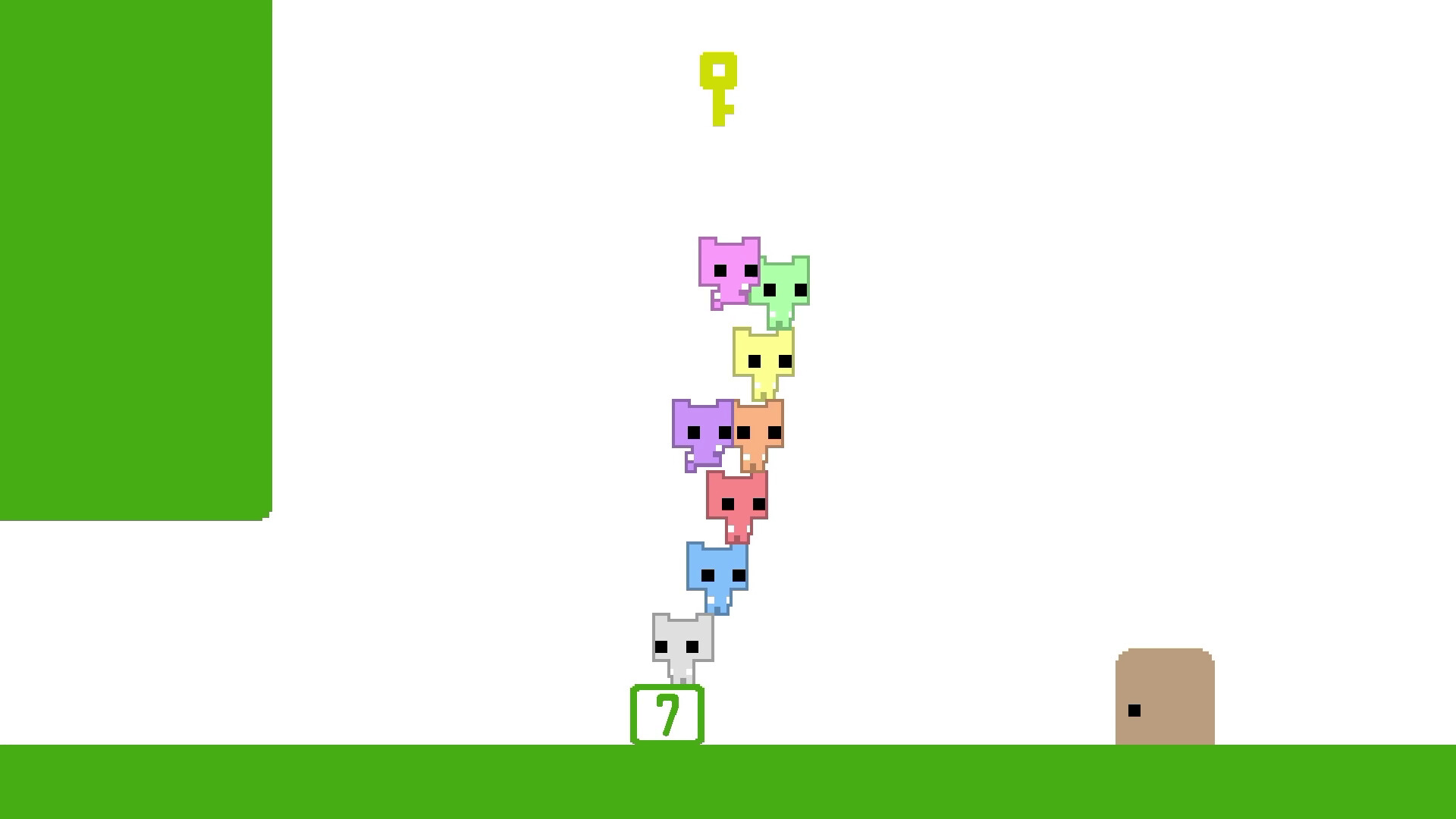
PICO PARK 2 supports local and online play for two to eight participants. All levels are accessible regardless of how many friends join, so smaller groups can still experience the full content. The game includes WORLD, ENDLESS, BATTLE, and a tougher DARK mode, each offering distinct pacing and objectives.
- Try DARK mode after mastering other modes for extra challenge.
- Mix player counts to see how puzzles adapt.
03 / THE GUIDE
Cross‑Platform Online Play
Online sessions work across different platforms, letting players on Windows and macOS join the same game. Up to seven remote players can connect to a single PC host, expanding the cooperative possibilities. Cross‑platform support removes the need for everyone to own the same device, fostering flexible group play.
- Verify each friend’s platform before matchmaking.
- Use the host’s PC to accommodate the maximum of seven guests.
04 / THE GUIDE
TecoGamePad Smartphone Controller
The TecoGamePad app turns a smartphone into a gamepad for PICO PARK 2. Available on the App Store and Google Play, it provides an alternative to keyboards or traditional controllers. Using a phone can free up physical controllers for other players, especially in local co‑op sessions.
- Download the app before starting a session to avoid delays.
- Place the phone on a stable surface to prevent accidental movement.
05 / THE GUIDE
Steam Integration
PICO PARK 2 includes Steam achievements, cloud saves, Remote Play Together, and family sharing. DualShock and DualSense controllers are supported, and the Steam Input API offers partial controller compatibility. These features enhance accessibility and allow progress to follow you across devices.
- Enable Steam Cloud to keep saves synchronized.
- Use Remote Play Together to invite friends without their own copy.


COMMUNITY
Player discussion