 GameWiki
GET YOUR BEARINGS
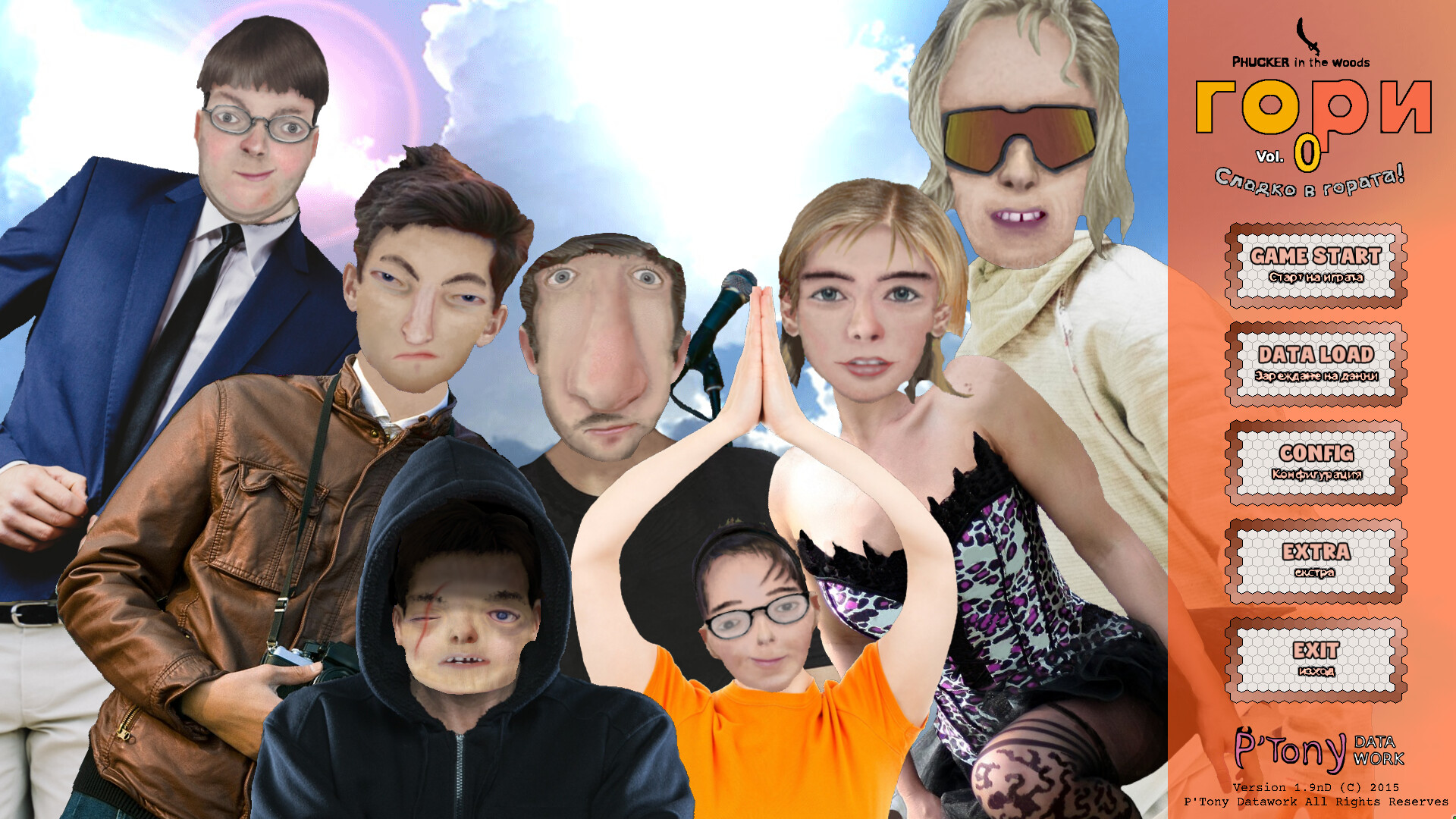
About Phucker in the Woods
Phucker in the Woods is a horror‑able visual novel that takes place on the final day of school at St. Phucker High. Ryukaze and Hiroshi, motivated by curiosity and a desire to impress idol Sakura, join classmates to search for the missing Jin, leading them into a foreboding forest.
The game relies exclusively on mouse interaction for navigation and decision‑making, presenting a story that unfolds through player choices. A twist ending is promised, and the experience is described as an hour‑long, single‑player visual novel with dark secrets to uncover.
01 / THE GUIDE
Story Premise
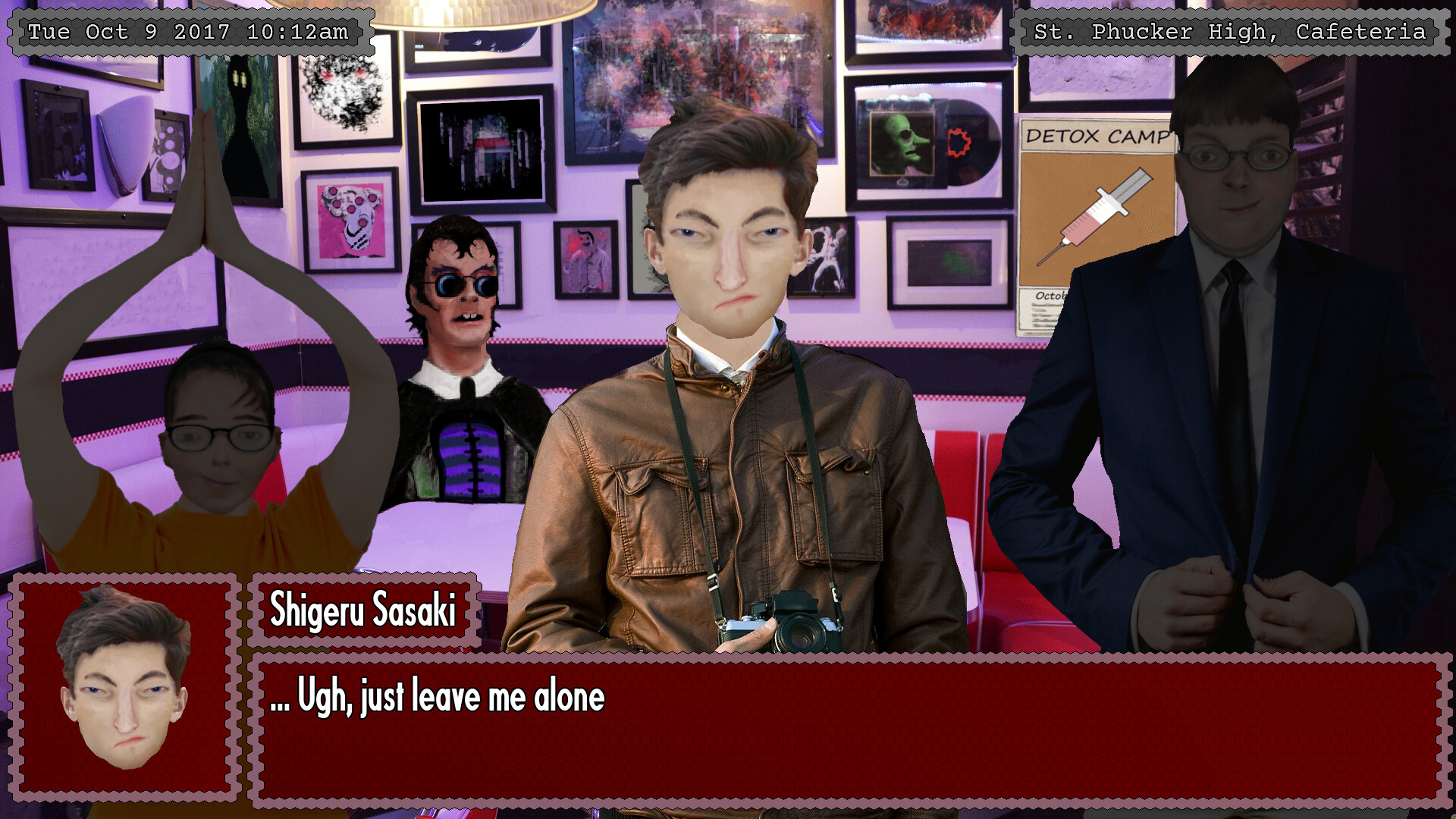
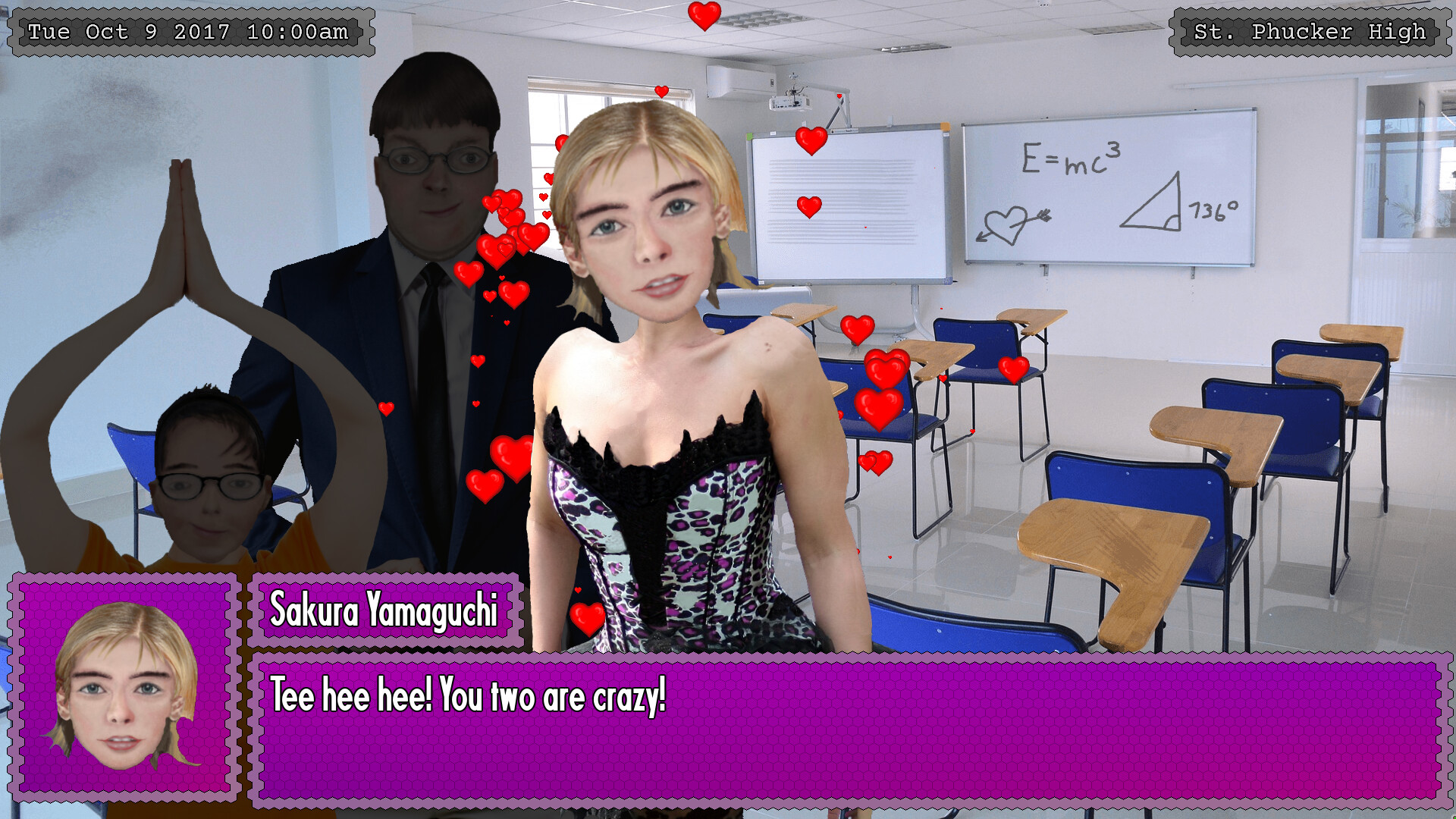
The narrative follows Ryukaze, Hiroshi, and their peers after they learn that Jin, the elder brother of classmate Shigeru, has vanished during recess. Their reasons for investigating include Ryukaze's natural curiosity and Hiroshi's wish to impress Sakura, the teen idol.
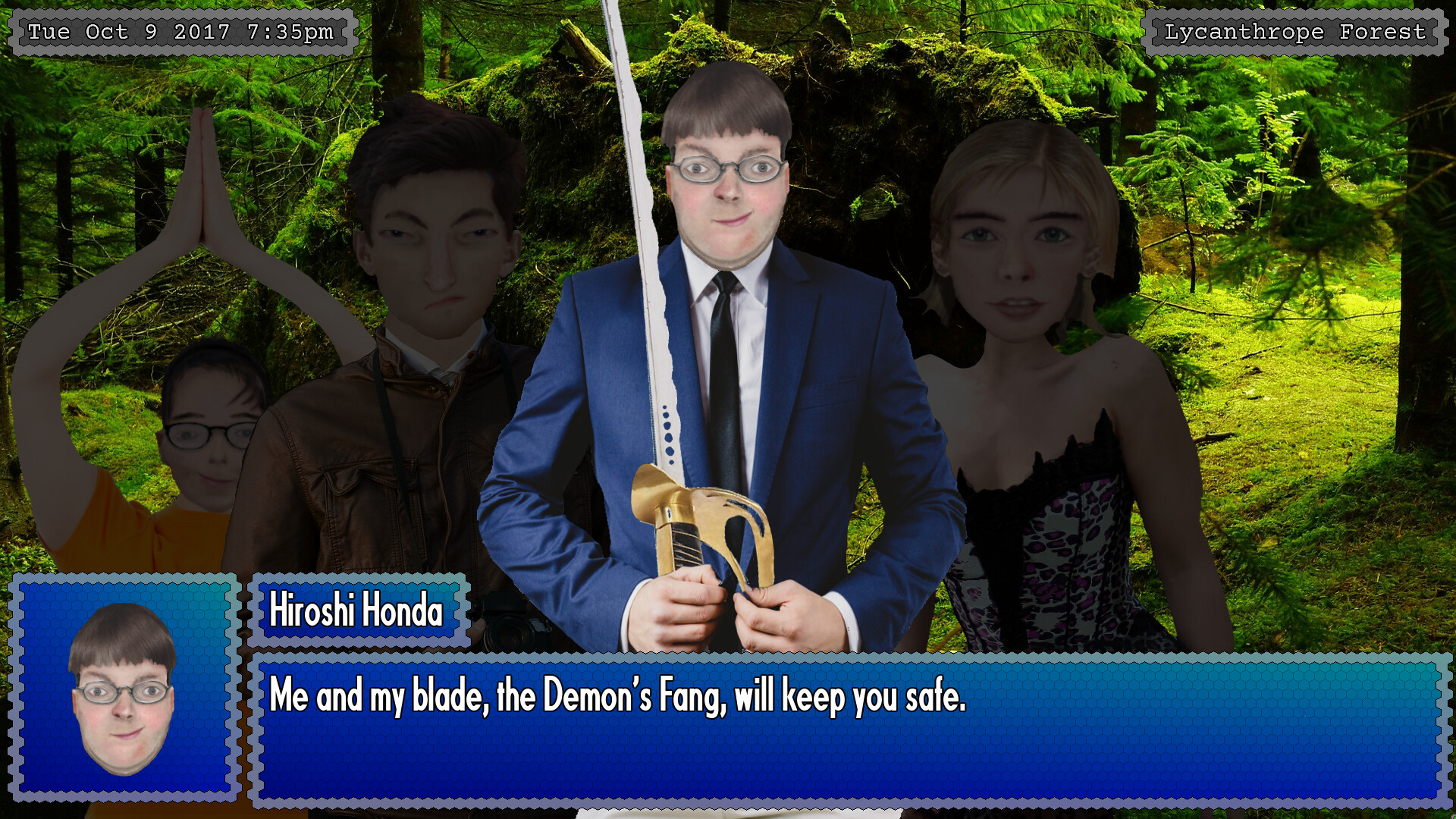
The group ventures into a sinister forest where Jin was last seen, only to become lost in an unfamiliar land. The central mystery, reflected in the title, asks where the Phucker is within the woods, and the plot builds toward a twist ending.
- Observe each character’s stated motivation; it often foreshadows later revelations.
- Note repeated references to the forest, as they may signal thematic connections.
02 / THE GUIDE
Choice‑Driven Narrative
Players use the mouse to make important choices that the description says influence both plot direction and character relationships. The game advertises that these decisions affect the unfolding mystery and the secrets revealed about the students.
Because choices are said to shape which aspects of the dark secrets are uncovered, multiple narrative outcomes are possible, though the exact number of branches is not detailed in the source material.
- Consider the longer‑term narrative impact of a decision rather than immediate dialogue benefits.
- Recall earlier choices when later scenes reference past events.
04 / THE GUIDE
Single‑Player & Family Sharing
Phucker in the Woods is listed as a single‑player experience, meaning the story is intended to be played by one person at a time. The description does not mention any multiplayer or online components.
Family Sharing is also noted, allowing another Steam account on the same device to launch the game without purchasing a separate copy. This feature does not alter the single‑player nature of the experience.
- If you plan to share the game, discuss any plot revelations beforehand to avoid spoilers.
- Each player can start from the beginning and experience the story for themselves.
05 / THE GUIDE
Windows Platform Availability
The game is available on Windows computers, with the platform list explicitly marking macOS and Linux as unsupported. This defines the operating system requirement for playing the visual novel.
Players should ensure their Windows system meets any additional specifications that may be provided elsewhere, as the source only confirms Windows compatibility.
- Verify that your Windows installation is up to date before installing.
- Run the executable from a location with sufficient read/write permissions.

COMMUNITY
Player discussion