 GameWiki

GET YOUR BEARINGS
About Photomaly
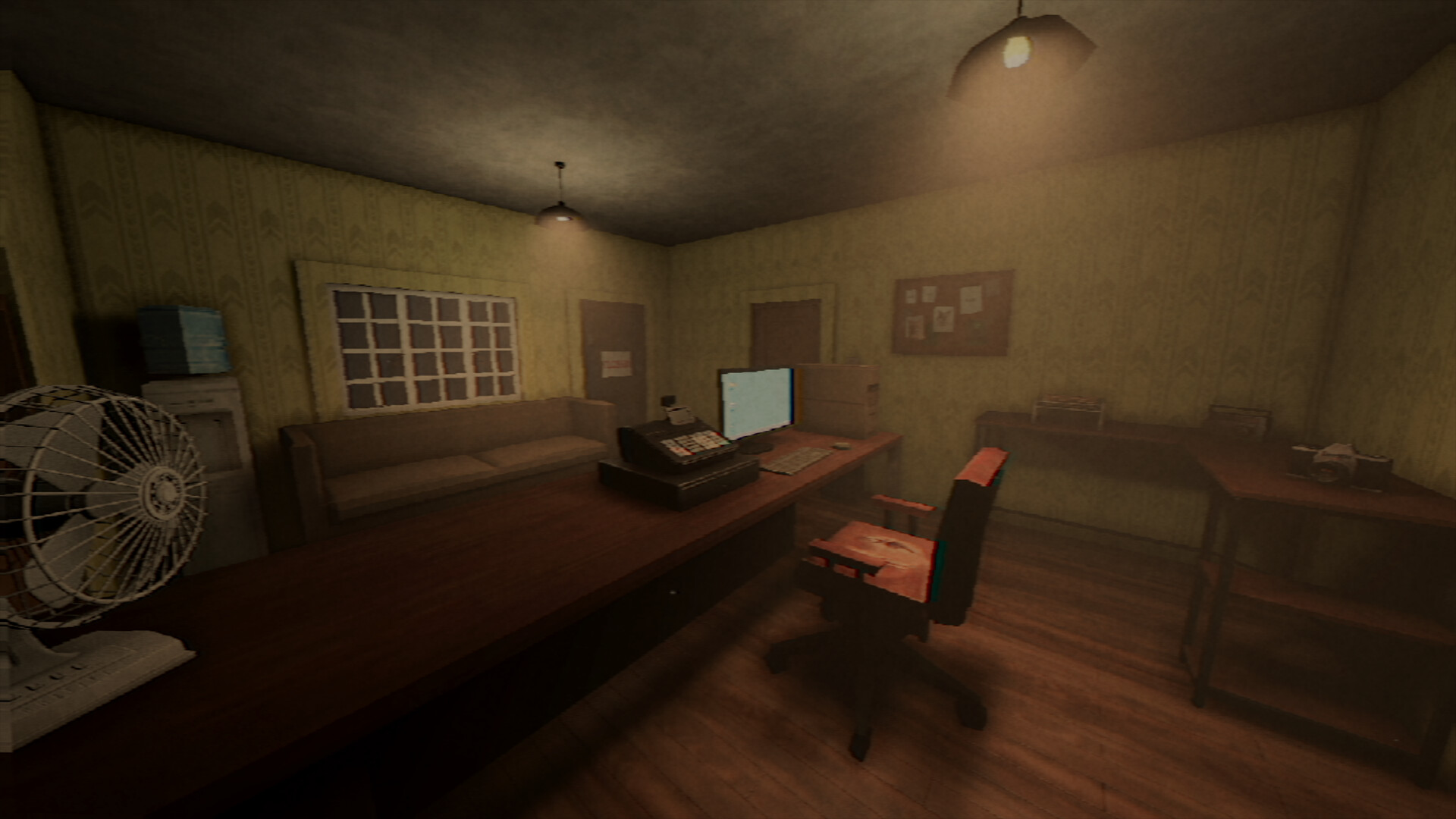
Photomaly is a PSX‑style first‑person horror simulation where you inherit your father’s photography studio. You greet local customers, interpret their unique requests, take and develop photographs, and deliver the finished images while subtle oddities hint at a deeper mystery. When orders are scarce you can personalise the studio by hanging prints or creating a PC wallpaper. Earnings let you purchase equipment and setup upgrades, gradually improving photo quality and advancing the narrative.
01 / THE GUIDE
Gameplay Loop
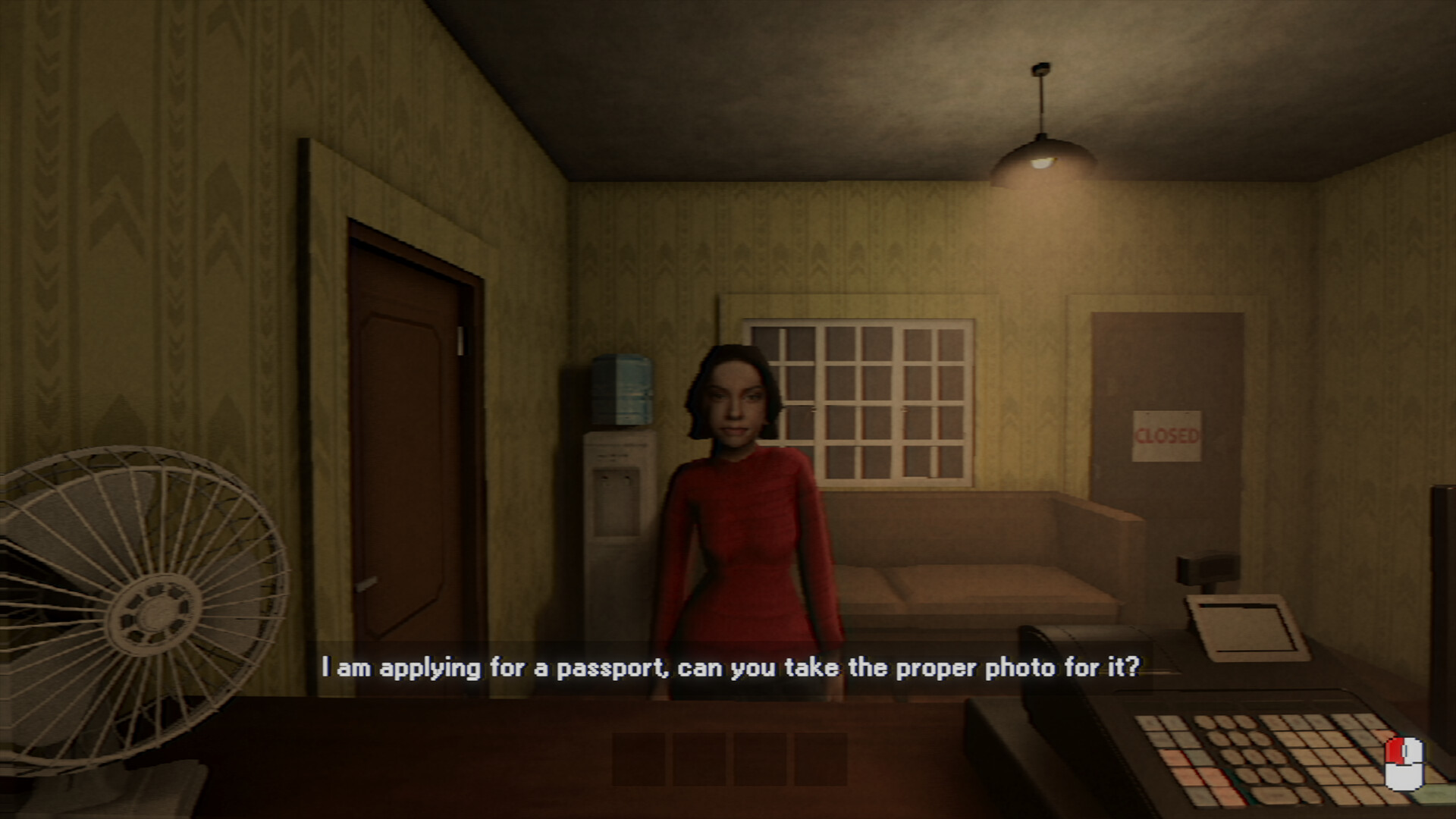
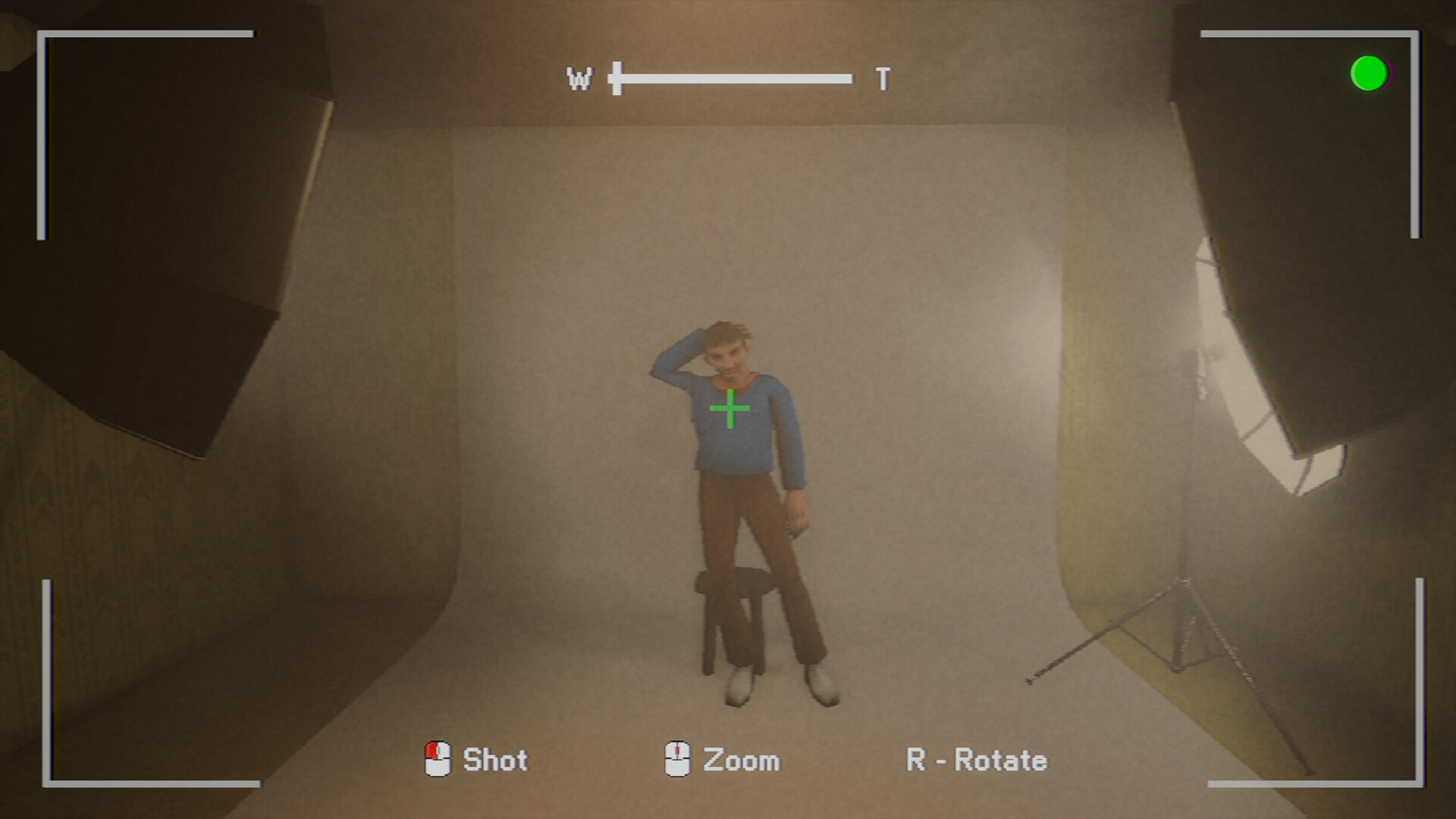
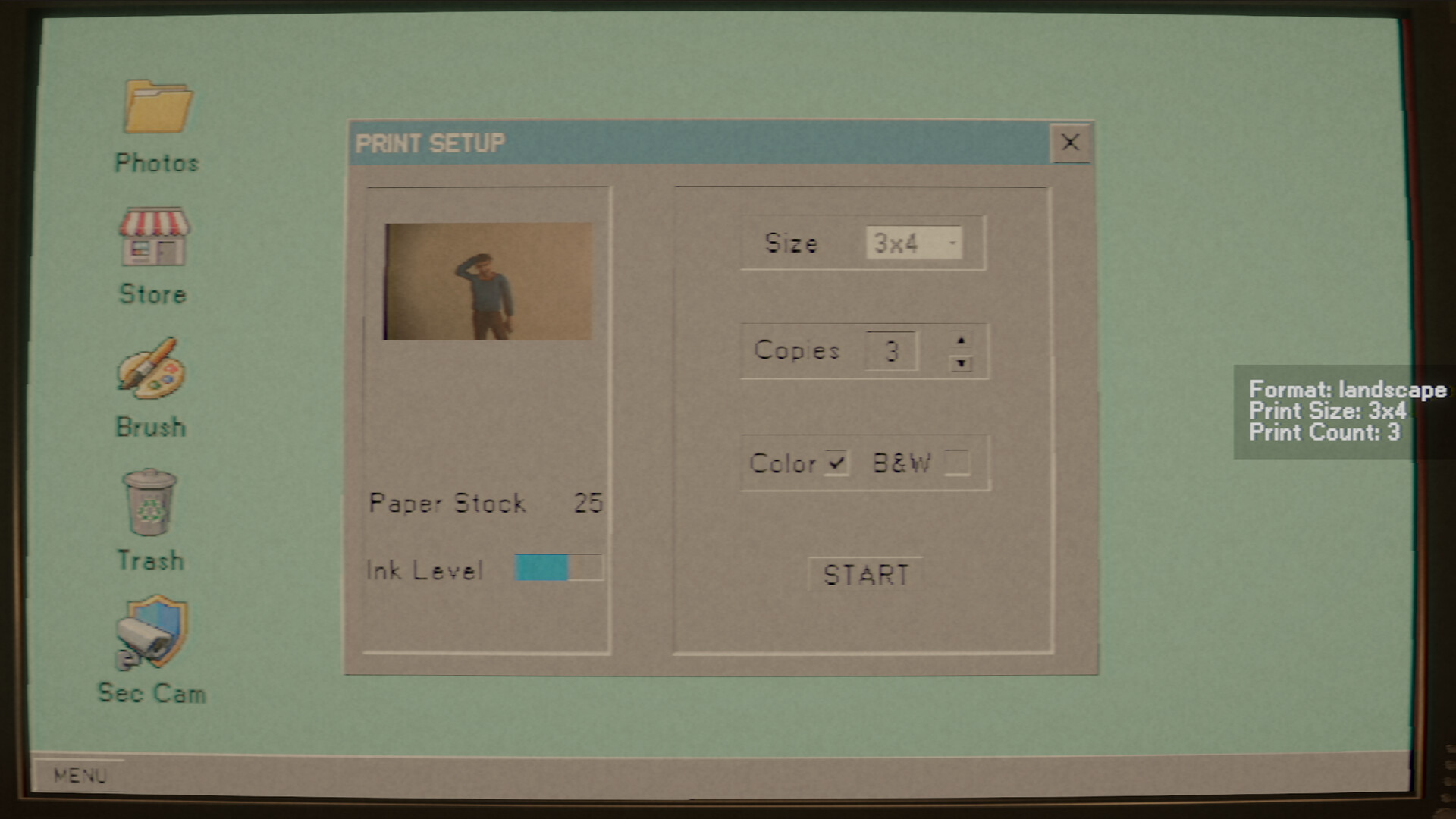
The core loop begins when a customer arrives with a specific request. You respond by finding the right angle, taking the photo, developing the film under the indicated conditions, and preparing the final image for delivery.
Each completed order yields profit, which can be spent on upgrades such as better equipment or improved setups, directly linking spending to higher‑quality results.
- Read the order details before shooting to know which steps are required.
- Prioritise early earnings for equipment upgrades that improve photo quality.
02 / THE GUIDE
Customer Orders
Each patron arrives with a unique request, quirks, and a short story. Getting to know customers is part of the experience, though the description advises not to pry too deep.
Orders are fulfilled by taking the appropriate photograph, developing the film correctly, and delivering the final photos, which rewards you with money and narrative progress.
- Note any special instructions in the request before starting the shoot.
- Follow on‑screen prompts during film development to avoid mistakes.
03 / THE GUIDE
Studio Customisation
When business slows, the game lets you customise the workspace by hanging favourite prints or creating a wallpaper for your PC. These changes are visual only and do not affect core mechanics.
Customisation items are purchased with profits earned from orders, allowing personalisation of the studio environment.
- Use earned profit to purchase decorative prints you enjoy.
- Arrange decorations so the shooting area remains clear.
04 / THE GUIDE
Film Development
After capturing an image you must develop the film under the right conditions. This step is required for each order and ties directly into the game’s billing system.
Developing each photo also brings you a little closer to the underlying horror narrative.
- Pay attention to temperature and timing prompts during development.
- Complete development before moving on to the next order.
05 / THE GUIDE
Audio & Accessibility
Photomaly supports both stereo and surround sound, providing an immersive audio backdrop. Custom volume controls let you adjust overall levels to suit personal preference.
The game includes full controller support, camera comfort options, and can be played without timed input, broadening accessibility for different play styles.
- Enable camera comfort if the first‑person view feels disorienting.
- Adjust volume sliders to balance music and effects to your liking.

COMMUNITY
Player discussion