 GameWiki
GET YOUR BEARINGS
About PHOGS!
PHOGS! lets players guide Red and Blue, a pair of stretchy‑belly dogs, through physics‑based puzzles across three distinct worlds. The duo’s linked movement creates unique platforming challenges that blend humor and problem‑solving for all ages.
The title offers single‑player, local split‑screen, and online co‑op, with full controller support and Steam integrations such as achievements, cloud saves, and family sharing. Across 24 levels, hidden Golden Bones reward exploration and unlock a variety of hats.
01 / THE GUIDE
Co‑op Puzzle Solving
Red and Blue are joined by a stretchy belly, so each Phog’s motion influences the other. Many obstacles require the pair to stretch together, pull levers simultaneously, or balance weight, making coordinated action essential to progress.
These teamwork‑focused puzzles appear in Food World, Sleep World, and Play World. Success often hinges on timing, communication, and deciding which Phog performs a specific action to reach a platform or activate a mechanism.
- Discuss intended moves before stretching to avoid mis‑alignments.
- Swap which Phog handles a task to discover easier solutions.
02 / THE GUIDE
World Exploration
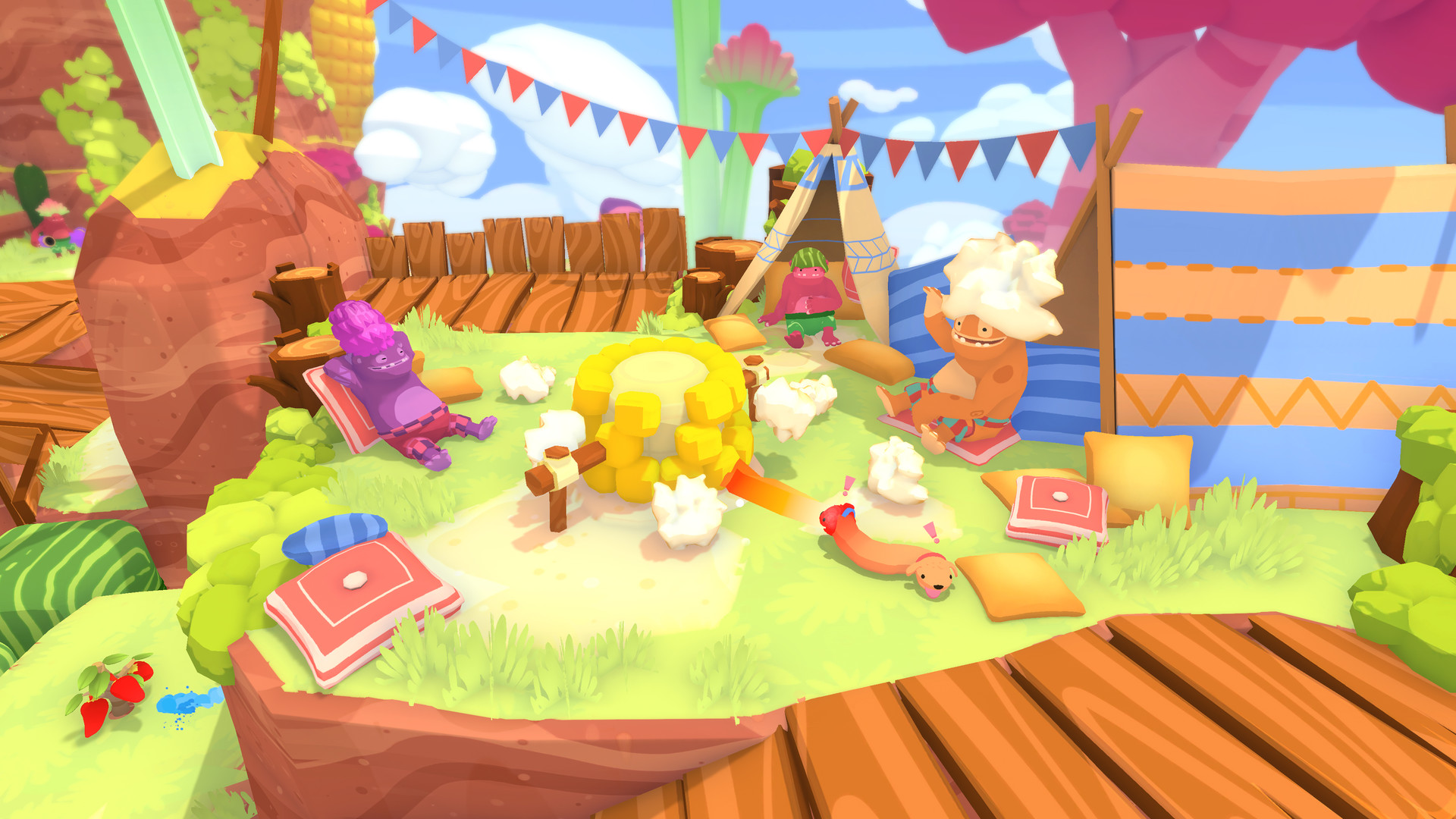
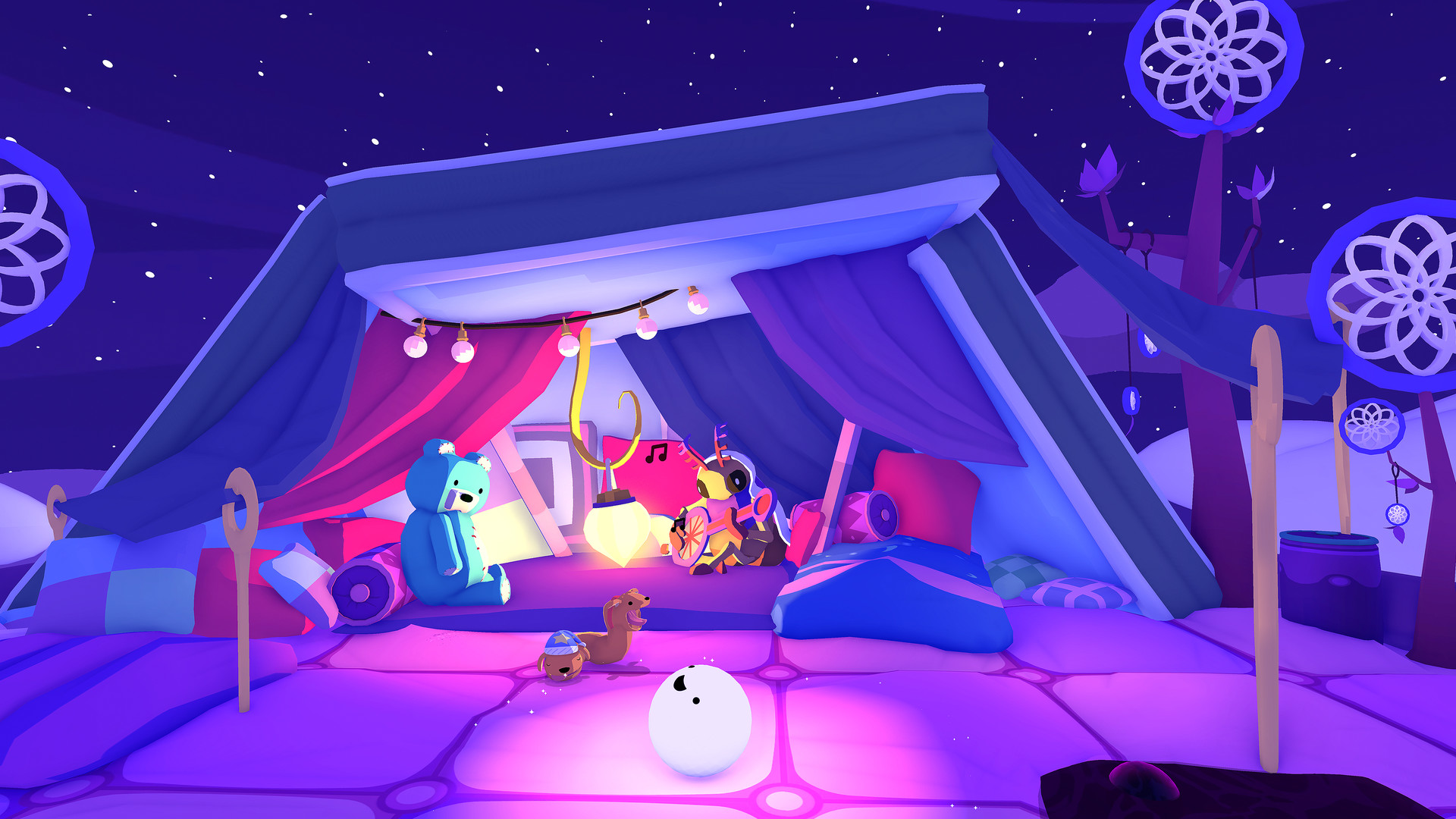
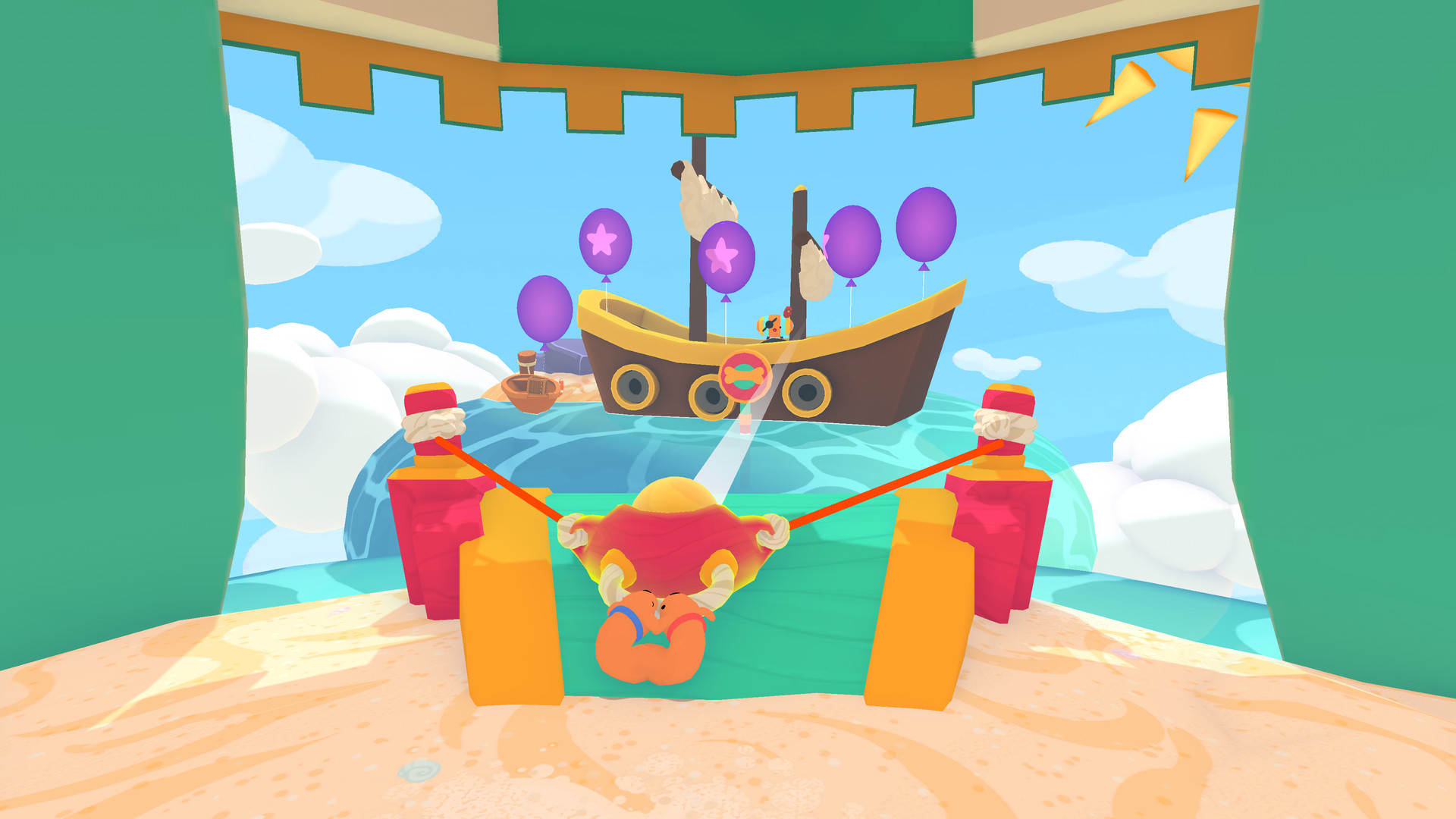
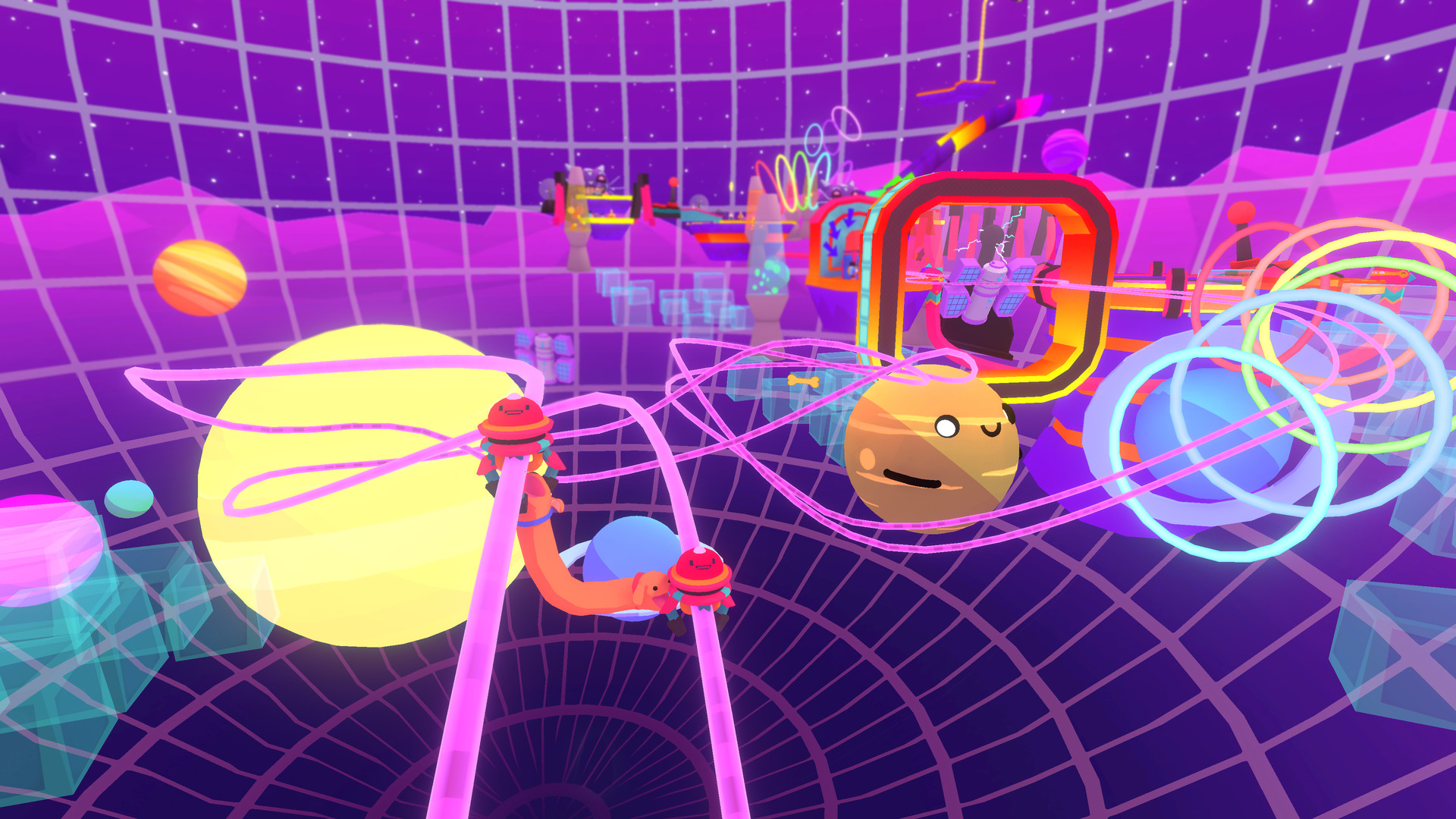
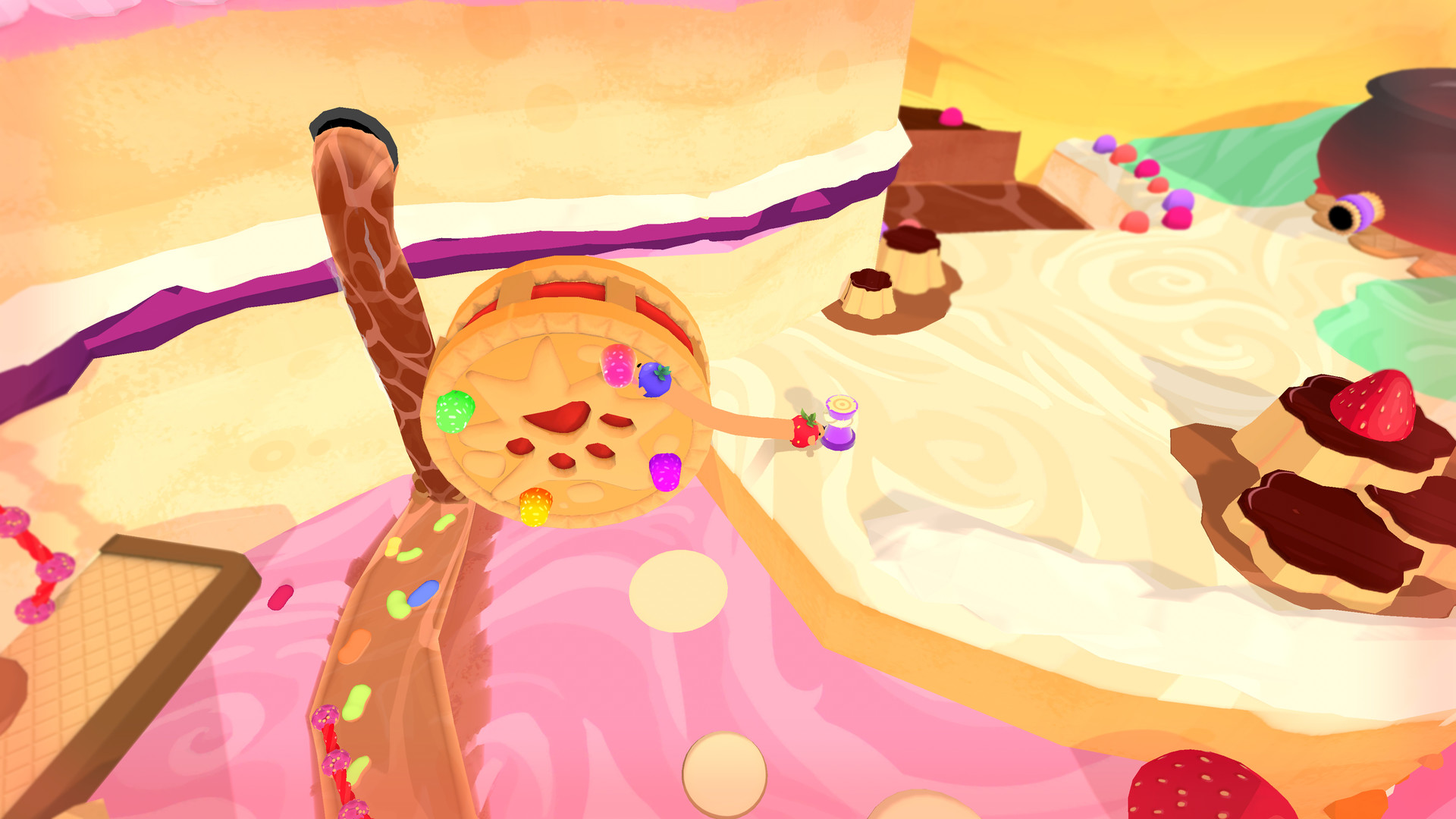
The adventure is divided into three vibrant worlds: Food World with edible scenery, Sleep World filled with soft objects, and Play World featuring a beach amusement park and retro arcade. Each world hosts a collection of levels packed with challenges and secrets.
Exploration is encouraged by hidden Golden Bones scattered throughout the levels. Finding these collectibles adds a layer of discovery and contributes to the hat‑building system described elsewhere.
- Search corners and behind objects; Golden Bones are often tucked away.
- Watch for visual cues that hint at interactive elements.
03 / THE GUIDE
Customization – Hats
Golden Bones unlock a range of hats that can be placed on Red and Blue. The hats provide a visual way to personalize each Phog, reflecting the whimsical tone of the game.
Hats are distributed across all three worlds, encouraging players to revisit levels and collect more bones. The collection offers a variety of adorable options to discover.
- Target levels known to contain multiple Golden Bones to expand your hat collection quickly.
- Mix and match hats between the two Phogs for contrasting looks.
04 / THE GUIDE
Multiplayer Modes
PHOGS! supports single‑player, local split‑screen, and online co‑op. Players may share a controller or use separate controllers, and the game works with Steam’s Remote Play Together for quick online sessions.
The multiplayer experience mirrors the core puzzle design, allowing two players to coordinate the stretchy‑belly mechanics in real time without introducing separate game modes.
- Try both shared‑controller and separate‑controller setups to see which feels more natural for coordination.
- Use Remote Play Together when a second local player isn’t available.
05 / THE GUIDE
Steam Platform Features
On Steam, PHOGS! includes achievements, trading cards, cloud saves, and family sharing. These features integrate with the broader Steam ecosystem, with cloud saves keeping progress stored online and Family Sharing letting family members access the game.
The game is listed for Windows only; macOS and Linux are not mentioned. All listed Steam features are available without additional purchases.
- Enable Steam Cloud to keep progress synced across multiple PCs.
- Review the achievement list for optional challenges that encourage deeper exploration.
COMMUNITY
Player discussion