 GameWiki
GET YOUR BEARINGS
About Phoenix Springs
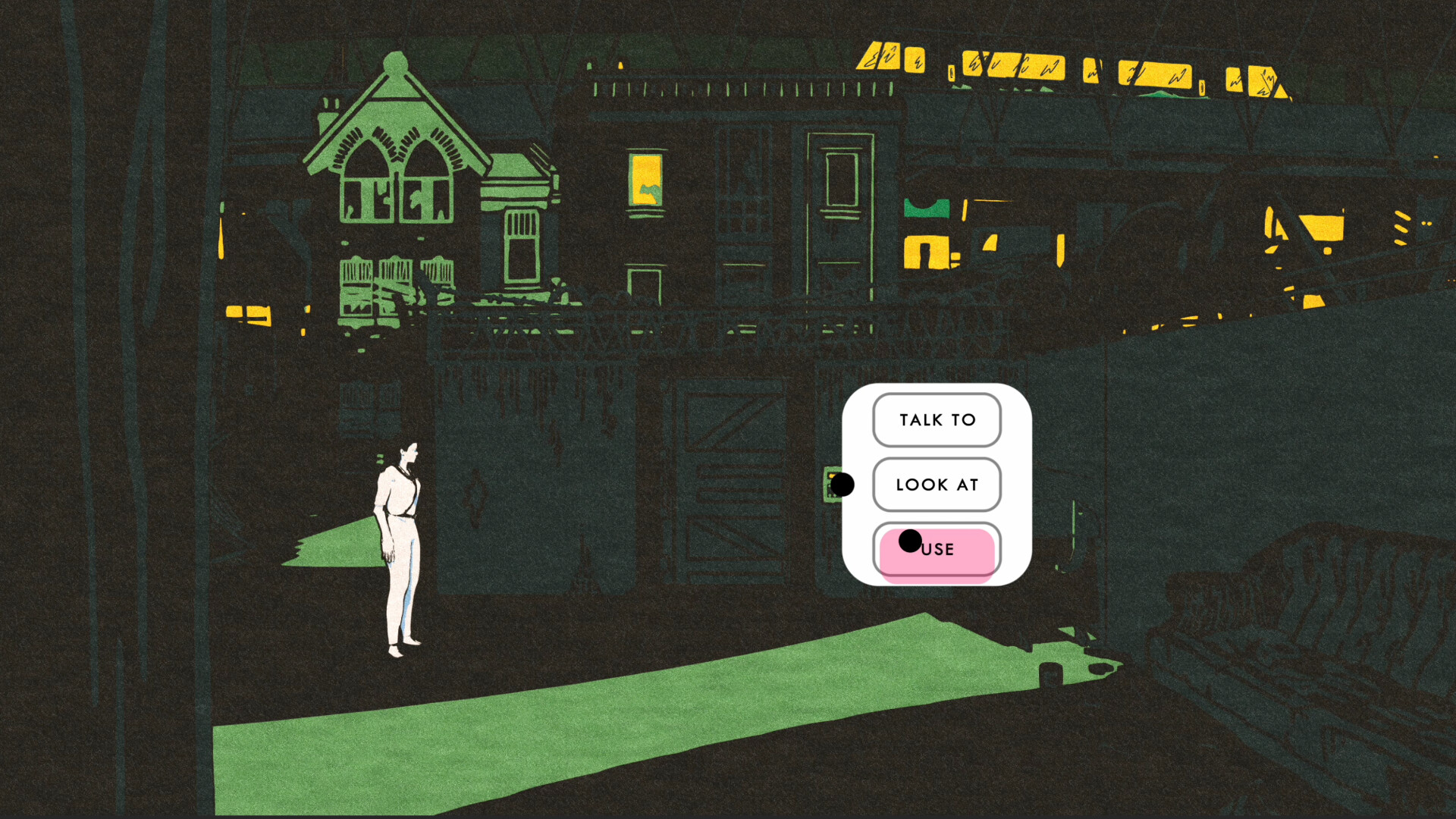
Phoenix Springs is a single‑player adventure that follows reporter Iris Dormer as she returns to a desert oasis and uncovers a web of myths, ruins, and family ties. The game blends classic point‑and‑click storytelling with modern, intuitive controls and a streamlined UI, letting players focus on narrative and logical puzzles.
All dialogue is fully voice‑acted and presented with hand‑drawn art, creating an immersive neo‑noir atmosphere. Players collect clues in an inventory, connect them to the environment, and discard false leads to progress through challenging, story‑rich puzzles.
01 / THE GUIDE
Story & Setting
The narrative centers on Iris Dormer reuniting with her estranged brother in Phoenix Springs, a desert oasis populated by an enigmatic community. Exploration of ancient ruins and interactions with a rich cast of characters drive the mystery.
The game’s universe is described as an immersive neo‑noir setting, blending classic adventure motifs with modern storytelling techniques.
- Observe how each character’s dialogue hints at larger mysteries; patterns often emerge across conversations.
- Compare the visual style of the ruins with later locations to spot thematic links.
02 / THE GUIDE
Puzzle Mechanics
Logical puzzles are central, requiring players to connect collected clues with environmental details or mention them in conversations. False leads can be discarded, ensuring only relevant information advances the story.
Puzzles are designed to challenge fans of story‑rich interactive experiences while remaining accessible through the streamlined UI.
- When a clue feels unrelated, try discarding it; the game encourages removal of red herrings.
- Use conversation prompts to test whether a clue triggers new dialogue.

03 / THE GUIDE
Inventory System
Clues and leads are stored in an inventory rather than as physical objects, simplifying management. The system allows players to review collected information and decide which items to keep or discard.
This approach streamlines investigation, focusing on narrative relevance instead of item juggling common in older point‑and‑click titles.
- Regularly review your inventory to ensure you retain only clues that have been referenced in dialogue.
- Group similar clues mentally; this can reveal hidden connections.
04 / THE GUIDE
Art & Audio
Phoenix Springs features fully voice‑acted dialogue paired with hand‑drawn art and animations, delivering a cohesive visual and auditory experience. The hand‑drawn style reinforces the neo‑noir atmosphere.
Voice acting adds depth to characters, while the art style distinguishes locations and supports the mystery‑driven narrative.
- Listen for vocal cues that may hint at undiscovered clues.
- Notice how background details in the art may foreshadow puzzle solutions.
05 / THE GUIDE
Platform & Support
The game is available on Windows, macOS, and Linux, and includes full controller support for DualShock and DualSense devices. Steam features such as Achievements, Cloud saves, and Family Sharing are also supported.
These platform features ensure accessibility across major PC operating systems and allow players to use preferred input methods without limiting core gameplay.
- Enable Steam Cloud to keep progress across multiple installations.
- Test the supported controller options to find the most comfortable setup.



COMMUNITY
Player discussion