 GameWiki
GET YOUR BEARINGS
About Petal Crash
Petal Crash is an arcade‑style puzzle game where blocks slide until they meet a wall or another block. Matching‑color blocks burst, sending nearby blocks flying and creating chain reactions that boost your score.
Set in the fractured land of Florea, the game follows seven fantasy characters seeking the Sacred Blossoms while offering solo challenges, a story campaign, and competitive versus play.
01 / THE GUIDE
Story Mode
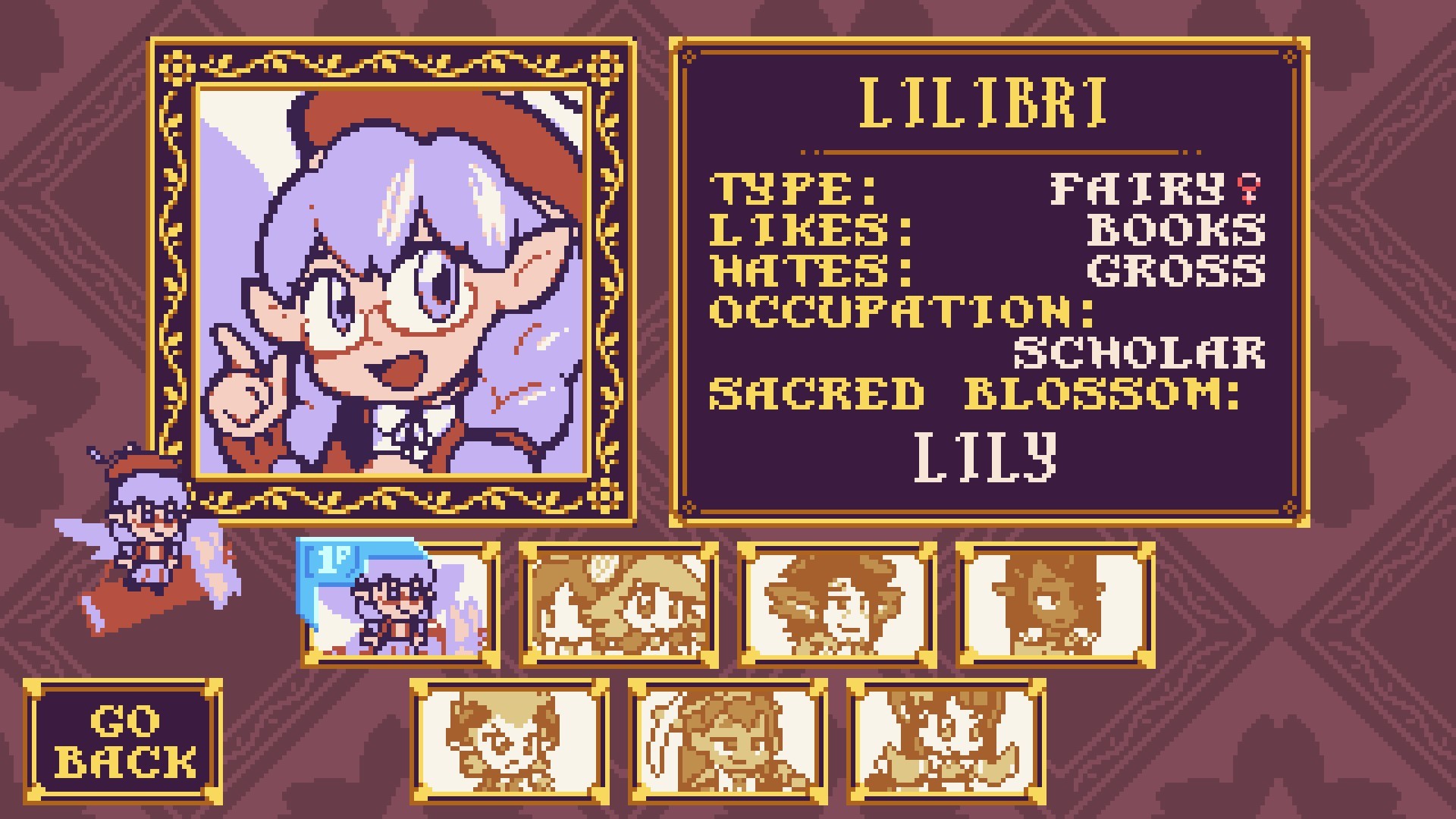
Choose one of seven characters—Lilibri, Strelitz, Penny & Deony, Ore Kid, Daize, Yosoti, or Rosalia—and follow their individual quest. Each tale ends with puzzle battles against the others as you try to collect all Sacred Blossoms.
Progress is made by completing these puzzle encounters, which unlock the next segment of the character’s narrative and advance the overall Florea lore.
- Observe each character’s dialogue to enjoy their personal story as you face them in battle.
- Try multiple characters to compare story pacing and puzzle difficulty.
02 / THE GUIDE
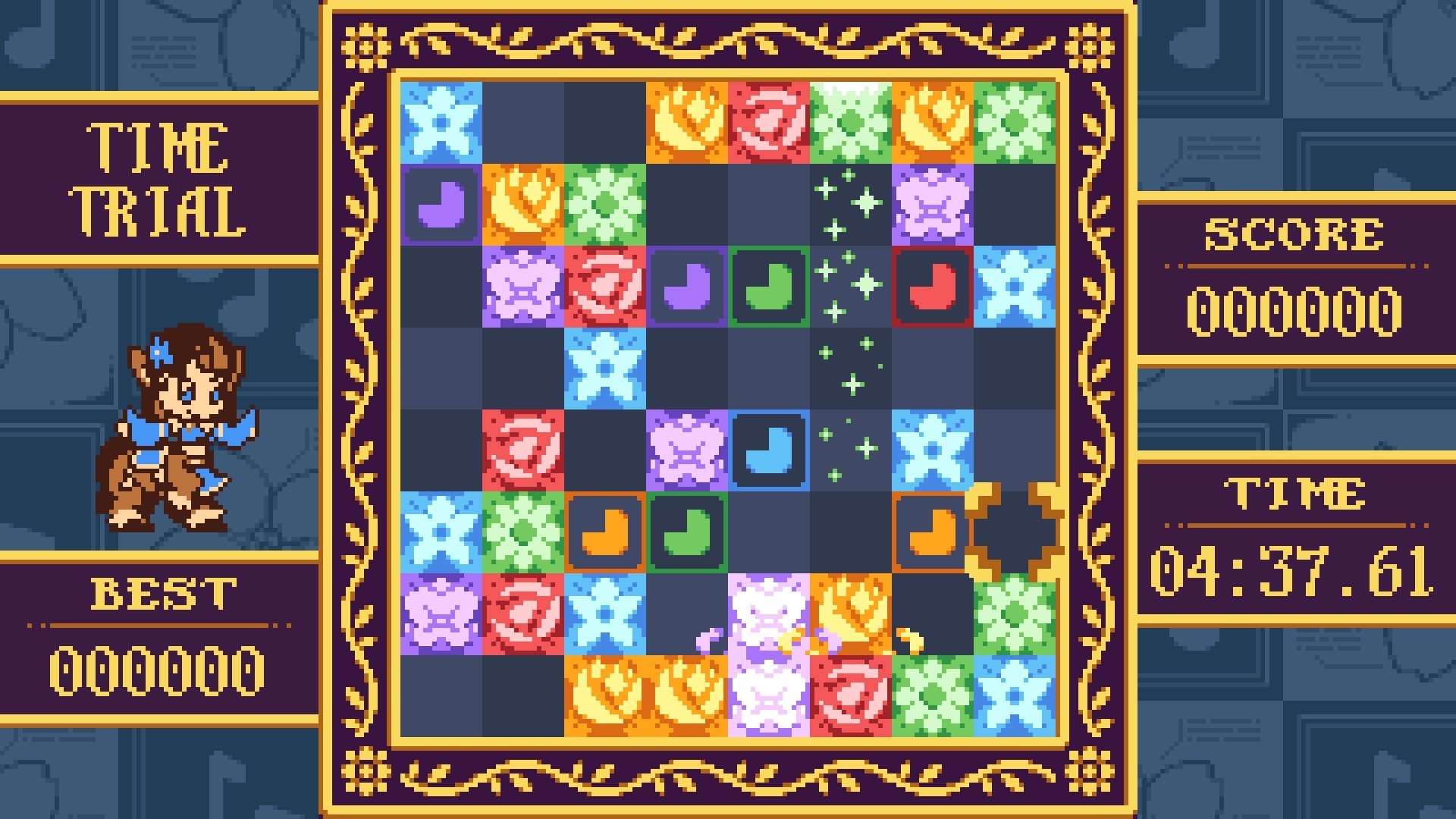
Solo Play
Solo Play offers two single‑player challenges: a timed race against the clock and a limited‑move mode where you must earn the highest rank possible. Points come from block bursts and chain reactions.
Both challenges let you practice strategies without an opponent, providing a way to improve score efficiency before entering Versus matches.
- Create large combos early to maximize points quickly.
- In limited‑move mode, plan each push to affect multiple blocks for higher scores.
03 / THE GUIDE
Puzzle Mode
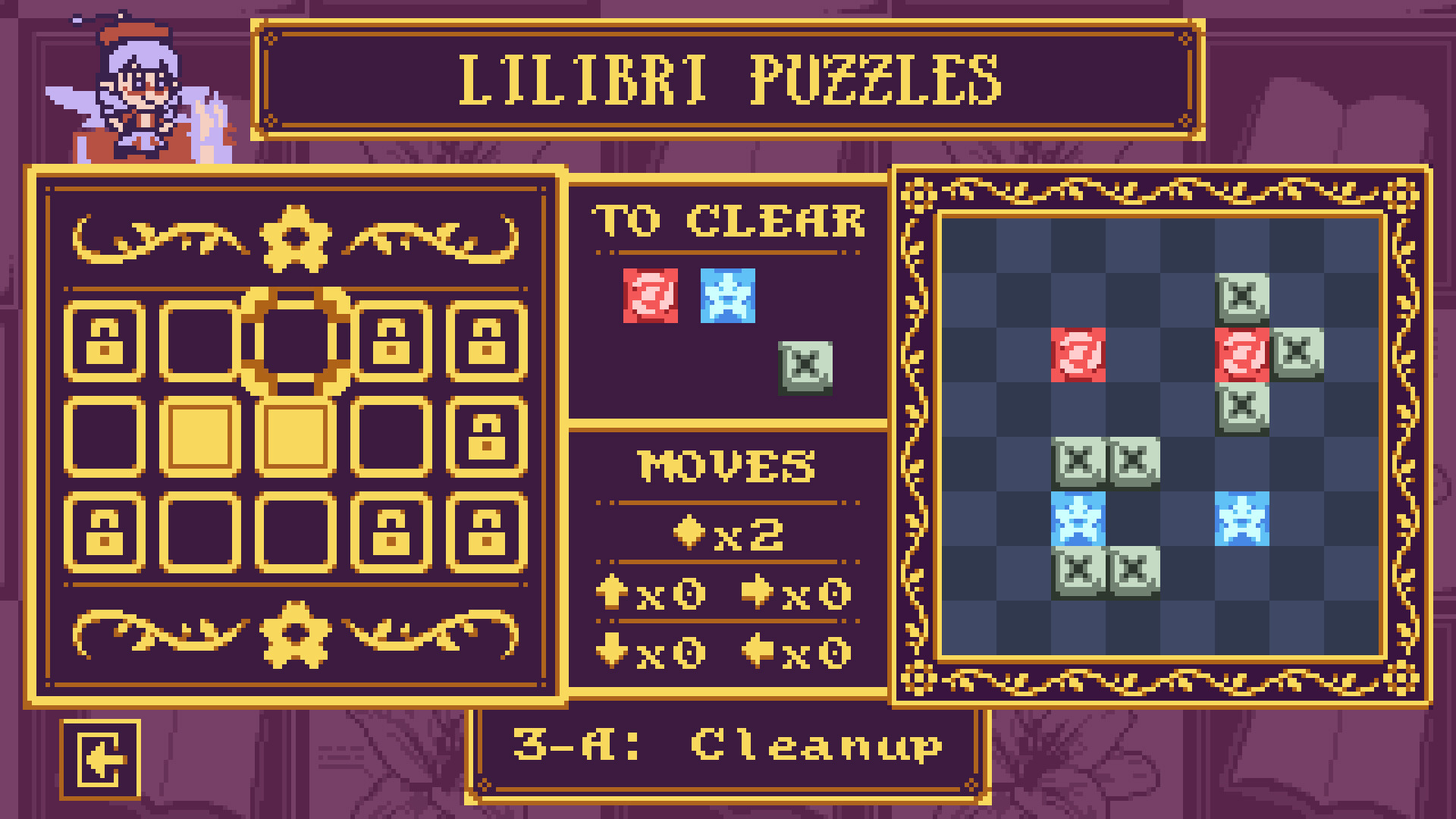
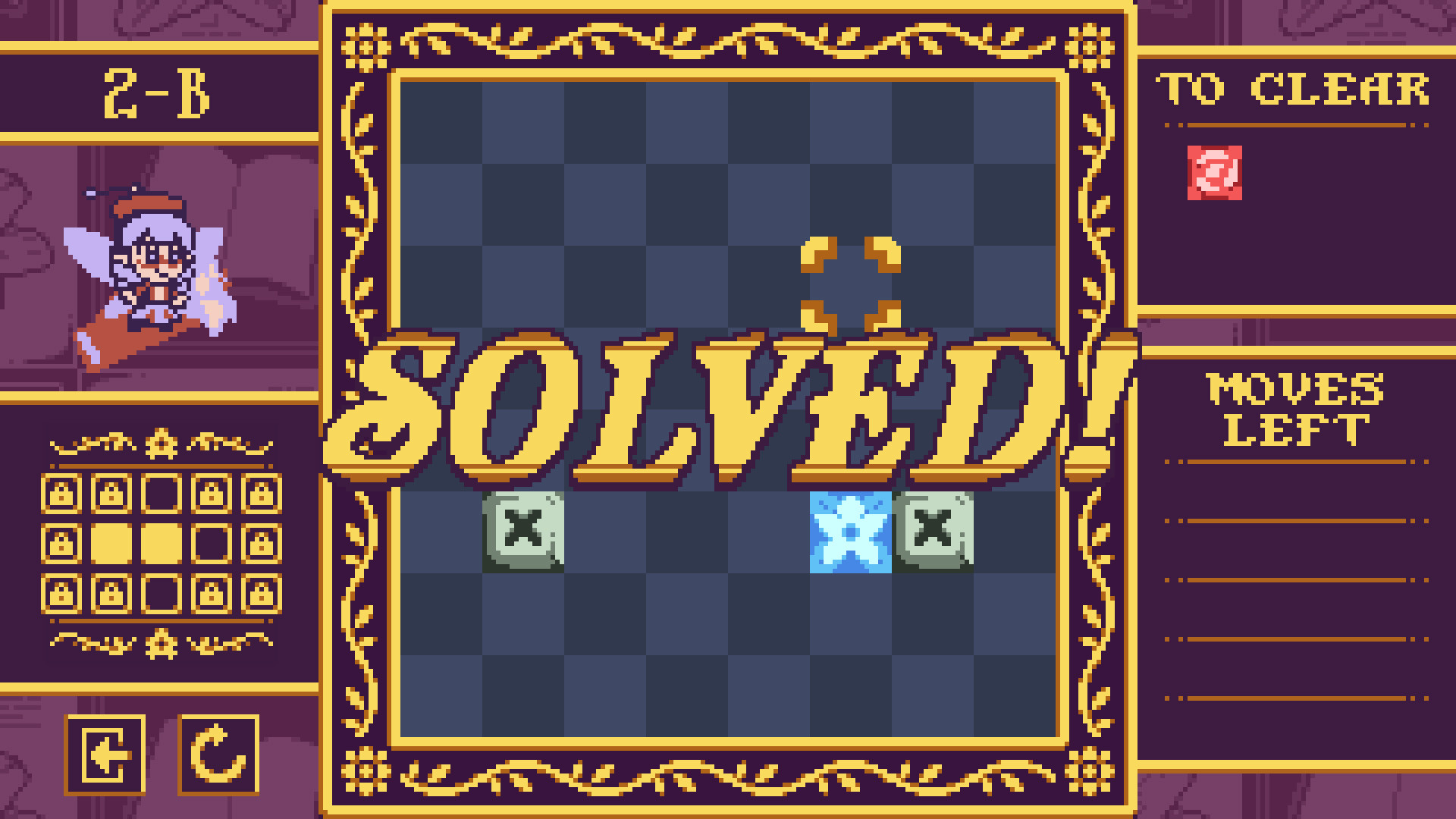
Puzzle Mode presents brain‑teasing levels with a set number of moves to clear the board. Success depends on arranging blocks so a single push triggers multiple bursts.
The mode also includes a level editor that lets you design your own puzzles and share them with friends.
- Test your custom puzzles in Puzzle Mode to ensure they are solvable.
- Use the move limit to craft tighter, more rewarding challenges.
04 / THE GUIDE
Versus Mode
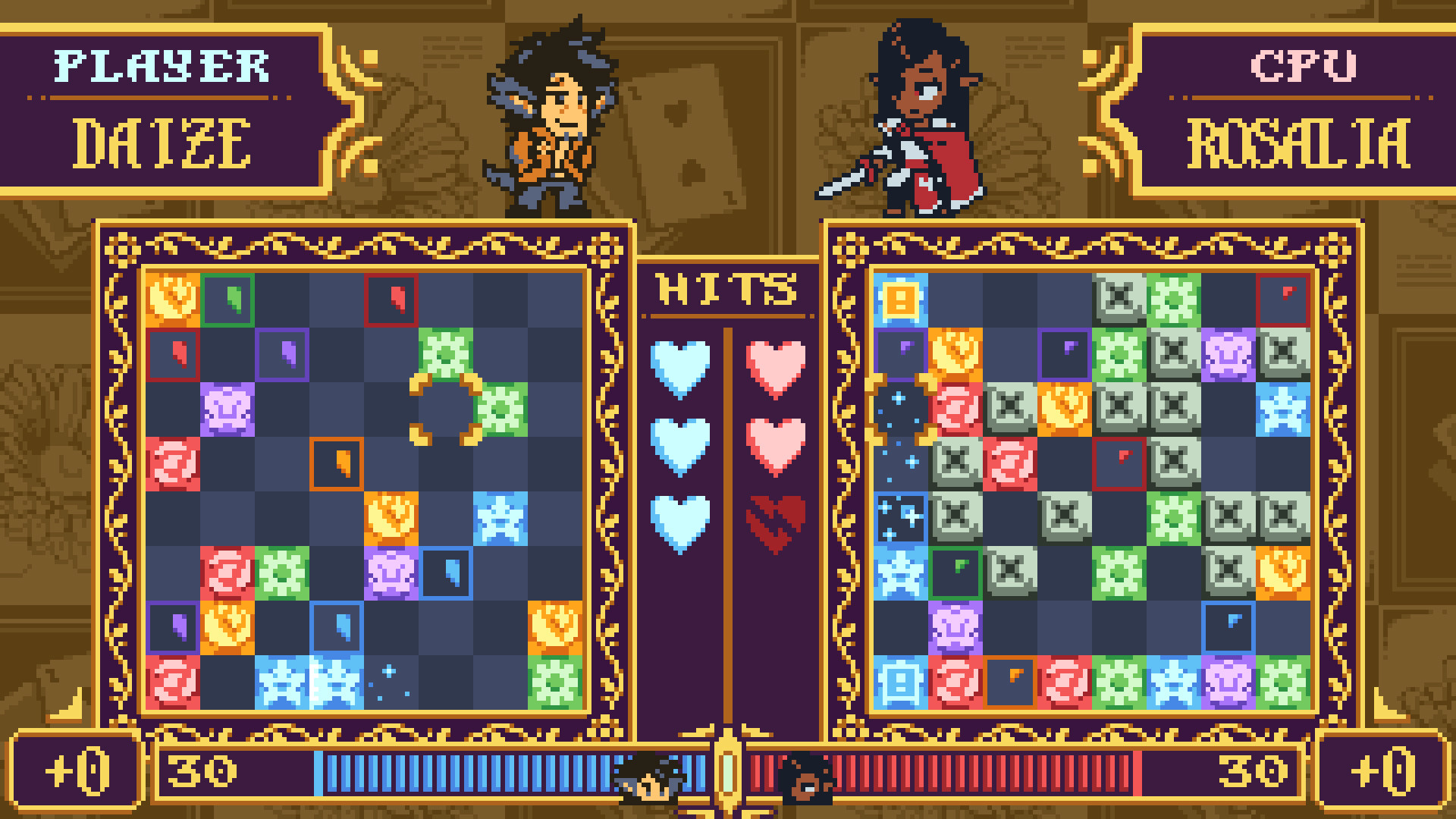
Versus Mode pits you against another player or the CPU in head‑to‑head block battles. Faster clears send “garbage” blocks to your opponent’s board.
Both online and split‑screen play are supported, and the game works with full controller, keyboard, or mouse input.
- Watch your opponent’s board to anticipate incoming garbage blocks.
- Practice locally with split‑screen before trying online matches.
05 / THE GUIDE
Level Editor
The included level editor lets you design your own puzzle layouts to craft personalized challenges.
Created puzzles can be loaded in Puzzle Mode, allowing you to test and refine your designs.
- Start with a simple layout and gradually add complexity.
- Iterate by loading your design in Puzzle Mode to verify it works as intended.
COMMUNITY
Player discussion