 GameWiki
GET YOUR BEARINGS
About Penguin Colony
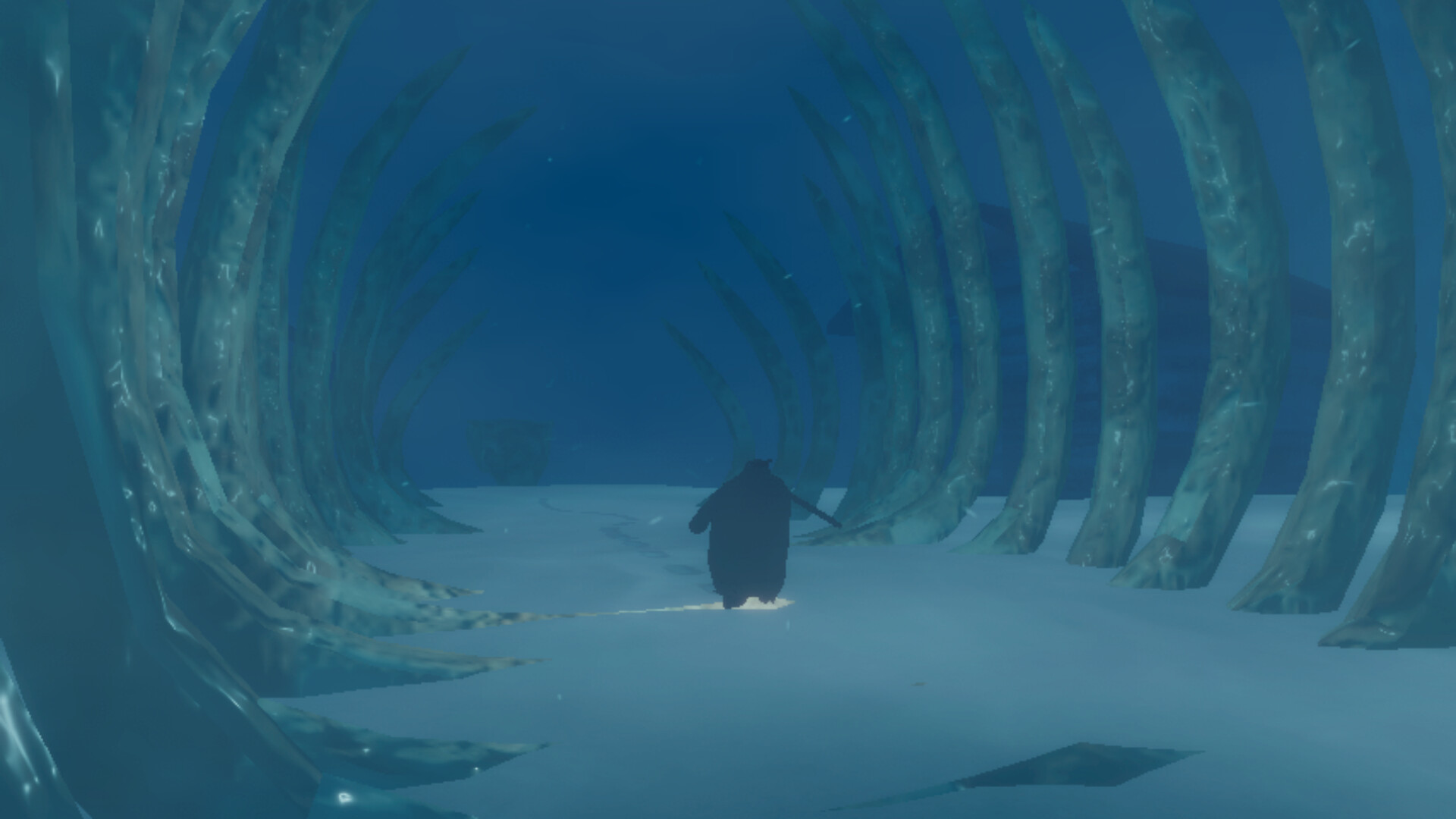
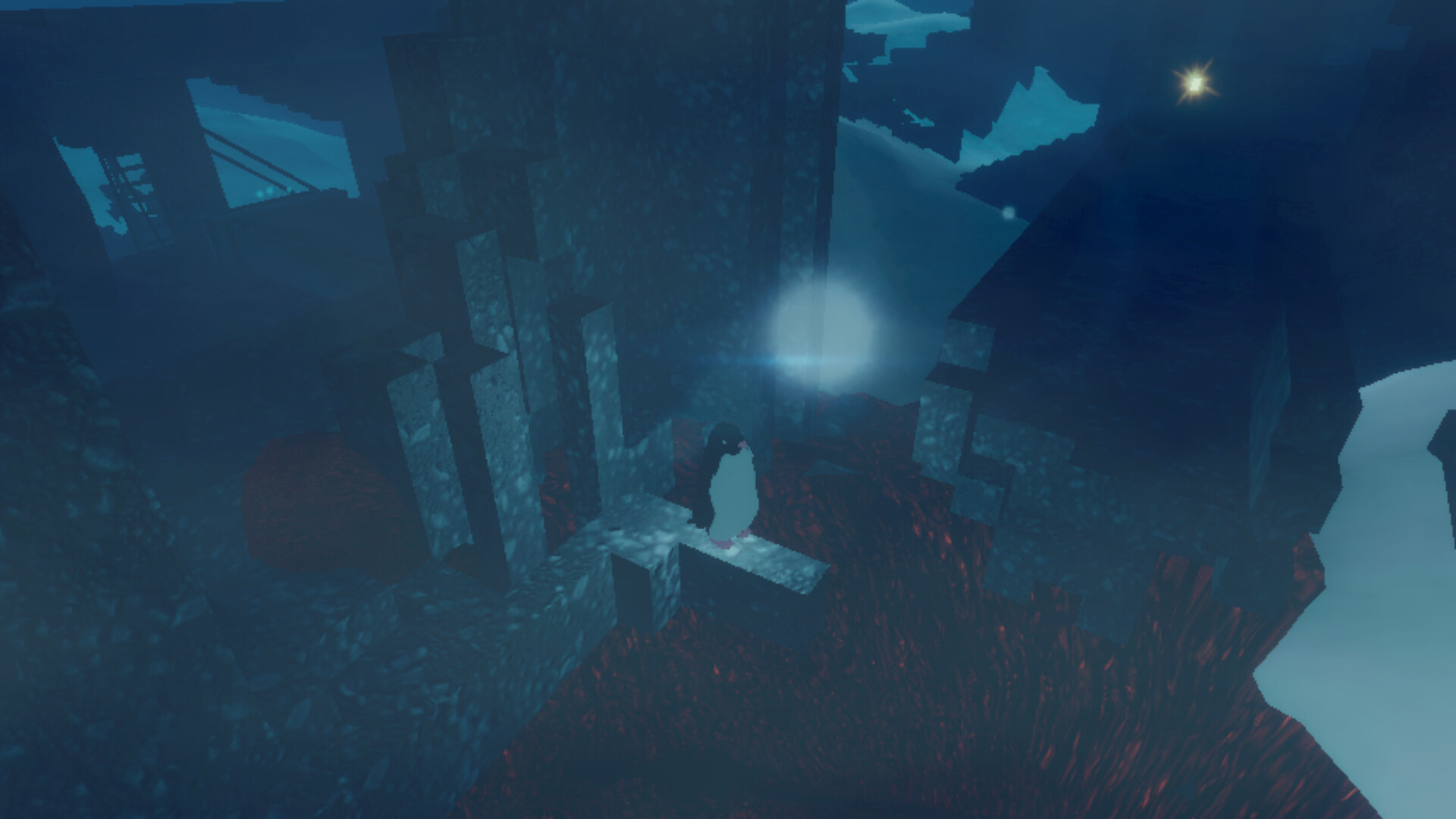
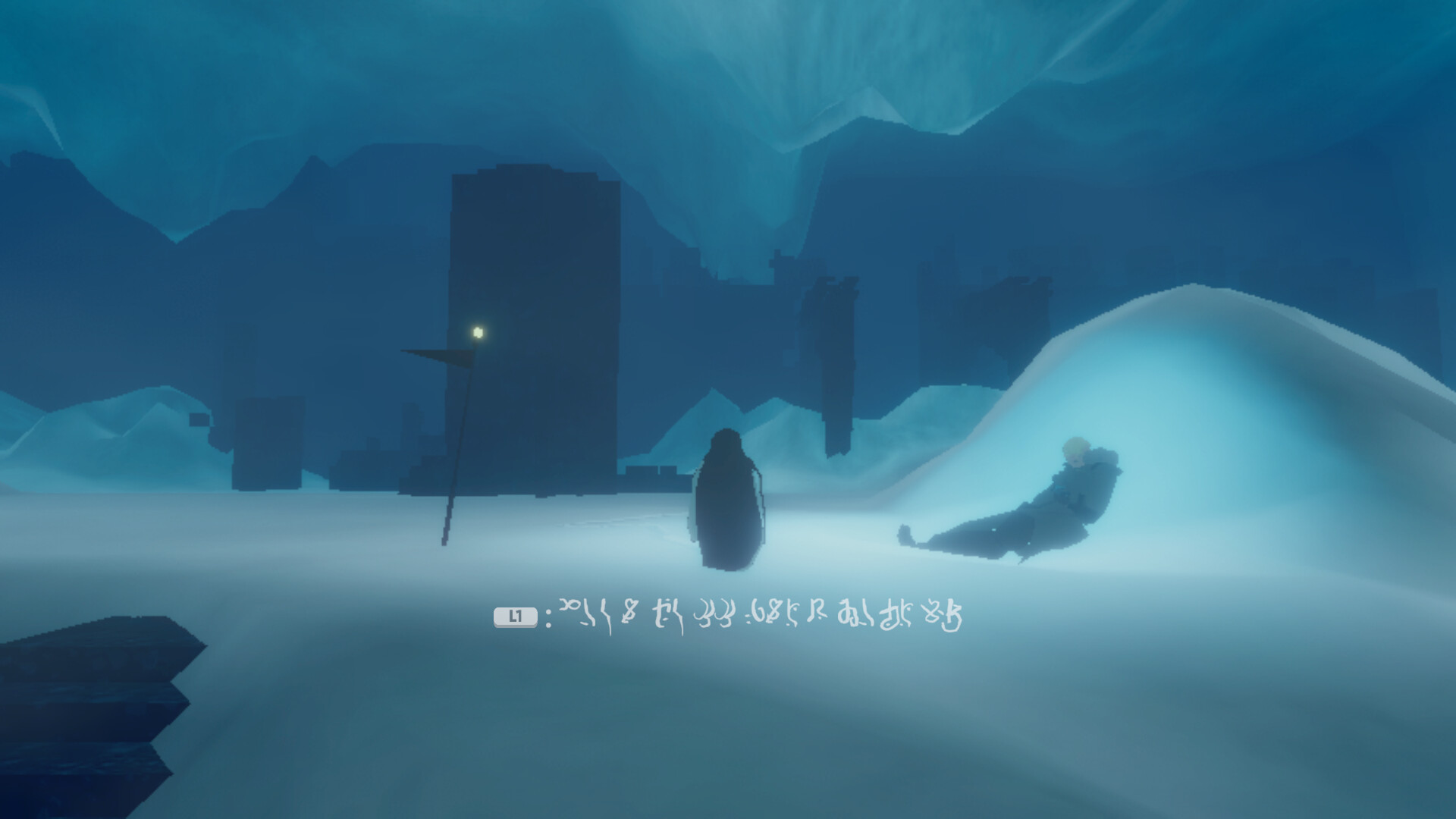
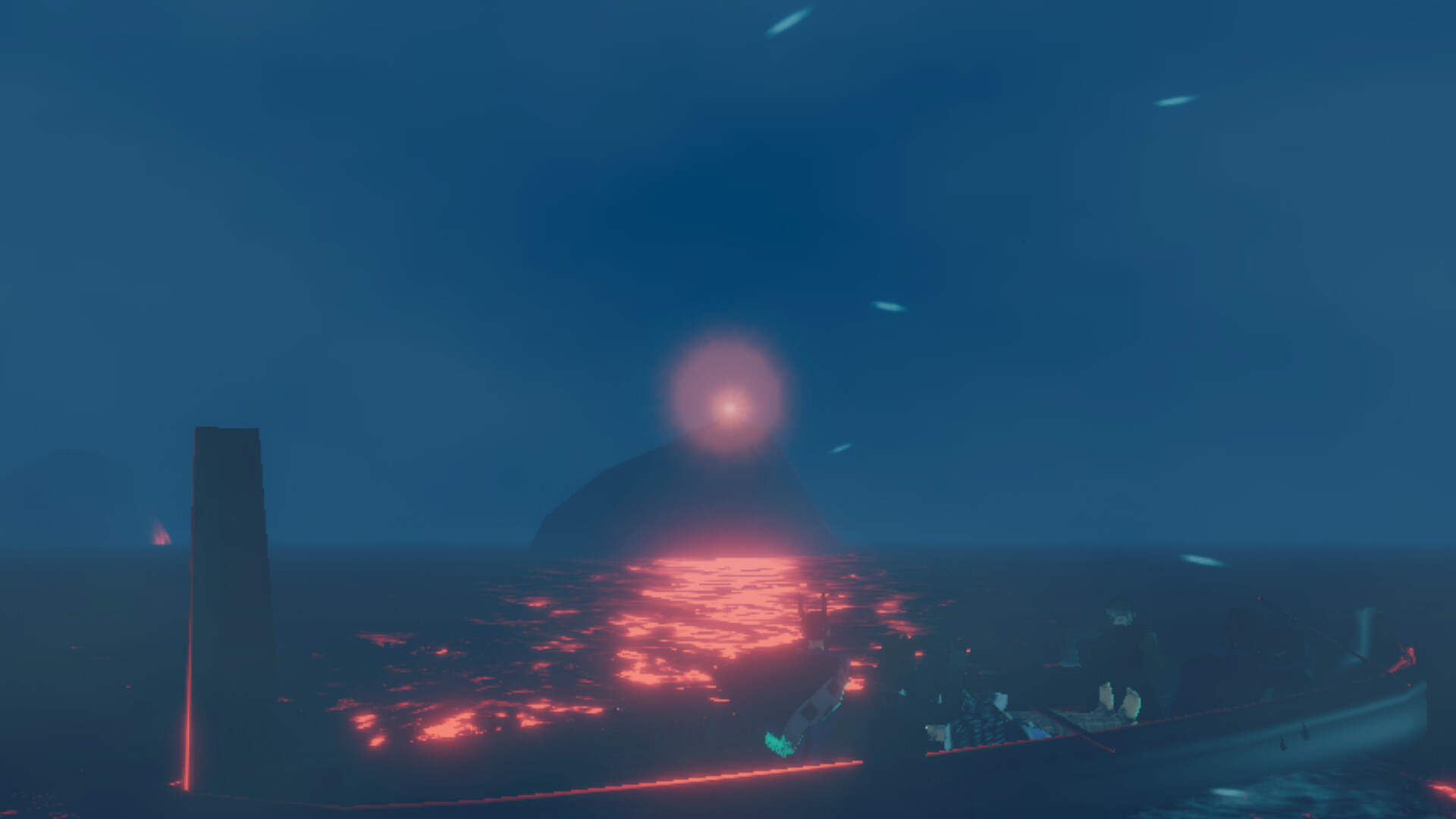
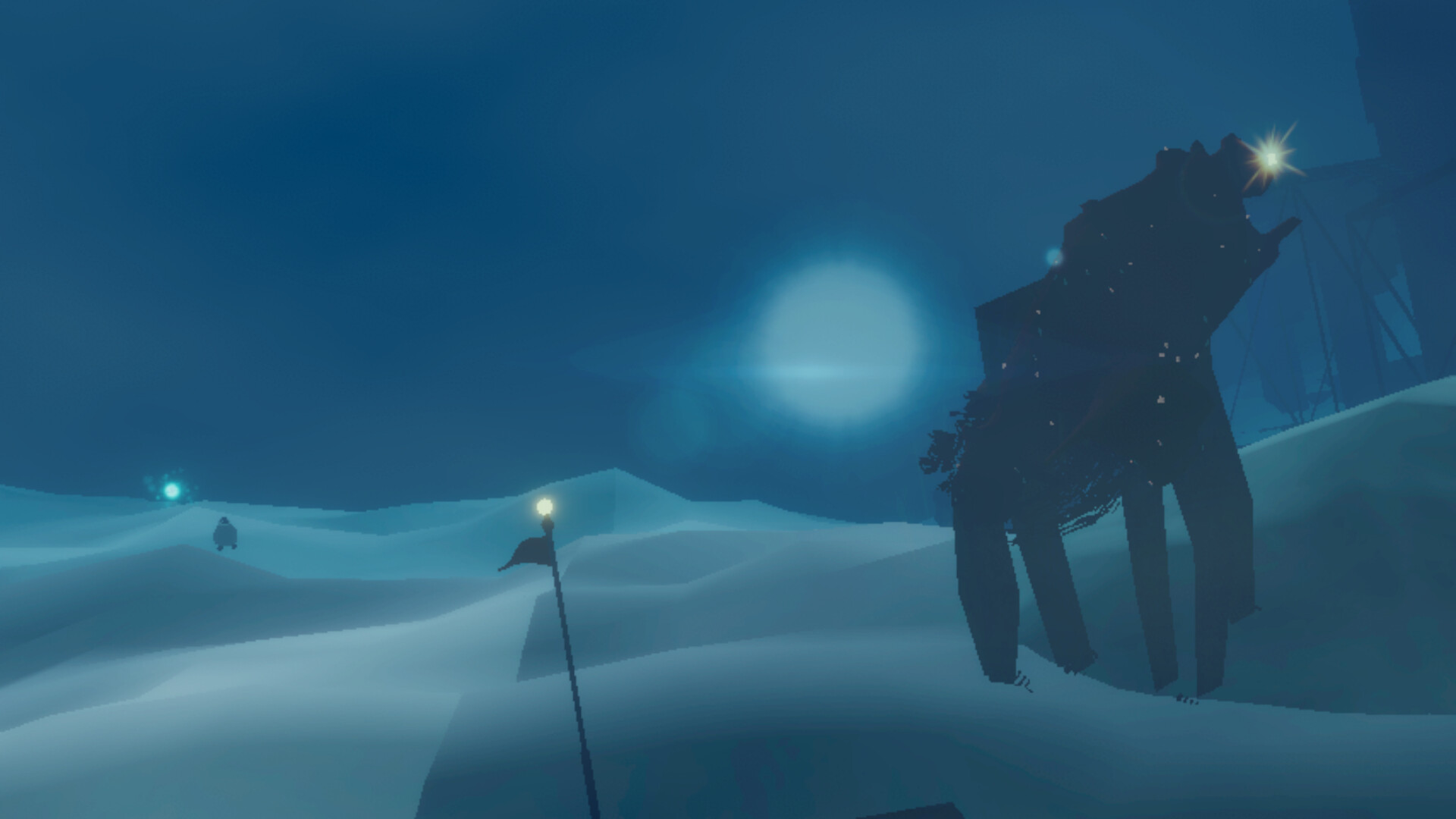
Penguin Colony re‑imagines H.P. Lovecraft’s mythos through the eyes of Antarctic penguins in 1939. Two factions—Nazis seeking an ancient power and the guardian Kaitiaki protecting it—converge on a frozen landscape, and the narrative follows the humans’ mental collapse as observed by the birds.
Developed by Origame Digital and published by Fellow Traveller, the indie action‑adventure is single‑player, offers full controller support, and includes Steam achievements, Steam Cloud, and a range of comfort options such as camera and audio controls.
01 / THE GUIDE
Narrative Setting
The story is placed in Antarctica during the year 1939, a time when both Nazi forces and the Kaitiaki move toward an impossibly ancient being. The description calls this a “faithful re‑imagining” of Lovecraft, linking the setting to his works like At the Mountains of Madness.
The narrative emphasizes the wind’s eerie howl and the psychological strain on humans who encounter the ancient entity. This framing creates a tension between exploitation and preservation, positioning the penguins as silent witnesses to the unfolding horror.
- Notice how the wind description changes with location; it can signal narrative shifts.
- Compare the motives of the two factions to gauge the story’s moral conflict.
02 / THE GUIDE
Penguin Perspective
Players control a penguin that roams the icy terrain, following human explorers as they uncover the ancient being. The description states the birds “witness their minds collapse under the strain,” highlighting observation as the core gameplay lens.
The perspective is deliberately non‑human, encouraging players to experience events from a non‑human viewpoint. This design choice frames the story as a series of observations rather than actions.
- Move slowly to let environmental details emerge; the penguin’s wanderings reveal story beats.
- Use the silent viewpoint to notice subtle cues that human characters might miss.
03 / THE GUIDE
Audio & Visual Options
The game provides Custom Volume Controls, Stereo Sound, and Color Alternatives, allowing players to adjust audio levels and visual palettes. These settings are listed alongside Camera Comfort, indicating they are intended to improve comfort without altering gameplay timing.
Color Alternatives and Camera Comfort are presented as options rather than mandatory settings, giving players the ability to tailor the visual experience to personal preference while exploring the Antarctic environment.
- Balance narration and ambient wind using the volume sliders to suit your listening comfort.
- Try different color alternatives to see which improves readability in icy scenes.
04 / THE GUIDE
Input Support
Penguin Colony lists Full controller support, a Keyboard Only Option, and Gamepad Recommended, along with specific compatibility for DualShock and DualSense controllers. This confirms that both keyboard and supported gamepads can be used to navigate the game world.
The description also notes the game is playable without timed input, meaning players can explore at their own pace regardless of the chosen input method.
- Experiment with both keyboard and a supported controller to find the navigation feel you prefer.
- If you experience discomfort, switch to the Keyboard Only Option as it is explicitly supported.
05 / THE GUIDE
Achievements & Cloud Saves
Steam Achievements are integrated, offering recognitions for in‑game milestones. The presence of this feature indicates that the game tracks specific actions or story points that can be earned as achievements.
Steam Cloud support is listed, allowing saved progress to be stored online. Family Sharing is also mentioned, meaning the game can be shared within a Steam family group.
- Review the achievement list before playing to set personal goals aligned with story events.
- Enable Steam Cloud to keep your progress when switching between computers.
COMMUNITY
Player discussion