 GameWiki
GET YOUR BEARINGS
About PEG
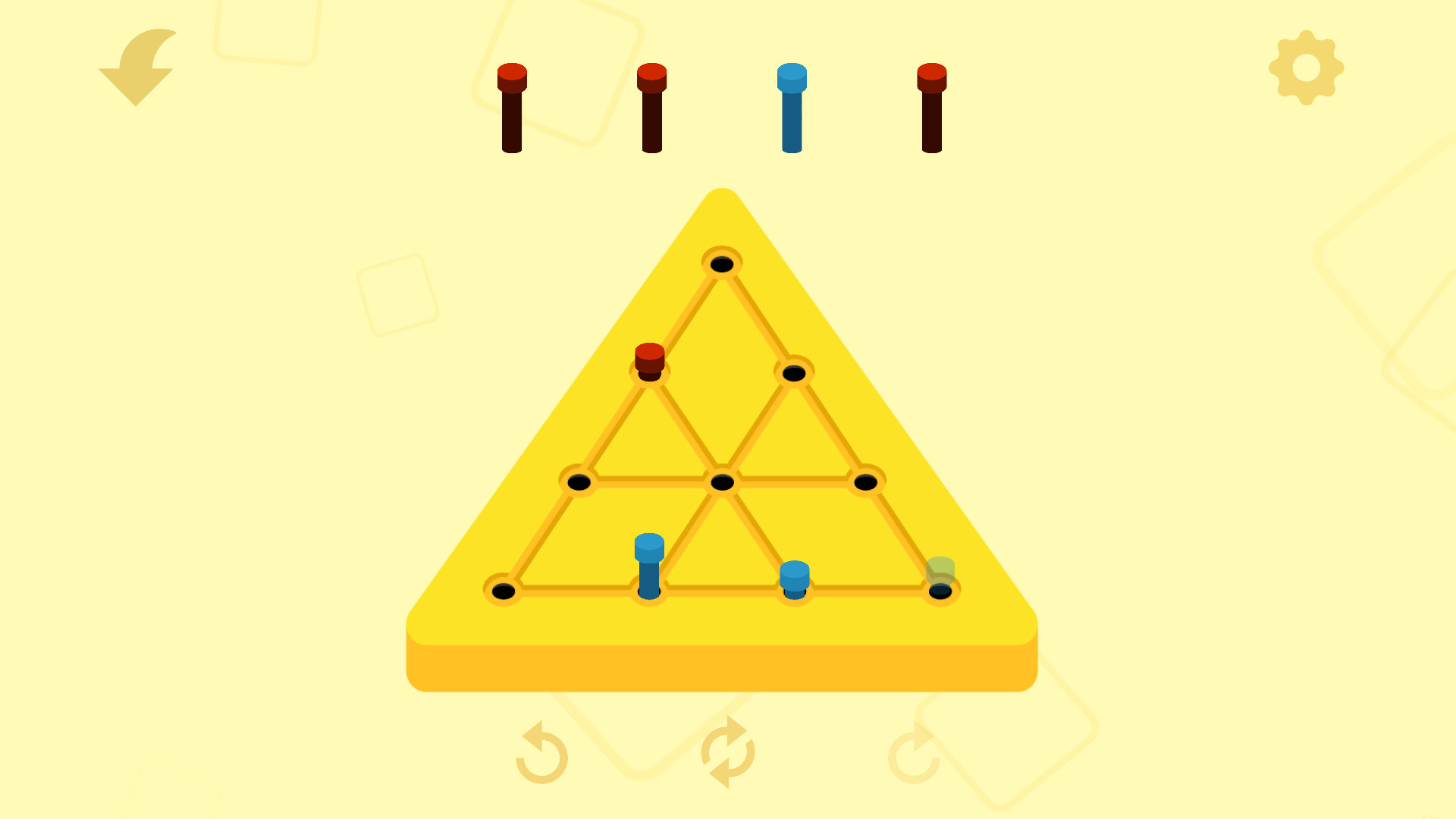
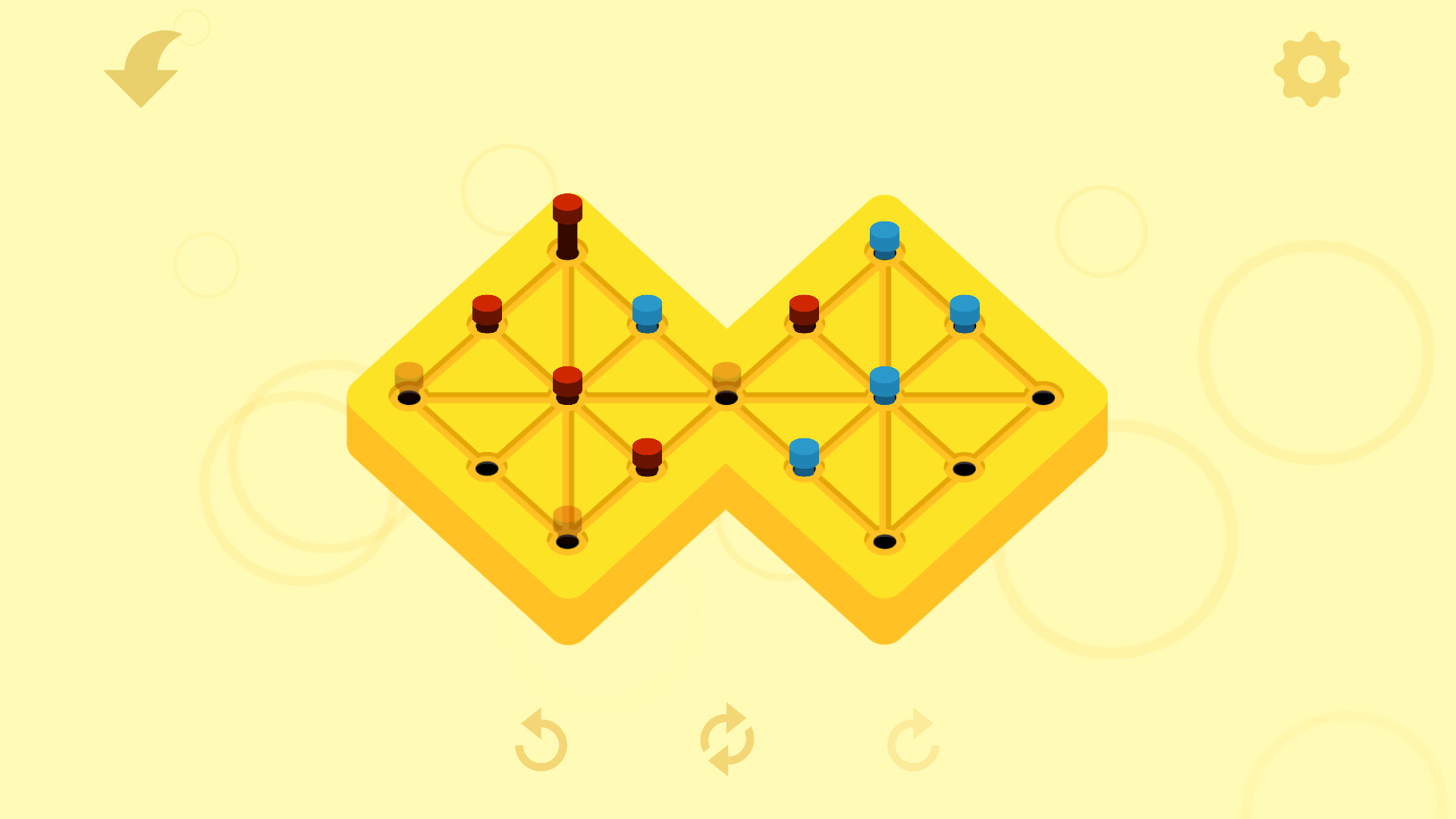
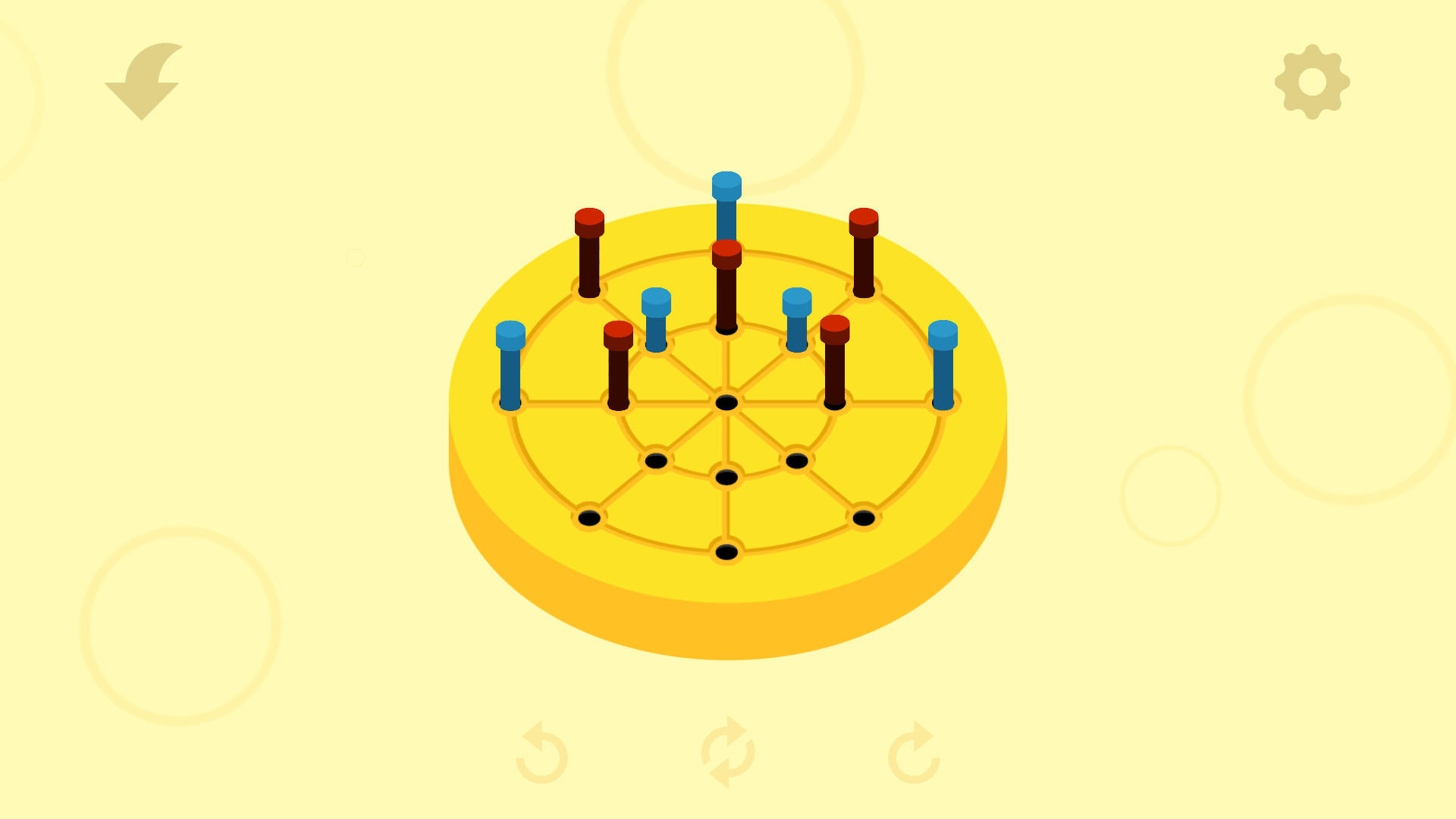
PEG reimagines the classic solitaire peg game with a minimalist design and a clear objective: finish each puzzle with exactly two pegs, one blue and one red. The rule “Blue eats blue, red eats red” drives all moves, turning simple jumps into deep strategic challenges.
The game offers over a hundred handcrafted levels across multiple boards, plus daily auto‑generated puzzles for endless play. A deuteranopia‑friendly palette, zen music, and a wordless UI make PEG accessible and relaxing for players of any age or skill level.
01 / THE GUIDE
Core Mechanics
Players move pegs by jumping one peg over another of the same colour, removing the jumped peg. This “eat” action follows the simple rule: blue pegs only capture blue, red only capture red. Mastery comes from planning jumps that leave exactly one blue and one red on the board.
Each jump reduces the total peg count, so foresight is essential. Early moves set up later possibilities, and a single mis‑step can block all remaining solutions. The minimal controls focus attention on spatial reasoning rather than reflexes.
- Observe the board before moving; note which pegs can be captured first.
- Try to keep a balance of both colours early to avoid dead‑ends.
02 / THE GUIDE
Level Structure
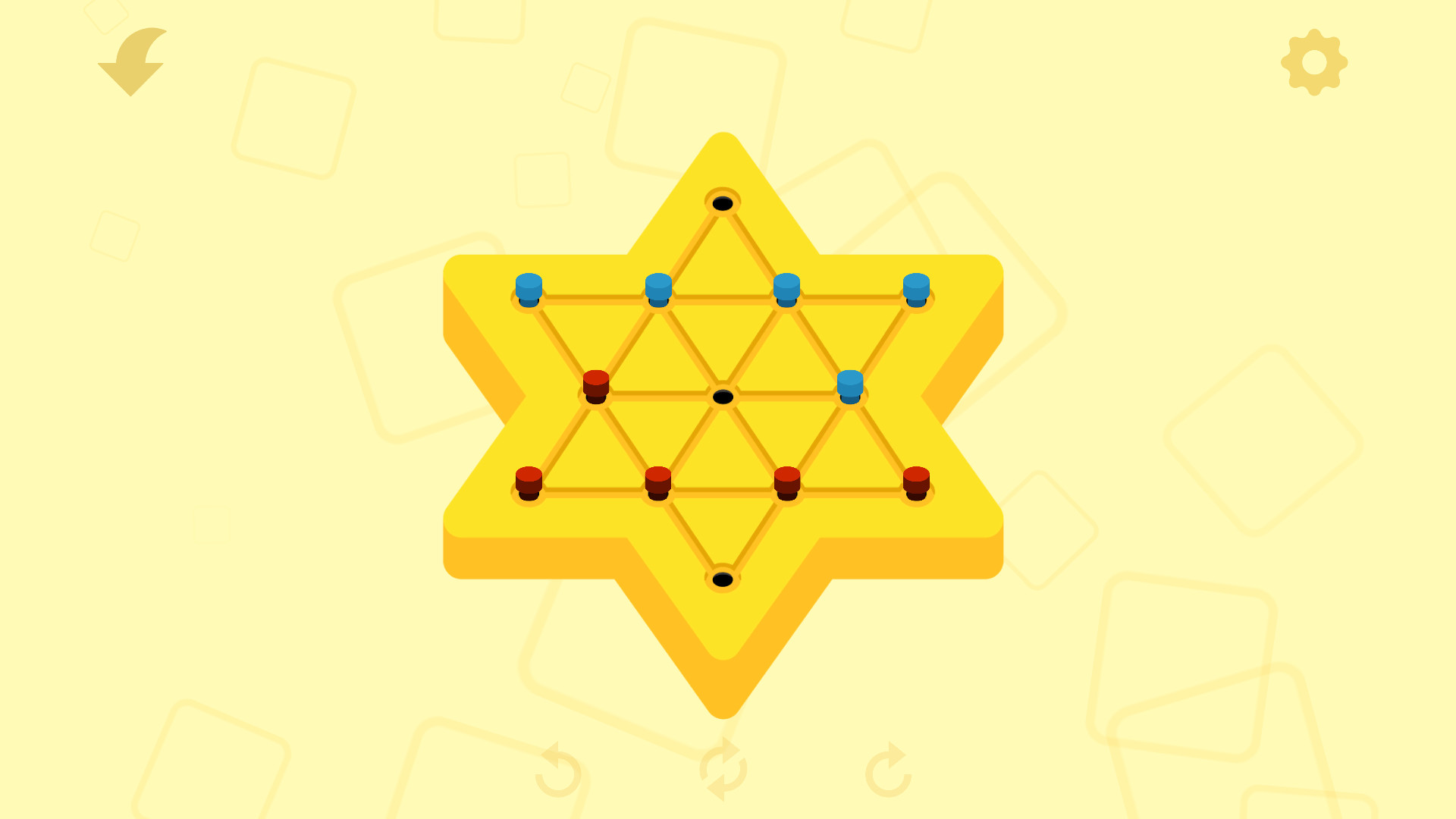
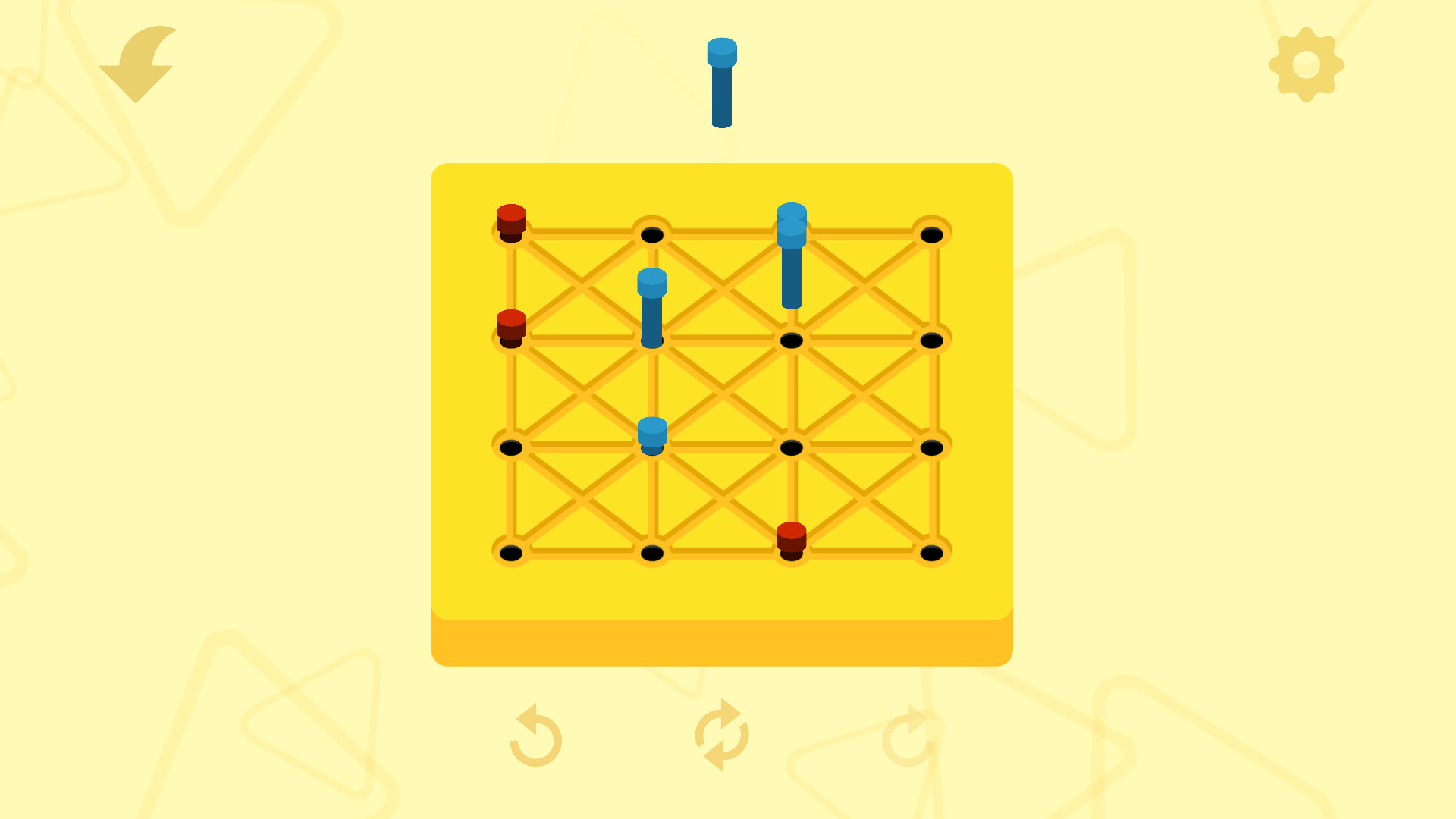
PEG includes more than one hundred hand‑made levels, each placed on a specially crafted board layout. These boards vary in shape and peg distribution, providing distinct puzzles that require unique strategies. The handcrafted nature ensures each level feels purposeful and balanced.
In addition to the static collection, the game generates a new daily puzzle automatically. This feature supplies a never‑ending stream of fresh challenges, encouraging regular play without the need for external updates.
- Treat daily puzzles as practice; each day brings a fresh auto-generated challenge.
- Review completed handcrafted levels to spot recurring patterns.
03 / THE GUIDE
Accessibility Features
PEG uses a colour palette designed for players with deuteranopia and similar visual conditions, ensuring that blue and red pegs remain distinguishable. The UI contains no text, removing language barriers and making the game approachable for all ages.
Players can also adjust gameplay speed through in‑game options, tailoring the pace to personal preference. These settings, combined with the wordless interface, create an inclusive environment that focuses on pure puzzle solving.
- Experiment with slower speed if you find jumps hard to track.
- Use the colour‑friendly palette if you experience difficulty distinguishing reds.
04 / THE GUIDE
Audio & Ambience
Several selections of zen music accompany gameplay, aiming to enhance relaxation while you think through each move. The soundtrack is loopable and unobtrusive, allowing focus on the puzzle without sudden audio distractions.
Because the game lacks dialogue or narrative text, the music becomes a central element of the player’s experience, reinforcing the calm, contemplative atmosphere that PEG strives for.
- Choose a music track that matches your concentration style.
- Lower volume if you prefer silence while planning moves.
05 / THE GUIDE
Platform Support
PEG runs on Windows, macOS, and Linux, offering broad compatibility for desktop users. The game is listed with Steam features such as Achievements, Trading Cards, Cloud saves, and Family Sharing, indicating integration with the Steam ecosystem.
Steam Cloud can keep your progress synced, Family Sharing lets family members access the game, and Trading Cards provide optional collectible items for those who enjoy Steam’s extra layers.
- Enable Steam Cloud to keep your puzzle progress safe.
- Explore Trading Cards if you collect Steam memorabilia.
COMMUNITY
Player discussion