 GameWiki
GET YOUR BEARINGS
About PeeWee Purpdrank's FOENEM Clicker
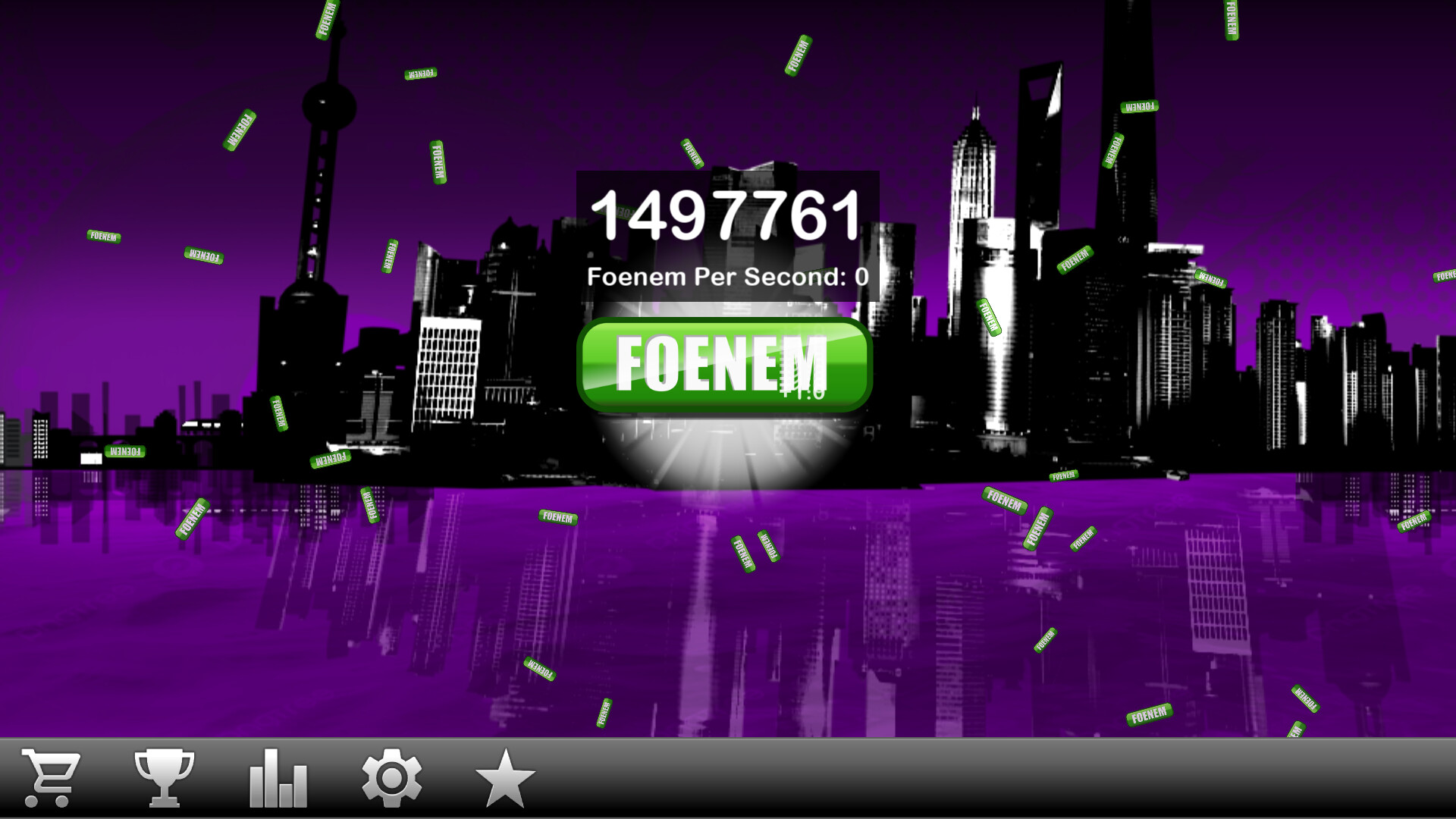
PeeWee Purpdrank's FOENEM Clicker is a casual, single‑player clicker where the player repeatedly double‑taps a foenem button to generate points. Points can be spent in an in‑game store to purchase items that increase point generation.
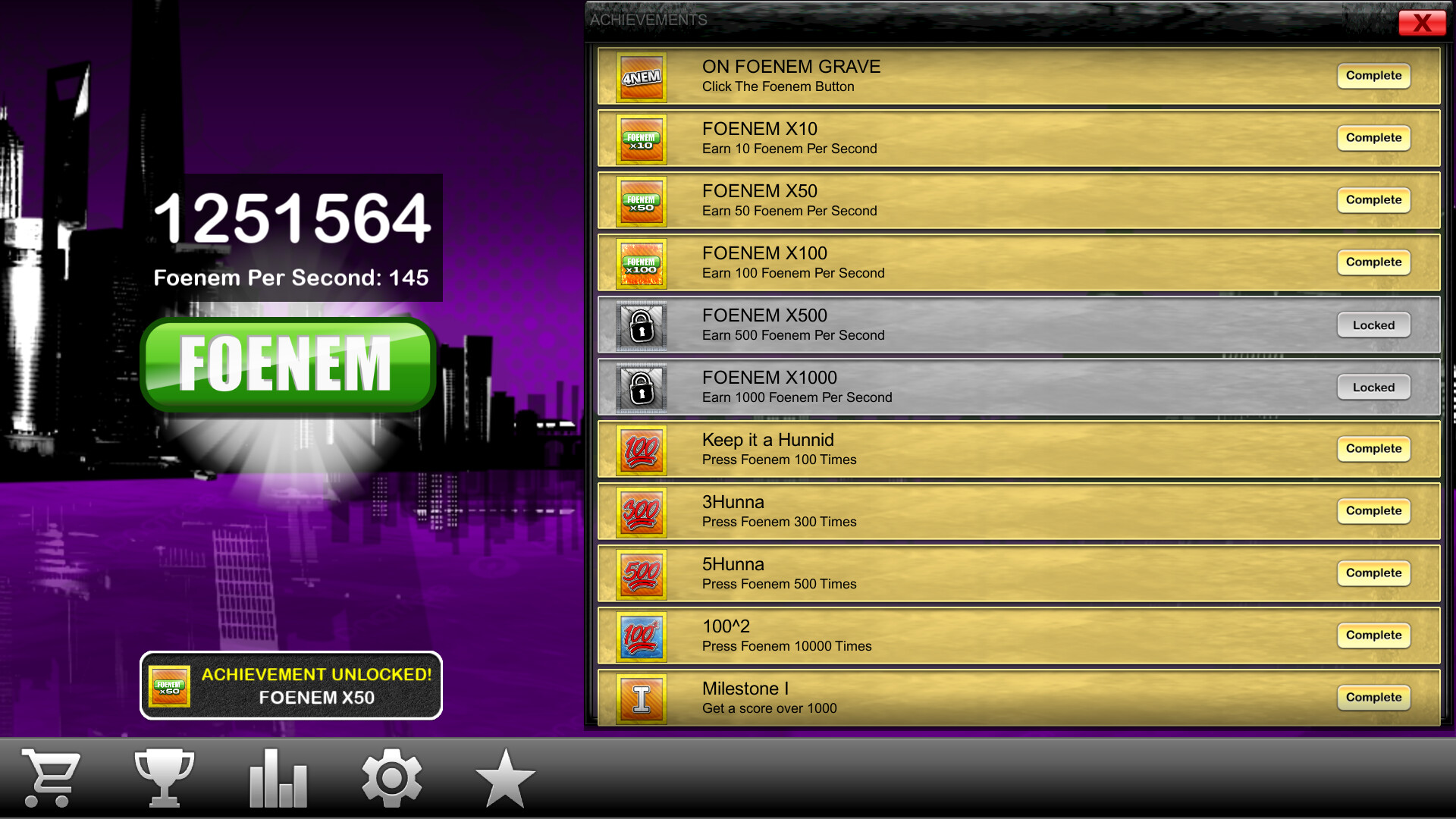
The title also includes a parody “Stonk Market” for investing points, 25 Steam achievements, basic mod support for custom power‑ups and backgrounds, and runs on Windows, macOS, and Linux with mouse‑only controls and Steam Cloud save support.
01 / THE GUIDE
Core Click Mechanic
The primary interaction is a double‑tap of the foenem button, each activation awarding points. The description repeats the action, indicating that continuous double‑tapping is the main way to accumulate points.
Because the game lists a Mouse Only Option, the double‑tap is performed with the mouse. This input method is the only one explicitly mentioned in the official information.
- Maintain a steady rhythm to keep point flow consistent.
- Watch the point counter to gauge when a store purchase becomes affordable.
02 / THE GUIDE
Store and Power‑Ups
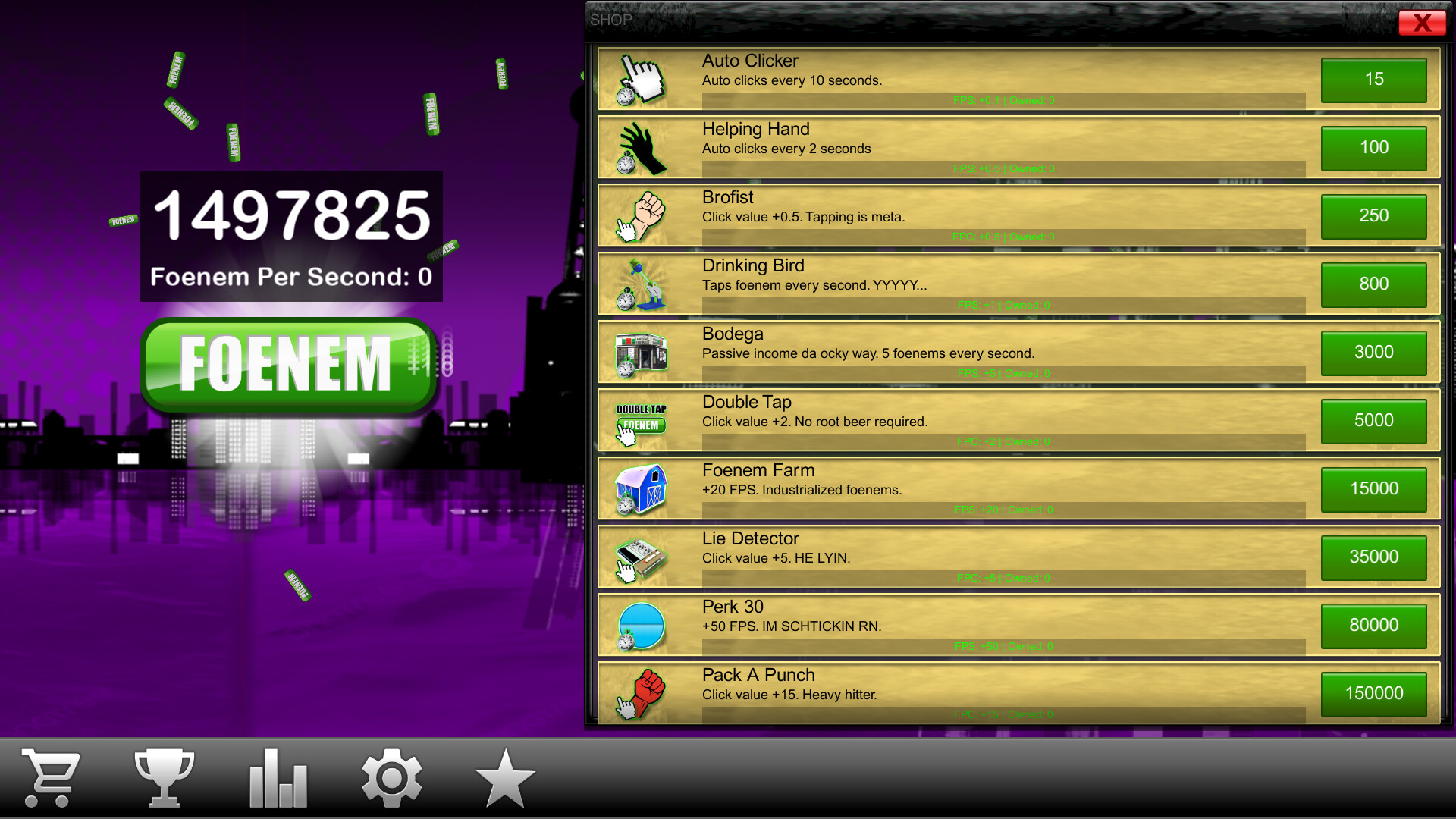
Earned points can be reinvested in the store to buy items. The store description states that purchases are intended to help you double‑tap the foenem button more effectively.
Power‑ups bought from the store are described as further increasing point generation, creating a loop where stronger upgrades enable faster point accumulation for additional purchases.
- Consider items that directly boost click output before cosmetic choices.
- Balance spending between immediate click boosts and longer‑term power‑up upgrades.
03 / THE GUIDE
Stonk Market Simulator
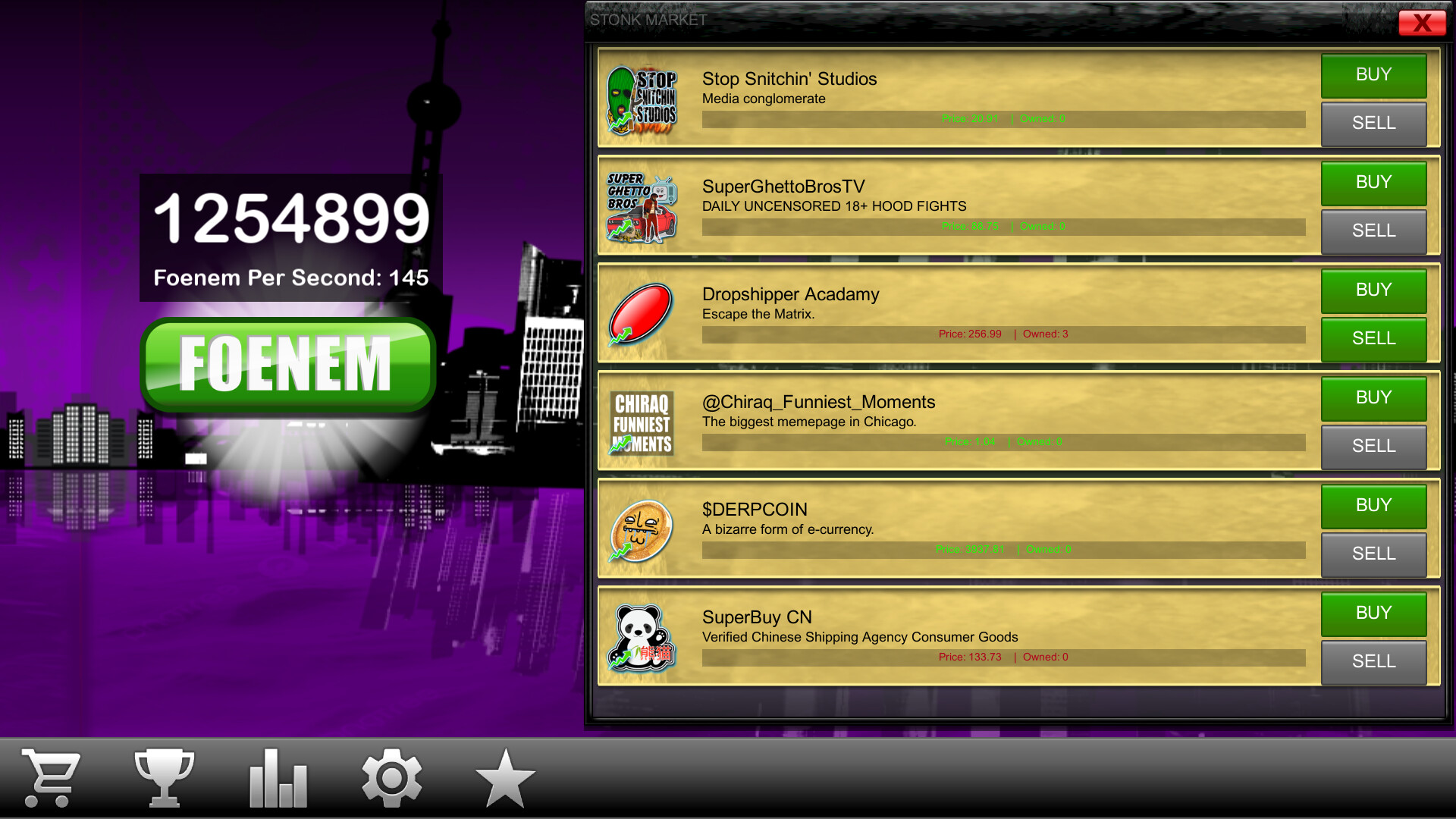
The game features a “Stonk Market” where points act as currency for fictional media conglomerates. This mechanic is presented as a humorous take on stock trading within the clicker loop.
Investing in these conglomerates is said to grant additional power‑ups, linking market activity back to the core point‑generation system.
- Treat market investments as a secondary source of power‑ups.
- Observe how each conglomerate purchase changes your points‑per‑tap rate.
04 / THE GUIDE
Achievements and Cloud Saves
The title lists 25 Steam achievements, indicating that specific milestones are tracked by Steam. These achievements are described as a way to “flex on your friends.”
Steam Cloud and Save Anytime features are both mentioned, meaning that game progress can be saved at any time and synchronized via Steam Cloud.
- Check the achievement list to set short‑term goals.
- Use the Save Anytime option before experimenting with new upgrades.
05 / THE GUIDE
Mod Support and Customization
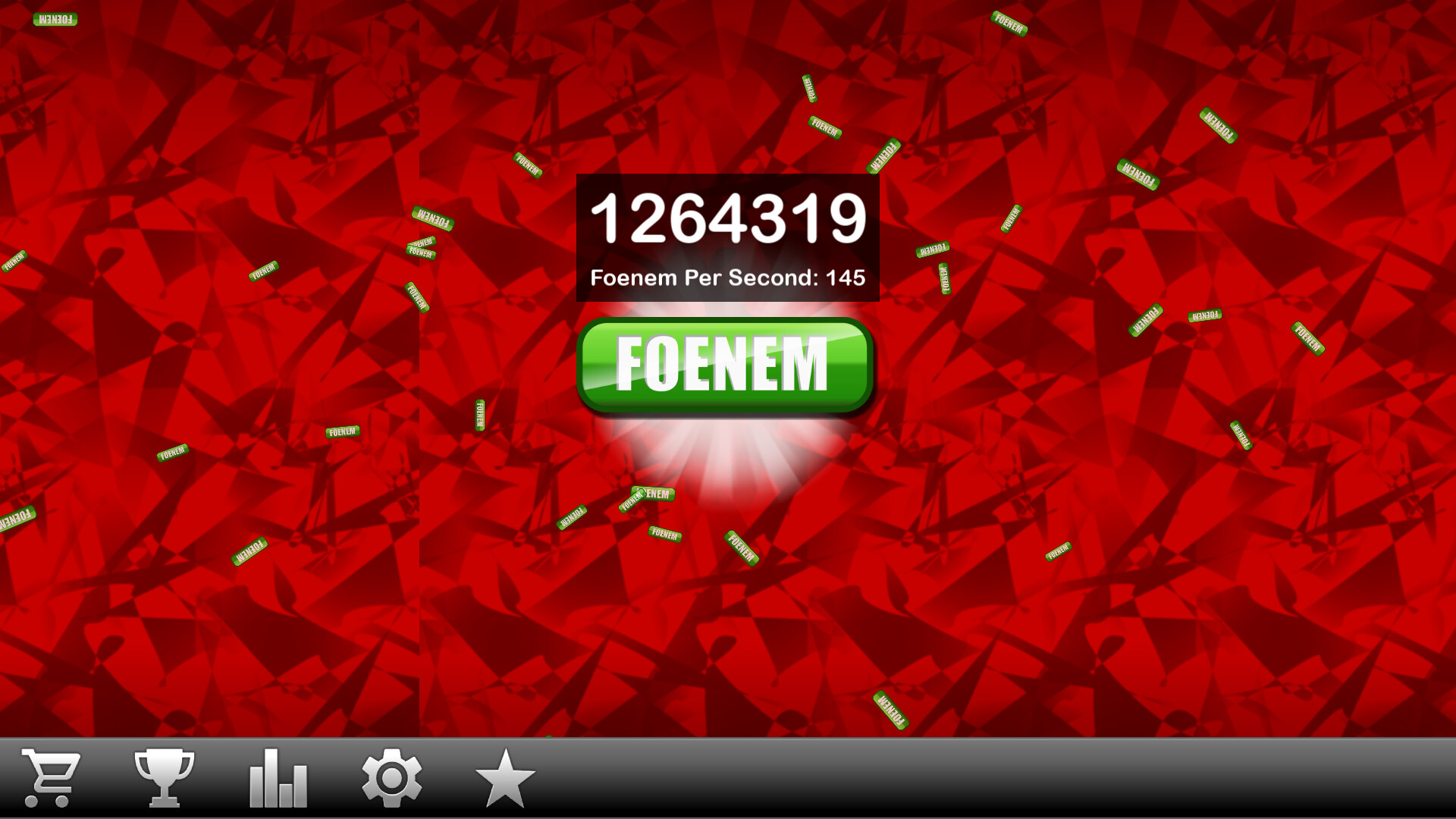
The game includes a Section 8 Space Station, and basic mod support allows players to add custom power‑ups and backgrounds, expanding visual and functional variety beyond the base game content.
Music credits to DJ Killable & Xtreme are listed, and the game lists a Mouse Only Option as its documented input method.
- Browse community mods for new power‑up ideas.
- Swap backgrounds to keep the visual experience fresh during long sessions.
COMMUNITY
Player discussion