 GameWiki
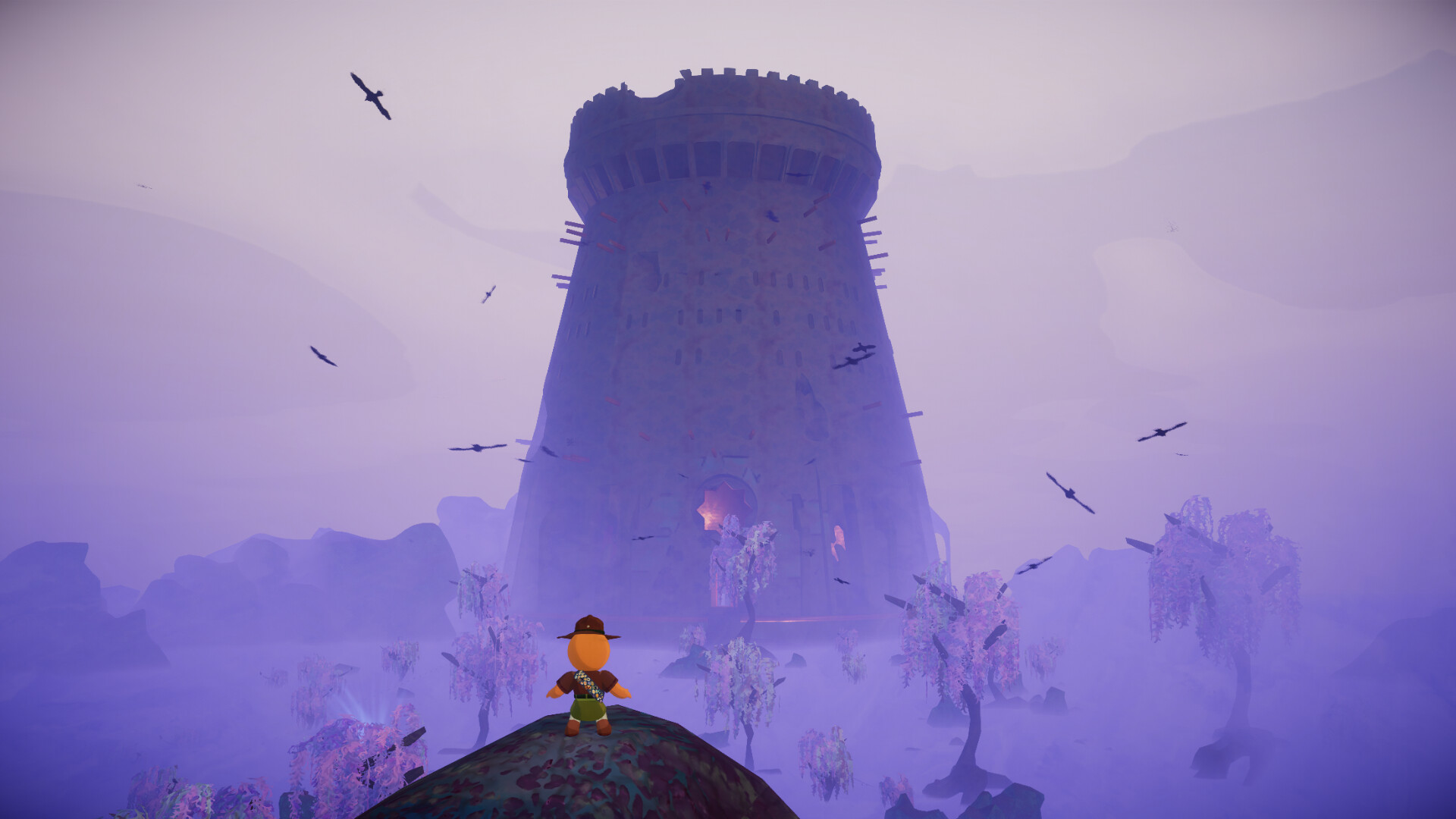

GET YOUR BEARINGS
About PEAK
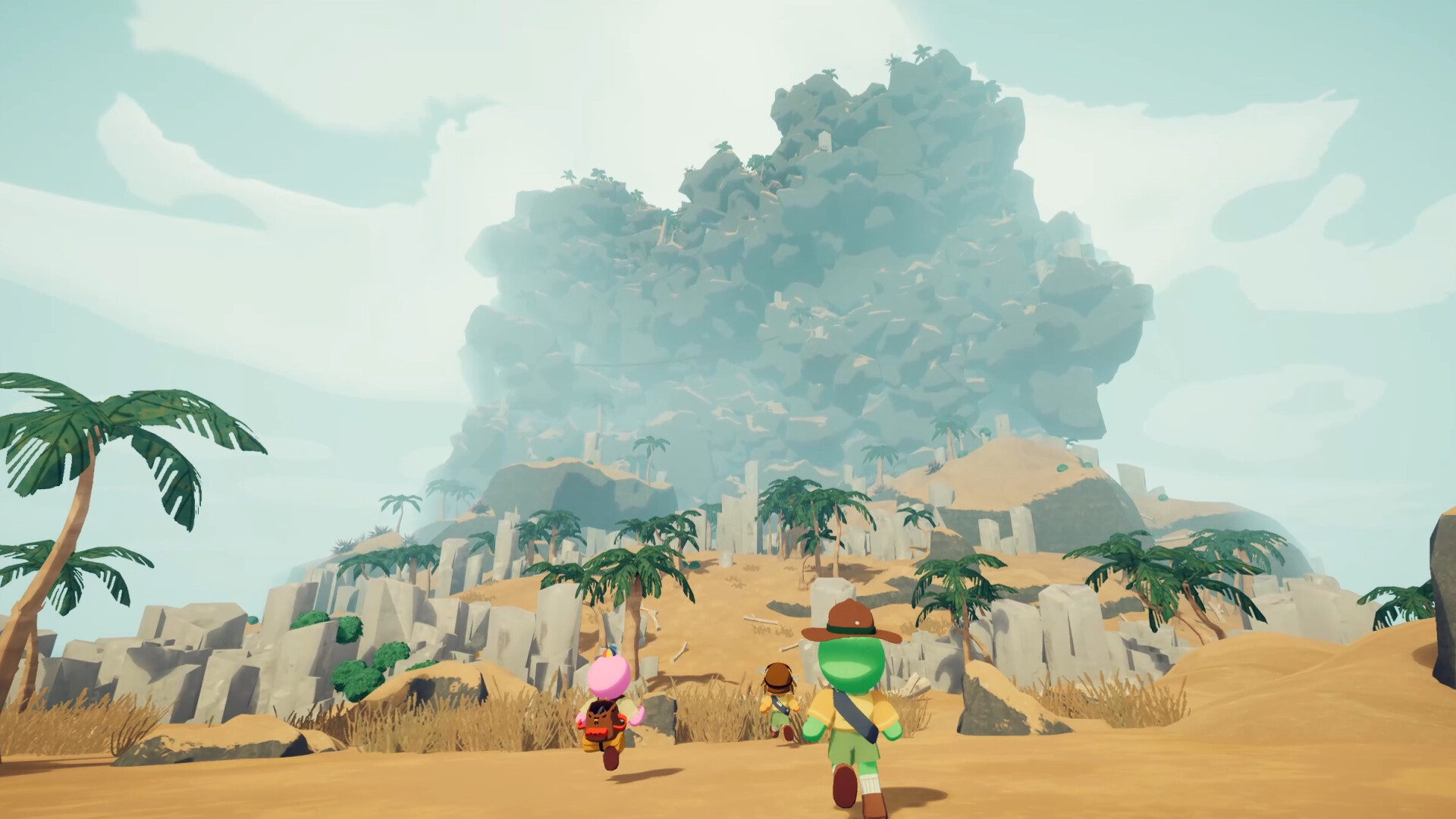
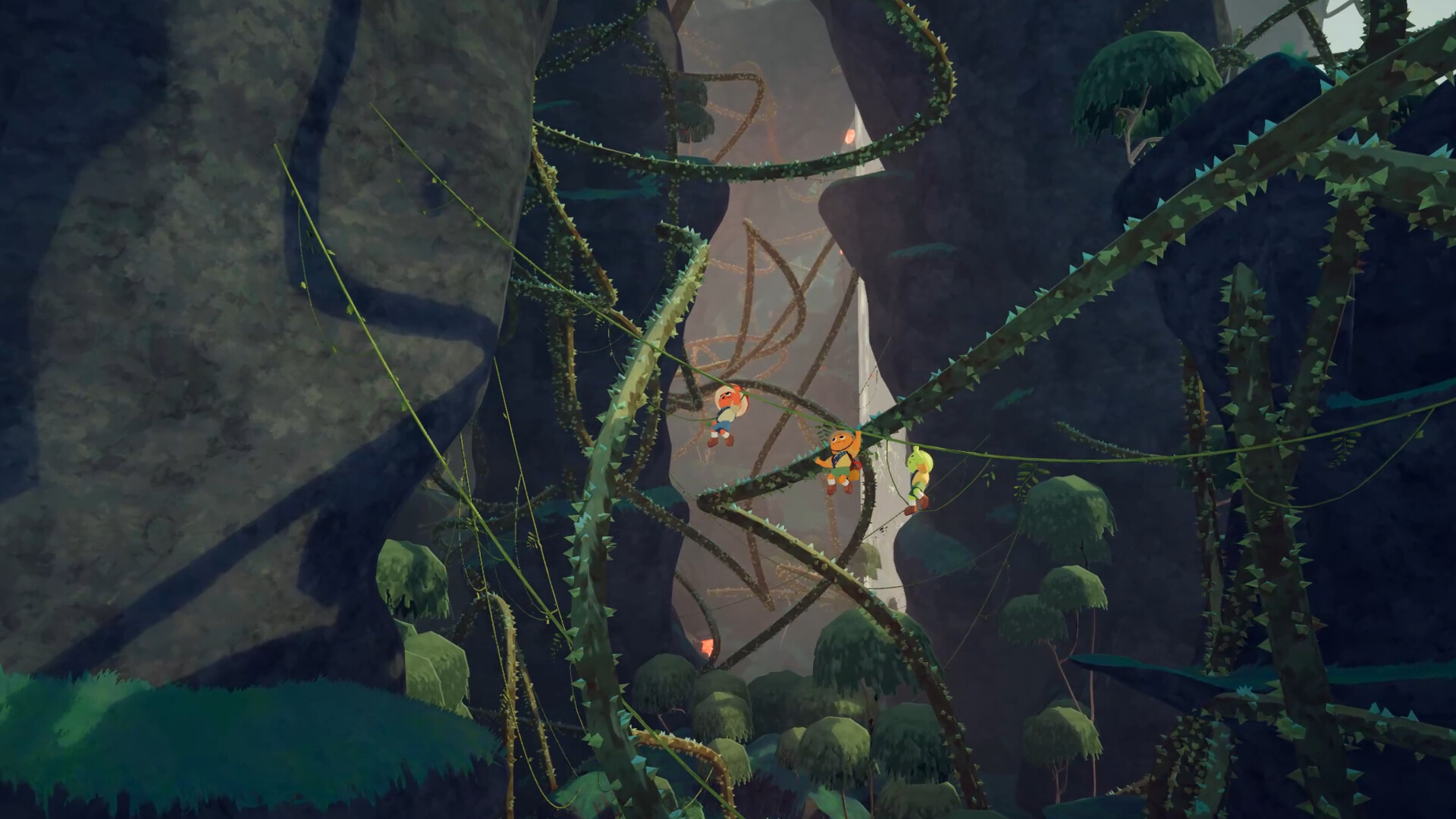
PEAK is a cooperative climbing survival game in which stranded scouts try to reach a mountain summit. The challenge combines reading the terrain with managing stamina, injuries, supplies, and the position of the rest of the group. Solo play is possible, while friends can help one another across difficult sections and recover from mistakes.
The island changes on a daily rotation, so a useful guide should teach how to judge a route rather than promise a permanent sequence of ledges. Read the climb in stages: a safe starting position, a difficult move, and somewhere stable to recover. Shared progress depends on whether the last scout can follow the route, not just whether the first scout can reach the top.
01 / THE GUIDE
Read the next climb before committing
Look for continuous surfaces, intermediate rests, and a ledge that the whole group can use. A direct line up a wall may be worse than a longer route with a reliable resting point. Scout from stable ground and call the destination before anyone starts spending stamina on a different approach.
Treat the route as a sequence of short commitments. Once the lead scout reaches safety, confirm the next person's approach and whether assistance is needed. Keep the path visible when practical; a successful jump by one player is not enough evidence that a heavily burdened or injured teammate can repeat it.
- Name the next resting place before the next handhold.
- Check that the final scout can follow.
- Use the same day's attempts to learn one difficult section.
02 / THE GUIDE
Protect usable stamina
Stamina limits the length of a climb, while injuries and other conditions can reduce the margin you have available. Read the whole bar before deciding that a route is short enough. A move that was comfortable earlier may become unsafe after several small setbacks.
Keep a reserve for the final pull onto a ledge. Avoid adding a jump or a detour when a simpler movement works. If the group needs supplies or recovery, make that decision from a safe position rather than waiting until someone is already hanging below the route.
- Call low stamina before it becomes a fall.
- Compare the route with your current condition.
- Recover as a group before a long exposed section.
03 / THE GUIDE
Food, weight, and useful items
Survival supplies are part of route planning. Read item descriptions, observe what a consumable changes, and avoid testing unfamiliar food in the middle of a critical climb. Decide which items can be used routinely and which should be kept for an emergency the group is likely to face.
Distribute equipment around the next obstacle. Put the tool needed to establish the route with a player who can reach a useful position, while leaving rescue supplies accessible to someone still secure. Inventory capacity does not mean every item improves the team's chance of finishing the section.
- Discuss important supplies before moving.
- Use common recovery options before an avoidable emergency.
- Keep one rescue option in a stable player's inventory.
04 / THE GUIDE
Ropes, assistance, and communication
Use short callouts that describe an action: wait, climb now, move left, or stay on the ledge. Proximity chat makes positioning part of communication, so confirm that the next scout has heard the plan before moving farther away. Several competing instructions are harder to act on than one agreed route.
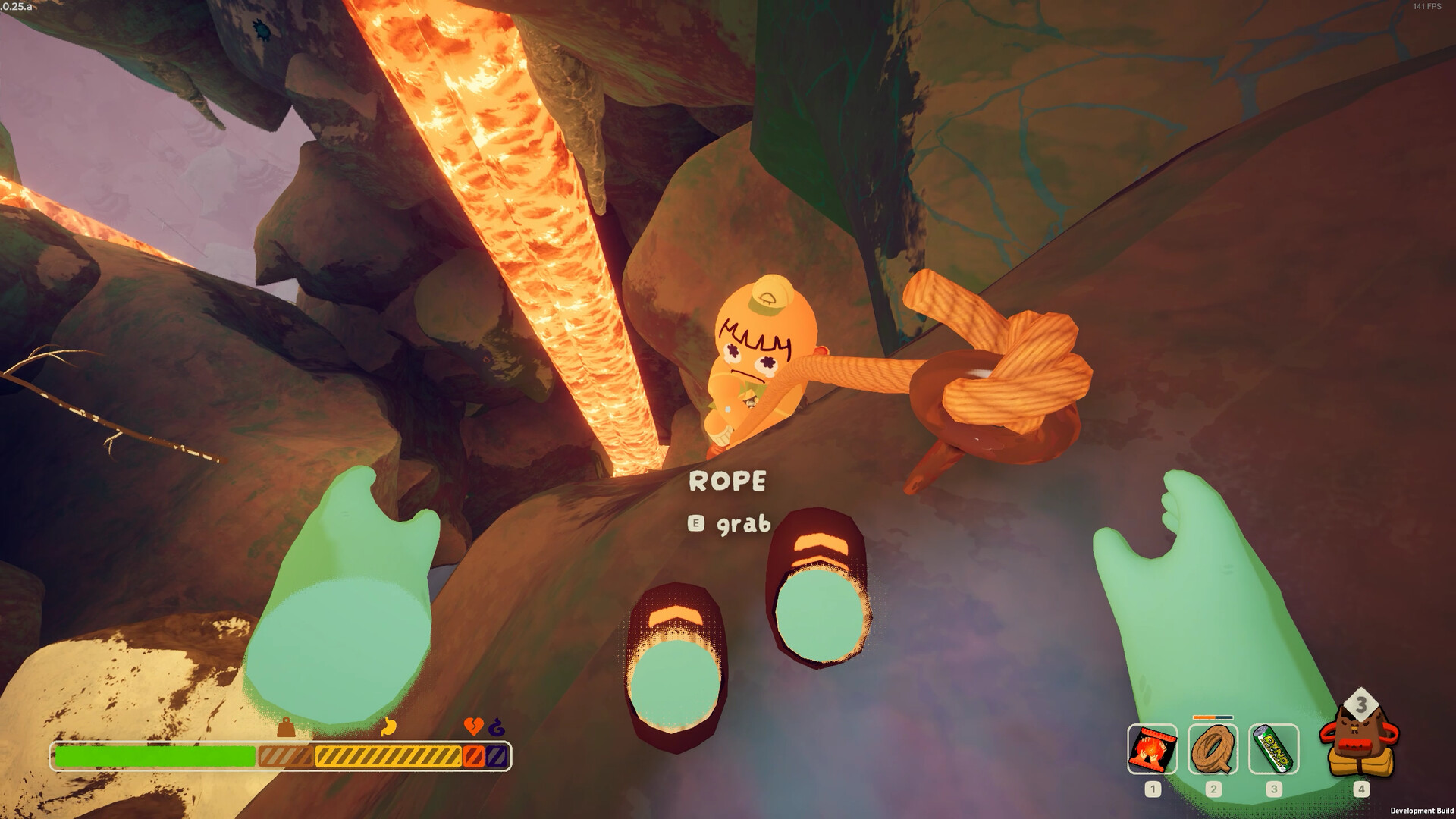
Place climbing tools with the following players in mind. A rope or spike helps most when it protects a genuinely difficult transition and can be reached from the group's position. Confirm the placement works before everyone commits to depending on it.
- Let one scout describe the route during a difficult transition.
- Confirm instructions with the person making the move.
- Regroup after reaching the next stable position.
05 / THE GUIDE
Recover from a fall without losing the team
When someone falls, stop the rest of the group from making unplanned movements. Find the fallen scout, identify a secure rescuer, and decide which item or route can reach them. A second player falling usually turns a manageable recovery into a much larger problem.
After the recovery, reassess the situation instead of immediately repeating the failed move. Redistribute supplies, allow recovery where possible, and decide whether the original route is still suitable. Watch the official footage to understand the cooperation and physics; use the current island to test the exact placement.
- Secure the rescuer before attempting the rescue.
- Move one player at a time around the incident.
- Review why the original climb failed before continuing.
COMMUNITY
Player discussion