 GameWiki
GET YOUR BEARINGS
About PC FISH: Taskbar Aquarium
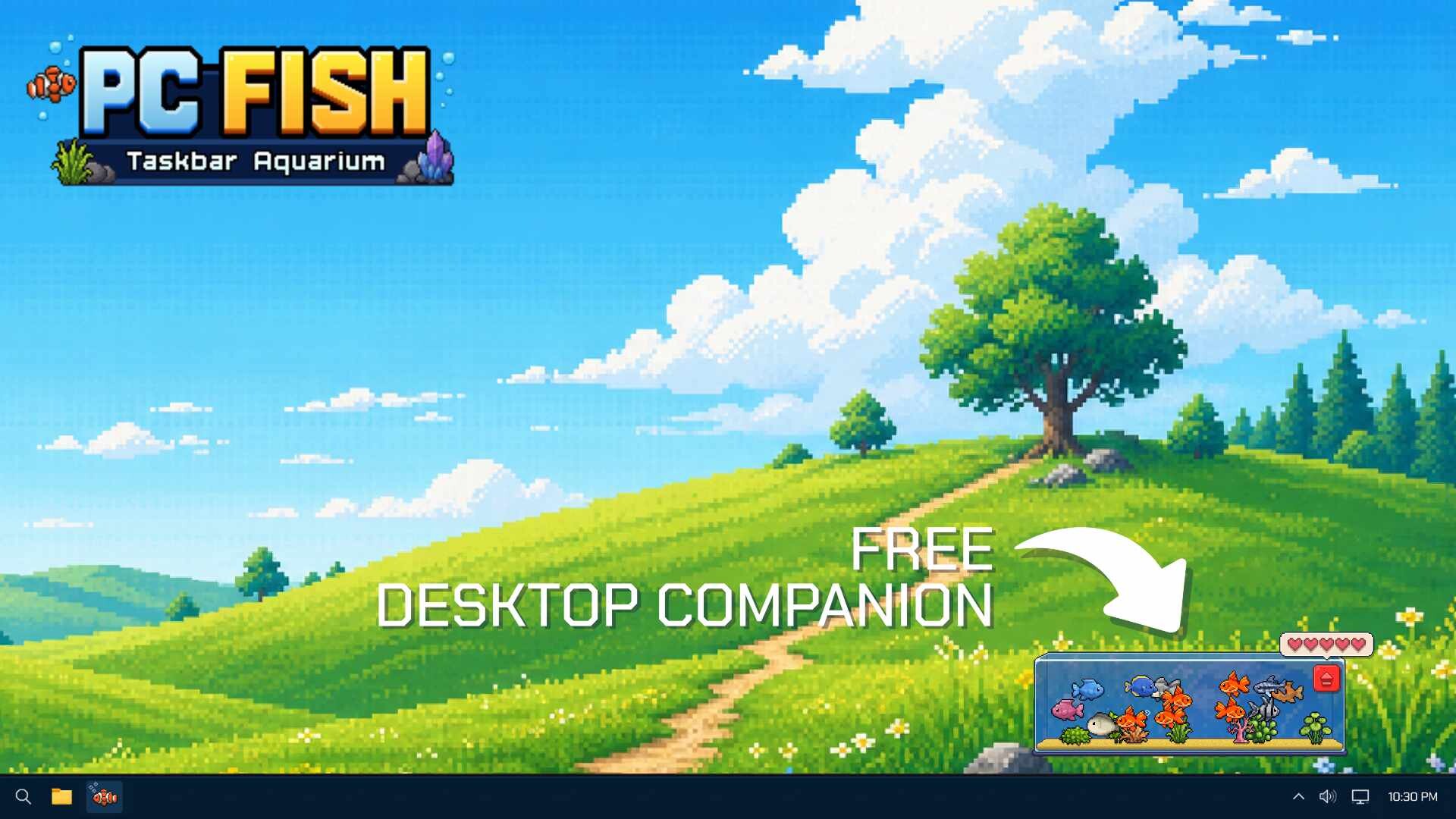
PC FISH: Taskbar Aquarium is a free desktop companion that lives on your screen while you work, browse, or play other games. It offers a relaxing idle experience with lo‑fi background music and a growing collection of fish and decorations.
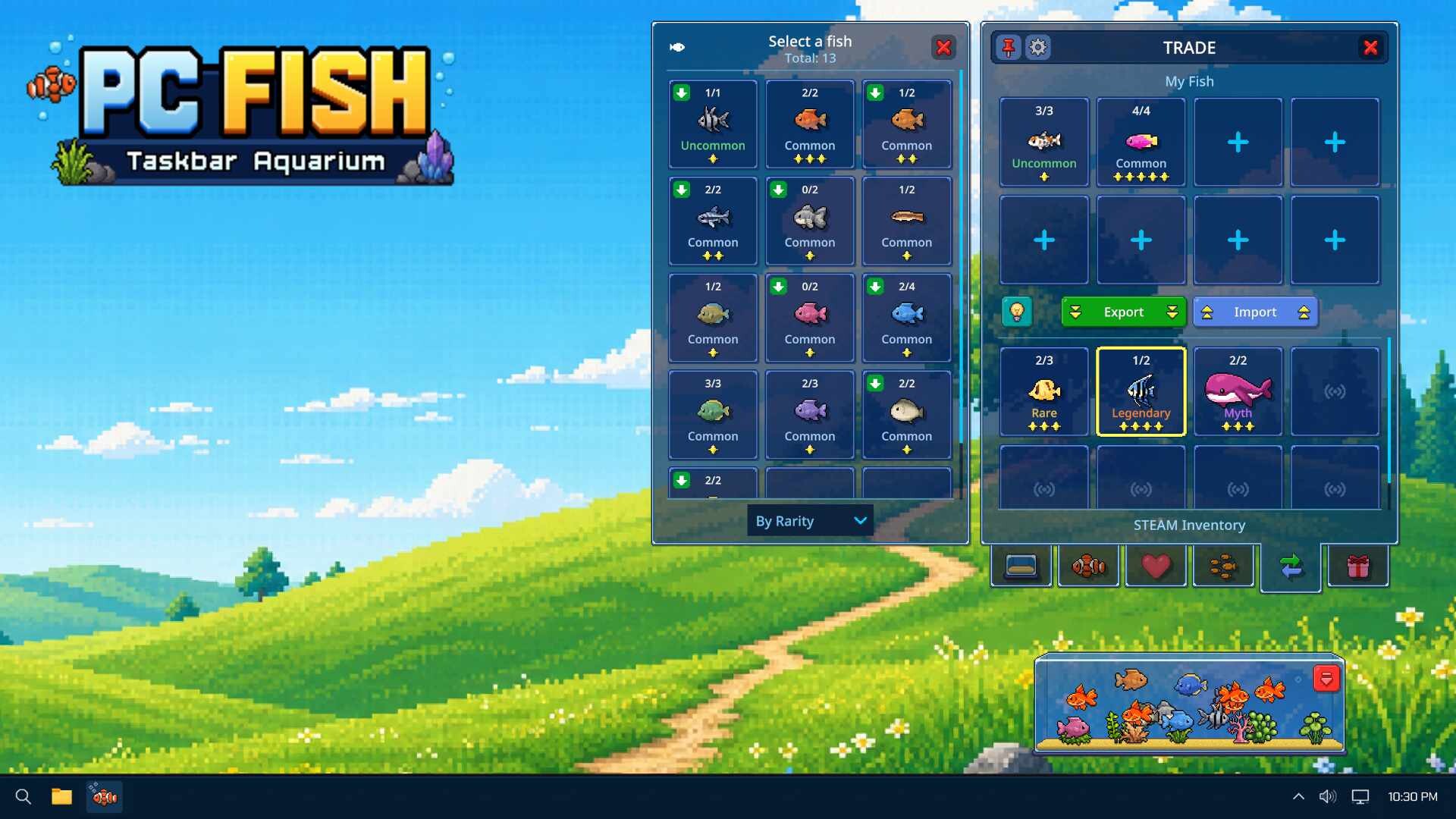
You begin with a few fish and expand your aquarium through discovery, breeding, and trading. The game supports Steam Community Market trading, allowing you to buy, sell, and exchange fish with other players while the aquarium remains visible on your taskbar.
01 / THE GUIDE
Getting Started
When you launch PC FISH, a small aquarium appears on your taskbar. The initial setup provides a few starter fish and basic decorations, letting you observe the idle simulation immediately.
The interface is designed for casual play; you can continue working in other applications while the aquarium runs in the background, offering a low‑maintenance way to begin building a collection.
- Keep the aquarium open while you work to let fish grow and discover new species automatically.
- Check the taskbar icon regularly for notifications about new fish or breeding events.
02 / THE GUIDE
Fish Collection
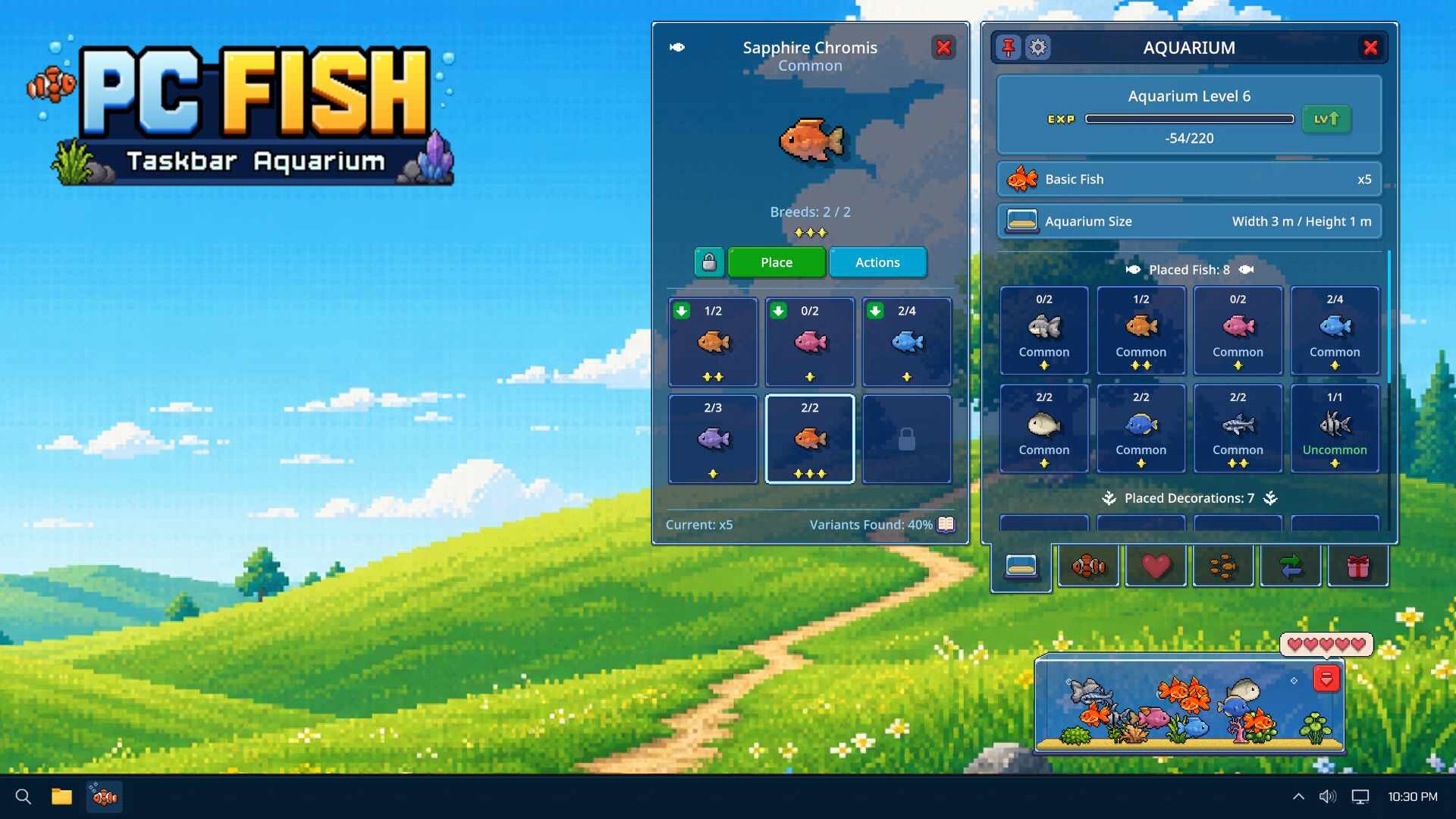
PC FISH features over 450 distinct fish and decorations. Each fish has its own value, encouraging you to seek rarer species and valuable traits as you expand your aquarium.
Collecting is driven by idle gameplay; fish appear over time, and you can view their details by clicking on them in the taskbar aquarium.
- Focus on acquiring fish with unique traits to increase the overall value of your collection.
- Use the decoration options to personalize the aquarium and make it easier to spot new arrivals.

03 / THE GUIDE
Breeding & Discovery
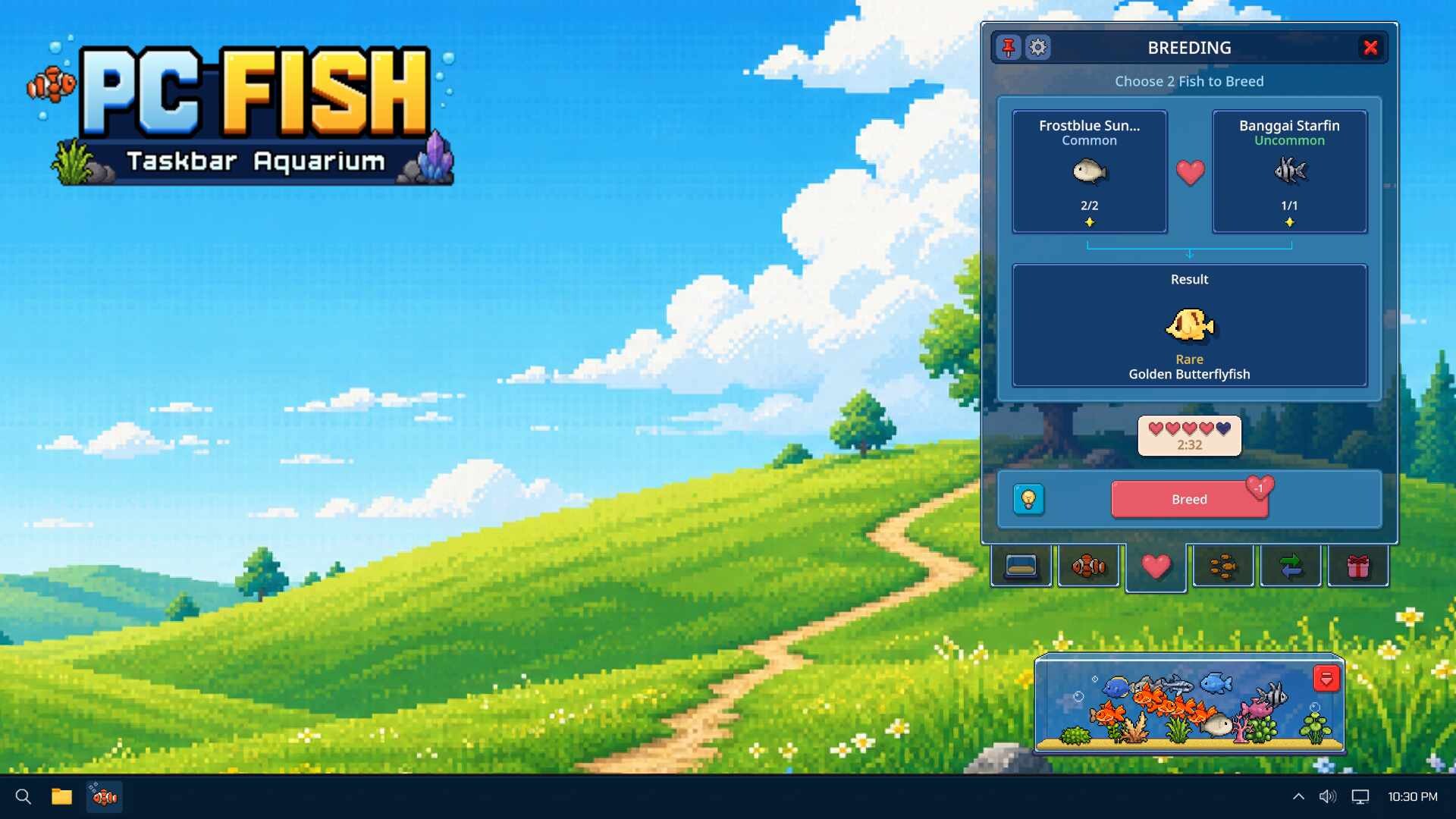
Discovery and breeding are core to expanding your roster. As fish live together, they may produce offspring with new traits, some of which become rare or legendary.
The game rewards patient observation; the longer fish coexist, the higher the chance of uncovering valuable genetic combinations.
- Maintain a diverse group of fish to increase breeding possibilities.
- Leave the aquarium running for extended periods to maximize discovery chances.
04 / THE GUIDE
Aquarium Upgrades
Upgrading the aquarium improves its capacity and visual appeal. As you collect more fish, you can unlock larger tanks and additional decorative items, allowing for a more expansive display.
Upgrades are tied to progression; achieving certain collection milestones triggers new upgrade options.
- Prioritize upgrades that increase tank size when your collection approaches the current limit.
- Experiment with different decorations to keep the environment engaging.
05 / THE GUIDE
Steam Market Trading
PC FISH integrates with the Steam Community Market, enabling you to trade fish with other players. You can list fish for sale, purchase desired species, or exchange them directly.
Market transactions are reflected in your aquarium, allowing you to instantly see the impact of trades on your collection.
- Monitor market prices to identify undervalued fish that can be resold for profit.
- Trade strategically to fill gaps in your collection and pursue rare species.
COMMUNITY
Player discussion