 GameWiki
GET YOUR BEARINGS
About PC Building Simulator
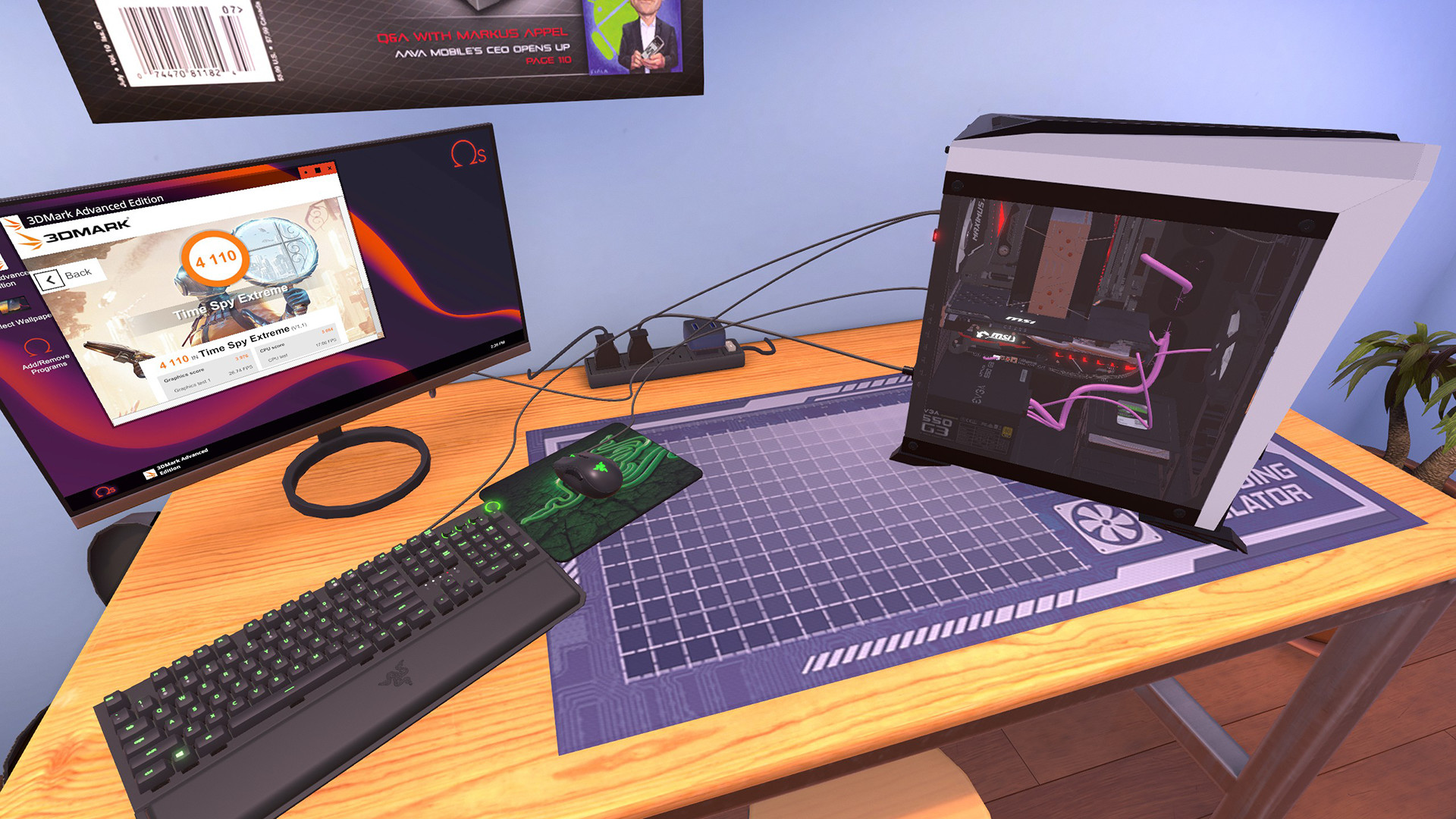
PC Building Simulator lets you run a virtual PC‑building business, handling everything from simple repairs to elaborate custom rigs. The game features a realistic parts catalogue and lets you test builds with 3DMark benchmarks. A free IT Expansion adds over 20 hours of story content, expanding the career experience. Play solo, earn Steam achievements, and share creations via the Steam Workshop while enjoying partial controller support and cloud saves.
01 / THE GUIDE
Career Mode
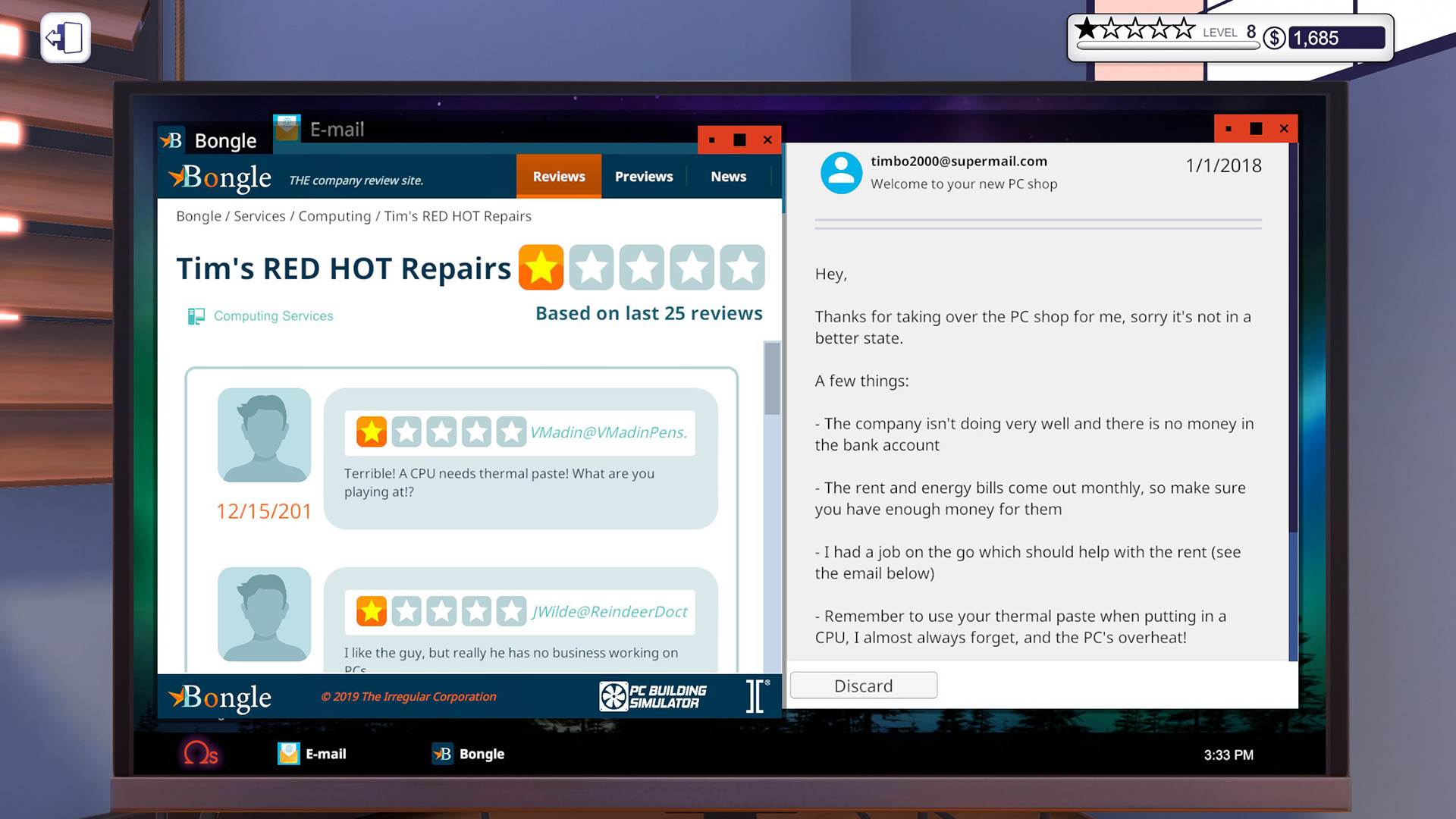
In Career Mode you manage a workshop, taking jobs that range from upgrades to full system builds. Each contract requires you to assemble components correctly and keep the business profitable.
Balancing the books is part of the challenge; you must complete jobs efficiently to maintain a positive cash flow while satisfying customers.
- Prioritize jobs that match your current skill level to avoid costly mistakes.
- Track expenses after each job to ensure you stay profitable.
02 / THE GUIDE
Component Marketplace
The game offers an ever‑expanding marketplace filled with accurately modelled, fully licensed parts from real‑world manufacturers. You can browse and purchase components to suit any build.
Because the parts are modeled after actual hardware, their specifications match those of the real items, giving you a realistic selection process.
- Compare component specs before buying to match performance goals.
- Use the marketplace’s filters to quickly find compatible parts.
03 / THE GUIDE
Customization Options
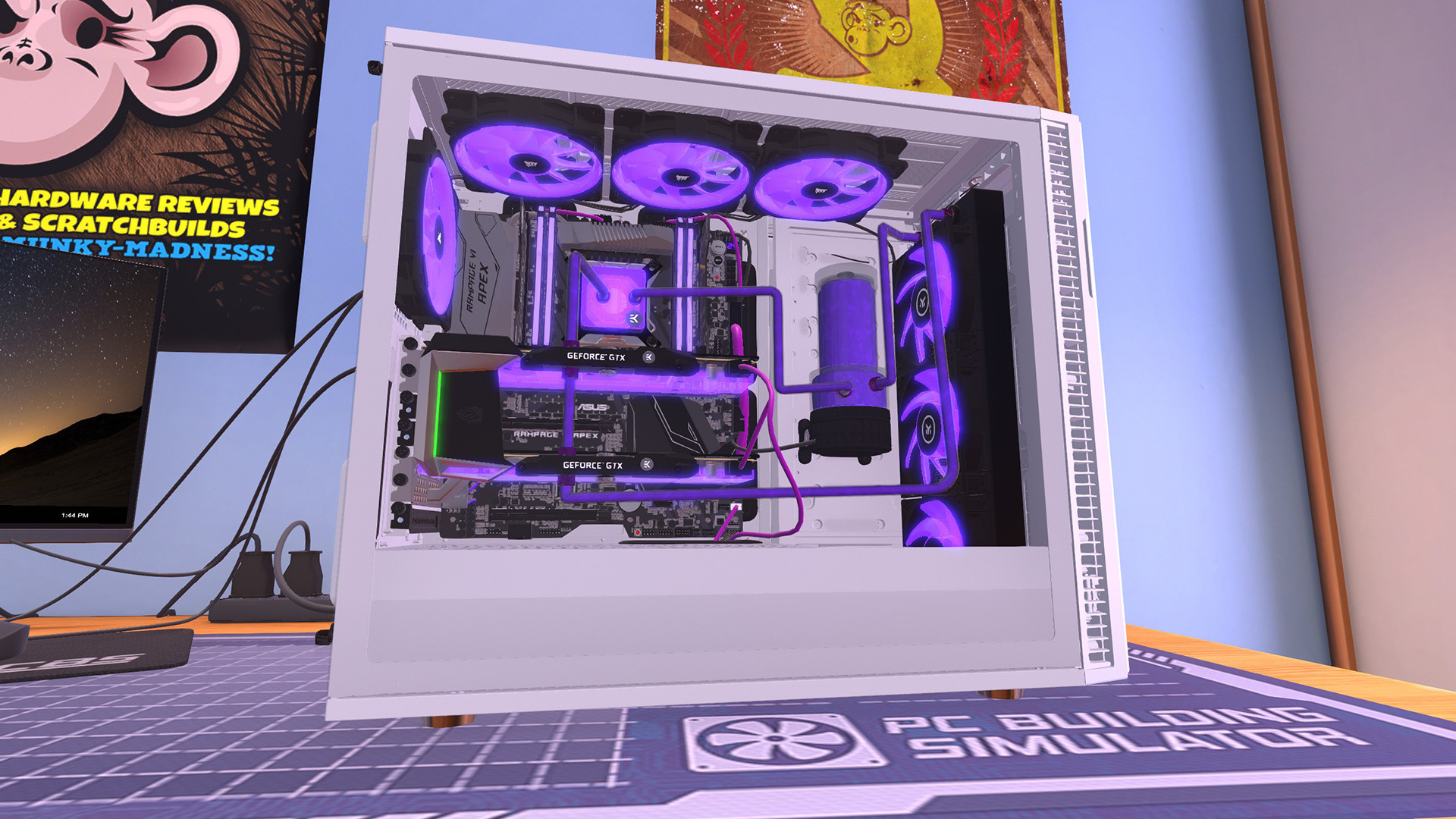
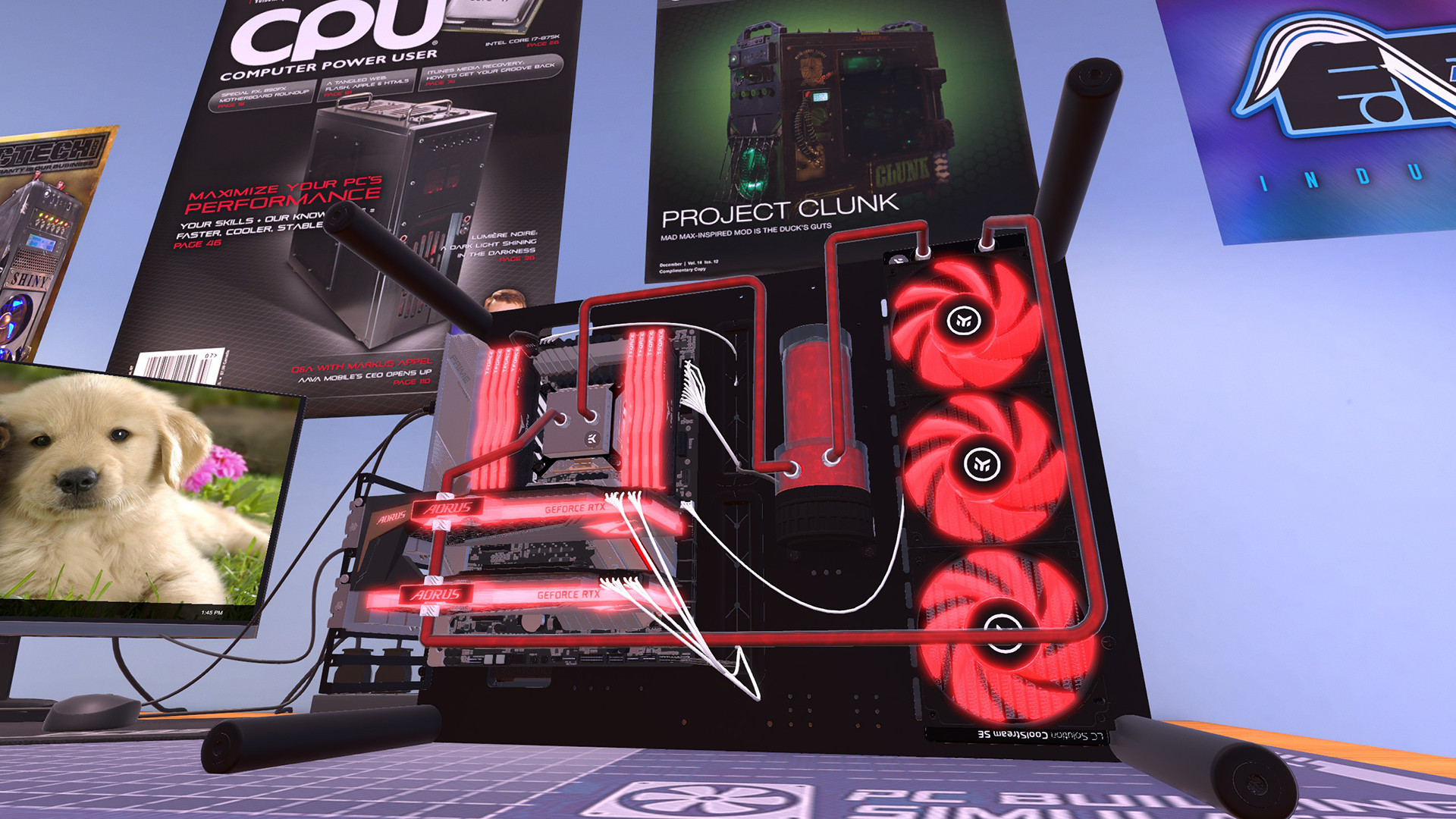
Beyond functional parts, you can personalize aesthetics with LED lighting, cable colors, and cooling solutions. Both air and water cooling are available, and water loops can be fully customized.
These visual tweaks let you express building flair while also influencing thermal performance.
- Choose LED colors that complement your case design for a cohesive look.
- Plan cable routes early to keep the interior tidy and improve airflow.
04 / THE GUIDE
Benchmarking & Overclocking
After assembling a rig, you can power it on and run 3DMark benchmarks to see performance scores. If results are unsatisfactory, the BIOS is accessible for overclocking attempts.
Overclocking lets you push components for higher scores, but you must avoid instability or damage.
- Increase clock speeds in small increments and test stability each step.
- Monitor temperatures during overclocking to prevent overheating.
05 / THE GUIDE
Support Features
The game includes Steam Cloud saves, Remote Play on phone and tablet, and Family Sharing, ensuring your progress follows you across devices. Partial controller support lets you navigate menus without a mouse.
Achievements and Trading Cards add extra goals for completion‑oriented players.
- Enable Cloud sync to protect your save data when switching PCs.
- Use Remote Play on a tablet for quick reference while building.
COMMUNITY
Player discussion