 GameWiki
GET YOUR BEARINGS
About Paver: Tidy Up Together
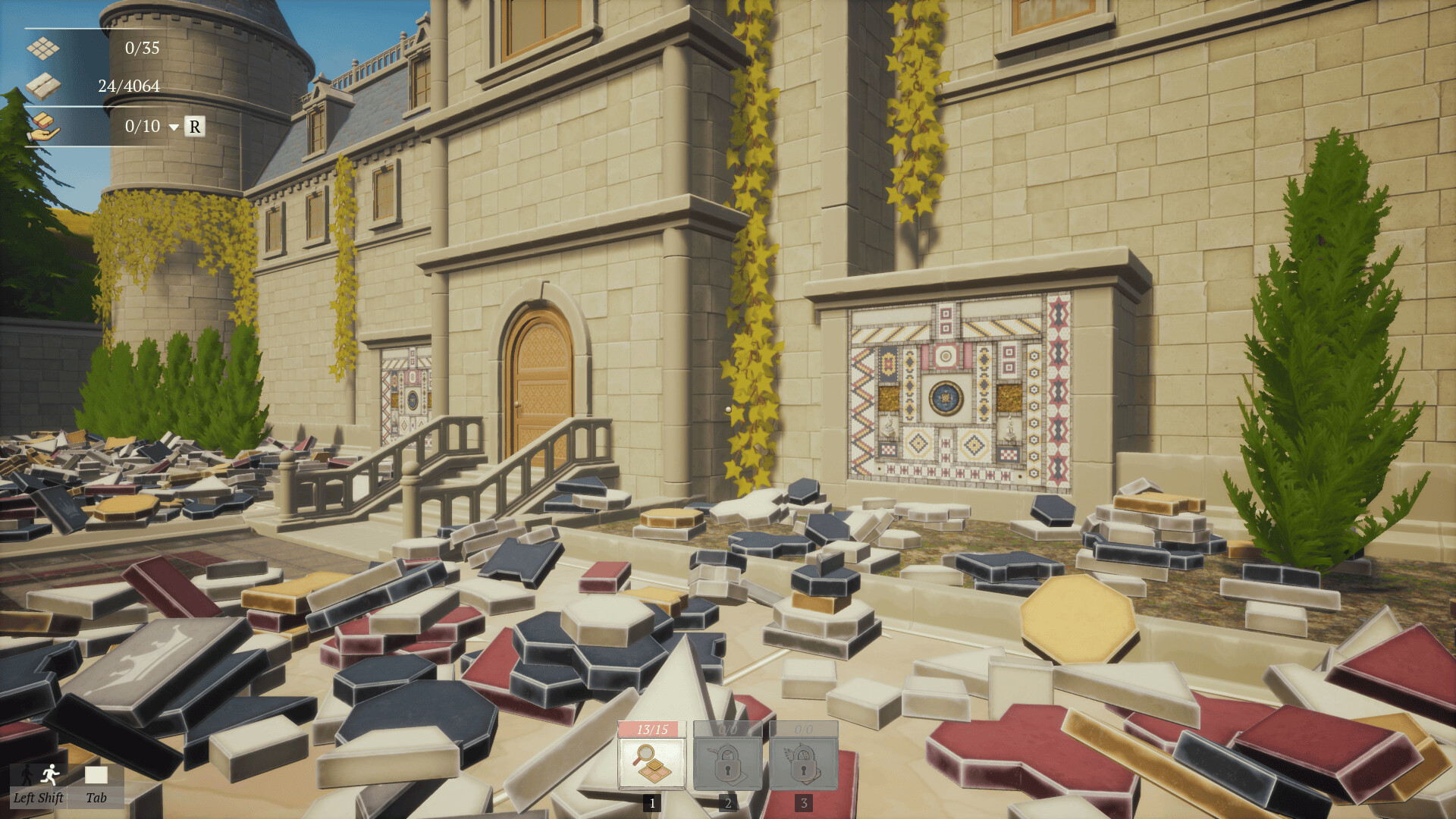
Paver: Tidy Up Together is a first‑person organizing game where you sort and place thousands of colored and shaped pavers to rebuild a plaza. You work at your own pace, following the original layout plan, and watch a chaotic area become a restored space.
The title offers solo play and online co‑op, and provides three distinct modes—Normal, Sandbox and No‑Skill—that differ in the assistance they give. Each mode lets you choose how much guidance you want while arranging the 4,064 pavers.
01 / THE GUIDE
Game Modes
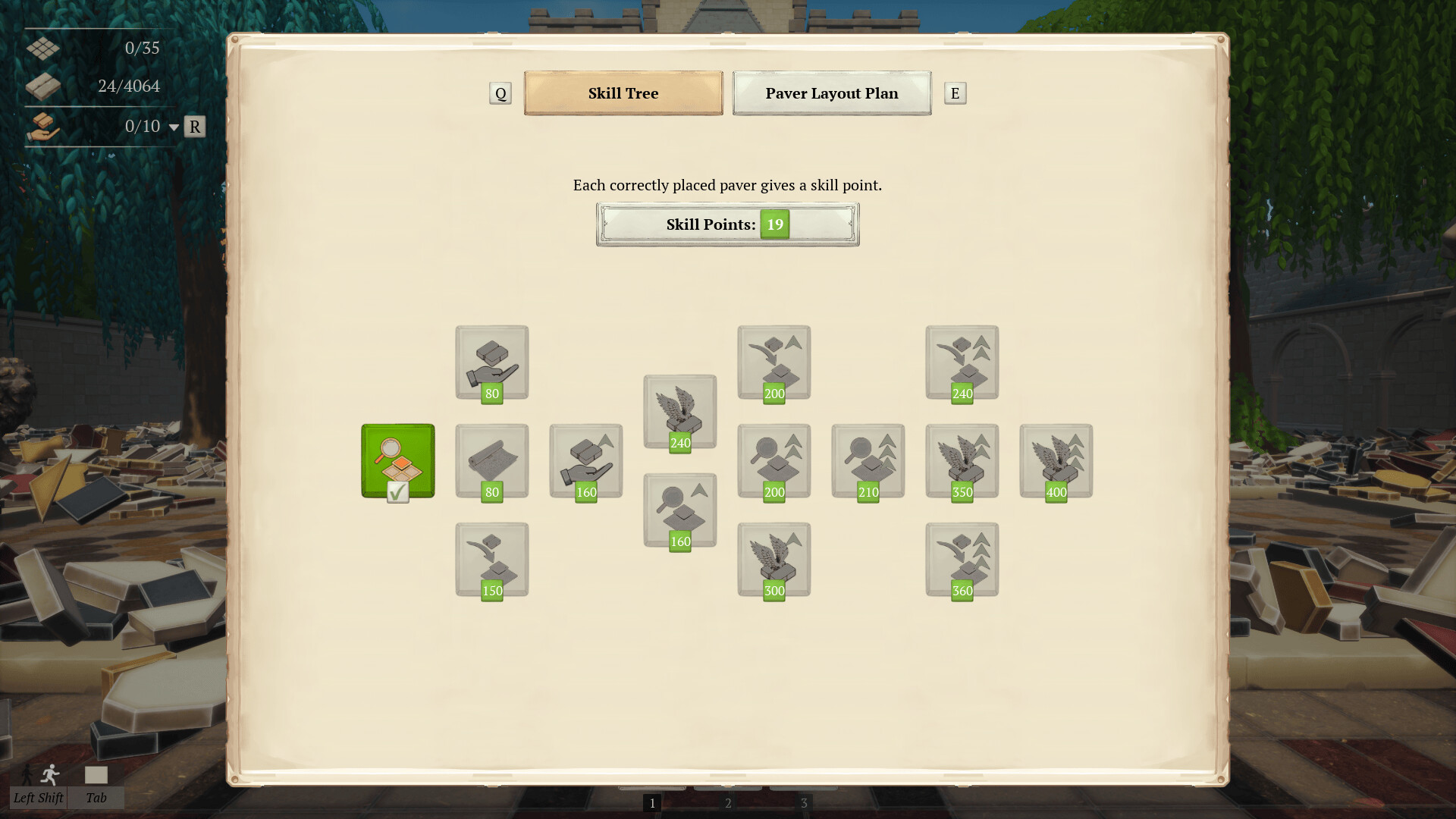
Normal Mode progresses normally and unlocks new skills as you place pavers. This structure lets you gain abilities like Highlighting, Auto‑Placement, and Auto‑Collect while you work through the layout.
Sandbox Mode starts with every skill already unlocked, allowing you to experiment without the need to earn them. No‑Skill Mode disables all skills, requiring you to locate each correct spot manually and rely solely on the layout plan.
- Try Sandbox first to become familiar with each skill before attempting No‑Skill.
- Use Normal Mode if you enjoy gradual skill acquisition.
02 / THE GUIDE
Skill Highlights
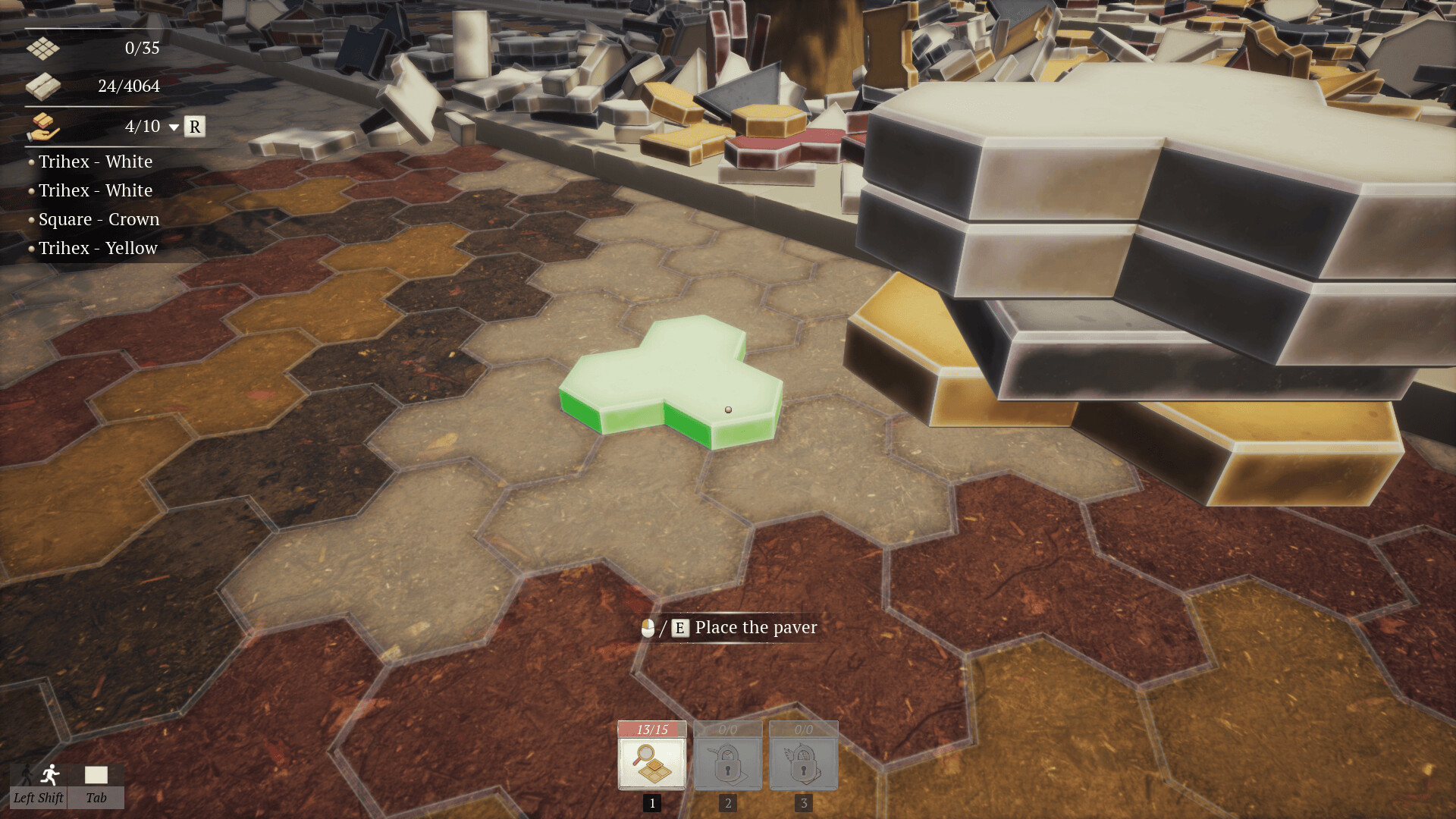
Highlighting Paver Layout shows the correct place for the topmost paver in your hand, giving a visual cue without moving the piece for you.
Auto‑Placement automatically puts pavers in their correct spots, and Auto‑Collect automatically gathers all matching pavers as the topmost one, reducing the need to manually retrieve each piece.
- Enable Highlighting early to reduce placement errors.
- Use Auto‑Collect when many identical pavers are scattered nearby.
03 / THE GUIDE
Paver Variety
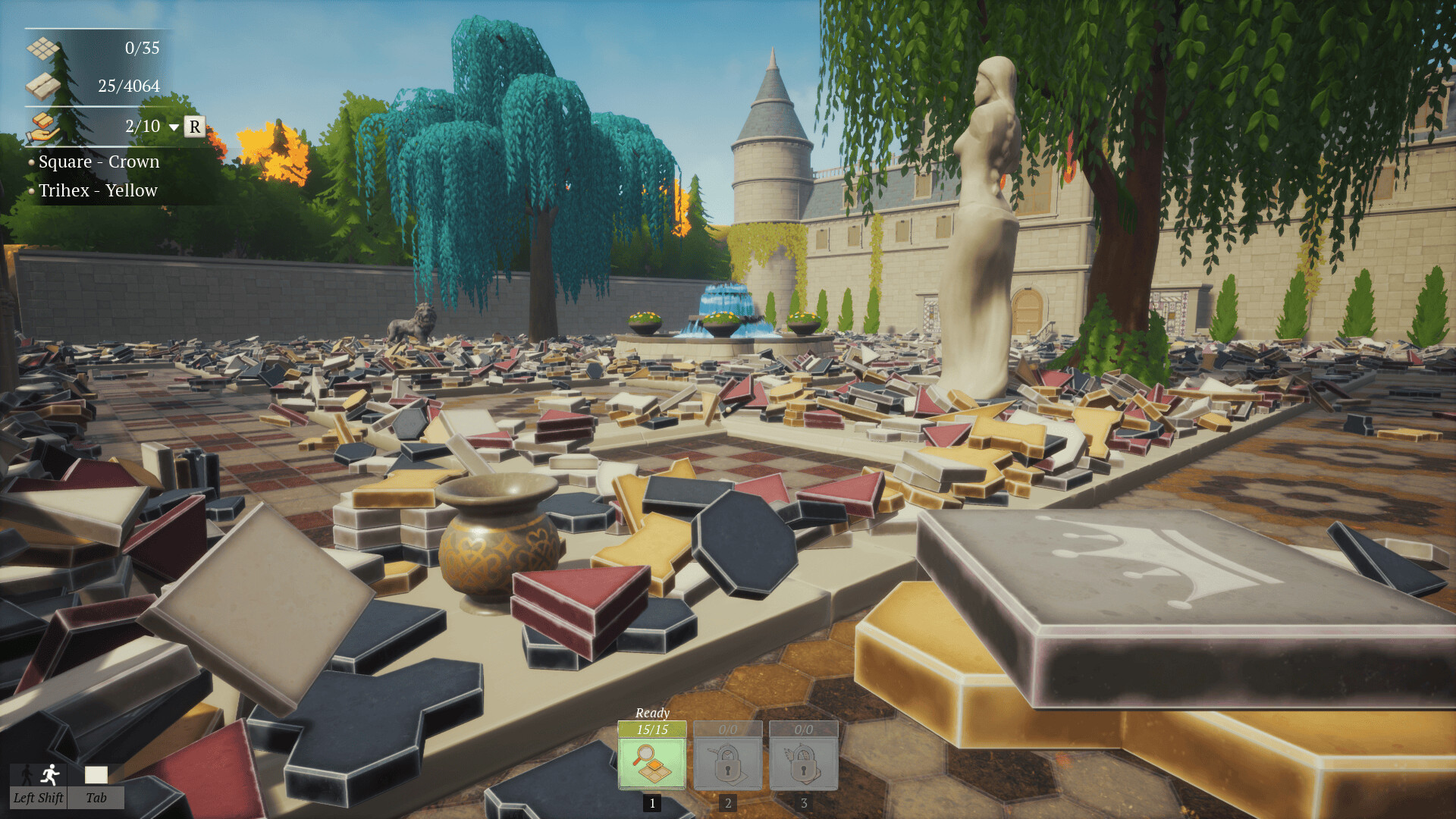
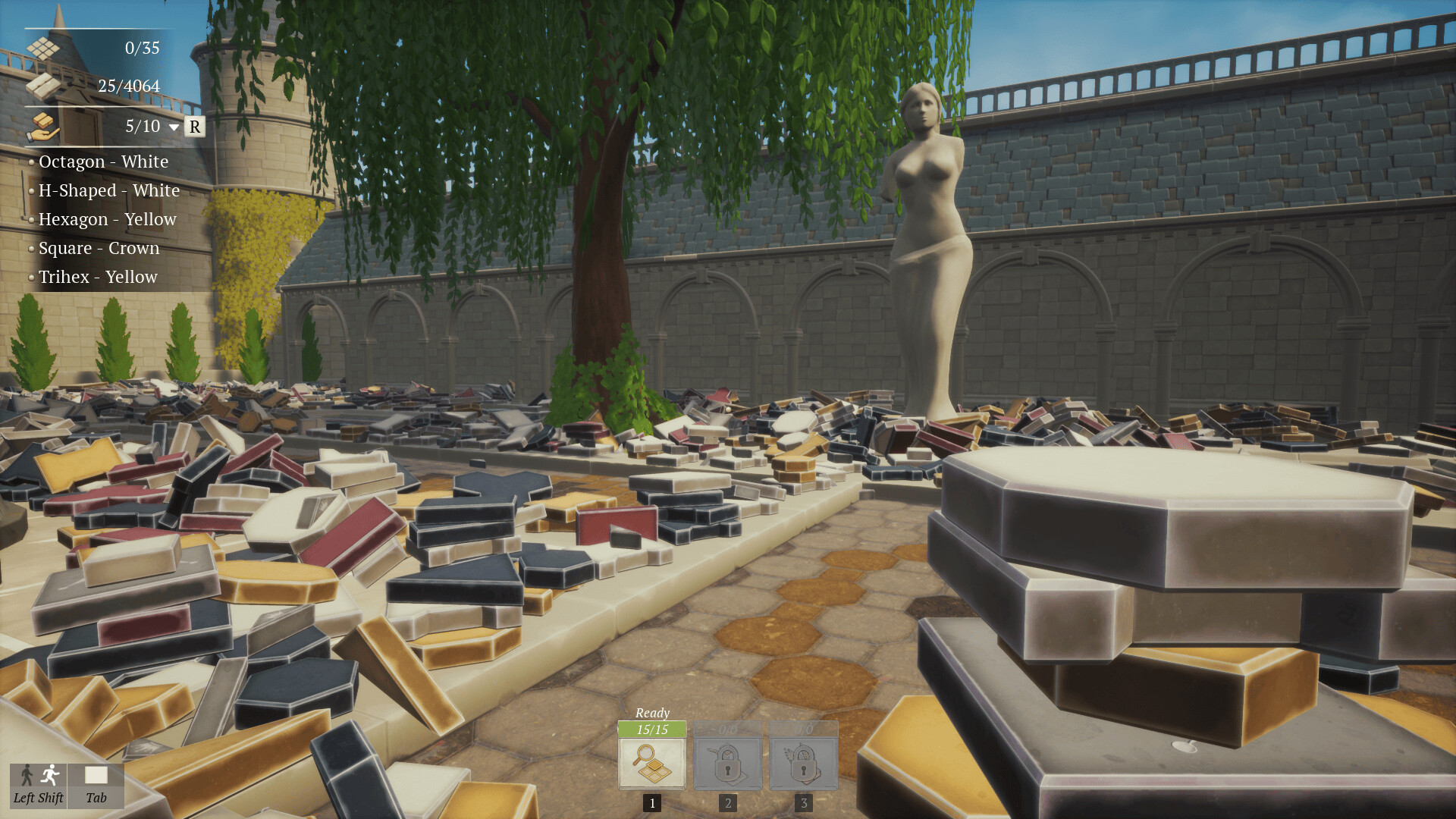
The plaza contains 4,064 pavers of different colors and shapes, including rectangle, square, octagon, trapezoid, H‑shaped, triangle, hexagon, trihex, and radial forms.
Because each shape has a specific location in the original plan, visual reference to the layout becomes essential, especially in No‑Skill Mode where no assistance is provided.
- Group pavers by shape before placement to speed sorting.
- Keep the layout plan visible to avoid mis‑placing the more unusual shapes.
04 / THE GUIDE
Online Co‑op
Players can join friends online to work together on the same plaza restoration. Each participant follows the layout plan while working together on the plaza restoration.
Co‑op lets you share the task of placing the 4,064 pavers, whether you tackle the layout alone or with others.
- Discuss which mode each player will use before starting a session.
- Coordinate shape responsibilities verbally to avoid duplicate effort.
05 / THE GUIDE
Platform Features
The game runs on Windows and includes full controller support, Steam achievements, Steam Cloud saves, custom volume controls, and stereo sound, providing a flexible experience for different hardware setups.
Features such as Save Anytime and Playable without Timed Input let you pause whenever needed, while Steam Cloud ensures your progress is stored across machines.
- Enable cloud saves if you plan to switch PCs.
- Adjust volume controls early to match your environment.
COMMUNITY
Player discussion