 GameWiki
GET YOUR BEARINGS
About Patch me if you can
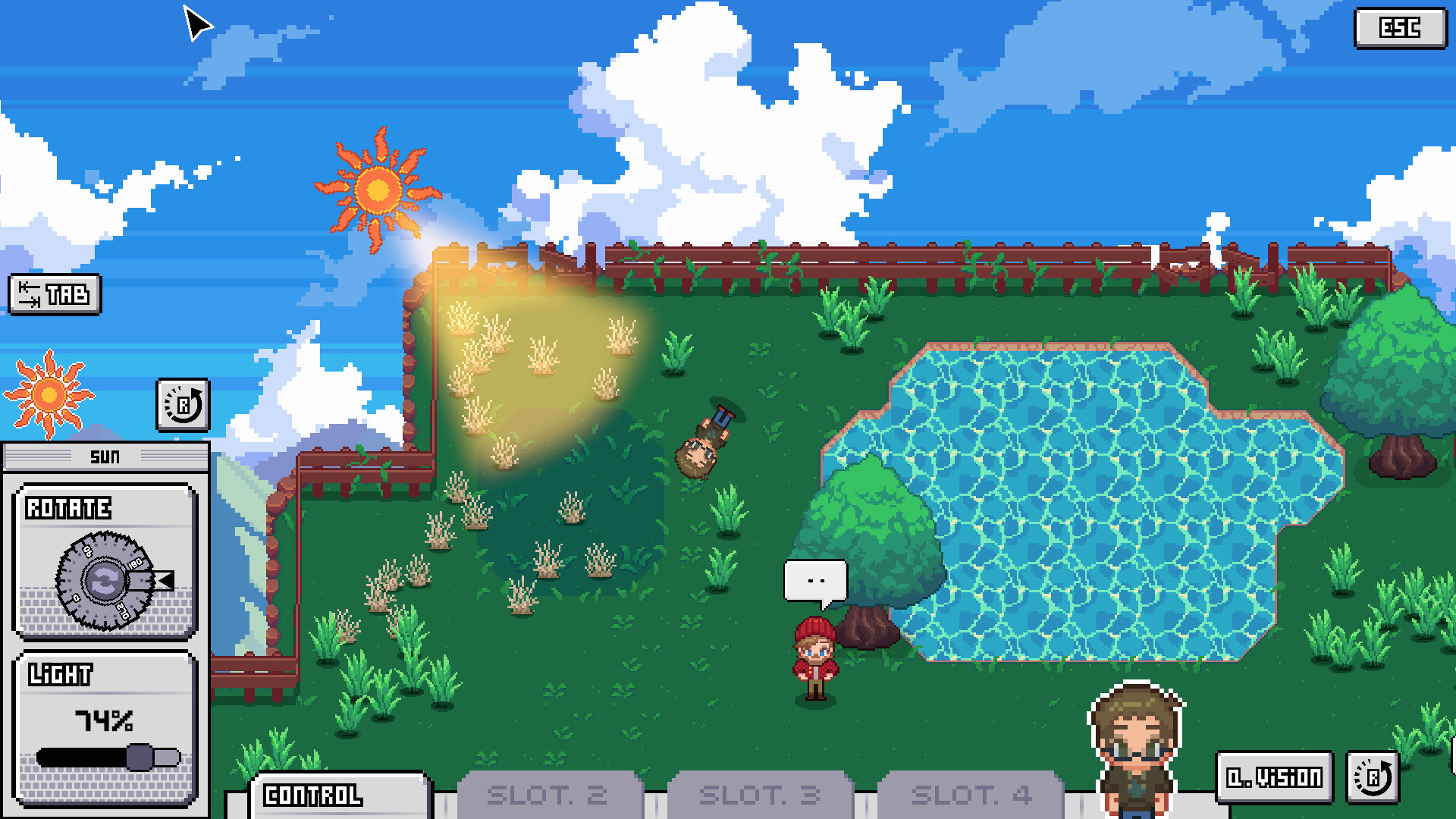
Patch Me If You Can is a single‑player puzzle adventure where you explore a glitch‑filled world. Using Glitch Vision you locate broken objects that glow pink, then open a status window to adjust their light, rotation, scale, or control blocks.
You play as a father‑creator trying to rescue his daughter from the buggy realm, while outwitting a cunning Lord. The game runs on Windows and offers Steam Achievements, Steam Cloud, Family Sharing, and stereo sound.
01 / THE GUIDE
Glitch Vision
Glitch Vision highlights broken objects by making them glow pink, signalling which items can be opened for manipulation. Clicking a glowing anomaly opens a status window where you can adjust its properties.
The vision system works without timed input, letting you explore each area at your own pace and identify every manipulable element before making changes.
- Observe the pink glow from a distance first; it helps you decide which object fits your current plan.
- Activate Glitch Vision early in a new zone to map all manipulable objects before altering anything.
02 / THE GUIDE
Object Manipulation
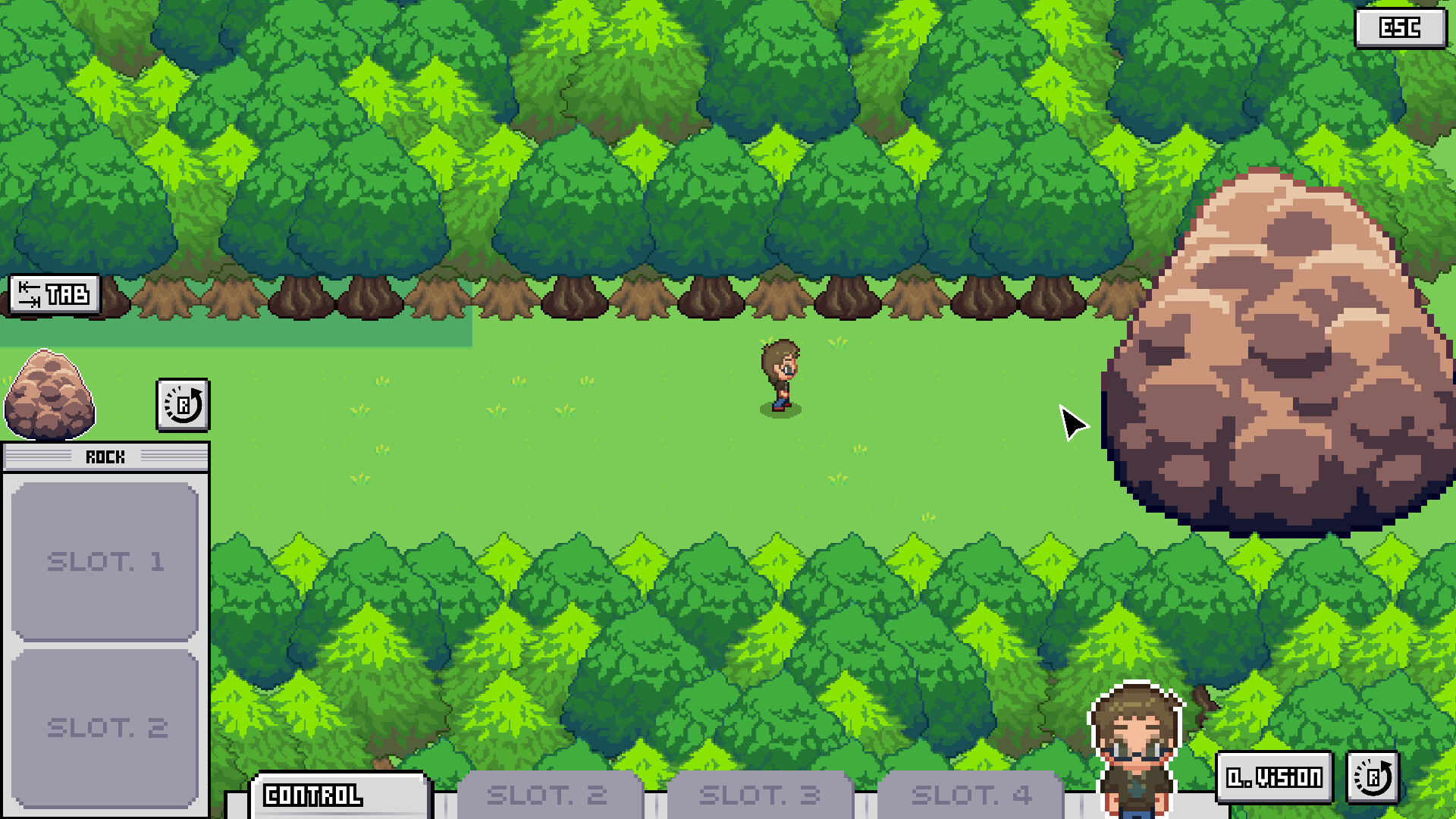
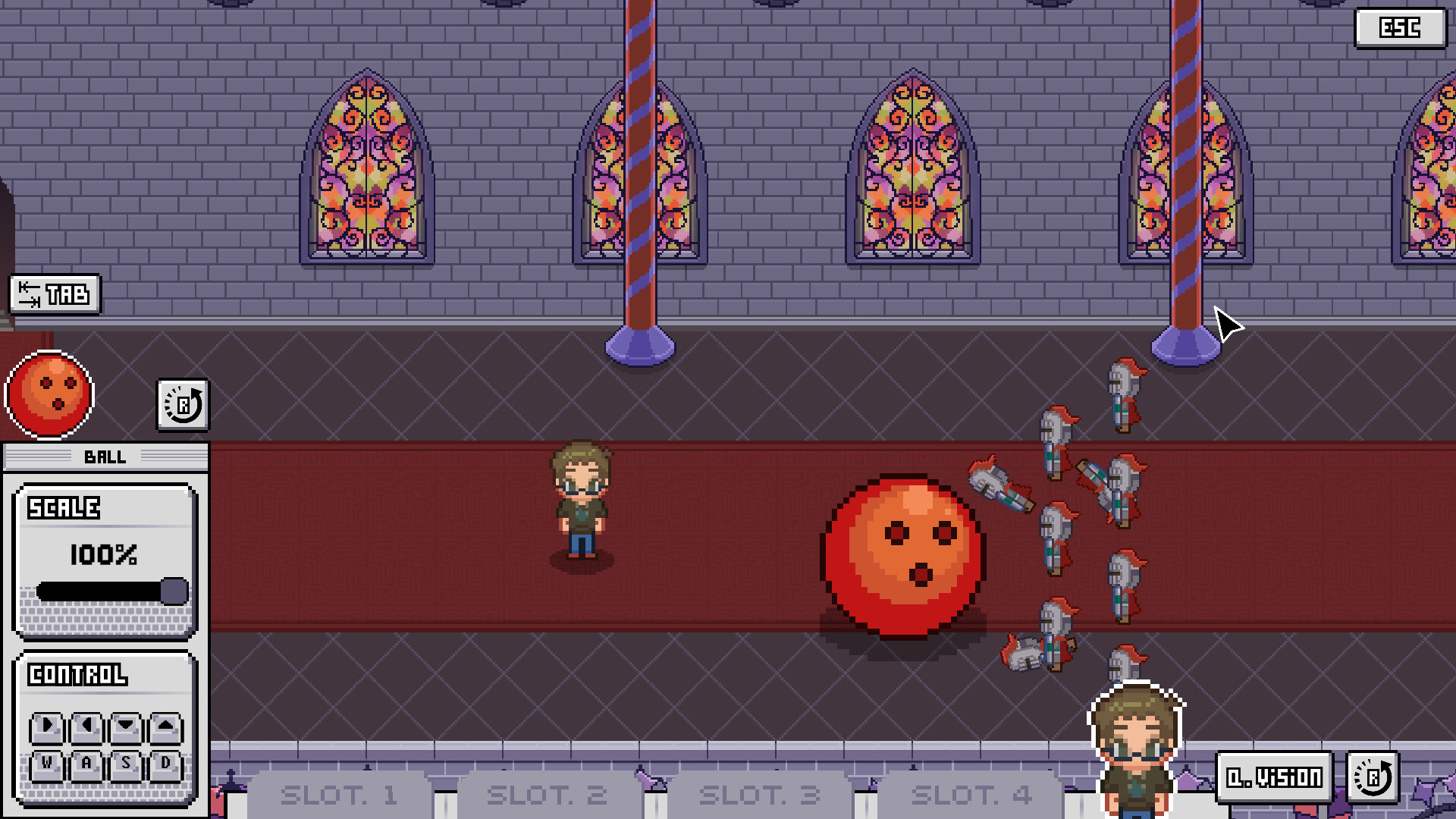
When a status window is open you can equip light, rotation, scale, or control blocks. These blocks let you freely change the selected object's properties, such as shrinking a boulder or moving the sun.
You can experiment with different adjustments on the same object by opening its status window again after a change.
- Try different block combinations on the same object to see which reshapes it best.
- Re‑open the status window after a change to test another block on the same object.

03 / THE GUIDE
Puzzle Structure
Each area presents a set of broken objects that must be fixed using the manipulation tools, advancing the story as you reshape the world.
Because the game is listed as playable without timed input, you can think through each alteration without pressure, focusing on creative problem solving.
- Take brief notes on which objects you have already altered to avoid redundant changes.
- Consider visual cues in the environment; they often hint at the intended direction of a puzzle.
04 / THE GUIDE
Story Motivation
You play as a father and the creator of the buggy world, seeking to rescue your daughter who is trapped inside. The narrative frames each puzzle as a step toward freeing her.
A cunning Lord opposes you, providing an antagonist that drives the quest forward while you experiment with world‑altering tools.
- Keep the rescue goal in mind when prioritising which objects to fix.
- Reflect on how each manipulation might symbolically represent overcoming the Lord’s obstacles.
05 / THE GUIDE
Platform Features
Patch Me If You Can runs on Windows and includes Steam Achievements, Steam Cloud, Family Sharing, and stereo sound. The single‑player mode does not require timed input.
These features are listed under the official specifications and indicate the game’s support for cloud‑saved progress and shared library access on the Windows platform.
- Enable Steam Cloud to keep your progress stored online across Windows installations.
- Use Family Sharing if you want another account to experience the game without a separate purchase.

COMMUNITY
Player discussion