 GameWiki
GET YOUR BEARINGS
About PATAPON 1+2 REPLAY
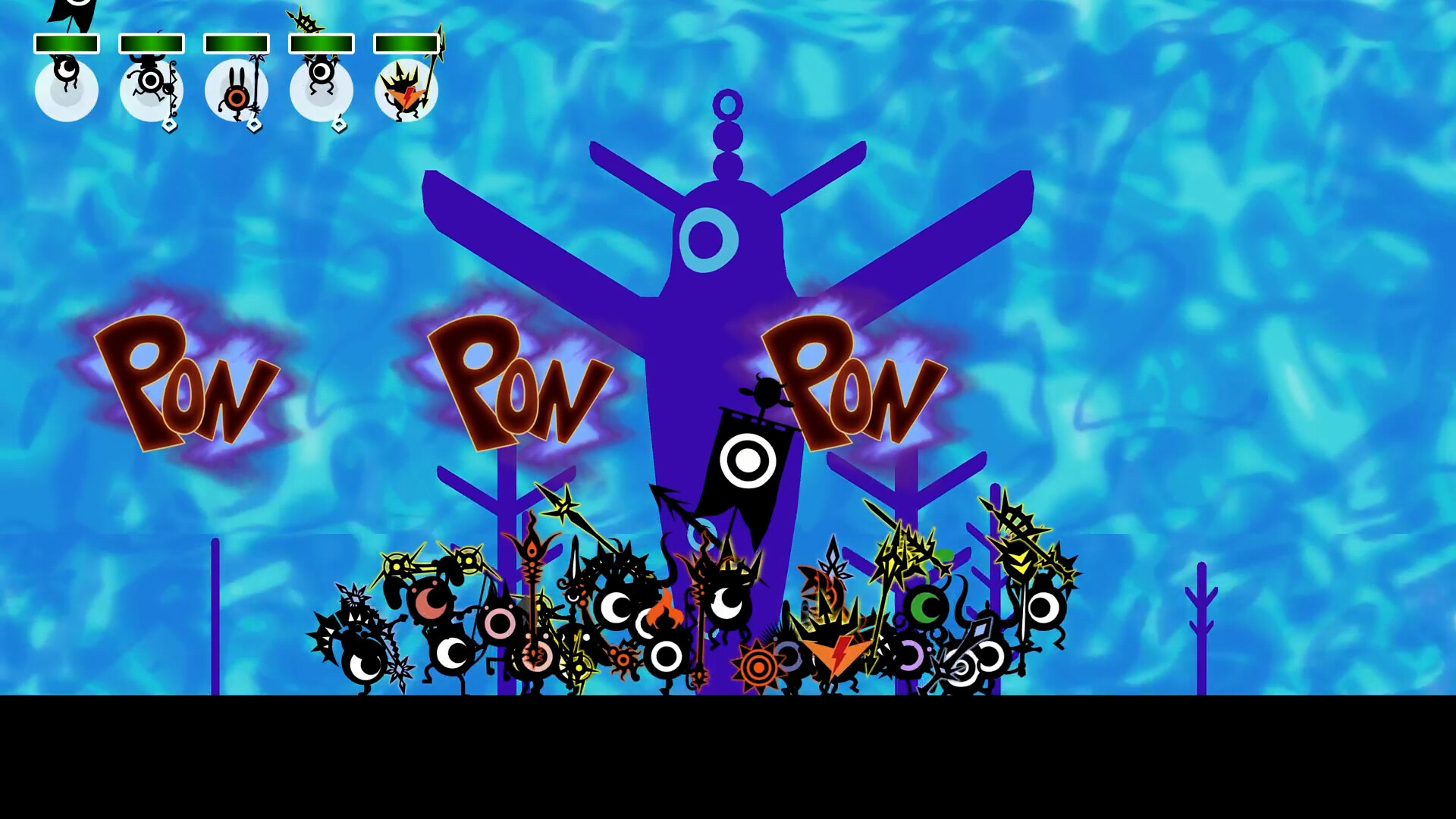
Patapon 1+2 Replay bundles the original 2007 and 2008 titles into a single Windows‑only release. Players act as the God of the Patapons, issuing commands with four rhythmic drum inputs—Pata (←), Pon (→), Don (↓) and Chaka (↑)—to move and fight with squads of eyeball‑like creatures.
The remaster keeps the core action‑adventure and RPG elements while adding adjustable difficulty (Easy, Normal, Hard), timing windows for button presses, and a persistent drum icon. Over 400 weapons and equipment pieces can be crafted or upgraded, and full controller support is provided via Steam.
01 / THE GUIDE
Rhythm Controls
The command system revolves around four directional drum beats: Pata (←), Pon (→), Don (↓) and Chaka (↑). Pressing these inputs in the correct rhythm triggers marching, attacking, defending or other actions, and the game evaluates timing against a built‑in window.
A new timing‑adjustment option lets players widen or narrow that window, making the rhythm easier or stricter. The drum icon stays on screen at all times, giving a visual cue for maintaining the beat during longer command strings.
- Begin with the default timing window; increase difficulty only after you can consistently hit the beats.
- Watch the drum icon closely when executing multi‑beat commands to avoid missed inputs.
02 / THE GUIDE
Unit Classes
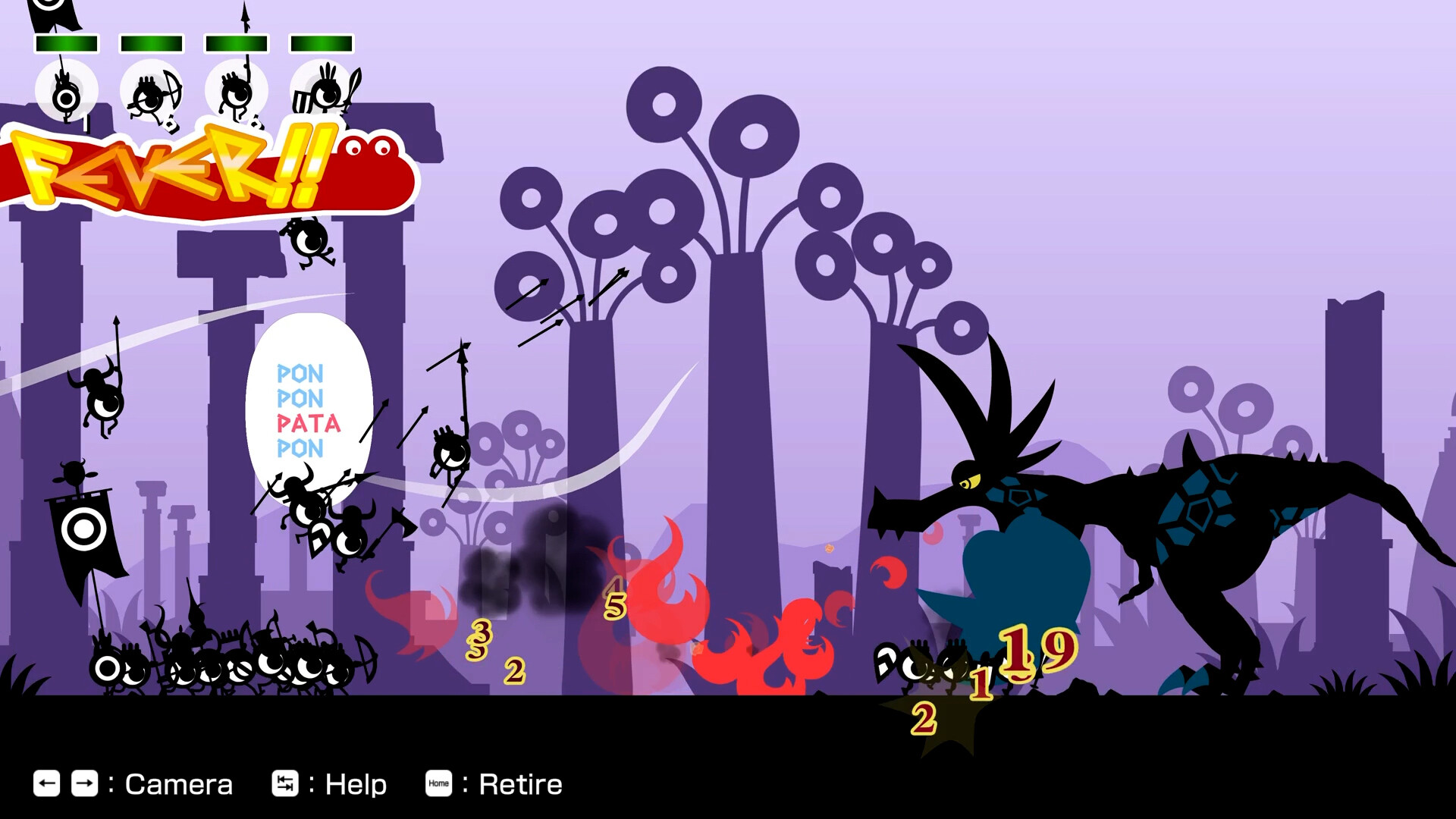
Patapons belong to distinct classes, each with a specific battlefield role. The Hatapon waves a flag from the centre of the squad, the Tatepon carries a large shield for protection, and the Yumipon fires arrows from range.
These classes affect how rhythmic commands influence the army, allowing players to mix leaders, defenders and ranged attackers. Selecting a balanced mix lets the squad handle varied enemy patterns and terrain challenges.
- Pair Tatepons with Yumipons to shield ranged fire while arrows hit enemies.
- Place a Hatapon centrally to keep the formation cohesive during marching commands.
03 / THE GUIDE
Equipment Upgrades
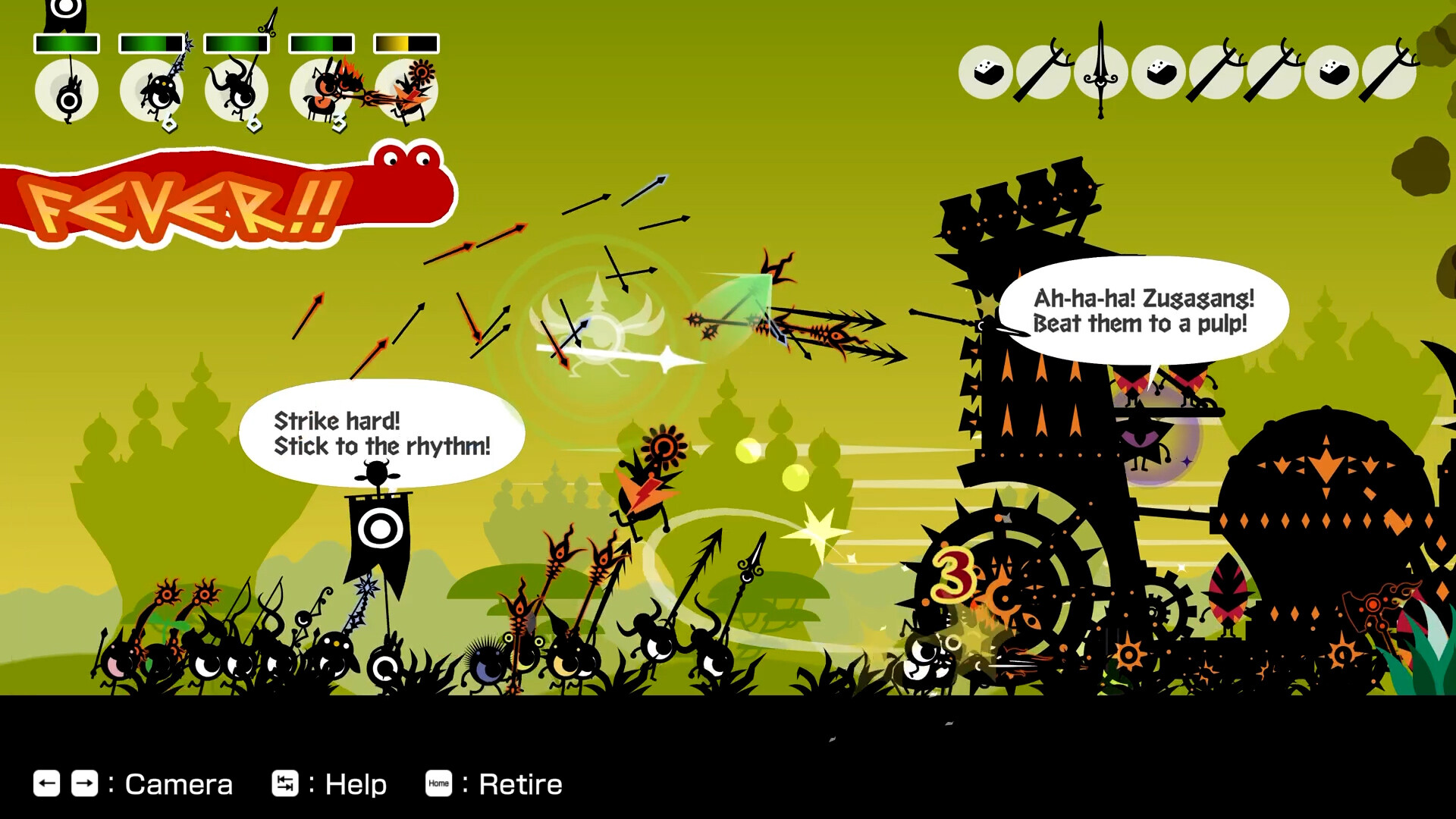
Players can craft or enhance Patapons using items gathered from stages and minigames. The game offers 400 distinct weapons and equipment pieces that modify unit statistics, such as attack power or defensive strength.
Materials collected during play enable the creation of stronger Patapons, giving players the freedom to customize their squad’s combat effectiveness and adapt to tougher enemy encounters.
- Prioritise material collection in early stages to unlock higher‑tier gear later.
- Balance offensive and defensive upgrades to keep the squad versatile across different challenges.
04 / THE GUIDE
Difficulty Settings
A newly added selector offers Easy, Normal and Hard modes, letting players choose a challenge level that matches their skill. Changing difficulty influences enemy behavior and overall threat without altering the core rhythm mechanics.
The difficulty choice does not affect the available commands or unit classes, preserving the original gameplay while scaling the intensity of battles for newcomers or veterans.
- Start on Easy to learn timing, then switch to Normal for a balanced test.
- Attempt Hard only after you have mastered unit composition and equipment upgrades.
05 / THE GUIDE
Platform Support
Patapon 1+2 Replay runs on Windows via Steam and includes full controller compatibility, supporting both DualShock and DualSense gamepads. Steam Cloud and Family Sharing features are also available for progress synchronization and sharing.
The title does not support macOS or Linux, and while controller use is recommended, the game can also be played with keyboard inputs, preserving accessibility for all players.
- Enable Steam Cloud to keep your progress across multiple PCs.
- Choose the controller that feels most comfortable for your rhythm inputs.
COMMUNITY
Player discussion