 GameWiki
GET YOUR BEARINGS
About Party Bots
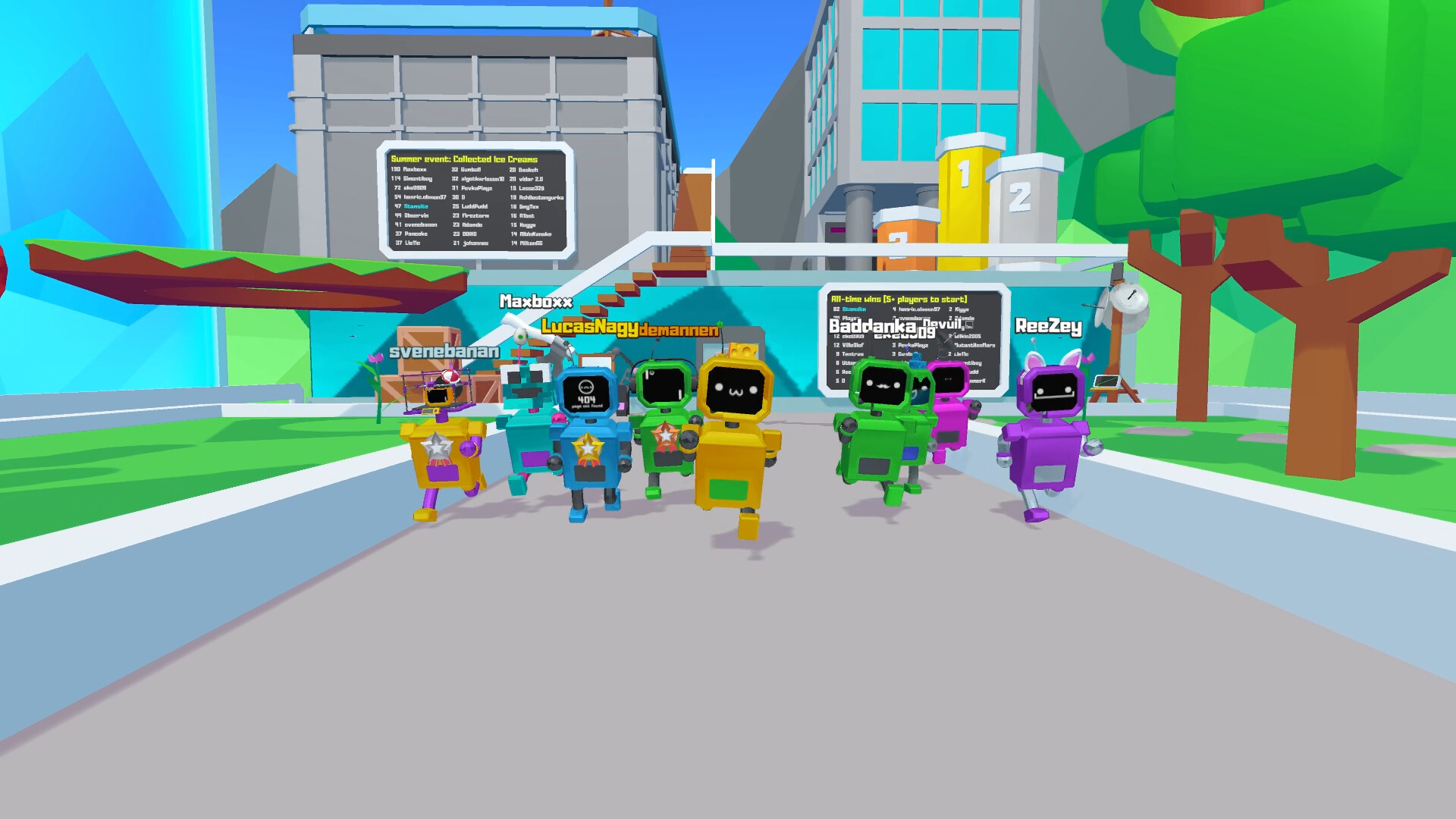
Party Bots is a free‑to‑play action indie that lets up to one hundred players share a single lobby, though the developers recommend powerful gaming PCs for the best experience. You begin each match as a standard Y‑Bot, but the game offers extensive visual customization for your avatar’s face, color, and hat.
The arena features dynamic destruction, with explosions and lasers capable of breaking platforms. New items appear for players to unlock, and a built‑in mode editor lets you tweak game rules—removing hazards, speeding events, or increasing difficulty—to suit any play style.
01 / THE GUIDE
Lobby Capacity
Each game lobby can host up to one hundred participants, creating large‑scale matches that emphasize chaotic fun. The high player count is balanced by a recommendation to use powerful gaming computers for smoother performance. The lobby size is fixed per match; you cannot exceed the one‑hundred‑player limit, and the recommendation does not enforce hardware requirements but suggests they improve the experience.
- If you have a strong PC, you may notice smoother physics during large battles.
- Compare smaller and larger lobbies to see how player density changes the pace.
02 / THE GUIDE
Avatar Customization
Players start as a regular Y‑Bot but can change the bot’s face, color, and hat to create a unique look. These visual options let you change your bot’s face, color, and hat so you don’t have to look like everyone else. Customization lets each participant stand out in crowded matches with a unique look.
- Experiment with bright colors to make your bot easier to spot.
- Mix and match hats for a personal flair that matches your style.
03 / THE GUIDE
Destructible Platforms
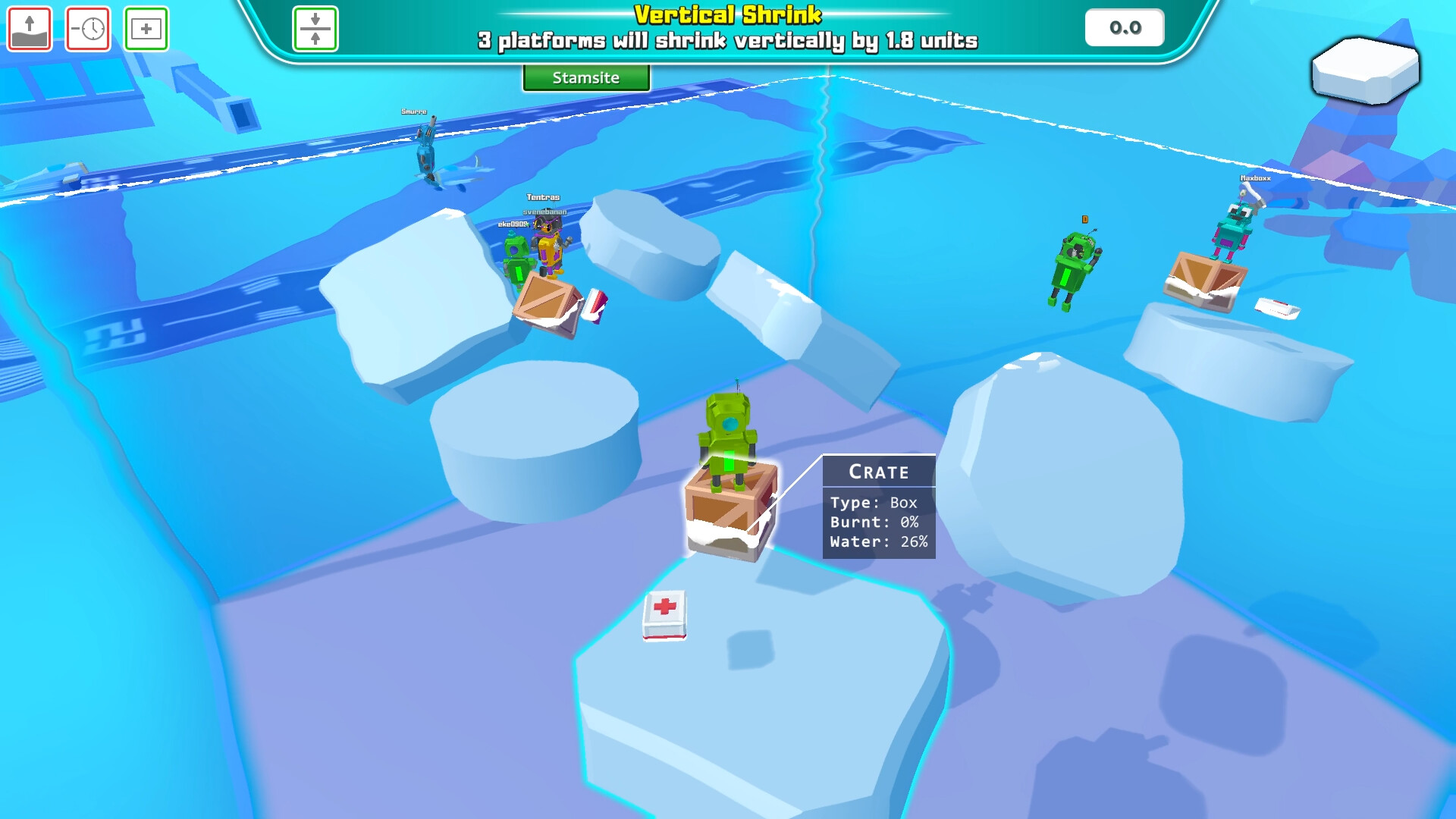
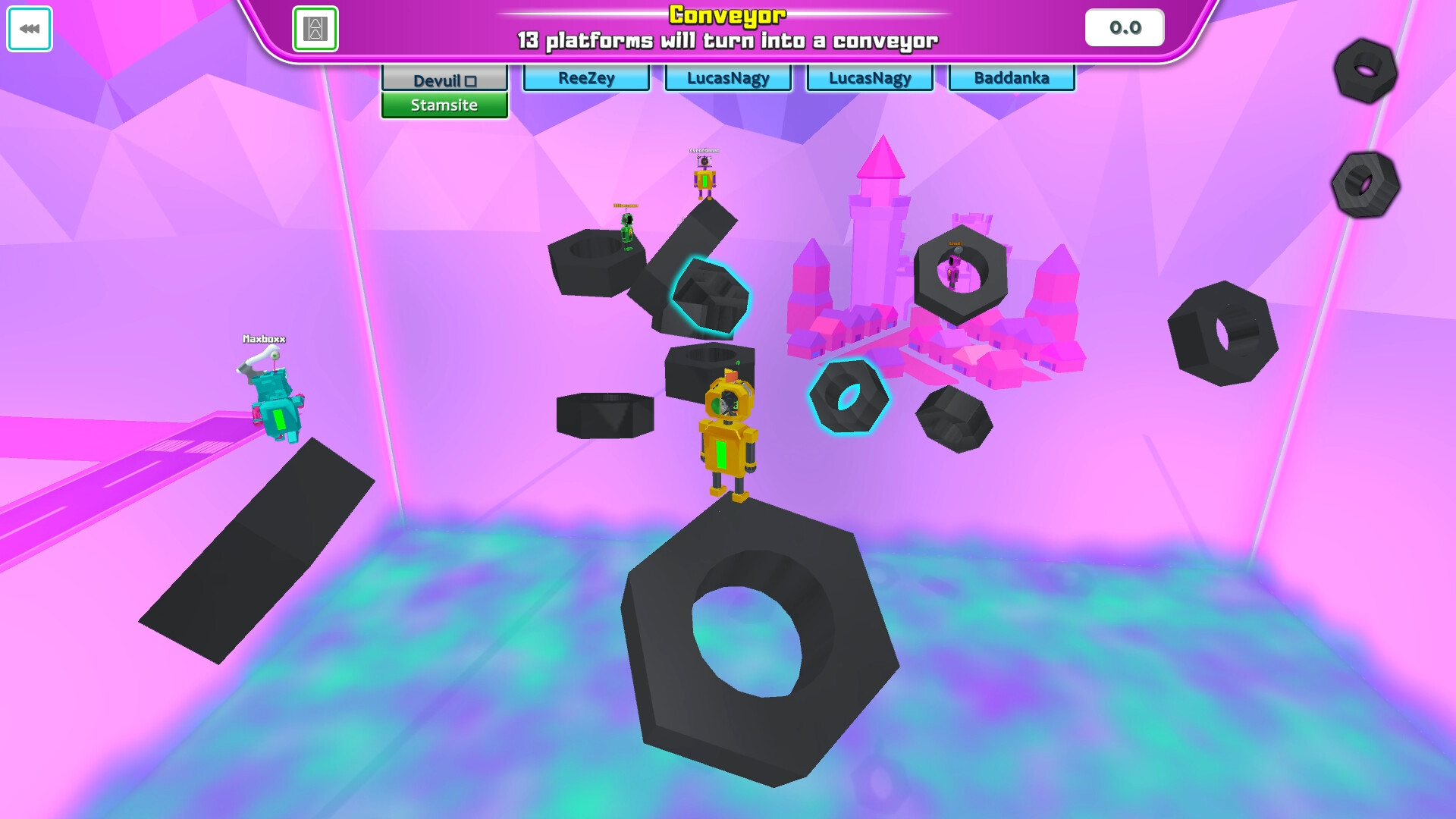
Explosions and lasers are capable of destroying platforms, adding a dynamic element to each match. This environmental damage can alter movement routes and create new hazards as the arena changes. The destruction is triggered by in‑game actions and does not require any separate tools; it simply reacts to the listed effects.
- Watch where explosions occur to anticipate new gaps.
- Use lasers strategically to open shortcuts or block opponents.
04 / THE GUIDE
Item Unlocks
Party Bots includes a variety of items that can be unlocked through gameplay. Some items are described as rare, offering a sense of achievement for players who obtain them. Unlocks are presented as new items rather than upgrades, and the rarity is noted without specifying exact acquisition methods.
- Keep an eye on the unlock list to spot rare items as they appear.
- Compare your unlocked items with friends to see who has the rarest gear.
05 / THE GUIDE
Mode Editing
Players can take control of game modes and adjust settings such as removing explosive barrels, speeding up events, or increasing difficulty. These edits let you tailor the match to your preferred challenge level. The editing tools are built into the game, allowing on‑the‑fly changes without needing external software.
- Try removing explosive barrels for a calmer experience.
- Increase event speed to test your reaction time.
COMMUNITY
Player discussion