 GameWiki
GET YOUR BEARINGS
About Parcel Simulator
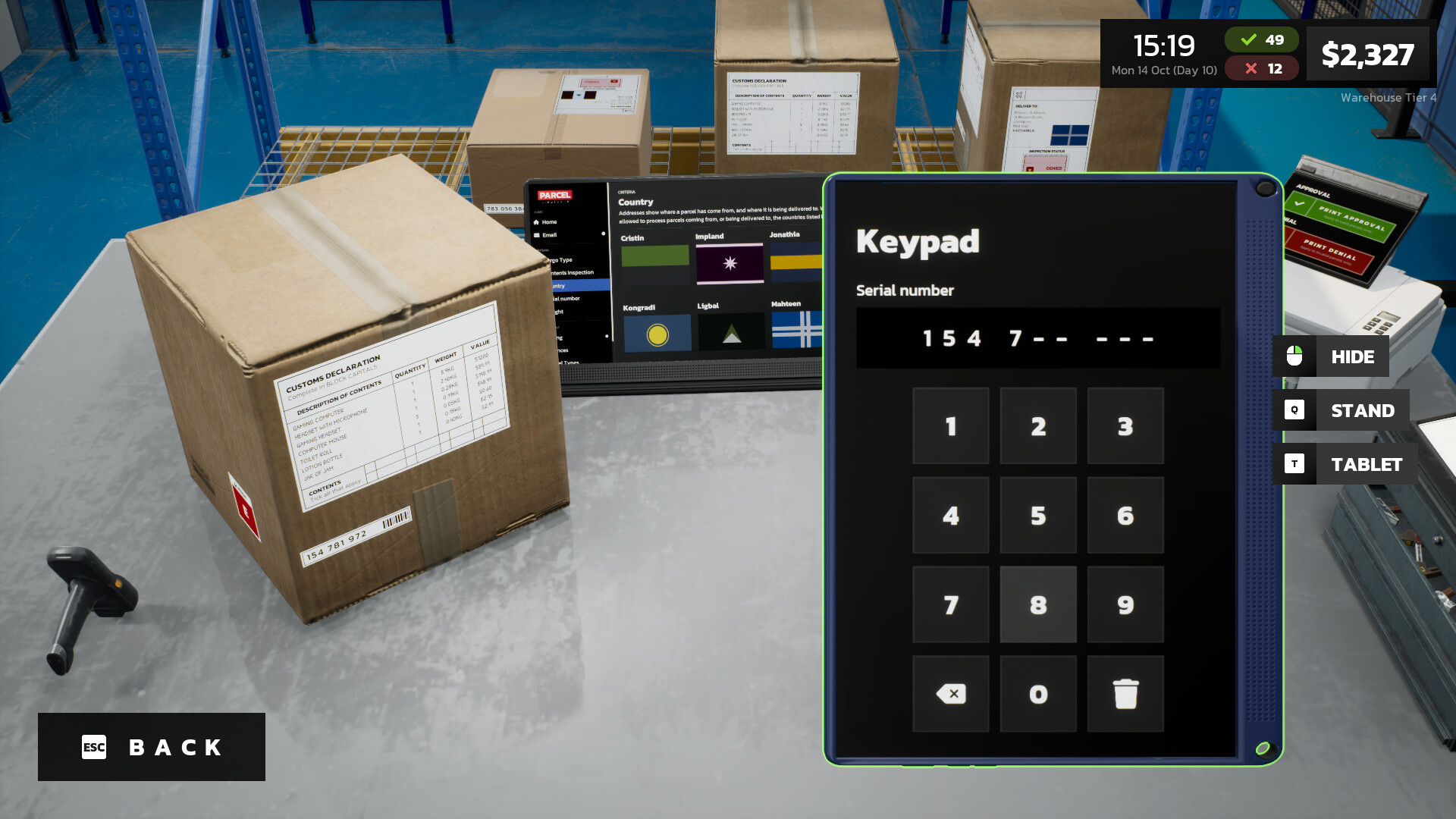
Parcel Simulator puts you in charge of a bustling parcel‑inspection hub. You receive deliveries, scan barcodes, and check labels for weight, destination, cargo type and other details, approving or denying each shipment based on changing criteria.
As you grow the operation you can expand the warehouse, add conveyor belts, storage racks and processing machines, and unlock new delivery bays. The goal is to streamline throughput, earn more money per parcel, and build a thriving parcel empire.
01 / THE GUIDE
Parcel Inspection
The core loop revolves around examining each incoming parcel. You look at labels for weight, destination, cargo type and other data, then decide to approve or deny the shipment. Mistakes in the label can lead to rejection, while correct parcels move forward.
Inspection can be performed manually by key‑in or scanning barcodes, and later automated with advanced detection machines. The criteria for approval shift over time, requiring you to stay attentive to the current rules.
- Keep an eye on the latest approval criteria before starting a batch.
- Compare manual scans with automated results to spot calibration issues.
02 / THE GUIDE
Warehouse Automation
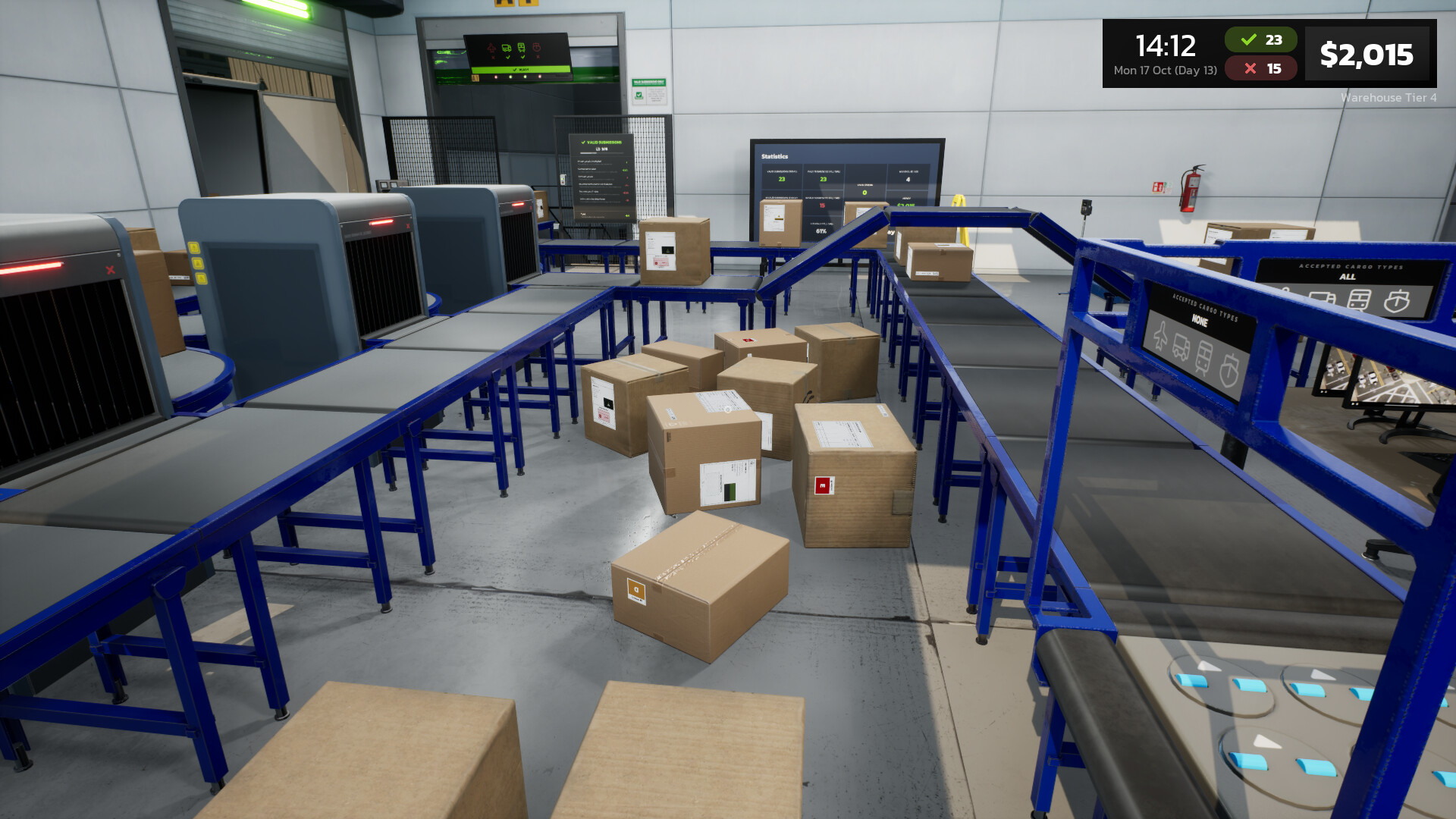
Automation is introduced through processing and detection machines that can handle label inspections without direct input. These machines speed up throughput and free you to focus on higher‑level decisions.
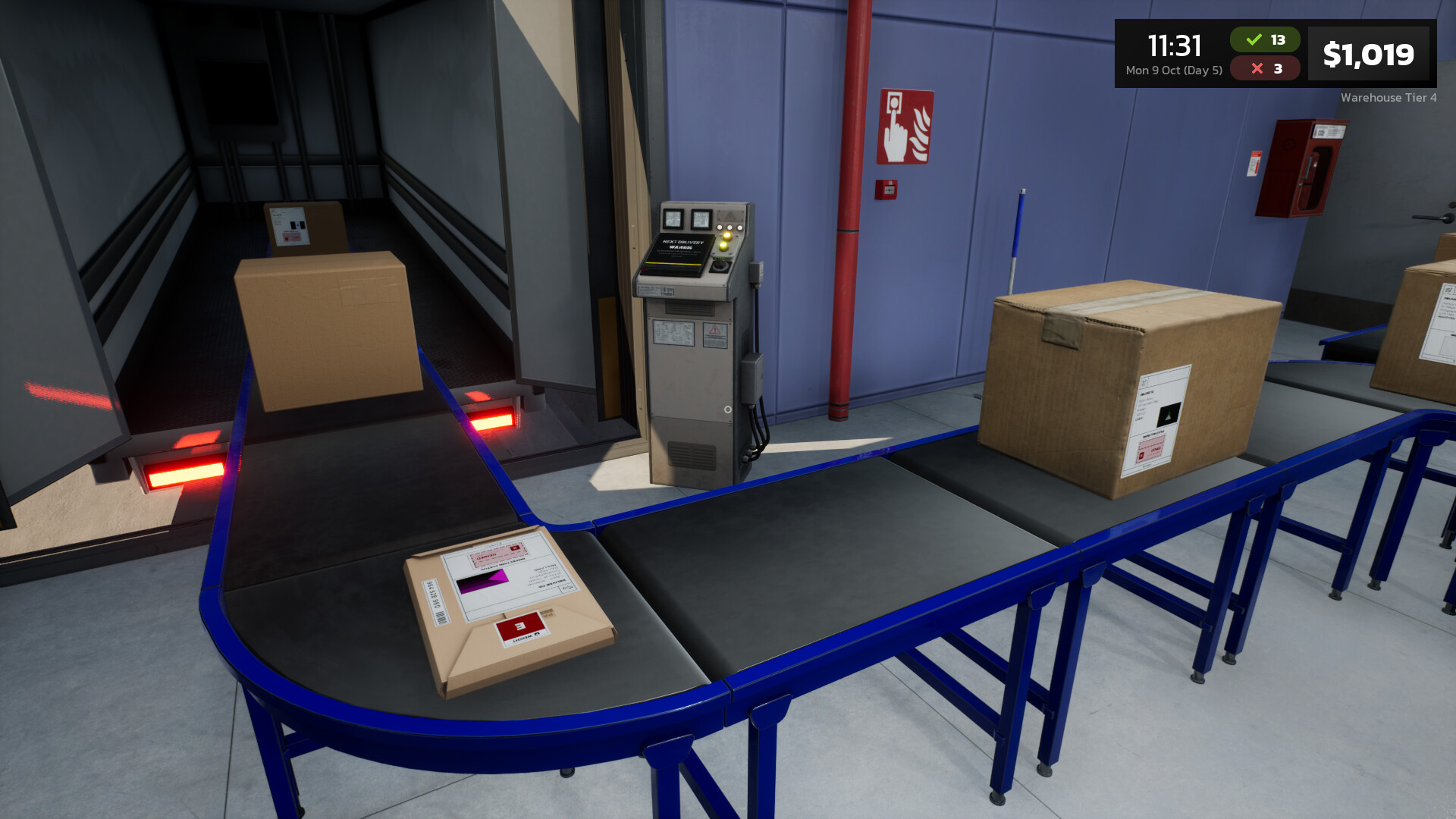
Conveyor belts link inspection stations to storage areas, allowing parcels to flow continuously. Upgrading machines and belts improves speed, but you must balance cost against the increased earnings per parcel.
- Test a small batch on a new machine before full deployment.
- Observe belt speed versus jam frequency to find an optimal setting.
03 / THE GUIDE
Storage and Routing
After inspection, parcels are categorised by cargo type and approval status. Storage racks hold them until they are ready for export, and loaders move them onto the correct export route.
Routing requires matching the parcel’s cargo type with a suitable shipping day. Proper routing ensures parcels leave on time and maximises revenue from each delivery.
- Group similar cargo types together to reduce loader travel time.
- Check export schedules regularly to avoid missed shipping windows.
04 / THE GUIDE
Upgrades and Licenses
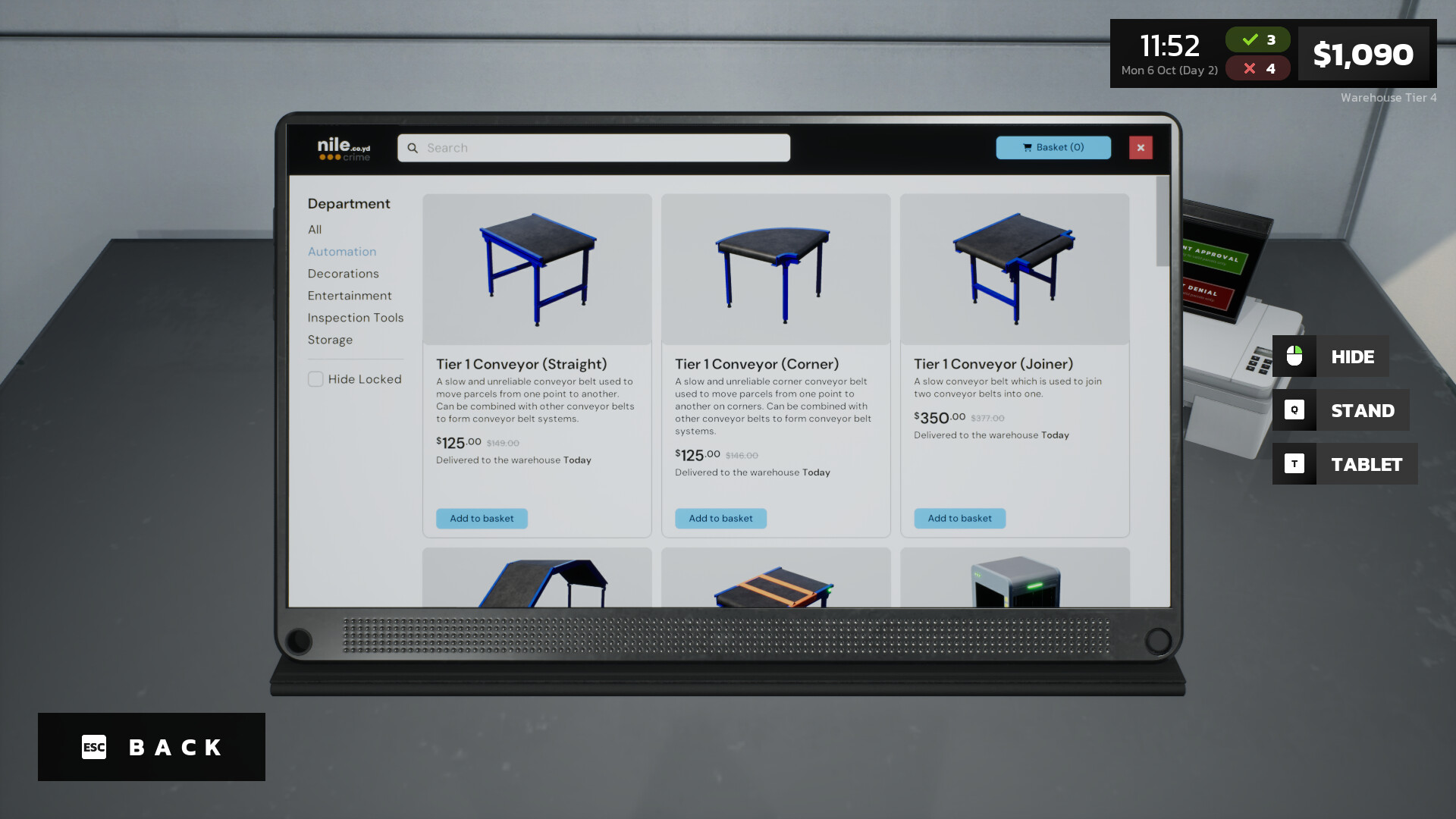
Earning more money per parcel is tied to acquiring licenses and upgrading equipment. Upgrading your equipment can improve efficiency and help you earn more money per parcel.
Licenses unlock new capabilities and can be purchased as you accumulate profit. Planning upgrades strategically helps maintain a steady flow of income while expanding the warehouse footprint.
- Prioritise upgrades that reduce inspection time first.
- Review license costs against projected earnings per parcel.
05 / THE GUIDE
Customisation and Expansion
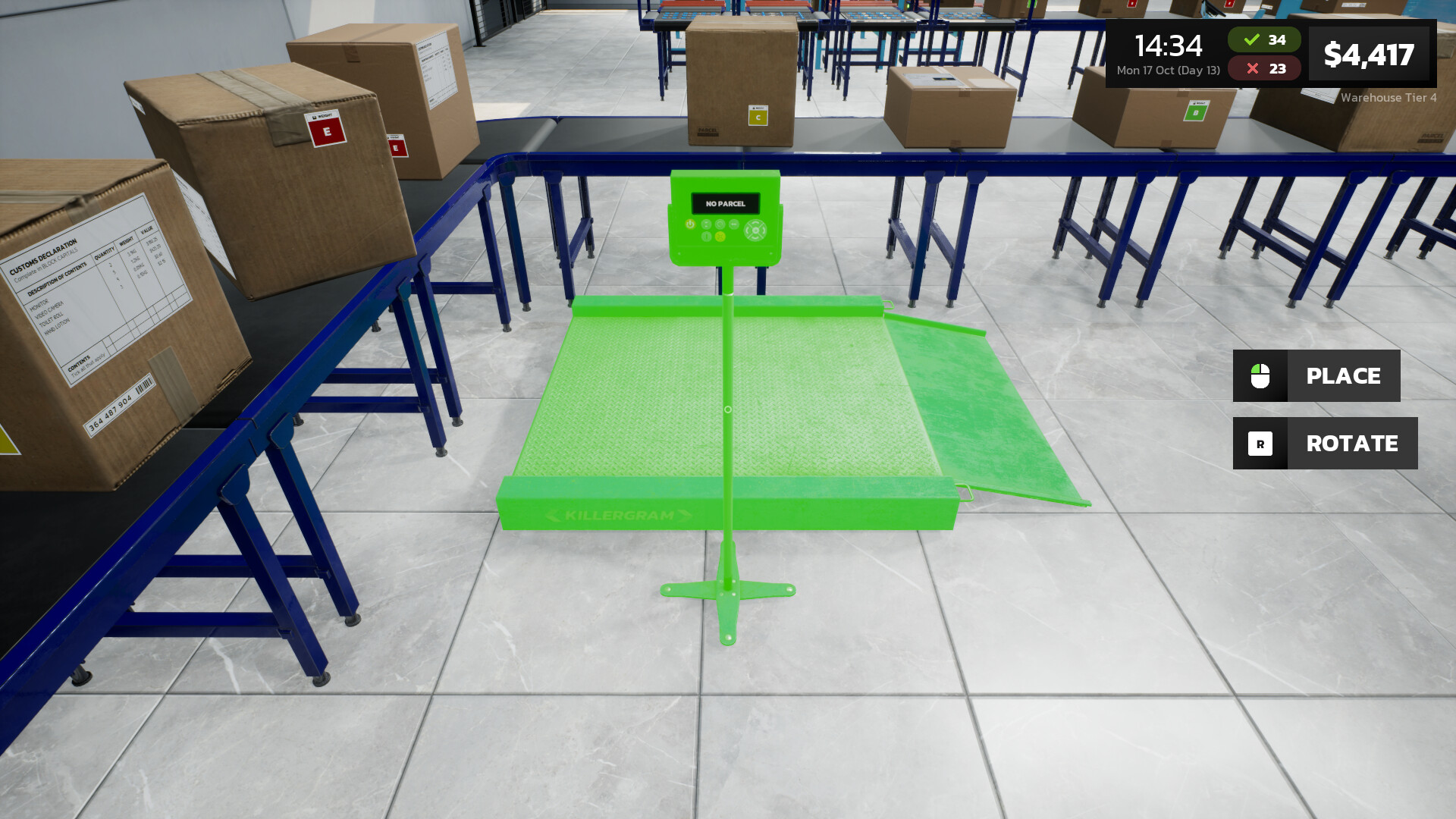
The warehouse, inspection table, conveyor belts and storage racks are all customisable. These options let you personalise the look and layout of your warehouse and its equipment.
Expanding the warehouse unlocks additional delivery bays, allowing you to receive more parcels simultaneously. This scaling is essential for building a larger parcel empire.
- Experiment with belt layouts to find the most space‑efficient design.
- Add new delivery bays only after current bays operate at peak efficiency.
COMMUNITY
Player discussion