 GameWiki
GET YOUR BEARINGS
About Paradiddle
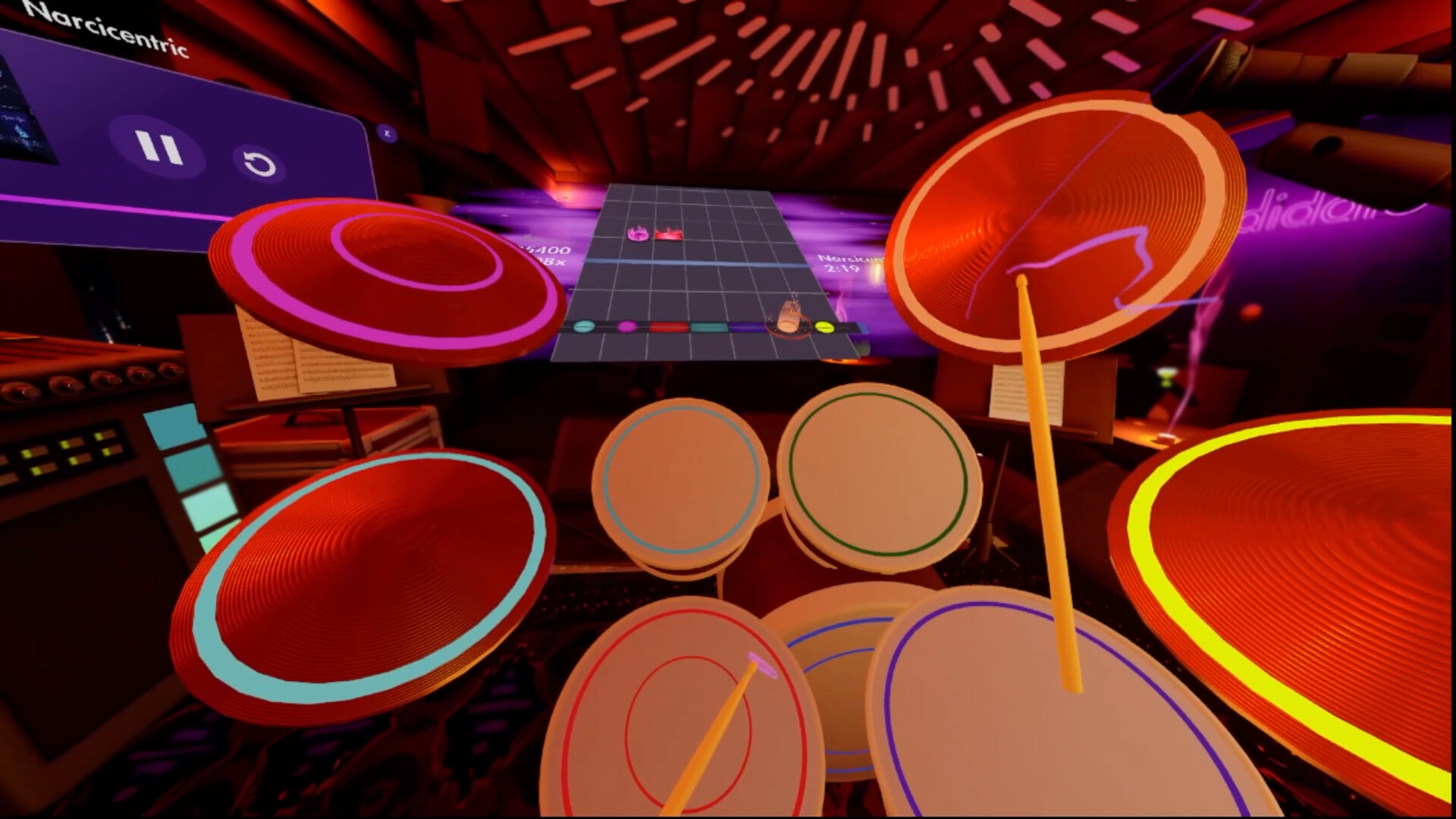
Paradiddle places a realistic drum kit inside virtual reality, letting players practice percussion at home without disturbing neighbours. The app includes ten beginner lessons, a rhythm‑game mode with adjustable difficulty, and a library of over fifty instruments such as glockenspiel, xylophone, bongos and timpani.
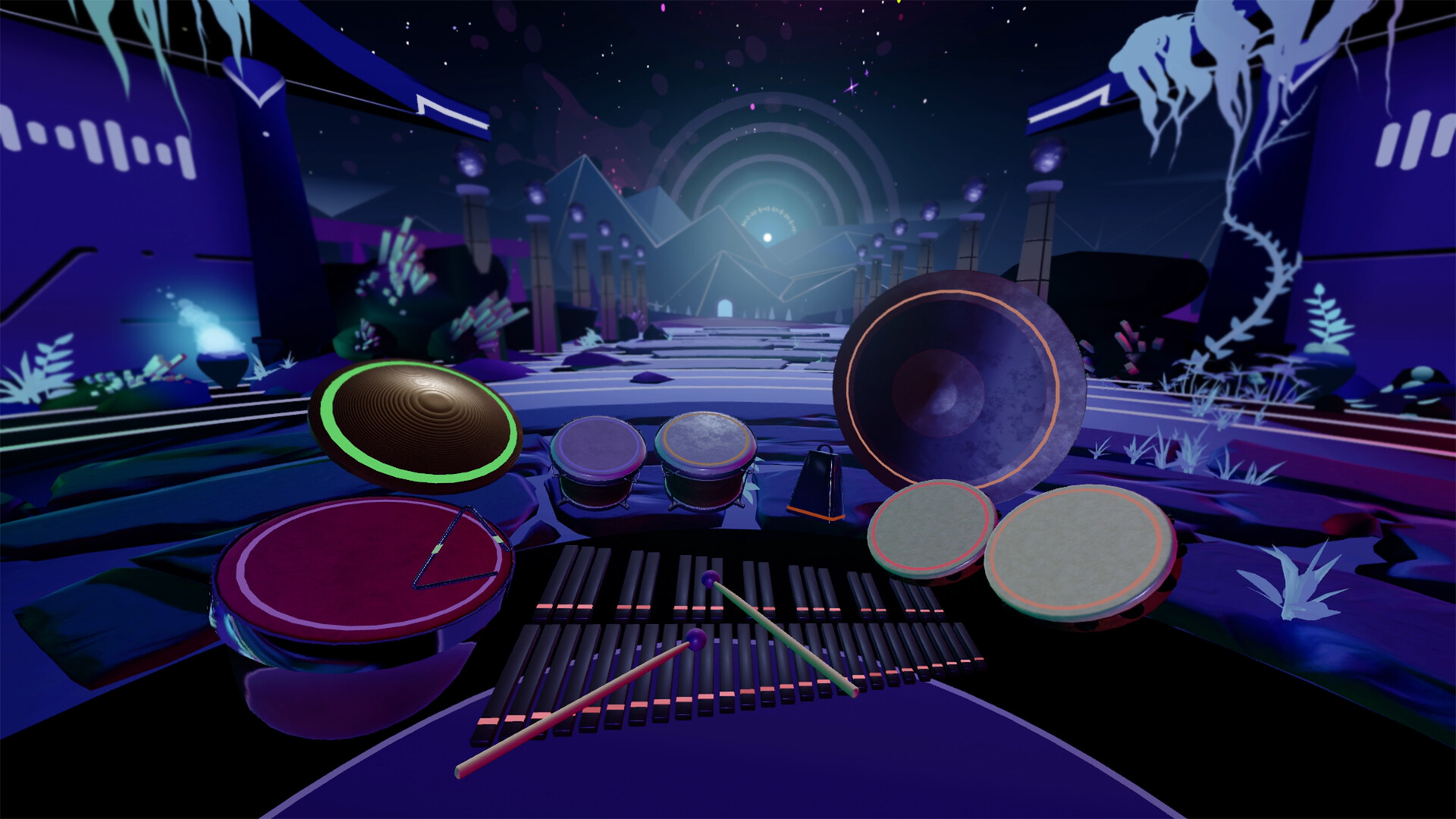
Multiplayer free‑play lets friends perform together, while custom‑song loading, MIDI integration and cross‑platform leaderboards add creative and competitive options. Four visual environments – Dojo, Jazz Club, Galaxy and Void – provide varied backdrops, and audio settings include ASIO and WASAPI for low‑latency sound.
01 / THE GUIDE
Beginner Lessons
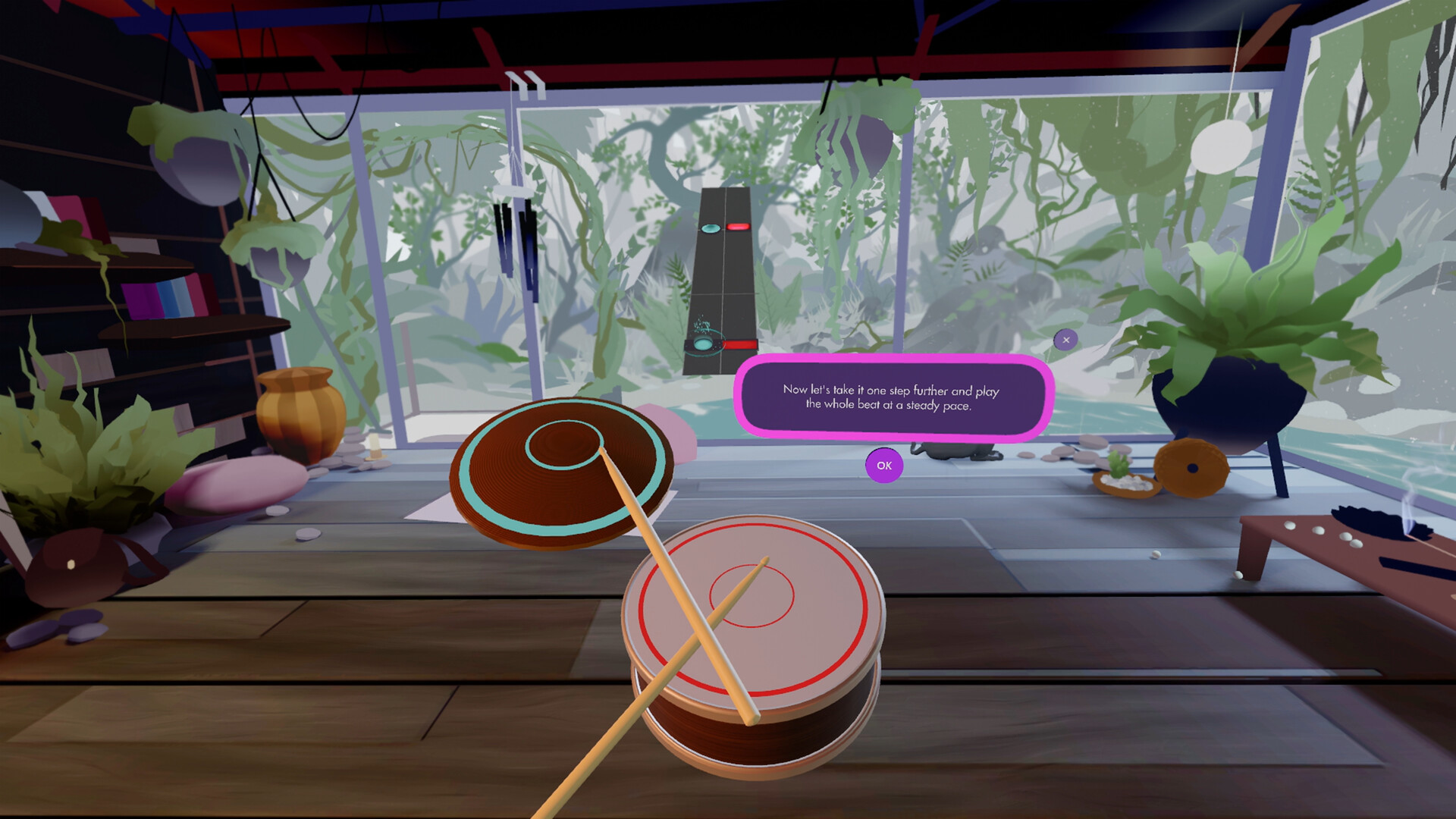
The experience starts with ten beginner‑friendly lessons that introduce basic rhythm patterns and striking technique. Each lesson presents visual cues in VR, guiding the player through fundamental drumming concepts before moving on to later modes.
Progress through the lessons builds a foundation for using the full drum kit, and the official feature list describes the rhythm‑game mode and custom kit creation as core features to explore alongside the lessons.
- Follow the visual cues closely to match strike timing.
- Complete lessons in order to build a steady skill progression.
02 / THE GUIDE
Rhythm Game Mode
Rhythm game mode offers thirty built‑in songs, each with multiple difficulty settings that can be adjusted to suit newcomers or experienced drummers. Scores from each play are recorded for comparison.
Players may also load their own audio files or sheet music, enabling personal practice and community sharing, while cross‑platform leaderboards track high scores across supported devices.
- Start with a lower difficulty on a new song to become familiar with its rhythm.
- Experiment with custom songs to broaden your practice repertoire.

03 / THE GUIDE
Custom Kit Builder
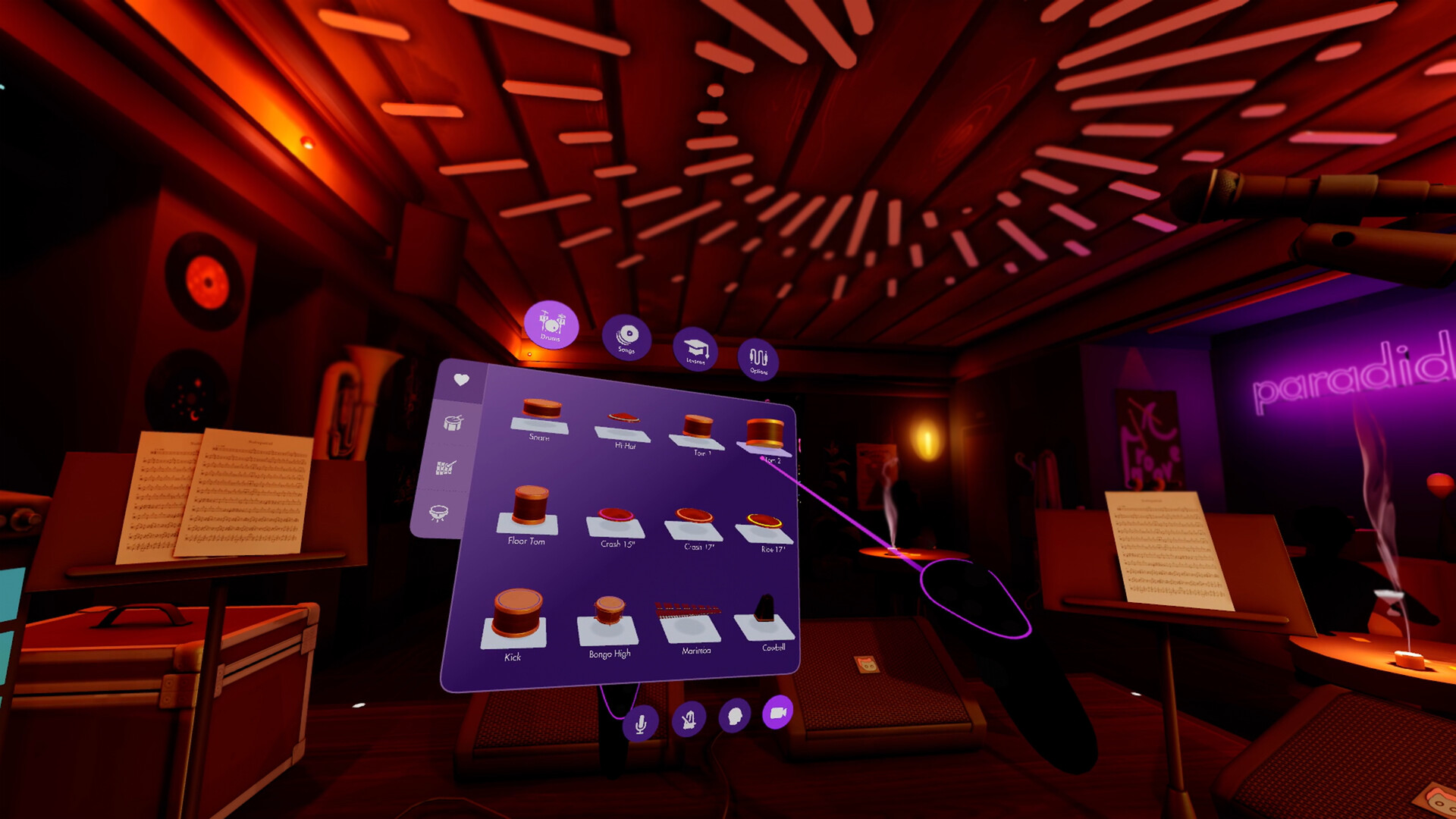
A palette of more than fifty percussion instruments can be dragged into the virtual space, allowing players to assemble a personalized drum kit. The builder supports mallet instruments, auxiliary percussion and standard drum components.
Custom setups can be saved and reloaded at any time, letting users switch between kits that suit different musical styles or practice goals while each instrument reacts realistically to strike location and force.
- Arrange frequently used drums within easy reach for smoother play.
- Save separate kits for distinct genres or practice focuses.
04 / THE GUIDE
Multiplayer Freeplay
The multiplayer feature enables online free‑play sessions where friends can watch or join a performance. These sessions support cross‑platform multiplayer and cooperative play, allowing collaborative practice or friendly competition.
During free‑play, players can aim for high scores on built‑in songs or simply perform together, fostering a shared drumming experience within the virtual environments.
- Invite a friend to a free‑play session for live timing feedback.
- Try competing on a familiar song to gauge improvement against others.
05 / THE GUIDE
Audio & MIDI Integration
Paradiddle supports MIDI input, allowing external devices such as electronic drum pedals to trigger any virtual drum. It also provides MIDI output, enabling the app to send data to a digital audio workstation for sample triggering.
Peripheral support includes USB kick and hi‑hat controllers, and users may select ASIO or WASAPI audio back‑ends, with per‑drum pitch and volume settings available for detailed sound customization.
- Connect a MIDI pedal to expand your kit without adding virtual components.
- Switch to ASIO if you want maximum customization of your audio settings.
COMMUNITY
Player discussion