 GameWiki
GET YOUR BEARINGS
About Paperbark
Paperbark is a short, single‑player adventure that follows a sleepy wombat searching for a new home after a bushfire. The game presents a stylised Australian bush rendered in vibrant water‑colours, accompanied by an original string soundtrack and full narration. Its gentle pacing, collectible insects and an interactive sticker library make it a relaxing experience that can be saved at any time and played without timed input.
01 / THE GUIDE
Story and Narration
The narrative follows a wombat displaced by fire, wandering a transforming bush landscape. The story is written by Renee Treml and fully voice‑narrated by Georgia Maq, giving each scene a storybook feel.
Animated cut‑scene moments punctuate the journey, reinforcing the emotive tone inspired by Australian storybooks and landscape artists.
- Listen to the narration for subtle hints about the wombat’s path.
- Observe the animated cut‑scenes for visual storytelling cues.
02 / THE GUIDE
Visual and Audio Style
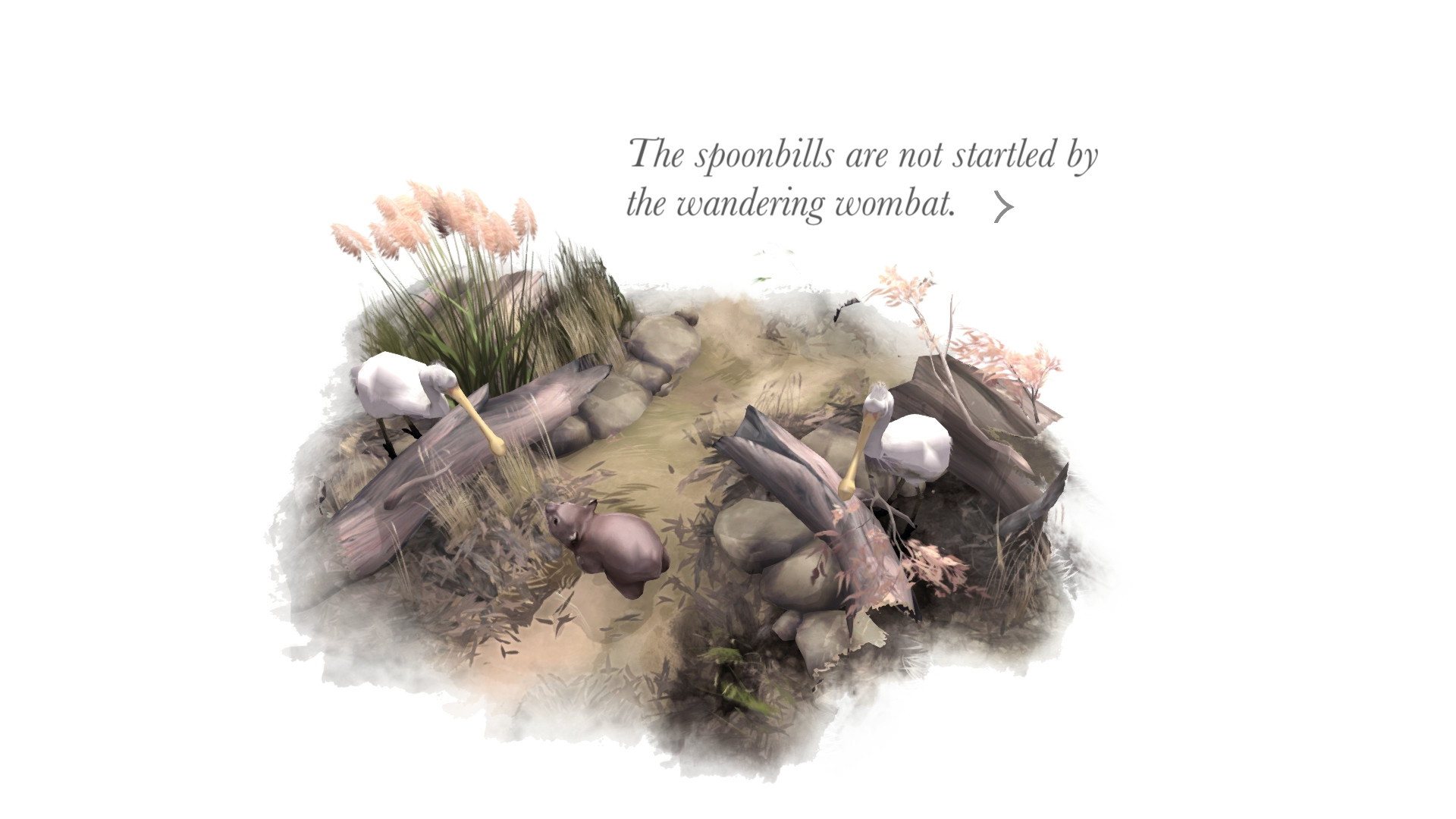
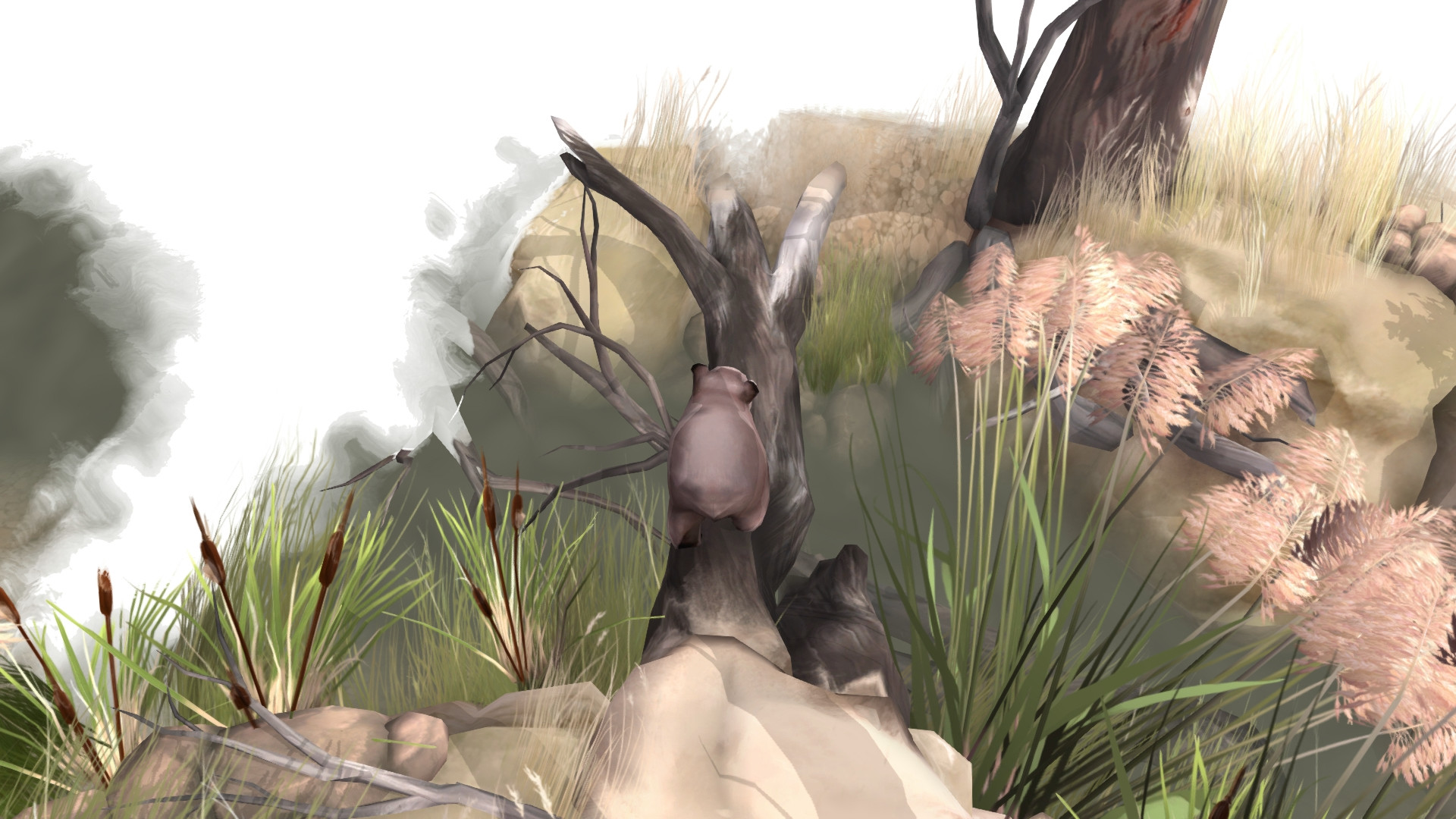
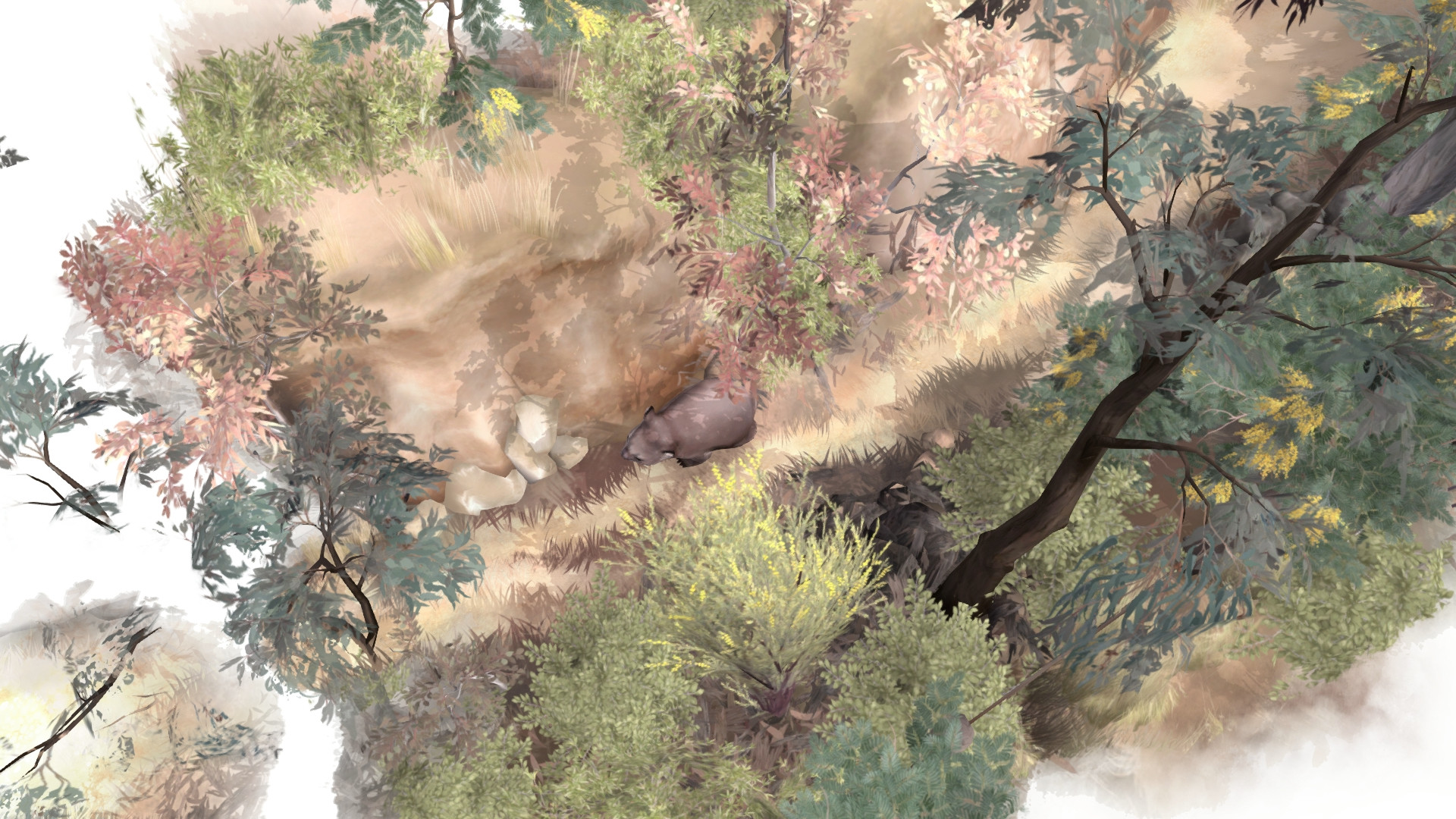
Paperbark paints the Australian bush with vibrant watercolours that change as you wander, creating a living illustration. The original string soundtrack by Biddy Conner enhances the atmosphere.
Stereo sound and optional subtitles let players tailor the audio‑visual experience, while colour alternatives and camera comfort options support varied preferences.
- Enable colour alternatives if the default palette feels too bright.
- Adjust custom volume controls to balance narration and music.
03 / THE GUIDE
Collectibles and Sticker Library
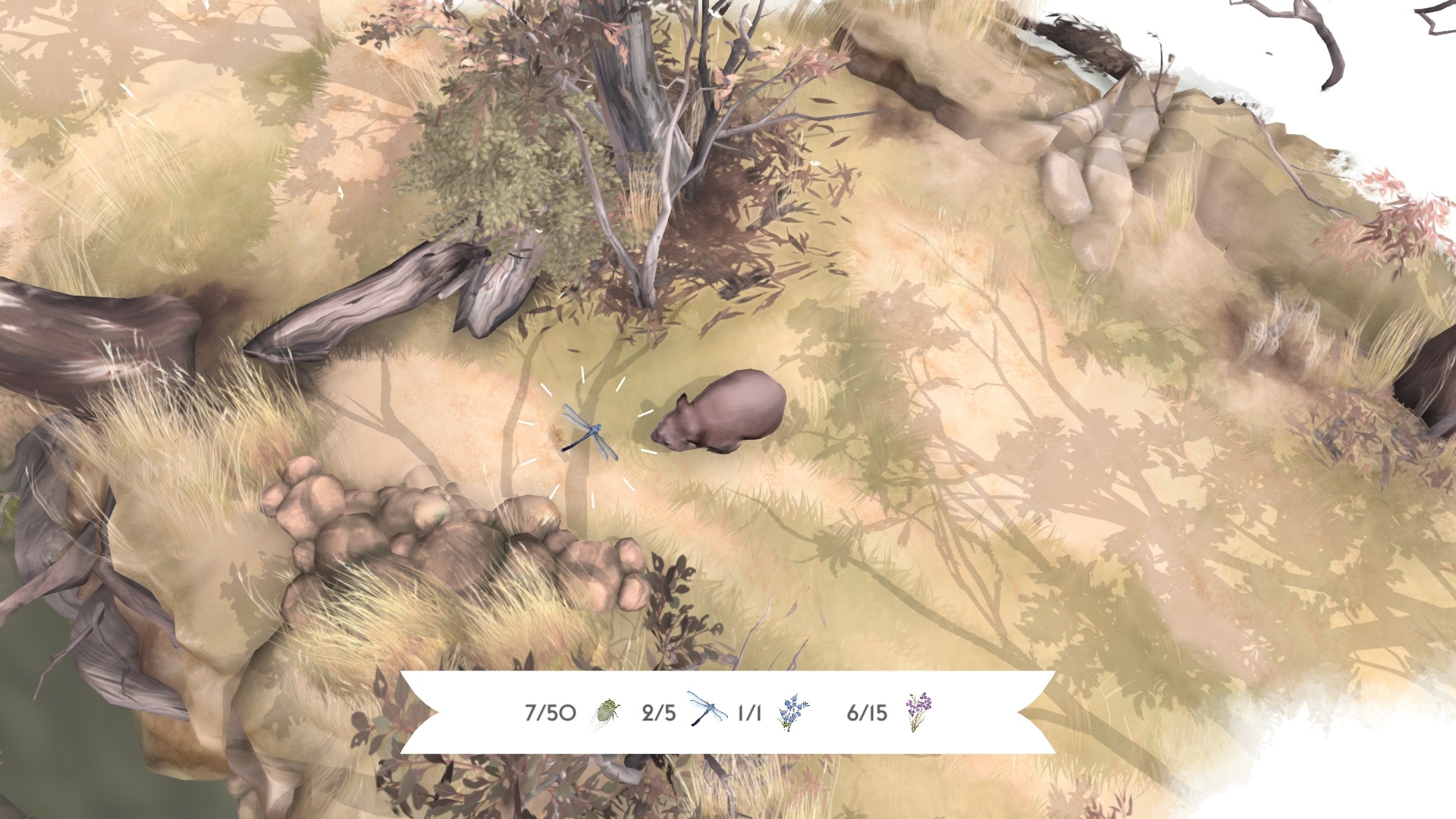
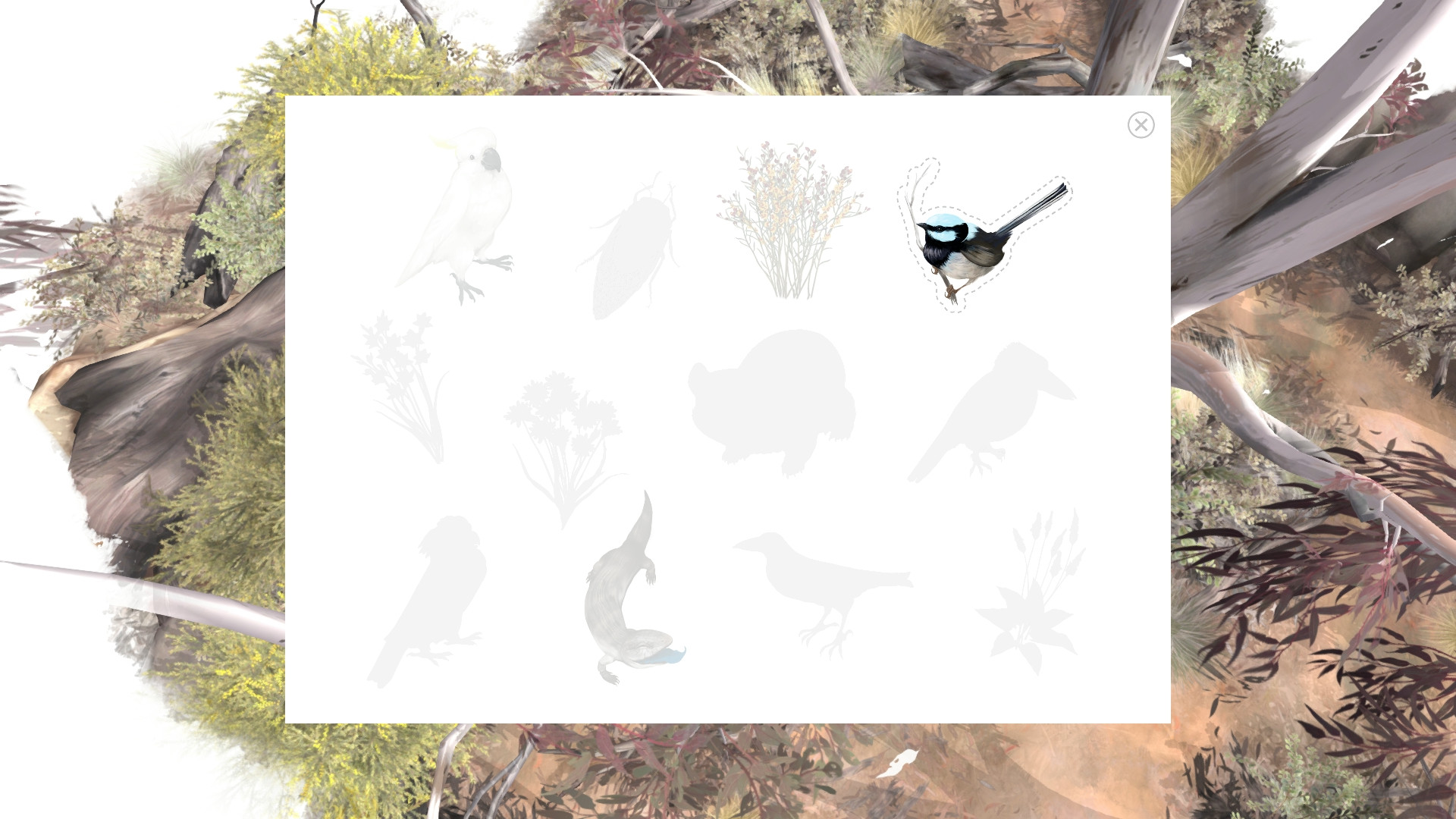
Scattered insects can be collected throughout the bush, adding a light‑hearted goal to exploration. Collected insects add to the game's collectibles, alongside an interactive sticker library.
The sticker library lets players view and arrange collected items, serving as a visual record of their journey.
- Take note of insect locations to complete the library faster.
- Use the sticker library as a quick reference for progress.
04 / THE GUIDE
Accessibility Features
Paperbark includes captions, subtitles, and a mouse‑only option, allowing play without timed input. Save‑anytime functionality and Steam Cloud ensure progress is retained across sessions.
Additional options such as camera comfort, colour alternatives and custom volume controls let players adjust the experience to their needs.
- Activate the mouse‑only option if you prefer point‑and‑click navigation.
- Enable captions for clearer dialogue comprehension.
05 / THE GUIDE
Platform Support and Achievements
The game runs on Windows and macOS, offering Steam achievements and trading cards for collectors. Family sharing is supported, allowing multiple accounts to enjoy the title.
No Linux support is listed, and the game is single‑player only, focusing on a personal narrative experience.
- Check the Steam achievement list to track story milestones.
- Use family sharing to let friends experience the adventure without extra purchase.
COMMUNITY
Player discussion