 GameWiki
GET YOUR BEARINGS
About Paperball
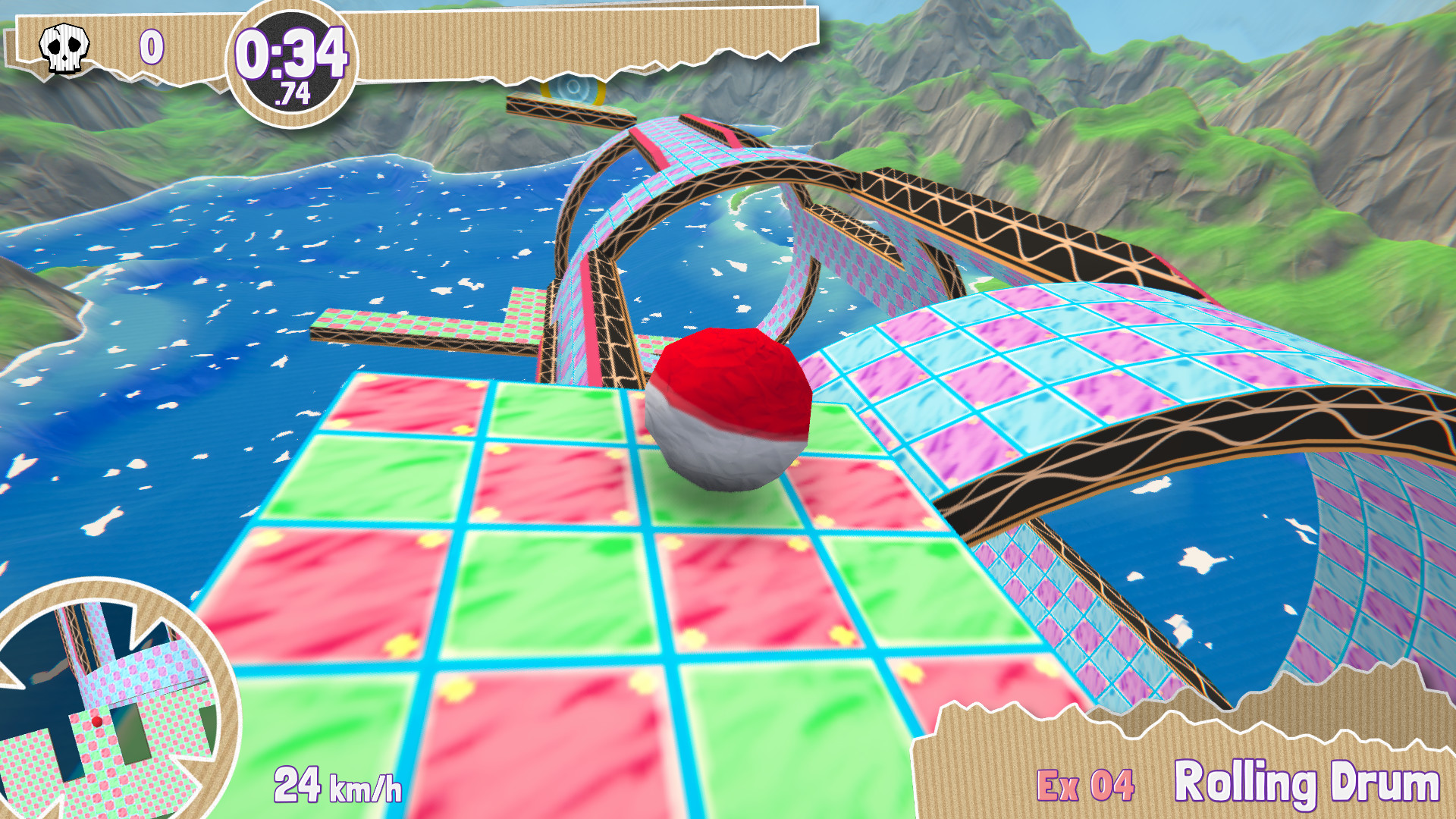
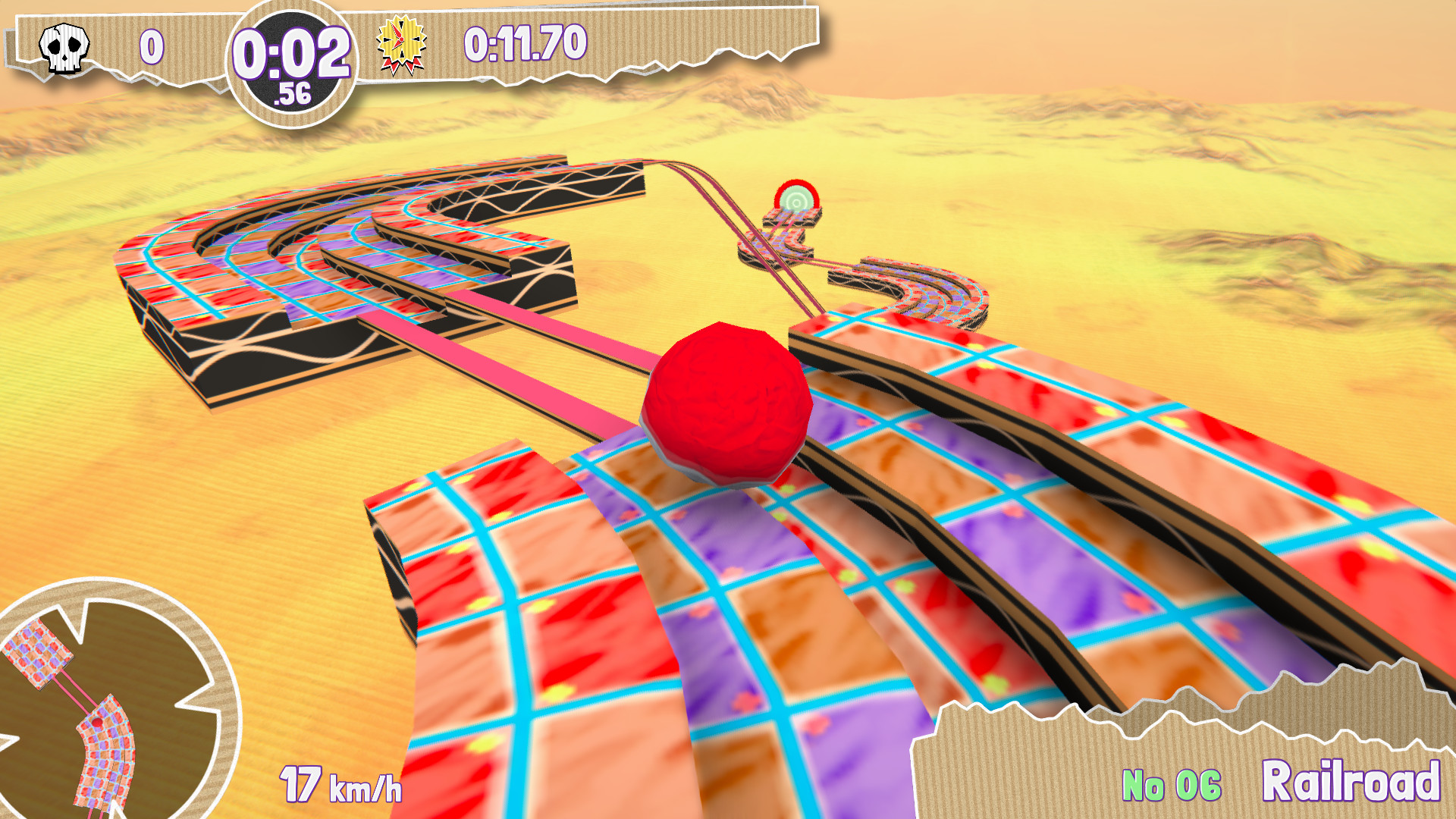
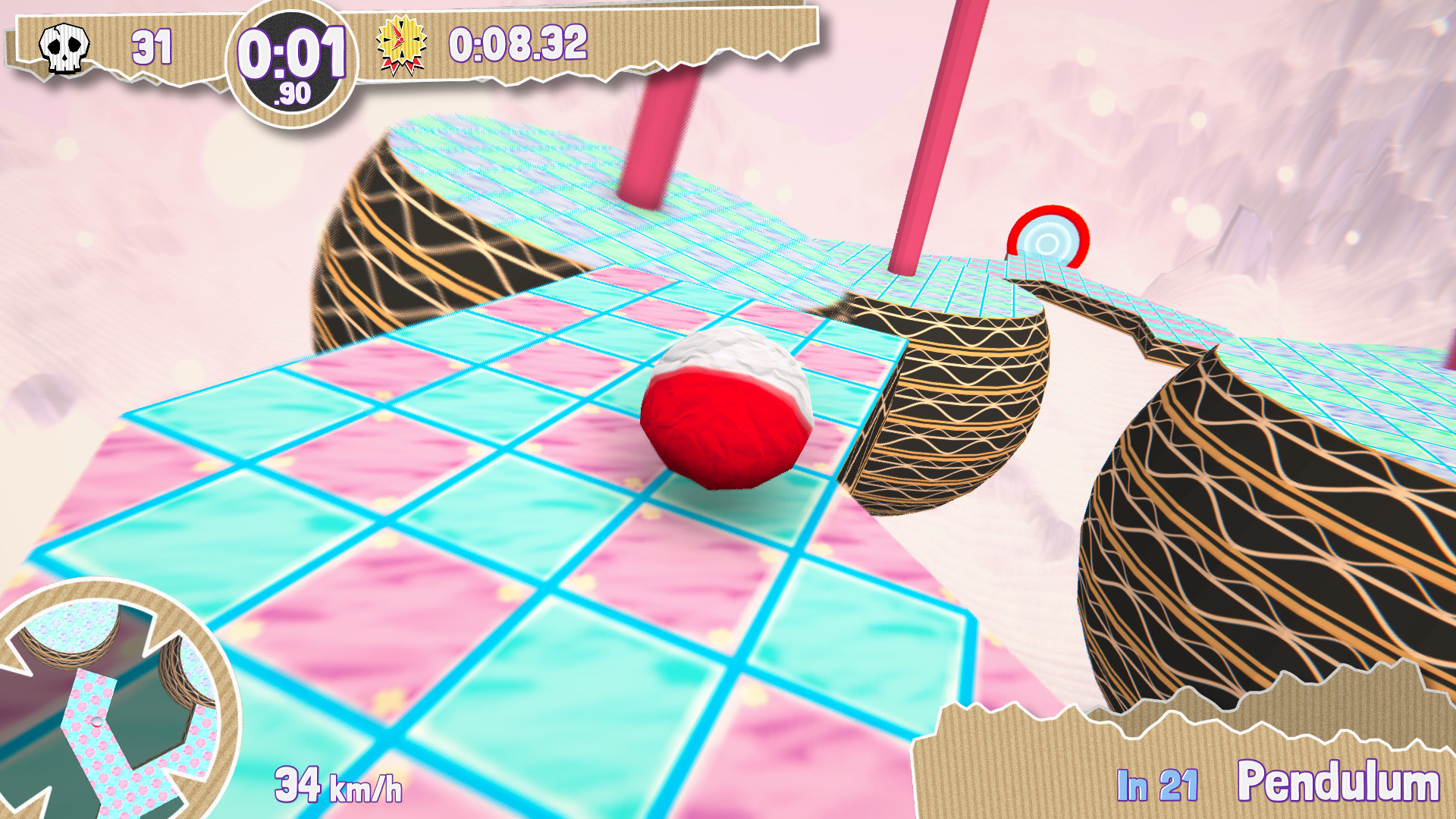
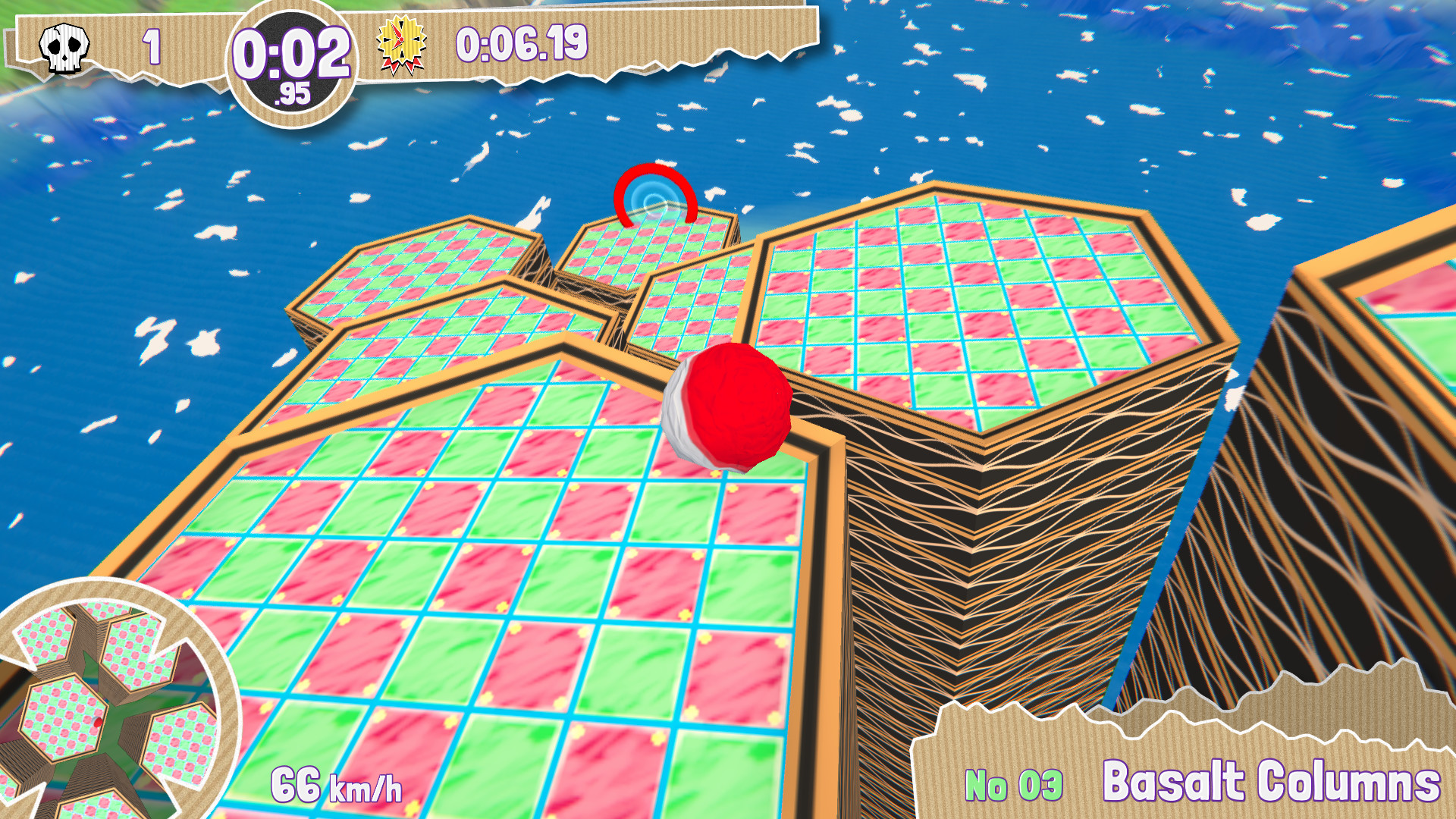
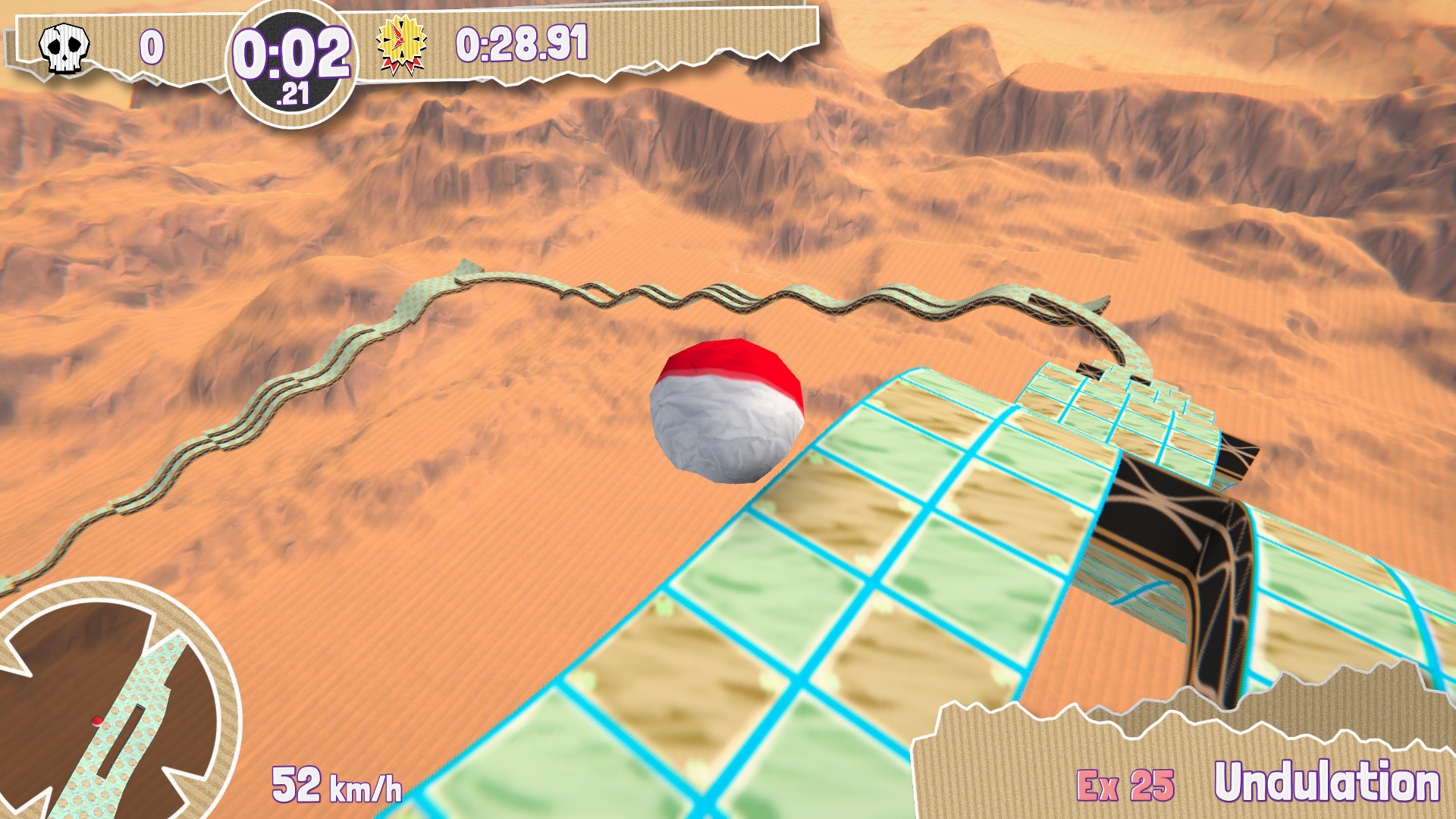
Paperball challenges players to roll through more than 150 uniquely designed stages across four difficulty levels. Each stage lives inside one of ten papercrafted environments, demanding precise balance as you navigate narrow passages and perform stunts.
The game offers several modes—including a fall‑minimising challenge, a time‑pressured Rush, and a record‑chasing Medal mode—while supporting solo play and competitive local multiplayer via split‑screen. Full controller support and Steam integration round out the experience.
01 / THE GUIDE
Stage Variety
Paperball provides over 150 stages distributed across four difficulty levels, each rendered with a paper‑like aesthetic. The stages are grouped into ten distinct environments, giving each level a visual theme and a set of obstacles that feel unique.
Because each environment introduces its own layout patterns, players must adjust their rolling technique to cope with differing gaps, slopes, and moving elements. This variety encourages repeated attempts to master the specific challenges of each setting.
- Try a low‑difficulty stage in each environment to notice how obstacle types differ.
- Watch the visual cues at the start of a stage; they often hint at upcoming tricky passages.
02 / THE GUIDE
Game Modes
The core experience includes a standard mode where the goal is to fall as little as possible, Rush Mode that counts down a timer while you roll, and Medal Mode which rewards record‑breaking times with medals and new worlds.
Each mode emphasizes a different performance metric—fall count, elapsed time, or best time—so players can focus on precision, speed, or high‑score chasing depending on what they enjoy most.
- Use Rush Mode to practice maintaining momentum under time pressure.
- Switch to Medal Mode after you feel comfortable with a stage to chase record times.
03 / THE GUIDE
Local Multiplayer
Paperball supports competitive local multiplayer through split‑screen PvP, allowing multiple players to share the same display while racing on the same stage. The shared screen keeps the focus on racing each other for the highest score.
In split‑screen PvP the objective is to finish first for the highest score, providing a direct comparison between participants.
- Arrange the split‑screen layout before starting to ensure each player has a clear view.
- Begin with easier stages to let all participants become comfortable with shared screen dynamics.
04 / THE GUIDE
Medal Progression
In Medal Mode, achieving faster times awards medals and unlocks new worlds, providing a progression path that does not rely on lives or limited attempts. Medals act as both achievement markers and gateways to additional content.
Because there is no life system, players can keep attempting a stage until they master it, using each attempt to refine technique and improve their medal standing.
- Record your best times outside the game to see incremental improvements.
- Focus on reducing small mistakes; even a slight slip can affect the medal you earn.
05 / THE GUIDE
Platform & Steam Features
Paperball runs on Windows and includes full controller support, Steam Achievements, Steam Cloud, and Steam Leaderboards. Remote Play on TV and Remote Play Together let you extend play beyond the primary screen or invite friends online.
Family Sharing enables multiple accounts to access the game, and the split‑screen functionality supports shared local play without requiring additional hardware.
- Enable Steam Cloud to keep your progress synced across installations.
- Test controller input before a multiplayer session to confirm responsiveness.
COMMUNITY
Player discussion